14
DOCSIS 3.1 vs DOCSIS 4.0: Which Cable Internet Upgrade Do You Need for Streaming?

You’re settling in for the season finale of that show everyone is talking about. The picture is crisp, the audio is immersive, and then-buffering wheel. It spins, mocks you, and finally loads just as the credits start rolling. If this sounds familiar, your streaming habits might have outgrown your current cable connection. But before you call your Internet Service Provider (ISP) demanding a new box, you need to understand the tech behind the pipe. Specifically, the battle between DOCSIS 3.1 and the emerging standard known as DOCSIS 4.0.
Cable internet relies on Data Over Cable Service Interface Specification standards to push data through coaxial cables. For years, DOCSIS 3.1 has been the gold standard, offering gigabit speeds that seemed impossible a decade ago. Now, DOCSIS 4.0 is rolling out, promising even more speed and lower latency. But does your Netflix or Disney+ habit actually require the bleeding edge? Or are you paying for performance you’ll never use? Let’s break down the real-world differences so you can decide if an upgrade is worth your money.
Understanding the Standards: What Are They?
To make sense of the hype, we need to define what these terms actually mean. DOCSIS is a telecommunications standard that allows high-bandwidth data transfer over existing hybrid fiber-coaxial (HFC) networks. It’s the language your modem speaks with your ISP’s equipment.
DOCSIS 3.1, released around 2013 but widely deployed by 2017-2019, uses OFDM modulation to pack more data into the same copper wires. It supports download speeds up to 10 Gbps theoretically, though most ISPs cap it at 1 Gbps or slightly higher due to network congestion and hardware limits.
DOCSIS 4.0 takes that foundation and expands the frequency range from 1.2 GHz to 1.8 GHz. This wider lane means less traffic jamming. More importantly, it introduces Full Duplex DOCSIS (FDX), allowing upstream and downstream data to happen simultaneously on the same frequency band. This isn’t just about faster downloads; it’s about symmetrical speeds, which changes how cloud gaming and video calls work.
The Streaming Reality Check: Bandwidth Needs
Here is the uncomfortable truth: most streaming services don’t need DOCSIS 4.0 yet. Even 4K HDR content typically requires only 15-25 Mbps per stream. A family of four watching separate shows in different rooms needs maybe 100 Mbps total. Add in some background updates and smart home devices, and you’re still under 200 Mbps.
So why do people complain about buffering? It’s rarely raw bandwidth. It’s usually latency, jitter, or packet loss. DOCSIS 3.1 handles static streams well. But if you’re doing live streaming yourself, playing online games while someone else watches 4K, or using Zoom with heavy screen sharing, the asymmetry of older standards starts to bite. Traditional cable gives you huge download pipes but tiny upload pipes. DOCSIS 4.0 fixes this imbalance.
| Feature | DOCSIS 3.1 | DOCSIS 4.0 |
|---|---|---|
| Max Downstream Speed | Up to 10 Gbps (Theoretical) | Up to 10 Gbps (Theoretical) |
| Max Upstream Speed | Typically 100-200 Mbps | Up to 6 Gbps (with FDX) |
| Frequency Range | 5 MHz - 1.2 GHz | 5 MHz - 1.8 GHz |
| Modulation Type | OFDM/OFDMA | OFDM/OFDMA + FDX |
| Latency | Low, but variable under load | Consistently Low (<5ms typical) |
| Cost of Modem | $80 - $150 | $200 - $300+ |
When DOCSIS 3.1 Is Still Enough
If your primary activity is consuming media, stick with DOCSIS 3.1. Here’s why:
- Cost Efficiency: DOCSIS 3.1 modems are cheap. You can pick up a reliable model like the Arris Surfboard SB8200 for under $100. DOCSIS 4.0 modems are currently priced at a premium because they’re new and scarce.
- ISP Availability: As of late 2026, many major providers like Comcast Xfinity and Spectrum are still optimizing their DOCSIS 3.1 networks. While they advertise multi-gig plans, actual throughput often bottlenecks at the node level, not the modem.
- Device Compatibility: Your TV, laptop, and phone likely max out at Wi-Fi 6 or Wi-Fi 6E speeds anyway. Pushing 5 Gbps through a coax cable doesn’t help if your router caps out at 1.2 Gbps.
Think of it like buying a Ferrari to drive in a 25 mph school zone. The engine is capable, but the environment restricts you. Unless you’re running a home server or backing up terabytes of footage to the cloud daily, DOCSIS 3.1 delivers plenty of headroom for 4K streaming.

Why You Might Need DOCSIS 4.0
There are specific scenarios where upgrading makes financial sense. If you fall into one of these categories, DOCSIS 4.0 solves real problems:
Content Creators and Streamers: If you broadcast on Twitch or YouTube Live, you need stable, high-speed upload. DOCSIS 3.1 uploads often struggle above 100 Mbps. DOCSIS 4.0’s Full Duplex capability lets you send 1080p60 or even 4K streams without choking your own download bandwidth. No more lag spikes when your roommate starts downloading a game update.
Cloud Gaming Enthusiasts: Services like GeForce NOW or Xbox Cloud Gaming rely heavily on low latency and consistent upstream packets. DOCSIS 4.0 reduces the round-trip time significantly. In competitive shooters, those milliseconds matter. DOCSIS 3.1 can suffer from "bufferbloat" when the network is busy; DOCSIS 4.0 manages queues better.
Future-Proofing Multi-Gig Homes: If you’ve paid for a 2 Gbps or 3 Gbps plan, you technically need DOCSIS 3.1, but many early 3.1 modems couldn’t sustain those speeds reliably across multiple channels. DOCSIS 4.0 is designed specifically to handle multi-gigabit symmetrical throughput efficiently.
The Hardware Hurdle: Modems and Routers
You can’t just swap boxes and expect magic. DOCSIS 4.0 requires new hardware on both ends: your modem and the ISP’s local node. Many neighborhoods haven’t received the firmware updates or physical amplifier upgrades needed to support the 1.8 GHz spectrum. Before you buy a $250 modem, check with your provider. Ask two questions:
- Is my address provisioned for DOCSIS 4.0 service?
- Which specific modem models do you certify for full multi-gig performance?
Also, consider your router. A DOCSIS 4.0 modem outputs massive amounts of data. If your router is an old AC1900 model, it will bottleneck everything. You’ll need a Wi-Fi 6E or Wi-Fi 7 router to actually distribute those speeds to your devices wirelessly. The total cost of a true upgrade path-modem plus router-can easily exceed $400.
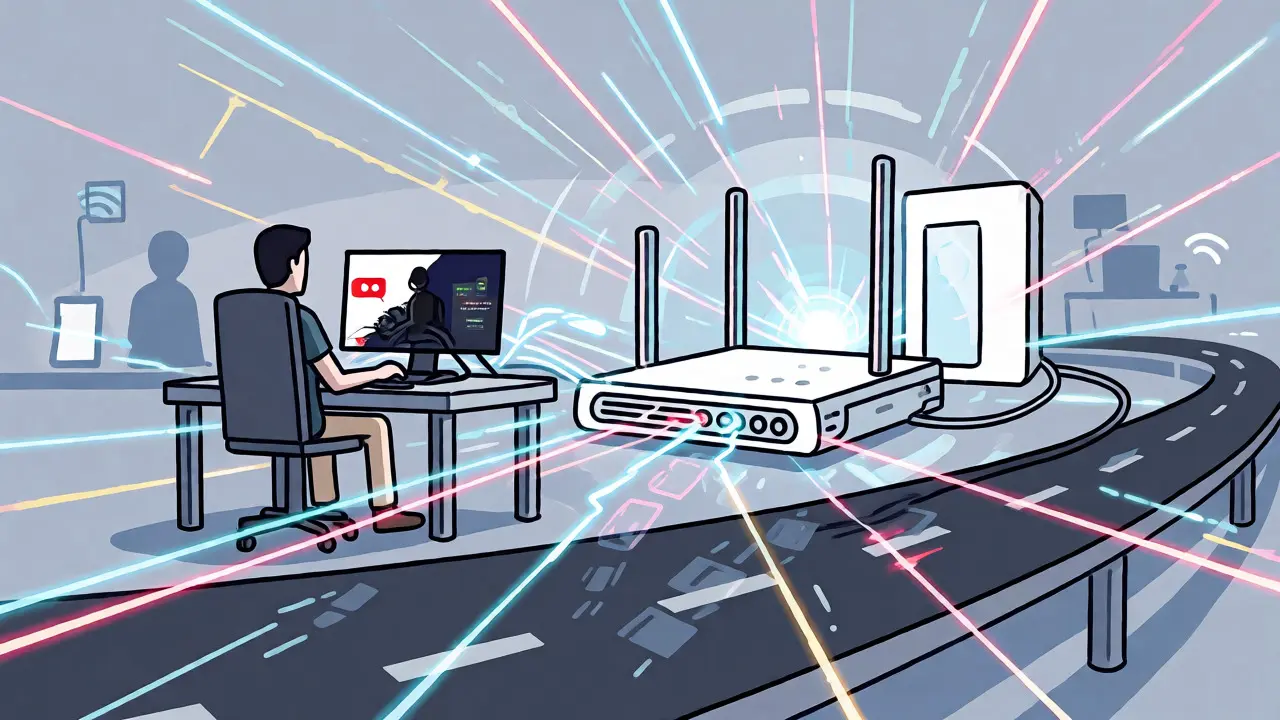
Real-World Performance: What Users Report
Beta testers in markets like Austin, Texas, and Denver, Colorado, report mixed results. In ideal conditions, DOCSIS 4.0 delivers symmetrical 1 Gbps up/down. That’s transformative for uploading large video files. However, during peak evening hours (7 PM - 10 PM), some users still see slight degradation compared to fiber optic connections. Cable is shared medium technology; no standard eliminates neighbor contention entirely, though DOCSIS 4.0 mitigates it better than its predecessor.
One common pitfall: assuming "more GHz" equals "better signal." Higher frequencies attenuate (fade) faster over long coax runs. If you live far from the street cabinet, DOCSIS 4.0 might actually perform worse than DOCSIS 3.1 unless your technician installs signal boosters. Always request a line test before committing.
Verdict: Should You Upgrade?
For the average streaming household, DOCSIS 3.1 remains the sweet spot. It’s mature, affordable, and sufficiently fast for 4K video, smart homes, and casual gaming. The marginal gain in stability doesn’t justify the tripled cost of hardware for most people.
However, if you are a creator, a serious gamer, or simply hate waiting for backups to finish, DOCSIS 4.0 is the future. It turns your cable line into something resembling fiber in terms of symmetry. Just ensure your ISP actually supports it in your area and that your internal network gear can keep up. Don’t let marketing buzzwords drain your wallet before the infrastructure catches up.
Can I use a DOCSIS 3.1 modem for a DOCSIS 4.0 plan?
Generally, yes, but with limitations. Most DOCSIS 4.0 plans are backward compatible. However, you won't get the full benefits, such as symmetrical upload speeds or access to the extended 1.2-1.8 GHz spectrum. You will be restricted to DOCSIS 3.1 performance levels, which may cap your speeds below what you're paying for.
Is DOCSIS 4.0 available everywhere?
No. As of late 2026, rollout is patchy. Major metro areas served by Comcast, Charter/Spectrum, and Cox are leading the deployment. Rural areas and smaller regional providers may not offer it until 2027 or later. Check your provider's website for availability by zip code.
Do I need a new router for DOCSIS 4.0?
Technically, no-the modem connects to the router regardless of standard. But practically, yes. To utilize multi-gig speeds, you need a router with 2.5G or 10G Ethernet ports and Wi-Fi 6E or Wi-Fi 7 capabilities. Older routers will create a bottleneck, preventing you from seeing the speed gains.
Will DOCSIS 4.0 reduce my ping in games?
It should improve consistency rather than drastically lowering minimum ping. Cable internet inherently has higher latency than fiber. DOCSIS 4.0 reduces jitter and prevents ping spikes during heavy usage, making gameplay smoother, but it won't match fiber-optic latency levels.
How much does a DOCSIS 4.0 modem cost?
Expect to pay between $200 and $350. Brands like Netgear (Nighthawk M3) and Arris are releasing models, but supply is limited. Prices are expected to drop as adoption increases in 2027.