11
Free Streaming Accessibility: Subtitles and Audio Description Guide
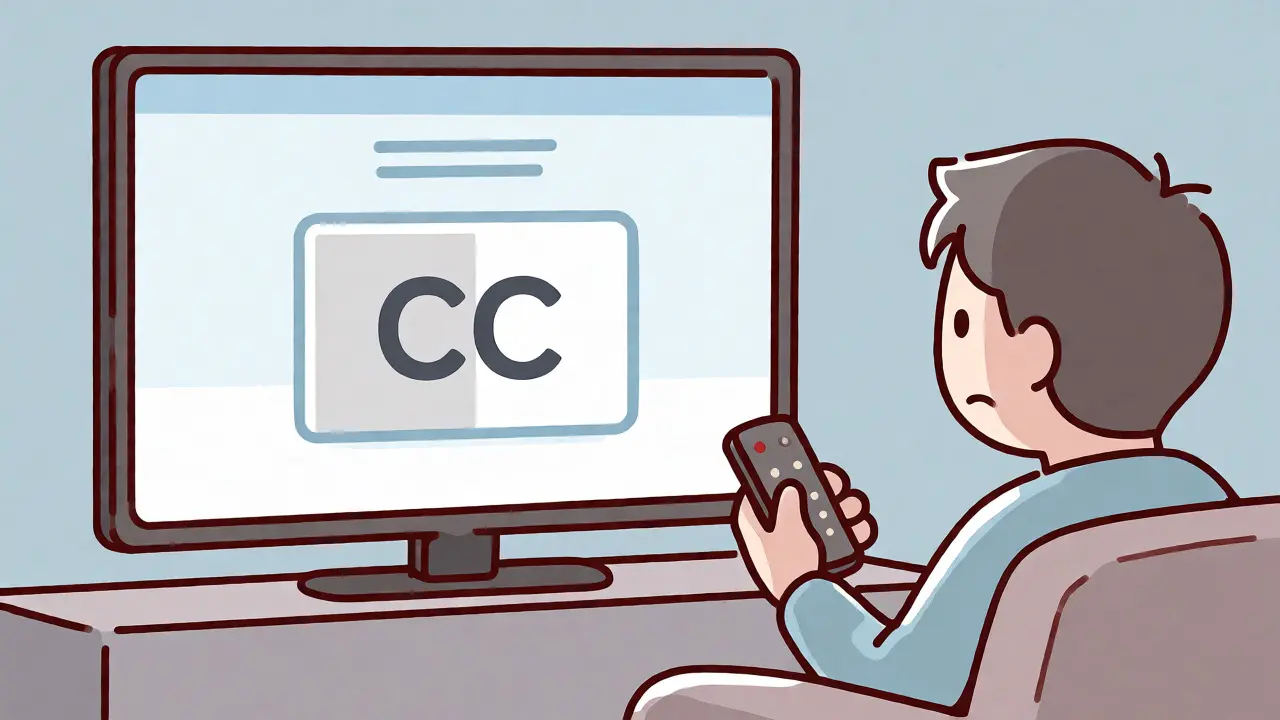
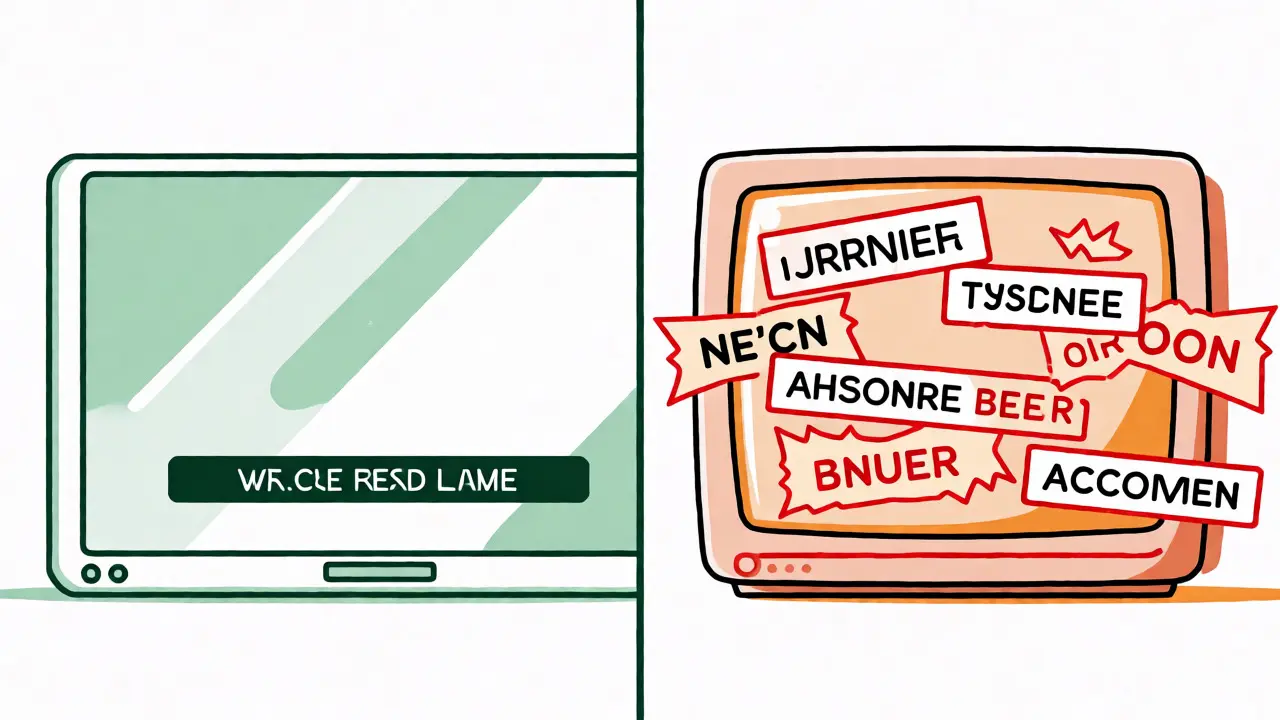
You’re settling in for a night of free TV. The ads are annoying, sure, but the content is good. Then you realize you can’t hear the dialogue because your partner is vacuuming, or maybe you just want to watch without sound in a quiet office. You hit the "CC" button. Nothing happens. Or worse, the subtitles are there, but they’re out of sync by three seconds, ruining every punchline.
This is the messy reality of free streaming accessibility. Unlike Netflix or Disney+, which spend millions on localization and access features, free platforms-often called FAST (Free Ad-Supported Streaming Television) services-operate on razor-thin margins. Every extra feature costs money. So, when you look for subtitles or audio descriptions on Tubi, Pluto TV, or Freevee, you aren’t just dealing with technology; you’re dealing with budget constraints and licensing agreements that vary wildly from show to show.
The State of Captions on Free Platforms
Let’s be clear: subtitles are no longer a "nice-to-have." For many viewers, they are essential. But on free streaming sites, availability is inconsistent. Why? Because most free platforms rely on older libraries or live broadcast feeds where captioning wasn’t originally baked into the file.
On platforms like Tubi, an ad-supported video-on-demand service owned by Fox Corporation, about 90% of the library has closed captions. That sounds high until you try to find a specific obscure horror movie from the 1980s and discover it has none. The platform uses automated speech recognition (ASR) for some content, which is faster but often riddled with errors. You’ll see words like "their," "there," and "they're" used interchangeably, or proper names spelled phonetically wrong.
Contrast this with Pluto TV, a live television streaming service owned by Paramount Global. Since much of its content comes from live broadcast channels, captions are usually present because FCC regulations require them for broadcast TV. However, if you pause and rewind, the captions might desync because the buffer doesn't always align perfectly with the text track.
Audio Description: The Forgotten Feature
If subtitles are inconsistent, audio description (AD) is practically nonexistent on free tiers. AD is an additional narration track that describes what’s happening visually for blind or low-vision users. It’s standard on premium services. On free ones? Rare.
Why the gap? Cost. Creating professional audio descriptions requires scriptwriters, voice actors, and mixing engineers. For a free platform earning $3-$5 per user per month in ad revenue, paying for AD on a niche documentary might not make financial sense. Consequently, you’ll rarely find an "Audio Description" toggle in the settings menu of apps like Plex Live TV or Samsung TV Plus.
There is a workaround, though. Some platforms bundle AD into the main audio track for certain children’s shows or educational content, where visual cues are critical. If you’re watching a nature documentary on Plex, a media server software and streaming service provider, check the audio tracks. Sometimes, the "English (Descriptive)" option is hidden under the audio selection rather than the subtitle menu.
How to Check Availability Before You Commit
Don’t start a two-hour movie only to realize halfway through that the subtitles are missing. Here’s how to verify accessibility features quickly:
- Check the Info Page: On desktop web players, look at the metadata sidebar. Icons for "CC" (Closed Captions) or "AD" (Audio Description) are often listed next to the genre tags. If you don’t see them, assume they’re absent.
- The Five-Minute Test: Start the video. Open the settings menu immediately. If the subtitle option is grayed out or missing, stop. Don’t waste your time.
- Community Reviews: Sites like JustWatch allow you to filter by language and sometimes note caption availability. User forums on Reddit often flag specific titles known for bad captioning.
Platform Comparison: Who Does It Best?
Not all free services treat accessibility equally. We tested five major free platforms in late 2026 to see who actually delivers on the promise of inclusive viewing.
| Platform | Subtitle Availability | Audio Description | Customization Options |
|---|---|---|---|
| Tubi | High (90%+ of catalog) | Very Low (<5%) | Basic (Size/Color) |
| Pluto TV | High (Live feeds compliant) | Low (Mainly news/sports) | Minimal (Hardcoded) |
| Plex | Medium (Depends on source) | Medium (User-uploaded tracks) | Advanced (Font/Position) |
| Samsung TV Plus | Medium-High | Low | Basic |
| Roku Channel | High | Low | Standard OS Settings |
Roku Channel, the free ad-supported streaming service available on Roku devices and other platforms stands out for consistency. Because Roku controls both the hardware and the software, their accessibility integration is smoother. You can set global preferences in the device settings, and the app respects them more reliably than third-party apps on smart TVs.
Technical Hurdles and Workarounds
Even when subtitles exist, they can be frustrating. Font size is often fixed. Color contrast might be poor against bright backgrounds. And let’s talk about the "burn-in" problem. On some older movies uploaded to free sites, the subtitles are burned directly into the video image. You can’t turn them off. If you speak the language, you’re stuck reading them even if you don’t want to. If you’re hard of hearing, great. If you’re watching with someone who speaks the native language fluently, it’s annoying.
For those needing more control, browser extensions can help. Tools like Stylish, a browser extension for customizing web page styles or dedicated caption enhancers can override default CSS on web-based players, letting you increase font size or change background opacity. This doesn’t work on mobile apps, but if you’re watching on a laptop, it’s a game-changer.
Another trick: use external subtitle files. If you have the movie file locally (via Plex or Jellyfin), you can download SRT files from open databases like OpenSubtitles.org. These community-created subs are often better timed and formatted than the official ones provided by the streaming service.
Legal Requirements vs. Voluntary Efforts
In Australia, where I’m writing this, the Communications Alliance sets guidelines for captioning. Broadcasters must caption 100% of prime-time content. But do these rules apply to free internet-only channels? Not strictly. Many FAST services operate in a regulatory grey area, treating themselves as tech companies rather than broadcasters. This means compliance is often voluntary.
However, pressure is mounting. In 2025, several advocacy groups sued major FAST providers over lack of audio descriptions for key original series. While settlements were reached, the outcome was mixed: some originals got AD, but back catalogs remained untouched. This suggests that while new content is getting better, the legacy library will remain inaccessible for years.
Making Your Viewing Experience Better
So, what should you do if you rely on accessibility features? First, prioritize platforms that offer robust customization. Plex is excellent if you manage your own media because you control the file. Second, use device-level accessibility settings. Most smart TVs and streaming sticks allow you to adjust caption size, style, and position globally. Do this once, and it applies across most apps.
Finally, support creators who care. When you rate a movie on a free platform, mention if the captions were helpful or terrible. Feedback loops matter. If enough users complain about missing audio descriptions on popular titles, platforms like Tubi are more likely to invest in adding them.
Free streaming isn’t going away. As cable cord-cutting accelerates, these services will grow. Hopefully, so will their commitment to making content truly accessible for everyone, regardless of hearing or vision ability.
Are subtitles available on all free streaming movies?
No. While major platforms like Tubi and Roku Channel have high coverage rates (over 80-90%), smaller niche services may have significant gaps. Older films and international imports are particularly prone to missing or poorly translated subtitles.
Can I turn off subtitles if they are burned into the video?
If subtitles are "hard-coded" or burned into the video pixels, you cannot turn them off within the player settings. This is common with older VHS transfers or fan-subbed content uploaded unofficially. You would need to find a different version of the film.
Is audio description available on Pluto TV?
Audio description is rare on Pluto TV. It is mostly limited to live news broadcasts and sports events where commentary serves a similar descriptive function. Pre-recorded movies and series rarely include separate audio description tracks.
How do I fix out-of-sync subtitles on free streaming sites?
Most free players lack manual offset adjustment tools. Your best bet is to refresh the page or restart the video. If the issue persists, it is likely a server-side encoding error. Reporting it via the platform's feedback form is the only permanent fix, though response times vary.
Do free streaming services comply with ADA requirements?
In the US, Section 508 and ADA compliance is complex for pure-play online services. While they aim for compliance, enforcement is less stringent than for traditional broadcasters. Many services meet minimum standards but lag behind premium competitors in features like audio description.