19
Hulu with Live TV vs. YouTube TV vs. Sling TV: The Real Cord-Cutter Showdown in 2026
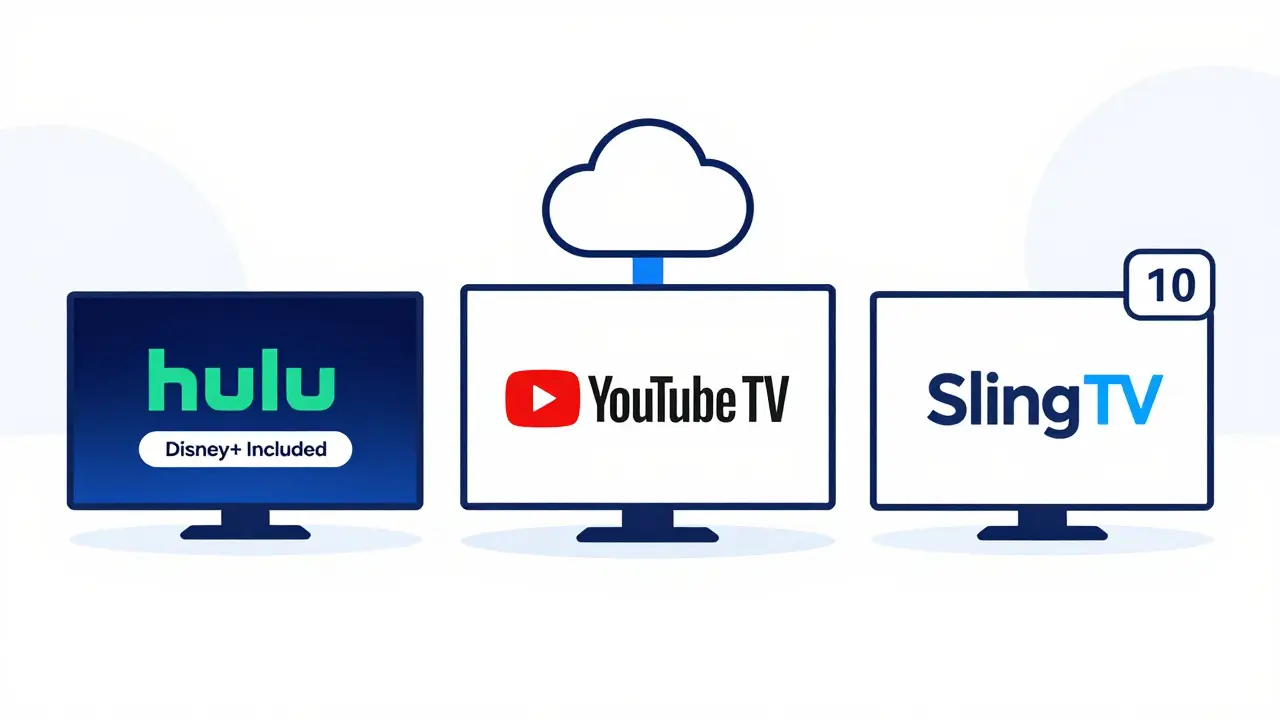
There was a time when cable was the only way to watch live TV. Now, you’ve got three big names fighting for your attention: Hulu with Live TV, YouTube TV, and Sling TV. Each promises live channels, no contract, and the freedom to cancel anytime. But which one actually delivers? If you’re ditching cable in 2026, you don’t want to pay for features you don’t use-or miss out on ones you do.
What You Actually Get With Each Service
Hulu with Live TV bundles the on-demand Hulu library with 90+ live channels. That includes ABC, CBS, NBC, Fox, ESPN, TNT, and FX. You also get Disney+ and ESPN+ built in. If you binge-watch shows after they air, this is the only one that gives you both live TV and a massive library of past episodes in one app.
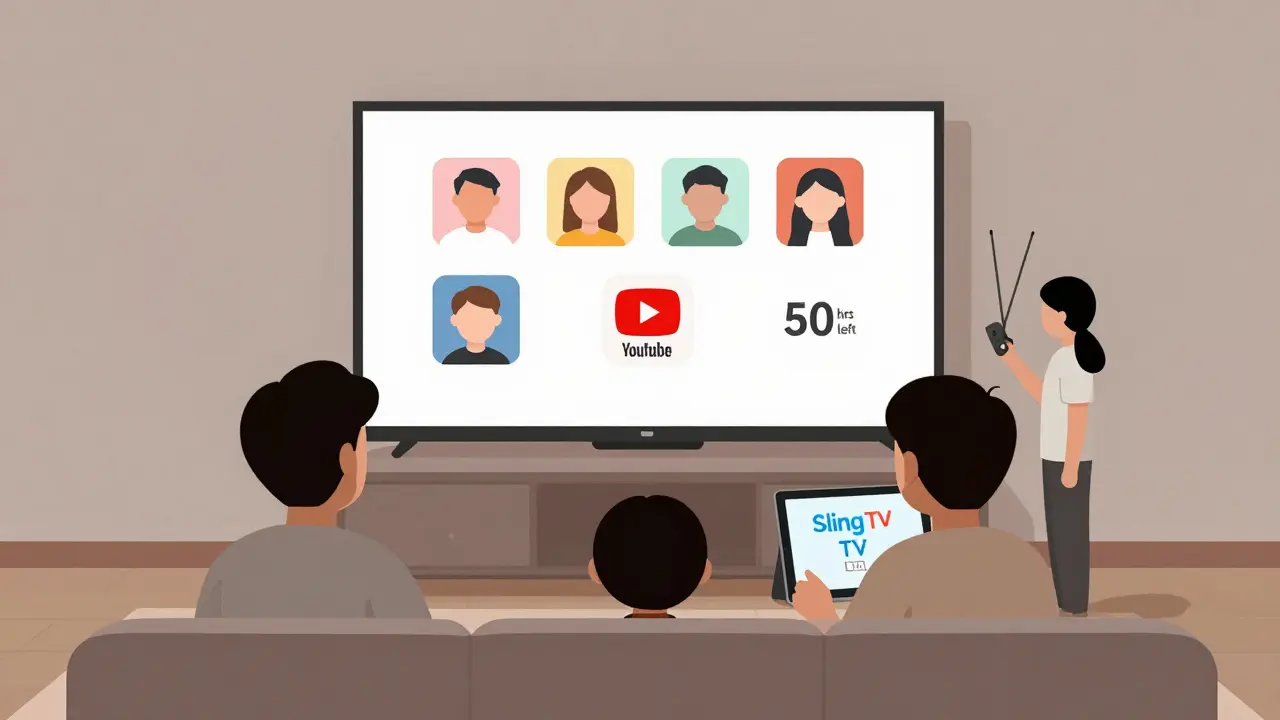
YouTube TV starts with 100+ live channels, including local networks in most markets. It’s the only one that gives you unlimited cloud DVR storage-no caps, no deleting. Record every episode of Law & Order or Monday Night Football and keep them forever. It also supports up to six profiles and lets you stream on three devices at once.
Sling TV is the budget option. It starts at $40 a month for just 30-45 channels, depending on your package. You pick between Sling Orange (sports and entertainment) or Sling Blue (news and family). Want both? Add the other for $15 more. It doesn’t include local channels in every city, and DVR is limited to 50 hours unless you pay extra.
Local Channels Matter More Than You Think
If you care about watching your local news, weather, or sports team, this is where services split apart. YouTube TV automatically finds your local ABC, CBS, NBC, and Fox stations based on your ZIP code. Hulu with Live TV does the same. Sling TV? Not always. In cities like Phoenix, Atlanta, or Minneapolis, you might not get your local Fox or CBS unless you buy a separate antenna or pay for an add-on.
In 2026, 78% of cord-cutters say local channels are non-negotiable. If you live in a smaller market, check each service’s channel availability tool before signing up. YouTube TV and Hulu have the widest local coverage. Sling TV leaves gaps.
DVR: Unlimited vs. Limited
YouTube TV wins here outright. No limits. You can record everything. Even if you’re away for two weeks, your recordings stay. Hulu with Live TV gives you 50 hours of cloud DVR. That’s enough for a few weeks of shows, but if you watch a lot of sports or reality TV, you’ll hit the cap fast. You can pay $9.99 extra for unlimited DVR, but that’s not included.
Sling TV’s base plan gives you 50 hours of DVR. Want more? Pay $5 a month for 200 hours. Still not unlimited. And if you cancel, you lose everything. YouTube TV keeps your recordings even if you switch services. That’s a big deal if you’ve got a backlog of seasons you haven’t watched yet.
Price Breakdown: What You Pay vs. What You Get
Let’s break down the real monthly cost in 2026, including taxes and fees:
| Service | Base Price | DVR Cost | Local Channels | Simultaneous Streams | Extra Features |
|---|---|---|---|---|---|
| Hulu with Live TV | $76.99 | $9.99 (optional) | Yes | 2 | Includes Disney+, ESPN+ |
| YouTube TV | $78.99 | $0 (unlimited) | Yes | 3 | 6 profiles, 100+ channels |
| Sling TV (Blue or Orange) | $40.00 | $5 (for 200 hrs) | Partial | 1 | Only 30-45 channels |
| Sling TV (Blue + Orange) | $55.00 | $5 (for 200 hrs) | Partial | 2 | 70+ channels, no local in all areas |
Hulu with Live TV is the cheapest if you already use Hulu. But if you don’t care about on-demand shows, you’re paying extra for content you won’t watch. YouTube TV costs more upfront but gives you more for less in the long run. Sling TV is cheap, but you’re trading away convenience.
Who Should Choose What
If you’re a family of four and everyone watches different shows, YouTube TV is the only one that supports six profiles and three streams at once. You can all watch different things without fighting over the remote.
If you’re a sports fan who wants ESPN, NFL Network, and local games, YouTube TV and Hulu with Live TV both include those. Sling TV has ESPN, but only in Orange. You’d need to pay extra for other sports channels.
If you’re single, on a tight budget, and only want news and a few entertainment channels, Sling TV works. But if you miss your local news, you’ll feel it. And if you ever want to record a game or show, you’ll hit the 50-hour limit fast.
Hulu with Live TV is perfect for people who already watch Hulu weekly. You get two services for the price of one. But if you’re not a binge-watcher, you’re paying for content you ignore.
What’s Missing in 2026
None of these services include every channel. AMC, Discovery+, and CNN are still missing from Sling TV’s base packages. YouTube TV and Hulu have them, but only if you pay for add-ons like the Sports Extra or Entertainment Extra. That’s where prices creep up.
Also, no service gives you every local station in every ZIP code. In rural areas, you might still need an antenna. That’s why 32% of cord-cutters in 2026 still use one alongside their streaming service.
Can You Try Before You Buy?
YouTube TV offers a 7-day free trial. Hulu with Live TV offers a 7-day trial too. Sling TV only gives you 3 days. That’s not enough to test local channels, DVR, or whether the app works on your TV. If you’re unsure, go with YouTube TV or Hulu-they give you more time to decide.
What Happens If You Cancel?
Canceling any of these is easy. No contract. No fee. But here’s the catch: if you cancel Sling TV or Hulu with Live TV, you lose all your DVR recordings. YouTube TV keeps them in your account for 9 months after cancellation. That’s useful if you plan to come back later.
Also, if you’ve got kids, YouTube TV’s parental controls are the most detailed. You can lock specific channels, set time limits, and block content by rating. Hulu and Sling have basic controls, but not as flexible.
Final Verdict: Who Wins in 2026?
YouTube TV is the best overall. It’s the most reliable, has the best DVR, includes the most channels, and works for big households. It’s $2 more than Hulu, but the unlimited DVR and extra streams make it worth it.
Hulu with Live TV is the best if you already use Hulu. You get two services in one, and the Disney+ bundle is a nice bonus. But if you don’t watch on-demand shows, you’re overpaying.
Sling TV is only for people on a strict budget who don’t care about local channels or DVR. It’s the cheapest, but the trade-offs are real. You’ll miss out on things you didn’t know you needed-until you do.
There’s no perfect service. But if you want one that just works, doesn’t surprise you with hidden fees, and lets you record everything forever-YouTube TV is the one.
Is Hulu with Live TV worth it if I don’t watch Hulu?
No. If you don’t watch on-demand shows, you’re paying $77 a month for live TV and a library you never use. You’d be better off with YouTube TV or Sling TV. Hulu’s value comes from combining live and on-demand. Skip it if you only want live channels.
Can I watch local channels on Sling TV?
Sometimes. Sling TV doesn’t carry local ABC, CBS, NBC, or Fox in every city. In major markets like New York or Chicago, you might get them. In smaller towns, you won’t. Check their website with your ZIP code before signing up. If local news or sports matter to you, avoid Sling TV unless you confirm availability.
Which service has the best DVR?
YouTube TV. It offers unlimited cloud DVR with no storage limits and no expiration. You can record every episode of every show and keep them forever. Hulu gives you 50 hours unless you pay extra. Sling TV gives you 50 hours on base plans. YouTube TV wins by a landslide.
Can I share my YouTube TV account with family?
Yes. YouTube TV supports up to six profiles and lets three people stream at the same time. Each profile has its own watch history, recommendations, and DVR. That’s perfect for families with different tastes. Hulu only allows two streams. Sling TV allows one or two, depending on your plan.
Do any of these services work with Roku or Apple TV?
All three work on Roku, Apple TV, Fire TV, Chromecast, and smart TVs. No service has exclusive hardware. You can install them on any device that supports the app. YouTube TV’s interface is the cleanest on Roku. Hulu’s is cluttered with ads. Sling TV’s app is basic but functional.
Is there a cheaper alternative to these three?
Yes, but not better. Philo costs $25 a month but has only 60 channels and no sports or local networks. FuboTV is great for sports but expensive and lacks on-demand content. If you want live TV with local channels, DVR, and variety, these three are still the top choices. Cheaper options cut too much.
What to Do Next
Don’t sign up right away. Try the free trial. Use it to test local channels, record a few shows, and see how the app works on your TV. If you have kids, test the parental controls. If you’re a sports fan, check if your team’s games are available. Most people pick based on price-but the real cost is what you miss out on.
YouTube TV is the safest bet. Hulu with Live TV is great if you already watch Hulu. Sling TV is only for the very budget-conscious who don’t mind missing out. Choose based on your habits, not your wallet.