Streaming Safety for Kids: Protect Your Child Online with Smart Settings
When it comes to streaming safety for kids, the practice of securing digital video platforms to prevent children from encountering harmful or age-inappropriate content. Also known as child-safe streaming, it’s not just about turning on parental controls—it’s about understanding how algorithms learn from what your child watches and how that shapes their feed. Many parents think blocking a few shows is enough, but the real danger isn’t just what’s on screen—it’s what’s recommended next.
kids profiles, dedicated user accounts on streaming services designed specifically for children to separate their viewing habits from adults. Also known as child accounts, these aren’t just for filtering content—they stop the algorithm from mixing up your Netflix recommendations with cartoon dinosaurs and your true-crime binge. Without them, your child might start seeing horror trailers, violent clips, or even ads for adult products. Services like Netflix, YouTube, and Disney+ let you create these profiles, but most families never set them up properly—or forget to update them as kids grow. Then there’s parental controls, built-in tools that let adults restrict content based on age ratings, block specific titles, or limit screen time. Also known as family safety settings, these aren’t just passwords—they’re the firewall between your child and the wild west of online video. But here’s the catch: if you rely only on age ratings, you’re missing the point. A PG-13 horror film might not have blood, but it can still scare a 7-year-old into nightmares. And a "family-friendly" cartoon might include hidden ads or creepy characters designed to hook young viewers. The biggest threat isn’t explicit content—it’s algorithm mix-ups, when a streaming service’s recommendation engine confuses adult and child viewing patterns, leading to inappropriate suggestions. Also known as cross-profile contamination, this happens when a parent watches a thriller late at night, and suddenly the kids’ profile starts suggesting dark, suspenseful shows. It’s not a glitch—it’s how these systems work. They learn from every click, pause, and rewind. And if you share an account without separate profiles, your child becomes a data point for your habits.
What you’ll find below aren’t just tips. These are real fixes used by families who’ve been burned by creepy recommendations, accidental purchases, or kids stumbling into content they weren’t ready for. You’ll learn how to lock down profiles on every major platform, why turning off autoplay is one of the simplest things you can do, and how to spot when a "kids show" is secretly designed to hook young minds. No fluff. No theory. Just what works.

23
Kid-Friendly Remotes and Accessories for Safer Streaming at Home
Kid-friendly remotes and accessories make streaming safer by blocking adult content, preventing accidental purchases, and simplifying access to approved apps - no apps or passwords needed.
Latest Posts


Popular Posts
-
 Documentary Filmmaking Techniques: From Interview to Narration
-
 Apple TV+ on iPhone and iPad: How to Stream and Maximize Your Experience
-
 Publicists for Indies: How to Get Critics, Press, and Film Festivals to Notice Your Movie
-
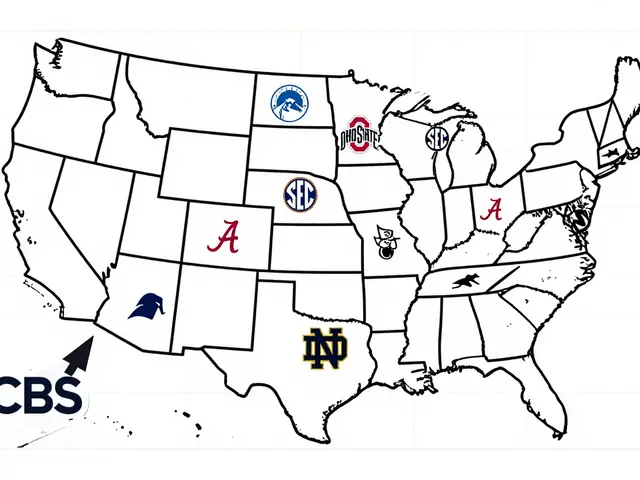 Paramount+ College Football: Which Conferences and Games Stream
-
 Paramount+ Accessibility: Captions, Dubbing, and Audio Description