24
Data Caps and Streaming: How Much Data Does Streaming Use?
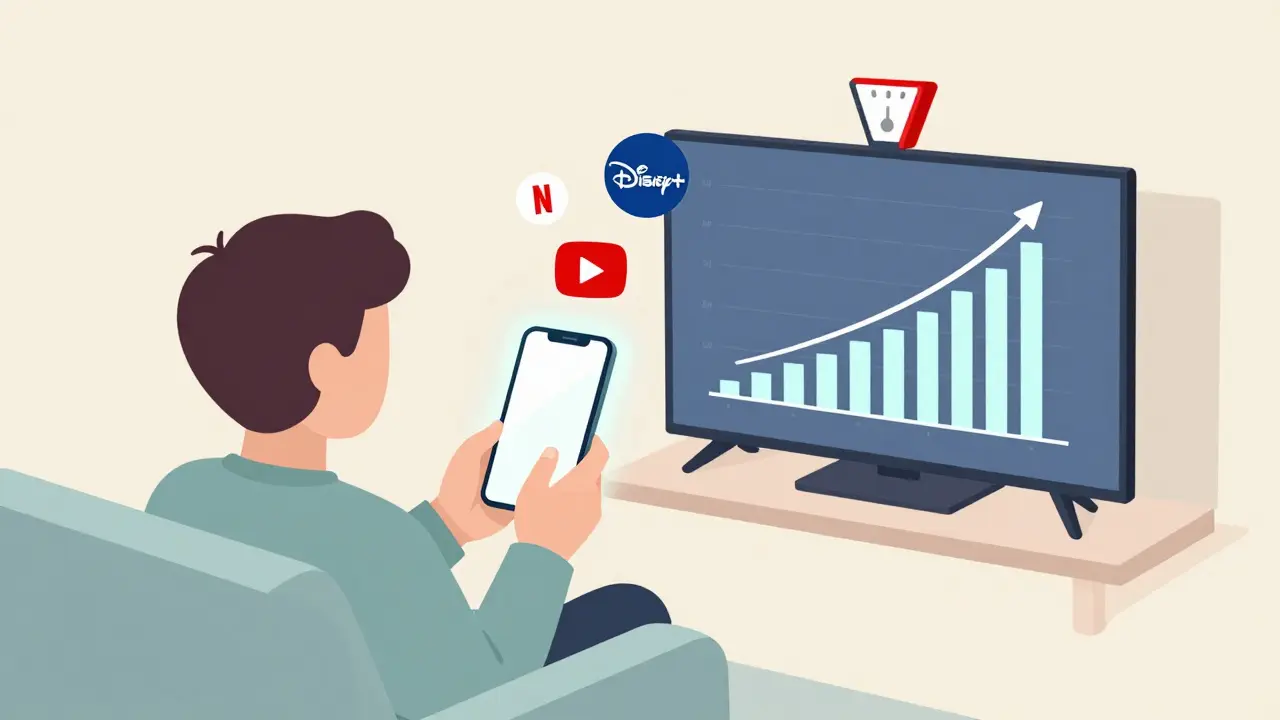
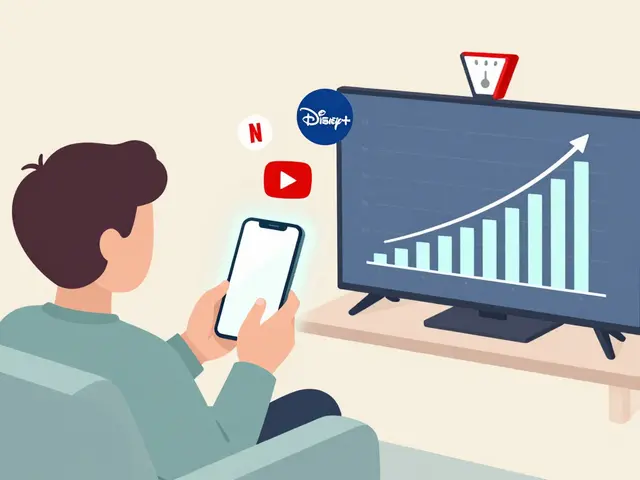
Ever hit your data cap in the middle of a binge-watch session? You’re not alone. Millions of people around the world hit their monthly data limits just from streaming videos-often without realizing how fast it adds up. Whether you’re on a mobile plan with 10GB or a home broadband plan with a 500GB cap, knowing how much data streaming actually uses can save you from surprise overages, throttled speeds, or extra fees.
How much data does Netflix use?
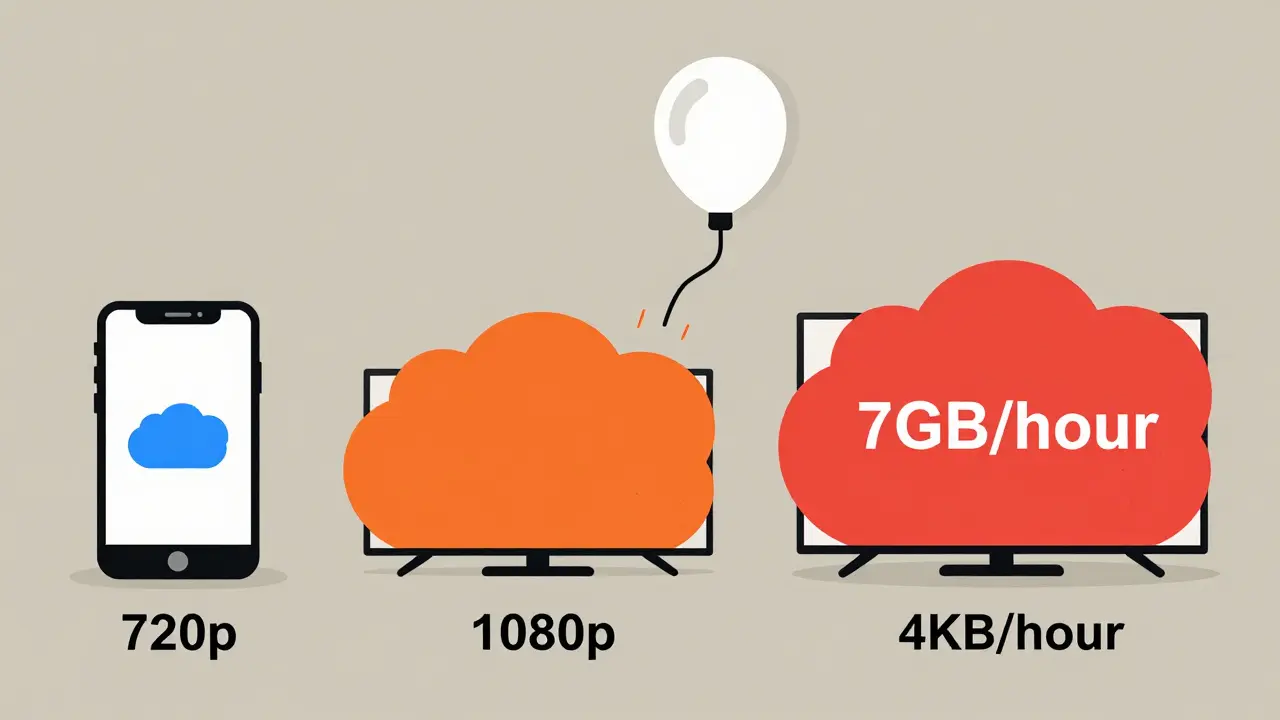
Netflix is one of the most popular streaming services, and its data use varies depending on what quality you’re watching. If you stream in Standard Definition (SD), you’re using about 1GB per hour. That’s manageable if you’re on a tight data plan. But switch to High Definition (HD), and that jumps to 3GB per hour. For Ultra HD (4K), you’re looking at 7GB per hour. That means one 90-minute movie in 4K can eat up more than 10GB of your monthly allowance.
Netflix lets you control this. Go into your account settings and choose “Data Usage.” You can set it to Low (0.3GB/hour), Medium (0.7GB/hour), High (up to 3GB/hour), or Auto. Most people don’t change this default, which is often set to Auto-meaning it’ll push to HD or 4K whenever your connection allows. If you’re on a limited plan, switching to Low or Medium can stretch your data by 50% or more.
YouTube data usage: It’s not just about resolution
YouTube is trickier because content varies wildly. A 10-minute video in 480p might use only 30MB, but a 30-minute 4K gaming stream could use 2.5GB. The platform auto-adjusts based on your connection, but you can lock it manually. On mobile, tap your profile icon, go to Settings > General > Video quality preferences, and pick a max resolution. Set it to 480p or 720p if you’re watching on mobile data.
Here’s a real example: A user in Brisbane streams 2 hours of YouTube daily on 1080p. That’s about 6GB per day, or 180GB per month. That’s more than half of a typical 300GB home plan. If they switched to 720p, they’d cut that to 3.5GB per day-just 105GB monthly. That’s a 40% savings with almost no loss in quality on a phone screen.
Amazon Prime Video and Disney+ compared
Amazon Prime Video uses similar numbers to Netflix: 1GB/hour for SD, 3GB/hour for HD, and 7GB/hour for 4K. Disney+ is slightly more efficient. It uses about 0.8GB/hour for SD, 2.5GB/hour for HD, and 5.5GB/hour for 4K. That’s because Disney+ uses newer compression tech (HEVC) that delivers better quality at lower bitrates.
So if you’re choosing between services based on data use, Disney+ wins on efficiency. But if you’re watching mostly in HD, the difference is small-only about 0.5GB per hour. The real savings come from lowering resolution, not picking one service over another.
Live streaming and sports: The data hogs
Live sports on platforms like ESPN+, FuboTV, or Kayo Sports are the worst offenders. These services often stream at higher bitrates to keep fast action smooth. A 2-hour NFL game in HD can use 6GB. In 4K, it’s closer to 14GB. If you watch one game a week in 4K, that’s 56GB a month-almost 20% of a 300GB plan.
And it’s not just the game. Pre-game shows, halftime analysis, and post-game recaps add another 30-60 minutes. That’s another 2-4GB. If you’re a sports fan on a limited plan, you’re better off downloading games when you’re on Wi-Fi or watching in HD instead of 4K.
Mobile vs. home Wi-Fi: The big difference
Many people think their mobile data and home broadband are the same. They’re not. On mobile, your phone switches between 4G and 5G, and apps often assume you have unlimited data. That’s why your phone might default to 4K streaming on cellular, even if you’re on a 20GB plan.
Most mobile carriers now let you set streaming limits. On an iPhone, go to Settings > Cellular > Cellular Data Options > App Data Usage, and toggle off “High Quality Streaming” for Netflix, YouTube, and others. On Android, check Settings > Network & Internet > Data Usage > App Data Usage. You can also use apps like Data Saver (by Google) to force lower quality across all apps.
At home, you have more control. A 100Mbps connection can handle 4K without issue, but if your plan has a cap, it’s still worth setting your devices to HD unless you have a 1TB+ plan. Most people don’t notice the difference between 1080p and 4K on a 55-inch TV from 8 feet away.
How to track your streaming data use
Most ISPs give you a data usage dashboard. Telstra, Optus, and TPG in Australia all show real-time usage in their apps. Check it weekly. If you’re consistently hitting 80% of your cap by week 3, you need to adjust.
On your phone, go to Settings > Network & Internet > Data Usage. You’ll see a breakdown by app. Netflix, YouTube, and Disney+ will likely be at the top. If you see one app using 5GB in two days, that’s your culprit.
Some smart TVs and streaming boxes also show data use. Roku, Apple TV, and Fire Stick all have data meters in their settings. Enable them. You might be surprised how much your kids’ cartoon binge is costing you.
Real-world examples: What your plan can handle
Here’s what common data caps actually allow:
- 10GB plan: 10 hours of SD, 3 hours of HD, or 1 hour of 4K. Good for light users who watch short clips on mobile.
- 50GB plan: 50 hours of SD, 16 hours of HD, or 7 hours of 4K. Enough for a few movies a week in HD.
- 200GB plan: 200 hours of SD, 66 hours of HD, or 28 hours of 4K. Covers daily streaming in HD for one person.
- 500GB+ plan: Safe for multiple users, 4K streaming, and heavy usage. Ideal for families.
If you’re on a 100GB plan and watch 2 hours of HD daily, you’re using 60GB a month. That leaves room for music, browsing, and Zoom calls. But if you add 4K movies on weekends, you’ll blow past it.
How to reduce streaming data without sacrificing quality
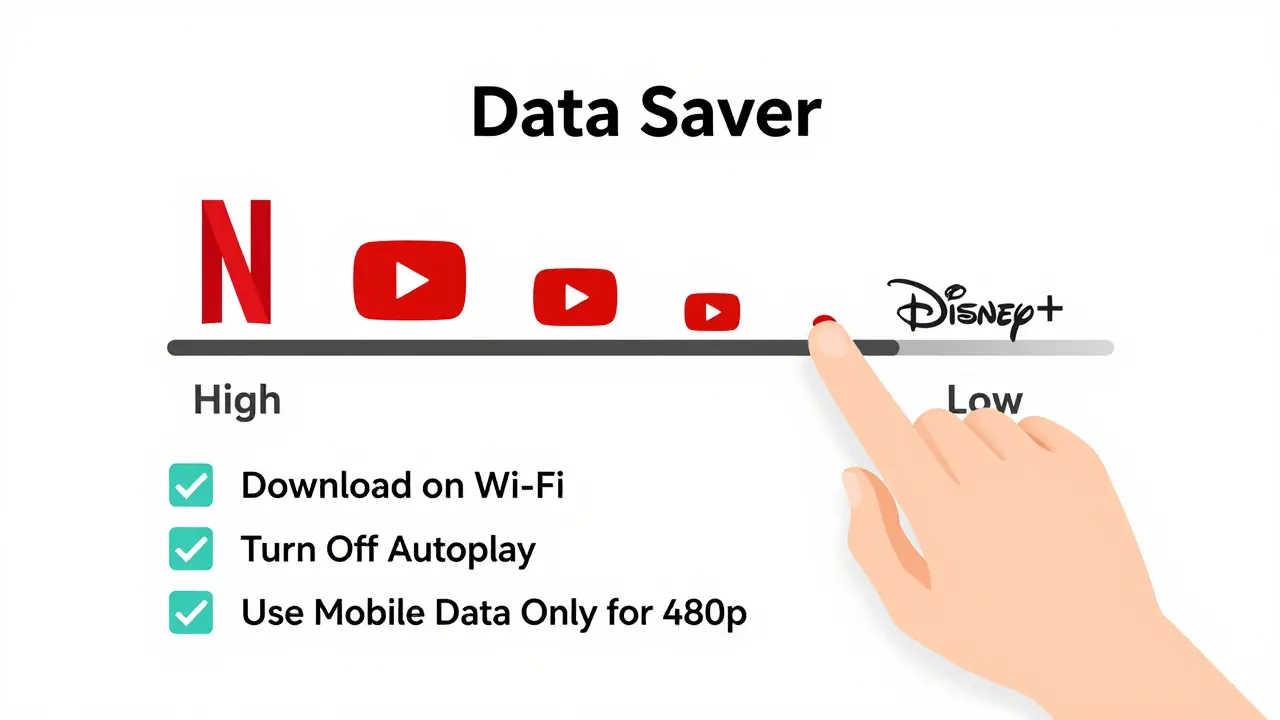
You don’t have to give up your favorite shows. Here are five practical ways to cut data without losing much quality:
- Lower resolution manually. Set Netflix, YouTube, and Disney+ to HD (1080p) instead of 4K. On mobile, use 720p.
- Download when you can. Use offline downloads on Netflix, Disney+, and Amazon Prime. They’re stored locally and use zero data after download.
- Use Wi-Fi for big downloads. Download movies and shows at home or on public Wi-Fi, then watch on the go.
- Turn off autoplay. Netflix, YouTube, and others auto-play the next video. That adds hours of unneeded streaming. Disable it in settings.
- Use data saver modes. Android’s Data Saver, iOS’s Low Data Mode, and browser extensions like uBlock Origin can throttle background video.
One user in Brisbane cut their monthly data use from 240GB to 110GB by switching from 4K to 1080p, turning off autoplay, and downloading weekend movies. They never noticed the difference on their 50-inch TV.
What happens when you hit your data cap?
It depends on your provider. Some ISPs throttle your speed to 1-2Mbps-slow enough to make HD video buffer constantly. Others charge overage fees-$10 per extra 10GB is common. A few offer unlimited after the cap, but at reduced speeds.
Throttling is the worst outcome. It doesn’t cut your service-it just makes it painful. A 1Mbps connection can’t even handle 480p smoothly. You’ll see constant buffering, audio cutting out, and videos pausing every 30 seconds.
If you’re hitting your cap regularly, it’s not a “data problem.” It’s a plan problem. Consider upgrading or switching to an unlimited plan if you stream daily. The cost difference between a 200GB and 1TB plan is often less than $10 a month.
Final tip: Test your streaming habits
Try this: For one week, turn off all streaming on mobile data. Watch everything on Wi-Fi. Track how much data you used. Then, the next week, set all apps to HD only and track again. Compare the numbers.
You’ll likely find you’re using way more data than you thought. And once you see the numbers, adjusting becomes easy. You don’t need to give up streaming. You just need to know how much it costs-and how to make it cheaper.
How much data does Netflix use per hour?
Netflix uses about 1GB per hour in Standard Definition (SD), 3GB per hour in High Definition (HD), and 7GB per hour in Ultra HD (4K). You can reduce this by changing your account settings to Low or Medium data usage.
Does YouTube use more data than Netflix?
It depends on the video. A 10-minute YouTube video in 480p uses less than Netflix’s SD, but a 30-minute 4K gaming stream can use more than Netflix’s 4K. On average, both use similar amounts at the same resolution. YouTube’s auto-play and variable quality make it harder to predict.
Is 100GB enough for streaming?
Yes, 100GB is enough for moderate streaming. At HD quality, you can watch about 33 hours of content per month-roughly an hour a day. If you watch 4K or have multiple users, you’ll need more. For light users (1-2 movies a week), it’s plenty.
How can I reduce streaming data on my phone?
Go into your phone’s settings and limit video quality for streaming apps. On iOS, use Low Data Mode. On Android, use Data Saver and set apps like YouTube and Netflix to 480p or 720p. Download content over Wi-Fi instead of streaming on mobile data.
What happens if I go over my data cap?
Most providers slow your internet speed to 1-2Mbps, making streaming nearly unusable. Some charge extra fees-around $10 per 10GB over. A few offer unlimited data after the cap, but at reduced speeds. The best fix is upgrading your plan or reducing streaming quality.