10
Netflix Recommended Internet Speeds: Official Requirements Explained
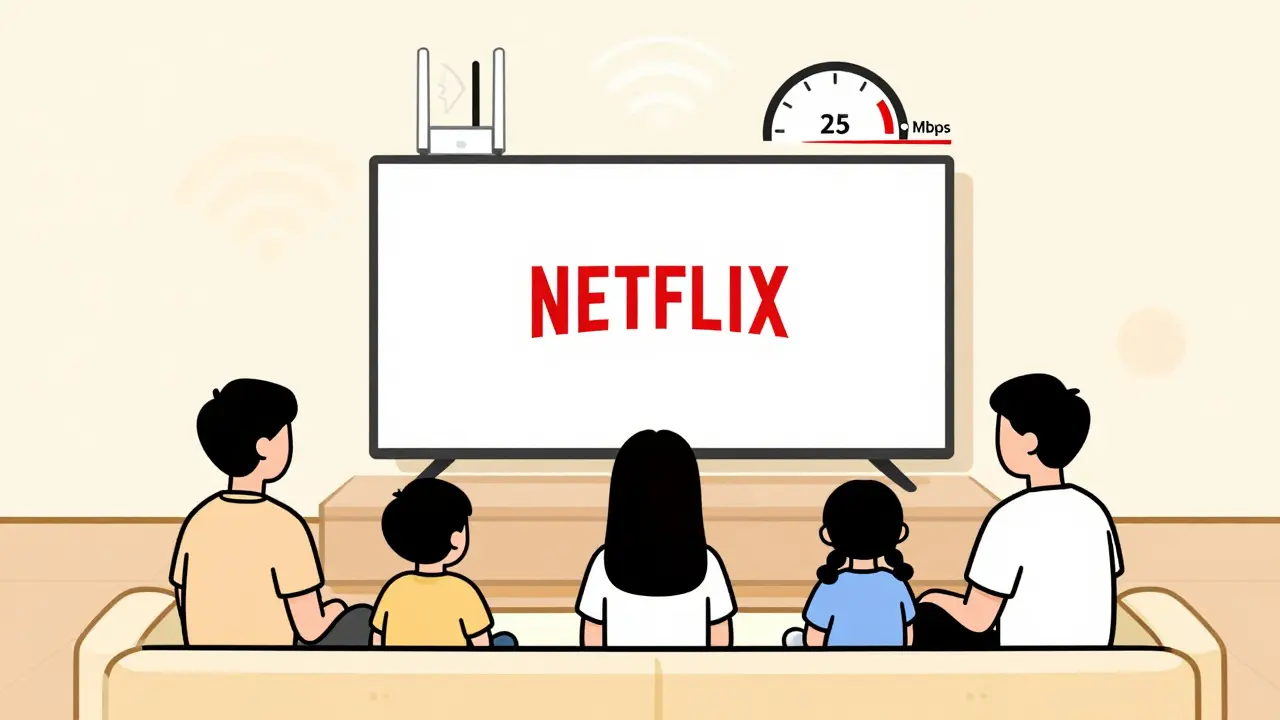
Ever hit that buffering wheel in the middle of your favorite show? It’s not your internet being slow-it’s probably that you’re not meeting Netflix’s actual speed requirements. Netflix doesn’t just say "use fast Wi-Fi." They’ve published exact numbers, and most people get them wrong. Here’s what you really need to stream without interruptions, whether you’re watching in HD on a 55-inch TV or going all-in on 4K Ultra HD.
Netflix’s Official Speed Requirements
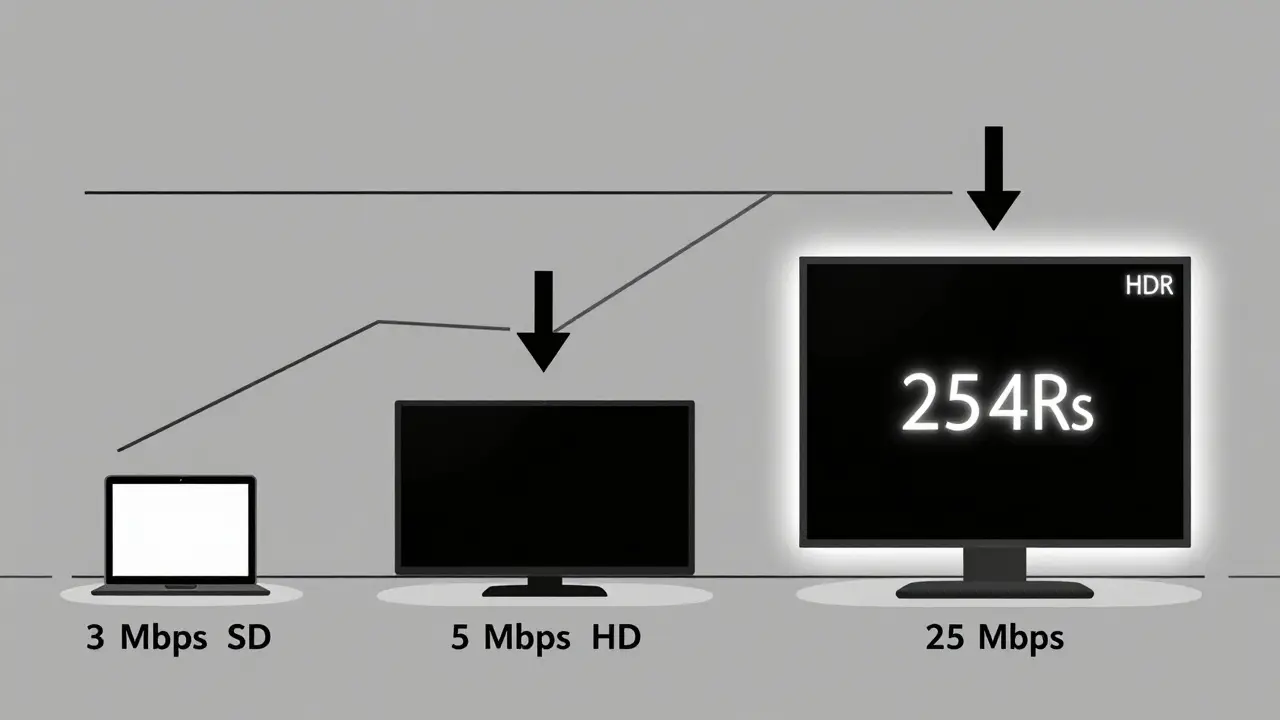
Netflix clearly states its minimum internet speed needs on their help page. It’s not a guess, not a suggestion-it’s a technical baseline. For standard definition (SD) streaming, you need at least 3 Mbps. That’s enough to run a 480p stream on a smaller screen, like a tablet or laptop. But if you’re watching on a modern TV, you’re likely going for something better.
For high definition (HD), Netflix says you need 5 Mbps. This covers 720p and 1080p content. Most Netflix originals are now in 1080p, so if you’re streaming on a TV from the last five years, you’re probably in this range. You’ll notice a big jump in clarity compared to SD. Colors pop, edges are sharp, and motion stays smooth.
Then comes Ultra HD (4K). This isn’t just "better than HD." It’s a whole different league. Netflix requires 25 Mbps for 4K streaming. That’s not a typo. And this isn’t just about resolution. Netflix uses HDR (High Dynamic Range) and Dolby Atmos on 4K titles, which need more data to deliver accurate brightness levels and immersive sound. If your internet can’t hit 25 Mbps, you won’t even get the 4K option-it’ll drop you down to HD automatically.
And yes, there’s a fifth tier: Netflix Offline Downloads. While not a streaming speed, it’s worth mentioning. When you download a show for offline viewing, Netflix compresses it based on your settings. A 2-hour movie in HD might take up 1 GB. In 4K? That jumps to 7 GB or more. Make sure you’ve got enough storage and a fast enough connection to download without timeouts.
Why Speed Matters More Than You Think
It’s not just about avoiding buffers. Internet speed affects how Netflix adapts your stream in real time. Your connection doesn’t just send data-it talks to Netflix’s servers every few seconds. If your speed dips below the minimum, Netflix will downgrade the quality to keep the show playing. That means you might start in 4K, but if someone in your house starts a Zoom call or downloads a game update, your stream might drop to 720p without you noticing.
Netflix uses adaptive bitrate streaming. That means it constantly checks your connection and adjusts the video quality. But it can’t compensate for a connection that’s too slow to sustain even the lowest required speed. A 10 Mbps connection might seem fine for HD, but if multiple devices are using it, you’ll see quality drops. That’s why Netflix recommends the speeds they do-they’re the bare minimums to avoid degradation.
What About Multiple Devices?
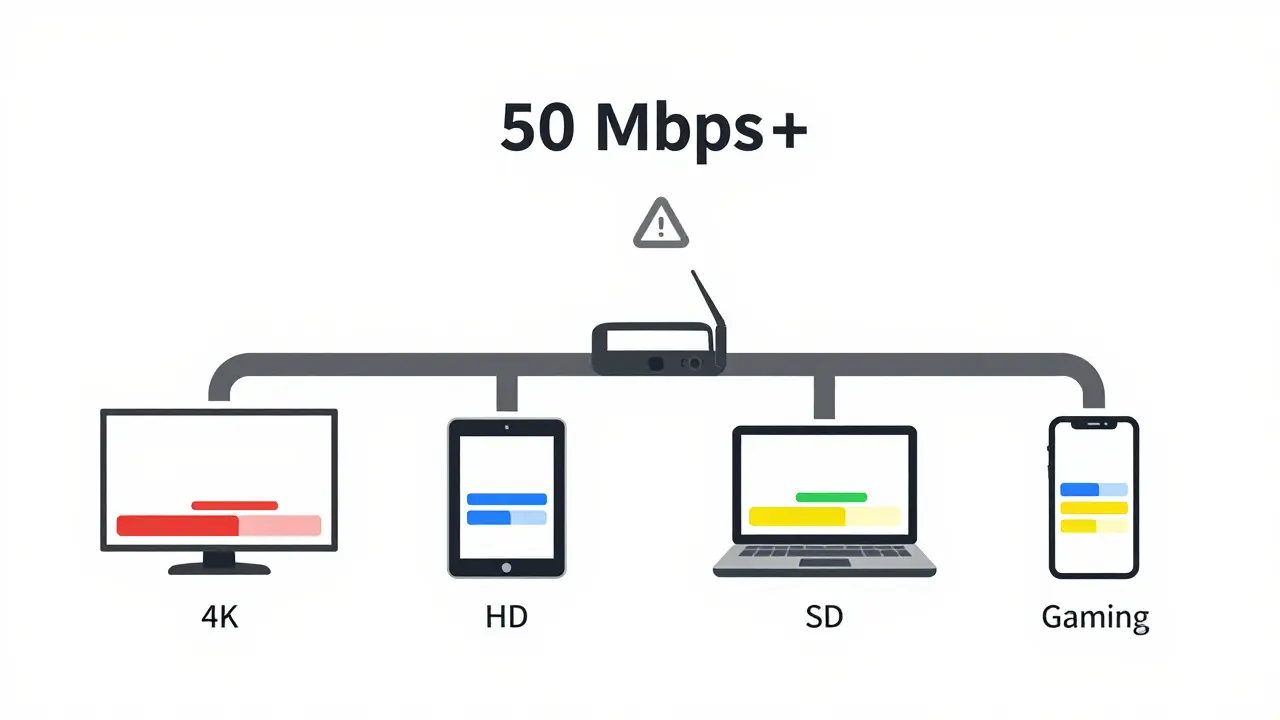
Netflix allows up to four simultaneous streams on its Premium plan. That doesn’t mean you need 25 Mbps × 4. But it does mean you need enough total bandwidth to handle all streams at once.
Here’s a real-world example: You’re watching a 4K documentary (25 Mbps), your partner is streaming an HD series (5 Mbps), your teen is gaming on a tablet (3 Mbps), and your kid is watching cartoons in SD (3 Mbps). Total? That’s 36 Mbps. If your internet plan only gives you 50 Mbps, you’re cutting it close. Any spike in usage-like a cloud backup or a firmware update-could cause one or more streams to buffer.
For households with four or more people streaming regularly, Netflix recommends at least 50 Mbps as a practical minimum. It’s not official, but it’s what most tech support teams suggest after seeing hundreds of cases of streaming issues.
How to Test Your Real Internet Speed
Don’t trust your ISP’s advertised speed. That’s the maximum under perfect lab conditions. Real-world speed is different. Use a reliable speed test tool like Speedtest.net or Fast.com (Netflix’s own tool). Run it on the device you use to watch Netflix, not your phone on Wi-Fi if you watch on your TV.
Here’s what to do:
- Turn off all other devices on your network.
- Connect your TV directly to the router with an Ethernet cable if possible.
- Run the test at least three times at different times of day.
- If your speed is consistently below the Netflix requirement for your quality setting, you’ve found your problem.
Wi-Fi is the usual culprit. Walls, distance, interference from microwaves or baby monitors, even neighboring Wi-Fi networks can chop your speed in half. If you’re using Wi-Fi and your speed test shows 18 Mbps, but Netflix keeps dropping to HD, that’s why.
What to Do If Your Speed Isn’t Enough
If your speed test shows you’re below Netflix’s requirements, here’s what actually works:
- Upgrade your internet plan-If you’re on 25 Mbps and want 4K, go to 100 Mbps. You’ll thank yourself when the whole family streams without drama.
- Use Ethernet-Plug your TV or streaming box directly into your router. Wired connections are 3x more stable than Wi-Fi.
- Move your router-Place it in a central spot, off the floor, away from metal objects and appliances.
- Upgrade your router-If it’s older than 2020, it likely doesn’t support modern Wi-Fi standards like 5 GHz or MU-MIMO. A new router under $100 can fix more than you think.
- Limit background activity-Pause cloud backups, game downloads, and smart home updates during peak streaming hours.
Some people think buying a better TV or a new streaming stick will help. It won’t. The problem is almost always the internet connection-not the device.
Netflix Speed Requirements at a Glance
| Streaming Quality | Minimum Speed | Typical Use Case |
|---|---|---|
| Standard Definition (SD) | 3 Mbps | Tablets, small screens, basic viewing |
| High Definition (HD) | 5 Mbps | 1080p TVs, most modern displays |
| Ultra HD (4K) | 25 Mbps | 4K HDR TVs, Dolby Atmos sound |
| 4K + Multiple Streams | 50 Mbps+ | Households with 3+ simultaneous streams |
What About Mobile Data?
If you’re streaming on your phone using mobile data, Netflix’s requirements still apply. But now you’re also fighting data caps. A 2-hour movie in 4K can use up to 7 GB. That’s half your monthly data plan. Netflix lets you set data usage limits in the app-choose "Save Data" mode to cut usage by up to 60%. It drops resolution to 480p, but it’s still watchable on a 6-inch screen.
Pro tip: Download shows over Wi-Fi before traveling. That way, you avoid data overages and still get the best quality.
Final Thoughts
Netflix’s speed requirements aren’t marketing fluff-they’re hard technical limits. If you’re not meeting them, you’re not getting the experience they designed. Whether you’re in Brisbane, Berlin, or Boston, the numbers don’t change. Your TV, your router, and your internet plan are the only things that can fix this.
Don’t blame Netflix. Don’t blame your streaming device. Look at your internet speed. Test it. Upgrade if needed. And then enjoy your shows without a single buffer.
Do I need 25 Mbps for every device on my network?
No. You only need 25 Mbps for each device that’s streaming 4K content. If one person is watching 4K (25 Mbps), and others are watching HD (5 Mbps each), you need enough total bandwidth to cover all streams. For example, four simultaneous streams-one 4K and three HD-would need about 40 Mbps total.
Can I stream 4K on a 10 Mbps connection?
No. Netflix will not offer 4K if your speed is below 25 Mbps. Your stream will automatically drop to HD or SD, depending on what your connection can sustain. You won’t see a "4K" badge, and your picture quality will be noticeably lower.
Why does my Netflix keep buffering even though my speed test says I’m fast enough?
Speed tests measure peak performance under ideal conditions. Real-world Wi-Fi can drop due to interference, distance, or other devices. If you’re using Wi-Fi, try connecting your TV with an Ethernet cable. Also, check if someone else is downloading large files or gaming-those can eat up bandwidth even if your speed test looks fine.
Does Netflix work on slower internet outside the US?
Yes. Netflix’s speed requirements are the same worldwide. Whether you’re in Australia, India, or Brazil, you still need 3 Mbps for SD, 5 Mbps for HD, and 25 Mbps for 4K. However, network congestion or local ISP throttling can make it harder to reach those speeds, especially during peak hours.
Is there a way to watch Netflix without meeting these speeds?
You can still watch, but you’ll get lower quality. Netflix automatically adjusts video quality based on your speed. If you’re on 1 Mbps, you’ll get a very low-res stream, similar to old DVD quality. It’s watchable, but not enjoyable on a large screen. The best fix is improving your connection-not lowering your expectations.