28
Best Streaming Devices 2025: Complete Buyer's Guide
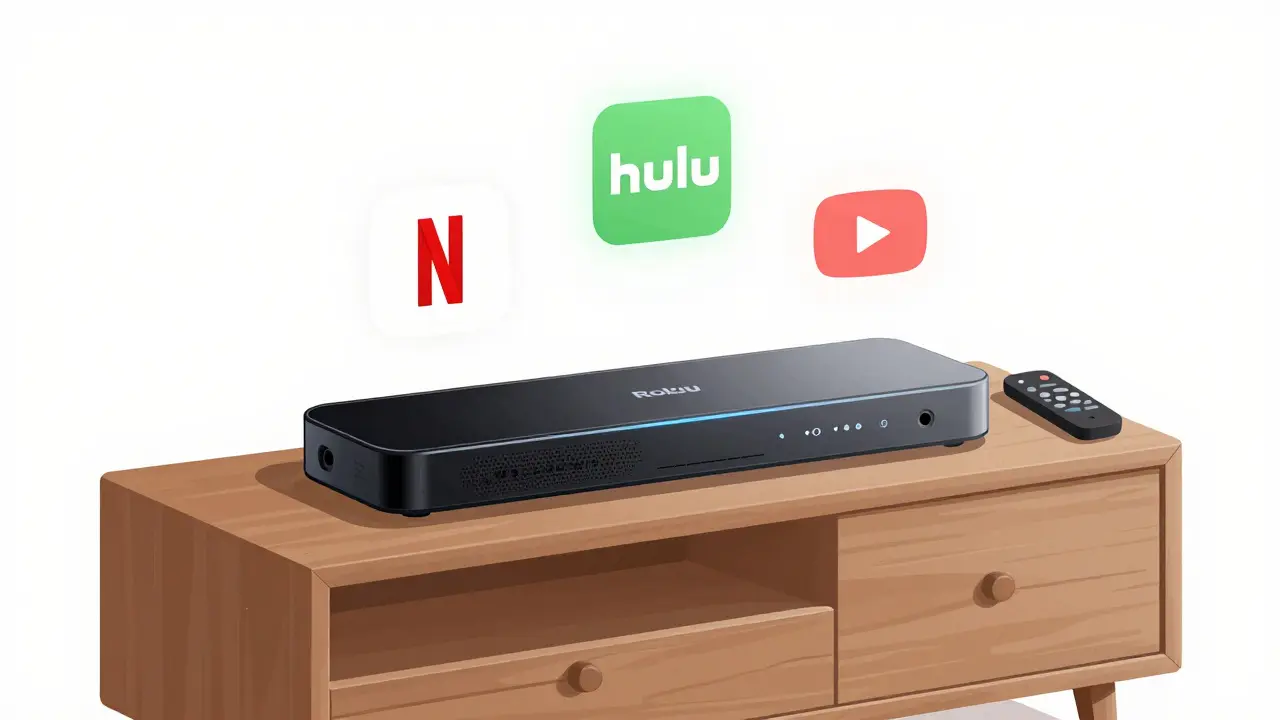
What’s Actually Worth Buying in 2025?
If you’re shopping for a streaming device in 2025, you’re not just buying a box or stick-you’re choosing your entire TV experience. The market is crowded, but only a few devices deliver real value. Forget marketing buzzwords. What matters is how fast it loads, how easy it is to use, what apps it supports, and whether it’ll still work well in two years.
The best streaming devices in 2025 don’t just play Netflix. They handle 4K HDR, voice control, smart home integration, and live TV without lag. Some even let you skip ads or record shows. Others? They freeze when you switch apps. This guide cuts through the noise.
Key Features to Look For
Not all streaming devices are built the same. Here’s what actually makes a difference in 2025:
- 4K HDR and Dolby Vision - If your TV supports it, your streamer should too. Many budget models still only do 1080p. Avoid them.
- Wi-Fi 6 and Bluetooth 5.3 - Older devices struggle with buffering. Newer ones connect faster and stay stable during peak hours.
- Voice assistant built-in - Google Assistant and Alexa are standard. Apple’s Siri works best if you’re already in the Apple ecosystem.
- App selection - Does it have Paramount+, Disney+, Apple TV+, and your local free streaming services? If not, it’s not worth it.
- Updates - Some brands stop supporting devices after two years. Stick with companies that still release software updates.
Don’t be fooled by extra ports or fancy remotes. A $50 device with clean software and regular updates beats a $100 one with gimmicks.
Top 5 Streaming Devices of 2025
1. Roku Streambar Pro (2025 Edition)
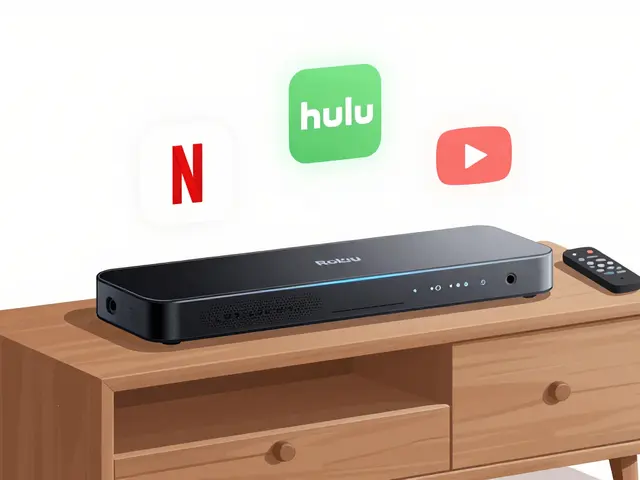
Roku keeps winning because it doesn’t overcomplicate things. The 2025 Streambar Pro adds a built-in soundbar, Dolby Atmos, and a remote with a headphone jack for late-night viewing. It supports all major apps, including YouTube, Hulu, and regional services like 7plus and ABC iview. The interface is simple, fast, and doesn’t push ads. If you want one device that does everything-streaming, sound, and voice control-it’s here.
2. Apple TV 4K (2025)
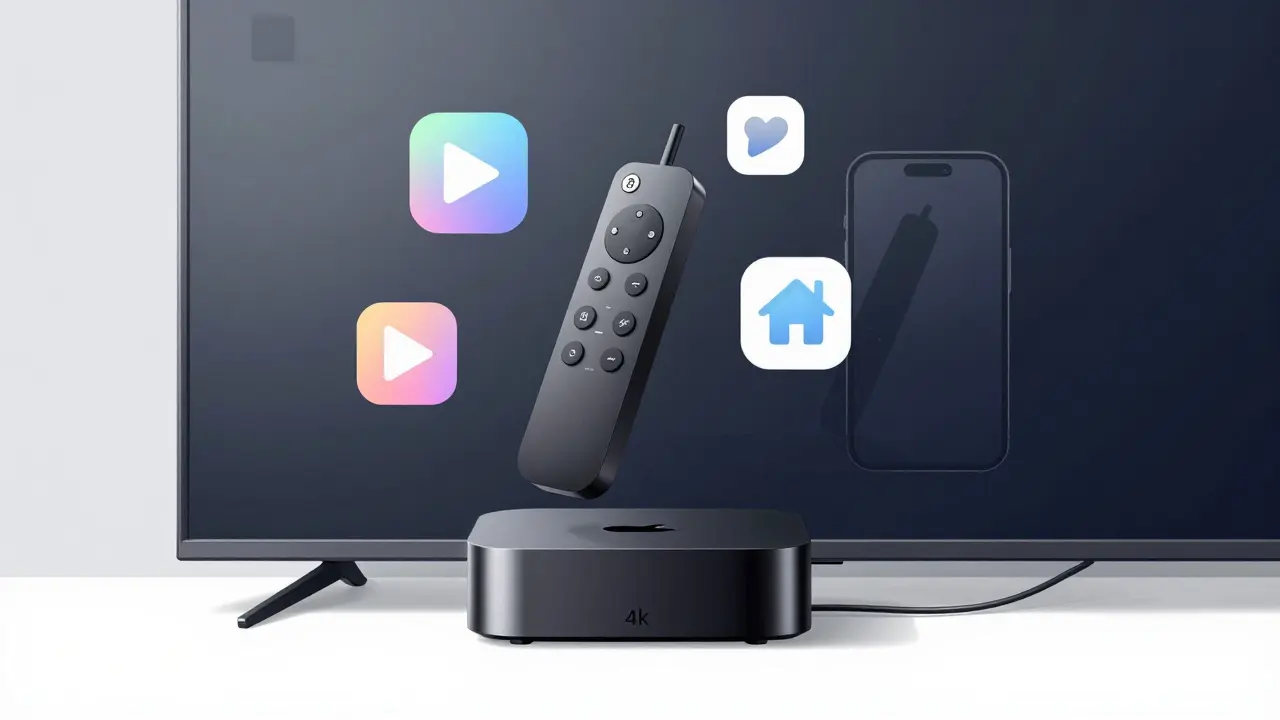
If you own an iPhone, iPad, or Mac, the Apple TV 4K is the obvious pick. It integrates seamlessly with AirPlay, HomeKit, and iCloud. The A15 chip makes everything feel instant-opening apps, switching between shows, even gaming. It supports HDR10+, Dolby Vision, and has the best remote on the market. The downside? It’s expensive. But if you’re deep into Apple’s ecosystem, the experience justifies the price.
3. Amazon Fire TV Stick 4K Max (2025)
Amazon’s latest Stick is a powerhouse for the price. It runs on Android TV, supports Wi-Fi 6E, and has a powerful processor that handles 4K streaming without stutter. Alexa is built in, and you can control smart lights, thermostats, and cameras directly from the remote. The app library is huge, but Amazon pushes its own content hard. If you don’t mind seeing Prime Video recommendations on every screen, this is the best value under $70.
4. NVIDIA Shield TV Pro (2025)
This isn’t just a streamer-it’s a mini gaming console. With an NVIDIA Tegra X1+ chip, it runs Android games smoothly and supports 4K HDR at 120fps. It’s the only device that lets you stream games from your PC via GeForce Now. It also supports Plex, Kodi, and has a built-in USB port for external storage. If you want a device that does everything-streaming, gaming, media server-it’s the Shield. It’s pricier, but no other device comes close.
5. Google TV Streamer (2025)
Google’s latest entry replaces the old Chromecast with Google TV. It’s sleek, fast, and uses Google’s AI to recommend shows based on what you watch. The interface is clean, and it supports YouTube TV, Netflix, Max, and regional services like Stan and Binge. It’s the only device that lets you search across all your apps with one voice command. If you want smart recommendations without Amazon or Apple’s bias, this is your best bet.
What to Avoid
Some devices are still on shelves in 2025, but they’re not worth your money.
- Old Roku Express models - No 4K, no Dolby Audio, no updates since 2023.
- Chromecast (2nd Gen) - Discontinued. No app support anymore.
- Fire TV Stick Lite (2023) - Missing voice remote, slower processor, no Wi-Fi 6.
- Android TV boxes with no brand name - Often run outdated Android versions. No security updates. Risky.
If you’re buying used, check the model number. Anything older than 2023 is likely outdated. Streaming tech moves fast.
Live TV and Free Streaming
Do you still watch live TV? Many people think they need cable, but you don’t. In 2025, free and low-cost live TV options are better than ever.
Devices like Roku and Google TV come with free ad-supported channels like Pluto TV, Tubi, and Freevee. You can watch live news, sports, and even local channels without paying a cent. If you want premium live TV, YouTube TV, Hulu + Live TV, and FuboTV all work on every major device.
Here’s the trick: if you only watch a few channels, use a digital antenna. It’s free, and you get local HD broadcasts with no buffering. Pair it with any streaming device, and you’ve got a full TV setup for under $100.
How to Set It Up
Setting up a streaming device takes less than 10 minutes.
- Plug the device into your TV’s HDMI port.
- Connect to Wi-Fi using the remote.
- Sign in to your accounts (Netflix, Disney+, etc.).
- Set up voice assistant if you want it.
- Update the software if prompted.
Most devices now auto-detect your TV’s resolution and turn on HDR automatically. No need to mess with settings.
Pro tip: Use a power strip with a switch. Turn it off when not in use. Streaming devices still draw power when idle.
Which One Should You Buy?
Here’s a quick decision guide:
| What You Need | Best Choice | Why |
|---|---|---|
| Simple, no-nonsense streaming | Roku Streambar Pro | Easy to use, great sound, all apps, no ads |
| Apple user with iPhone/Mac | Apple TV 4K | Seamless integration, best remote, top performance |
| Best value under $70 | Fire TV Stick 4K Max | Powerful, Wi-Fi 6E, Alexa, lots of apps |
| Gaming and media server | NVIDIA Shield TV Pro | Runs games, supports Plex, USB storage |
| Smart recommendations, no bias | Google TV Streamer | AI picks shows you’ll like, clean interface |
What’s Next?
Streaming devices are getting smarter. In 2026, expect AI that suggests shows based on your mood, or remotes that detect when you’re falling asleep and pause playback. But for now, the 2025 models are the best ever made.
Don’t buy the most expensive one. Buy the one that fits your life. If you just watch Netflix and YouTube, a $40 Fire Stick is fine. If you want the full experience-sound, speed, control-spend a little more.
The right device won’t just make your TV better. It’ll make watching TV feel like less of a chore and more of a pleasure.
Do I need a 4K streaming device if my TV is only 1080p?
No, you don’t need 4K if your TV only supports 1080p. But consider this: 4K devices often have better processors, faster Wi-Fi, and newer software that runs smoother on 1080p screens. If you plan to upgrade your TV in the next year, buying a 4K device now saves you money later.
Can I use a streaming device with an old TV?
Yes, as long as your TV has an HDMI port. Most TVs made after 2010 do. If your TV only has RCA ports (red/white/yellow), you’ll need an HDMI-to-RCA converter. But those often reduce quality. It’s better to upgrade the TV if possible.
Do streaming devices need a subscription?
The device itself doesn’t require a subscription. But to watch Netflix, Disney+, or Hulu, you’ll need those services. Some devices come with free trials, but you’ll pay after that. Free apps like Tubi and Pluto TV don’t need any payment.
Which device has the best remote?
Apple TV’s remote is the most intuitive-it has a touchpad, physical buttons, and a mute button. Roku’s remote has a headphone jack and simple layout. Fire Stick’s remote has Alexa built in. The best one depends on what you use most: voice, navigation, or volume control.
Can I watch local channels with a streaming device?
Yes, but not directly. You can use apps like YouTube TV, FuboTV, or Philo to stream live local channels. Or, plug a digital antenna into your TV and switch inputs. Many people do both-use the antenna for local news and sports, and the streamer for everything else.
Final Tip: Don’t Overthink It
Streaming devices are tools, not status symbols. The best one is the one you’ll actually use. If you’re not sure, start with the Roku Streambar Pro or Fire TV Stick 4K Max. They’re reliable, affordable, and work everywhere. You can always upgrade later.