20
Why Does My Streaming Keep Freezing? Quick Fixes for Buffering
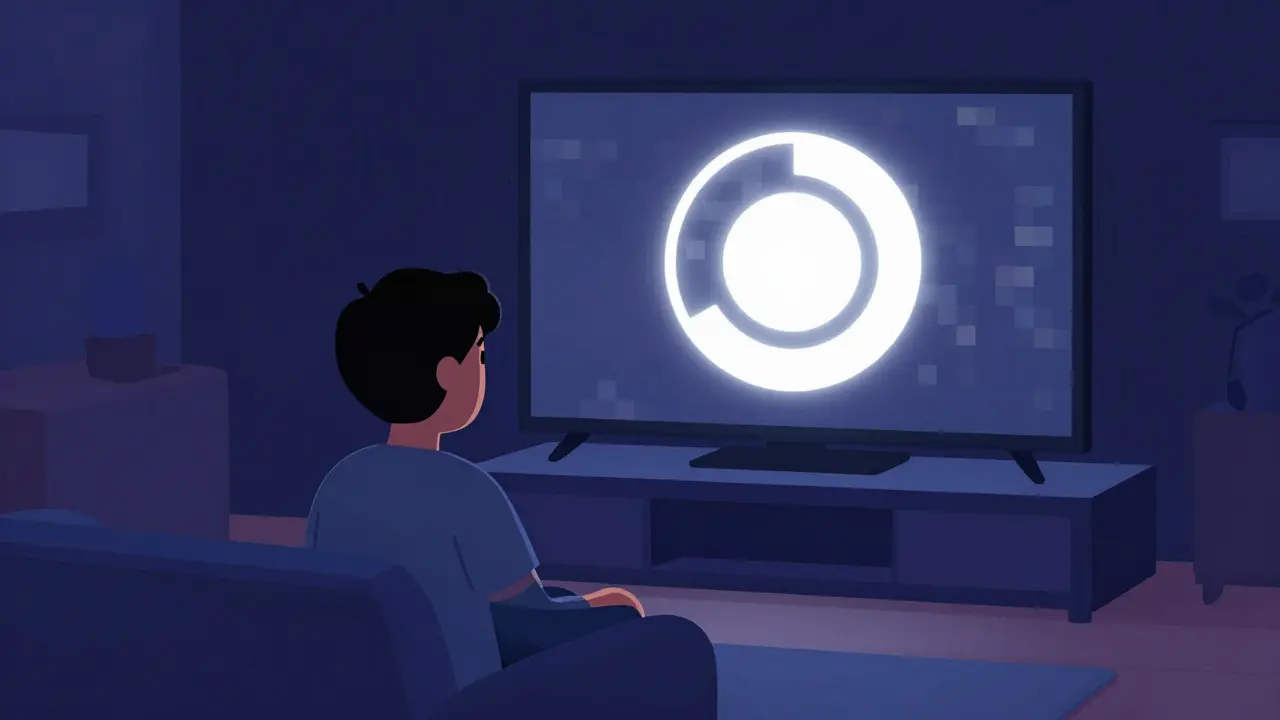
The Core Culprits: Why Your Video Stops
Most people assume their internet is just "slow," but that's too simple. Freezing usually happens because of a bottleneck. Think of your internet connection like a water pipe; if the pipe is too narrow or there's a clog, the water (data) can't reach the tap (your TV) fast enough.- Bandwidth Saturation: If you're streaming 4K video while someone else is downloading a 50GB game update, you're fighting for the same limited pipe.
- Packet Loss: Data travels in small chunks called packets. If some are lost due to a bad cable or interference, your device has to ask for them again, causing a stutter.
- Hardware Overhead: An old smart TV or a budget streaming stick might simply lack the processing power to decode high-resolution streams in real-time.
Optimizing Your Home Network
Before you call your ISP to complain, check your Router, which is a hardware device that routes data from your modem to your various connected devices. Most home routers are placed in cupboards or behind sofas, which is the worst place for them. Wi-Fi signals are easily blocked by walls, metal, and even large mirrors. If you can, move your router to a central, open location. If you're using an older router, check if it supports Wi-Fi 6. This newer standard handles multiple devices much better than the older Wi-Fi 5 (802.11ac) protocol, reducing the "congestion" that leads to freezing. For the absolute best results, stop relying on Wi-Fi entirely. Use an Ethernet Cable, which provides a stable, wired connection. An Ethernet connection eliminates wireless interference and almost always solves the "random freeze" issue for gaming consoles and smart TVs.| Connection Type | Stability | Speed Potential | Best Use Case |
|---|---|---|---|
| Ethernet (Wired) | Very High | Maximum | 4K Streaming, Gaming |
| Wi-Fi 6 (5GHz) | High | High | Mobile devices, Laptops |
| Wi-Fi 5 (2.4GHz) | Moderate | Medium | Smart home bulbs, Basic browsing |

Dealing with Device Lag and Software Glitches
Sometimes the network is perfect, but the device is struggling. A Streaming Device, such as a Roku or Amazon Fire TV, can run out of available RAM (Random Access Memory), which is the short-term memory used to run apps. When RAM is full, the app may stutter or freeze entirely. Start by clearing the cache in your app settings. This removes temporary files that might be corrupted. If that doesn't work, a full restart-not just putting the device to sleep, but actually unplugging it from the wall for 30 seconds-forces the system to clear its memory and start fresh. This "power cycle" fixes a surprising number of freezing issues. Check for firmware updates. Manufacturers frequently release patches that optimize how their hardware handles video decoding. If your TV is five years old and hasn't been updated, it might be struggling with the newer compression standards used by platforms like Netflix or Disney+.Adjusting Stream Quality for Stability
If you're in a situation where you can't upgrade your hardware or move your router, you need to lower the demand on your connection. Most streaming services use Adaptive Bitrate Streaming, which automatically lowers the quality if your internet dips. However, sometimes this system fails, or it tries to push 4K when your connection can only handle 1080p. Go into the settings of your streaming app and change the quality from "Auto" to a specific resolution. Switching from 4K to 1080p (Full HD) reduces the data requirement by roughly 70%. While the image might be slightly less crisp, a stable 1080p stream is far better than a 4K stream that freezes every two minutes.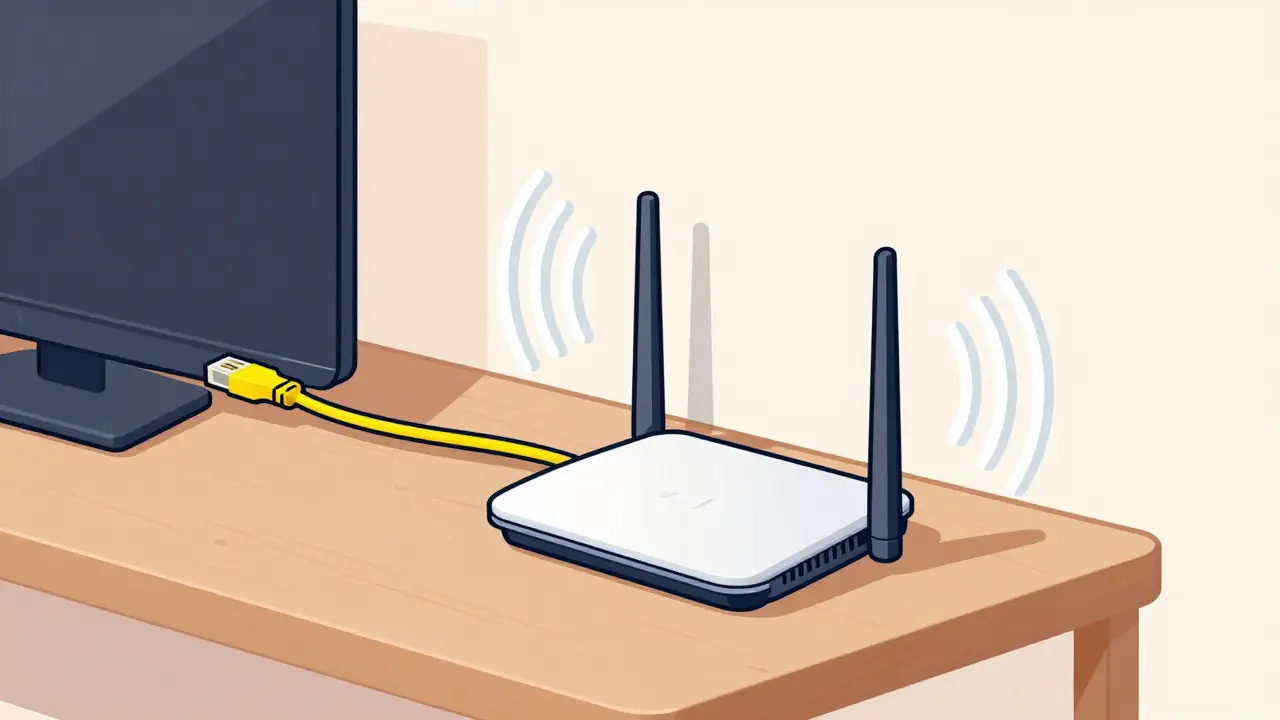
The Role of Your Internet Service Provider (ISP)
If you've optimized your router and lowered your quality but the freezing persists, the problem likely lies outside your home. One common issue is ISP Throttling, where your provider intentionally slows down your connection if they detect a high volume of streaming data. To test if this is happening, run a speed test. If your speed is high for general browsing but drops specifically when you start a movie, your ISP might be the cause. In this case, using a VPN can sometimes hide the type of traffic you're generating, preventing the ISP from throttling your stream. Another possibility is an outdated Modem. If you're using a modem from a decade ago, it may not be able to handle the modern signals sent by your provider's infrastructure, leading to intermittent drops and freezes.Will a mesh Wi-Fi system stop my streaming from freezing?
Yes, if the freezing is caused by "dead zones" in your house. A mesh system uses multiple nodes to blanket your home in Wi-Fi, ensuring your device always has a strong signal regardless of which room you are in. It's much more effective than a cheap Wi-Fi extender, which often cuts your speed in half.
Why does my stream freeze even though I have a fast speed test result?
Speed tests measure peak bandwidth, but they don't always show "jitter" or "packet loss." Jitter is the variation in the time it takes for data packets to arrive. If packets arrive out of order or at irregular intervals, the video player will freeze to wait for the missing pieces, even if your overall speed is high.
Can too many devices on one network cause freezing?
Absolutely. Every device connected to your Wi-Fi takes a slice of the available bandwidth. If you have smartphones, tablets, smart lights, and a laptop all active, the "overhead" can cause the streaming device to lose its priority, leading to buffering.
Does the app I use affect the freezing?
Yes. Some apps are better optimized than others. If you notice that Netflix is smooth but another app freezes on the same device, the issue is likely with that specific app's servers or its poorly written code. Try updating the app to the latest version.
Is 4K streaming actually possible on basic internet plans?
Most services recommend at least 25 Mbps for a single 4K stream. However, this is a constant requirement. If your plan only provides 25 Mbps and other devices are using the web, you will almost certainly experience freezing. For a household with multiple users, 100 Mbps or higher is recommended for a seamless 4K experience.
Quick Troubleshooting Steps
If you're in the middle of a show and it freezes, follow this rapid-fire sequence:- Restart the App: Close the app completely and reopen it to clear the session cache.
- Toggle Wi-Fi: Turn the Wi-Fi off and back on on your device to force it to reconnect to the strongest band.
- Power Cycle: Unplug your router and your streaming device for 30 seconds.
- Reduce Quality: Drop the resolution from 4K to 1080p in the app settings.
- Check Other Devices: See if other devices in the house are downloading large files and pause them.