1
Free Live TV Guides: What FAST Channels Are New This Week
Remember when you had to sit down with a printed paper guide every Sunday evening to plan your week of television? Those days are gone. But the habit of scanning for something good to watch remains. Today, that hunt happens on screens, specifically within the world of FAST channels, which stand for Free Ad-Supported Streaming Television. If you have been following the landscape of free streaming, you know it is moving fast-literally. New linear channels launch almost daily, bringing niche interests, classic reruns, and surprise documentaries to your screen without asking for a credit card.
As we look at what is trending this week in June 2026, the shift is clear. Platforms are no longer just dumping old content into folders. They are curating live schedules that mimic traditional cable but with far more variety. Whether you are looking for a specific genre or just want to kill time while cooking dinner, knowing where to look saves you hours of scrolling. Here is what is fresh, what is worth your attention, and how to find these hidden gems in your current apps.
The Rise of Niche Linear Programming
Gone are the days when "free" meant only generic news or low-budget reality shows. The new wave of FAST channels is aggressively targeting specific hobbies and passions. This week, several major platforms have launched channels dedicated entirely to subcultures that previously had nowhere to go on free TV.
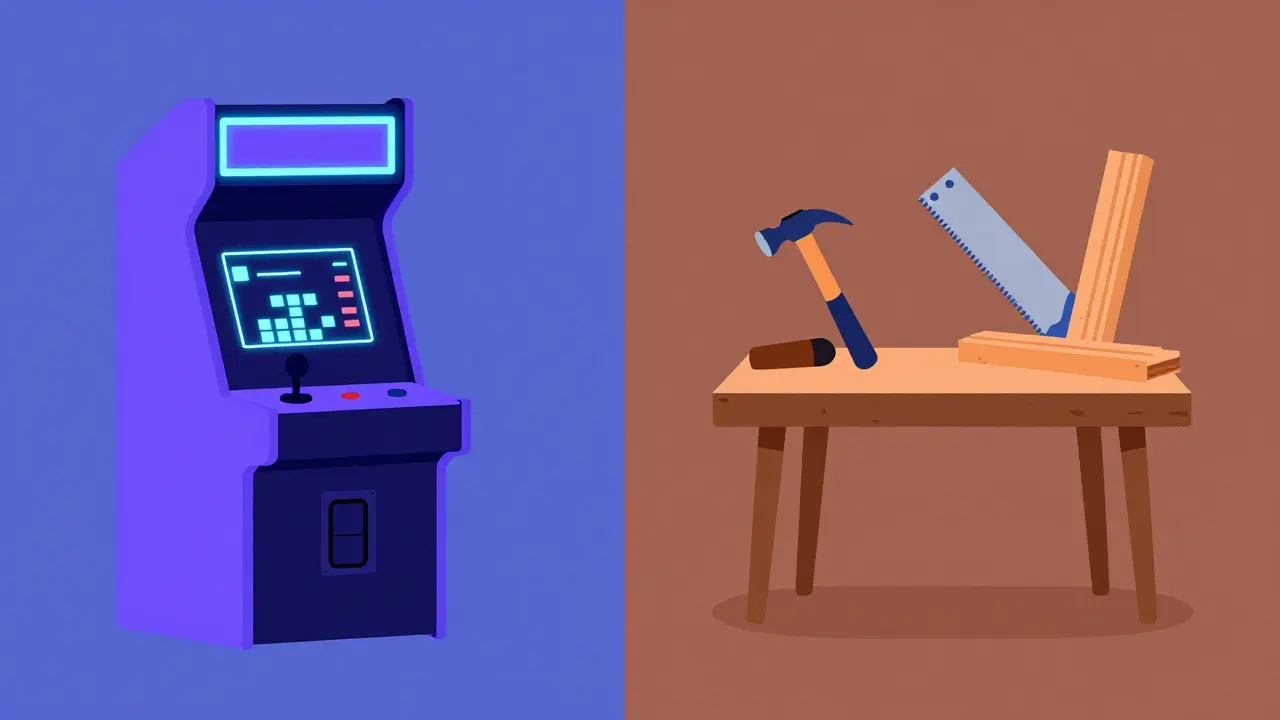
Pluto TV has expanded its gaming section significantly. Instead of just one general channel, they now offer separate lines for retro arcade classics, modern esports highlights, and speedrun marathons. For gamers who miss the era of watching tournaments on local access TV, this is a goldmine. You can tune in at any time and catch a segment from a recent tournament or a deep-dive documentary about game development history.
Similarly, Tubi has introduced a series of lifestyle channels focused on DIY and home improvement. These aren't just random clips; they follow a strict schedule. Mornings feature quick repair tips, afternoons dive into woodworking projects, and evenings showcase home renovation transformations. It feels like having HGTV on tap, but completely free. The key here is understanding that these channels operate on a loop. You don't need to wait for a premiere. You just need to know which hour matches your interest.
Where to Find the Latest Additions
Finding these new channels requires a bit of navigation. Most apps bury the newest additions under broad categories like "Entertainment" or "Lifestyle." To save yourself the trouble, here is where to look right now.
| Platform | New Focus Area | Best Feature |
|---|---|---|
| Pluto TV | Gaming & Retro Culture | Live guide interface mimics cable boxes |
| Tubi | DIY & Home Improvement | High-quality production value |
| The Roku Channel | Indie Films & Documentaries | Exclusive premieres before other platforms |
| Plex | Music & Concert Archives | Integration with personal media libraries |
The Roku Channel is making waves this week with its indie film lineup. They have added three new channels dedicated exclusively to award-winning short films and mid-length documentaries. This is perfect for viewers who feel mainstream movies have become too formulaic. The curation is tight, meaning you rarely hit a dud. Each channel runs a continuous loop of films from different decades, offering a mix of black-and-white classics and modern digital productions.
Meanwhile, Plex continues to dominate the music space. Their new weekly additions include live concert archives from the 1970s and 80s. If you love rock or jazz, these channels provide hours of uninterrupted performance footage. Unlike YouTube uploads, which can be inconsistent in quality, these streams are professionally restored and broadcast in high definition.
How to Navigate the Guide Effectively
One common mistake viewers make is treating FAST services like on-demand libraries. While most do offer on-demand options, the real magic lies in the linear guide. Here is how to get the most out of your viewing experience.
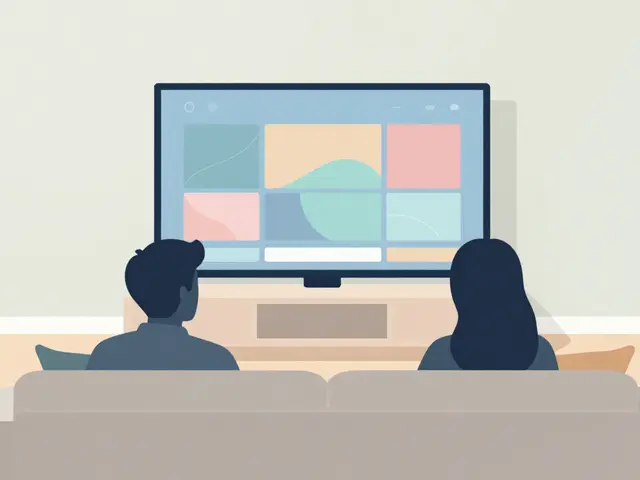
- Check the EPG (Electronic Program Guide) Daily: Many users ignore the grid view because it looks old-fashioned. However, this is the only way to see what is playing *now*. Algorithms might suggest a movie based on your past watches, but the guide shows you what is happening in real-time across hundreds of channels.
- Set Reminders for Premieres: Even though content loops, some platforms mark "first run" episodes of original FAST series. Set a reminder so you don't miss the start of a new detective drama or cooking competition.
- Use Voice Search: If you are looking for a specific topic, like "cooking" or "history," use the voice remote feature. It will pull up all relevant linear channels and on-demand titles instantly, saving you from clicking through menus.
In Brisbane, where internet speeds are generally robust, buffering is rarely an issue. However, if you are on a mobile data plan, remember that live streams consume more data than paused videos. Keep an eye on your usage if you are away from Wi-Fi.
The Role of Ads in the Experience
Let's address the elephant in the room: ads. Since these services are free, advertising is the revenue model. But not all ads are created equal. The new generation of FAST platforms has moved away from long, unskippable blocks of commercials.
Most new channels this week utilize dynamic ad insertion. This means the ads are tailored to your region and interests. For example, if you are watching a cooking channel, you might see ads for kitchen appliances rather than car insurance. The breaks are typically shorter, lasting two to three minutes instead of the traditional five-minute blocks seen on cable. This keeps the pacing tight and reduces viewer fatigue.
Furthermore, some platforms offer "ad-light" experiences for certain premium-free tiers. While still free, these channels show fewer ads in exchange for slightly lower video resolution. It is a trade-off that many casual viewers find acceptable. Understanding this balance helps you decide which channels are worth sticking with during commercial breaks.
Why Local Content Matters
While global giants dominate the headlines, local content is gaining traction on FAST platforms. In Australia, we are seeing more partnerships between local broadcasters and international streaming apps. This means you can find Australian-made documentaries, sports highlights, and comedy sketches alongside Hollywood blockbusters.
Look for channels labeled "Local" or "Regional" in your app settings. These often feature content that resonates more deeply with our culture and humor. For instance, a new channel launched this week focuses entirely on Australian wildlife and conservation efforts. It provides a refreshing break from the usual crime dramas and reality TV tropes.
Supporting these local initiatives ensures that diverse voices remain part of the free streaming ecosystem. It also means better representation and more relatable content for viewers across the country.
Troubleshooting Common Issues
Sometimes, technology fails us. If you encounter issues with your new favorite FAST channel, here are some quick fixes.
- Black Screen: This is usually a codec issue. Try clearing your app cache or reinstalling the application. Ensure your device firmware is up to date.
- Audio Sync Problems: Check your TV's audio settings. Sometimes, enabling "Lip Sync Correction" in the display menu resolves delays.
- Missing Channels: Apps update frequently. A channel available last week might be temporarily removed for licensing reasons. Check the platform's social media accounts for announcements regarding content rotations.
If problems persist, try accessing the service via a web browser on your computer. This helps determine if the issue is with the app itself or your network connection.
Looking Ahead: What’s Next for FAST?
The evolution of free streaming is far from over. As we move through 2026, expect even more integration between smart TVs and FAST services. Imagine walking into your living room and seeing a personalized guide on your screen before you even pick up the remote. Some manufacturers are already testing this feature.
We also anticipate more interactive elements. Picture voting on outcomes of reality shows directly through your remote or purchasing merchandise featured in a documentary without leaving the app. These features blur the line between passive viewing and active engagement.
For now, the best strategy is to stay curious. Explore the lesser-known channels. Give a new genre a chance. You might discover your next favorite show hiding in plain sight on a free, ad-supported stream.
What does FAST stand for in streaming?
FAST stands for Free Ad-Supported Streaming Television. It refers to online services that offer live TV channels and on-demand content for free, supported by advertisements. Unlike subscription-based services like Netflix, you do not pay a monthly fee.
Are FAST channels available on all devices?
Most major FAST platforms like Pluto TV, Tubi, and The Roku Channel are available on smart TVs, streaming sticks (Roku, Fire TV, Chromecast), mobile devices (iOS and Android), and web browsers. Availability may vary slightly depending on your region and device manufacturer.
Do I need an internet connection to watch FAST channels?
Yes, FAST channels require an active internet connection since they stream content over the web. Unlike traditional antenna TV, there is no offline viewing option for live linear channels. A stable broadband connection is recommended for the best experience.
How much data do FAST channels use?
Data usage depends on video quality. Standard definition (SD) streams typically use about 0.7 GB per hour, while high definition (HD) streams can use up to 3 GB per hour. If you are on a limited data plan, consider lowering the playback quality in your app settings.
Can I record FAST channels?
Generally, no. Most FAST platforms do not offer cloud DVR functionality due to licensing restrictions. However, some apps allow you to pause and rewind live content for a short period. For permanent recording, you would need third-party software, which may violate terms of service.