4
Bitrate by Service: Netflix vs. Apple TV+ vs. Max 4K Streams Compared
You’ve got the fiber optic connection. You’ve got the massive OLED screen. You’ve subscribed to every major platform. Yet, when you hit play on that epic space battle or the rain-soaked noir detective scene, something feels... off. The shadows look muddy. The fine details in the texture of a wall seem to dissolve into digital noise. It’s not your TV. It’s likely the bitrate.
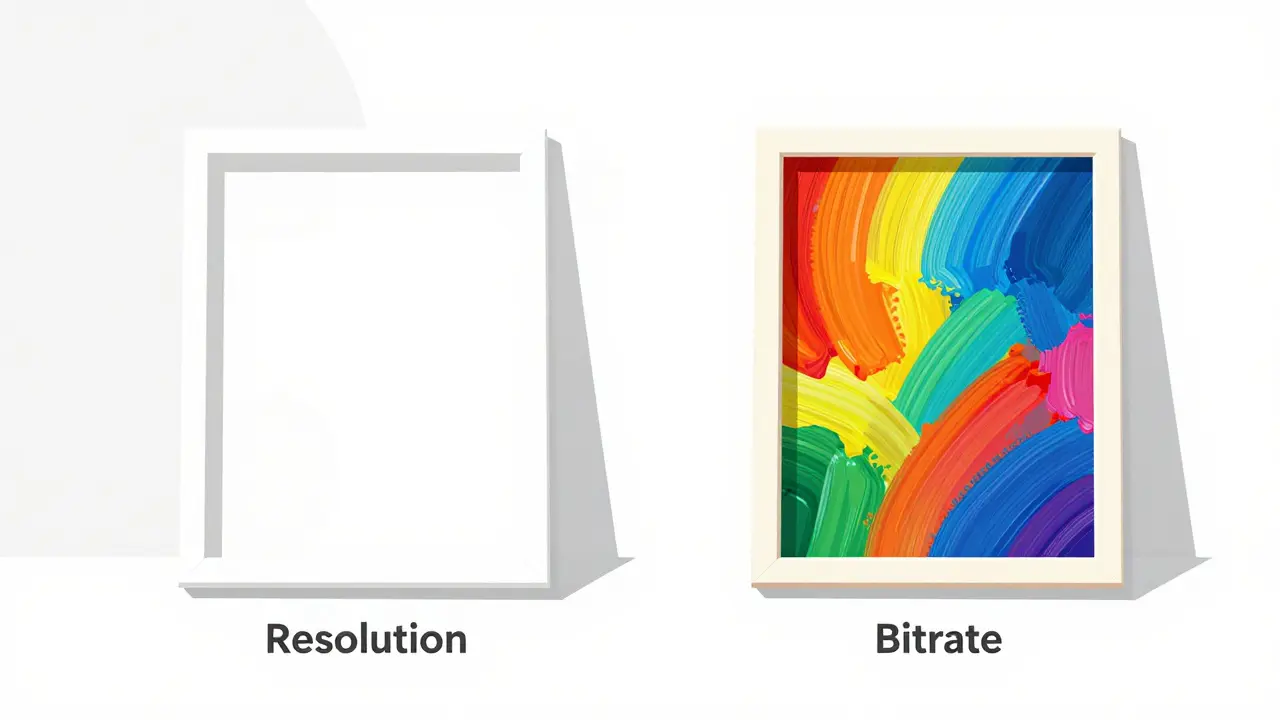
We often talk about resolution-1080p, 4K, 8K-as if it were the only metric that matters for picture quality. But resolution is just the canvas; bitrate is the paint. Without enough data flowing through the pipe, even a 4K image will look like a cheap watercolor painting left out in the rain. In 2026, the gap between the best and worst streamers has never been wider. While some platforms are pushing over 25 Mbps for their premium content, others are squeezing high-definition video into tiny containers to save bandwidth costs.
Why Bitrate Matters More Than Resolution
Imagine sending a postcard versus sending a detailed blueprint. Both might be the same physical size (resolution), but one contains significantly more information (bitrate). In video terms, bitrate is the amount of data processed per second, measured in megabits per second (Mbps). Higher bitrates mean less compression. Less compression means fewer artifacts, better color gradients, and sharper details, especially in complex scenes with lots of motion or texture.
When a streaming service uses aggressive compression algorithms to lower the bitrate, you start seeing "blocking"-where parts of the image look like pixelated squares-or "banding," where smooth gradients (like a sunset sky) look like distinct steps rather than a seamless transition. This is particularly noticeable in High Dynamic Range (HDR) content, which demands more data to represent the wide range of brightness levels accurately.
| Service | SD (480p) | HD (1080p) | 4K UHD / HDR | Audio Codec |
|---|---|---|---|---|
| Apple TV+ | ~3-5 Mbps | ~10-15 Mbps | 25-30 Mbps | Dolby Atmos (Dolby Digital Plus) |
| Netflix | ~3 Mbps | ~5-7 Mbps | 15-25 Mbps | Dolby Atmos (Dolby Digital Plus) |
| Max (HBO) | ~3-4 Mbps | ~5-6 Mbps | 10-15 Mbps | Dolby Atmos (Dolby Digital Plus) |
| Disney+ | ~3 Mbps | ~5-7 Mbps | 12-20 Mbps | Dolby Atmos (Dolby Digital Plus) |
| Amazon Prime Video | ~3-4 Mbps | ~5-8 Mbps | 15-20 Mbps | Dolby Atmos (Dolby Digital Plus) |
Note: These numbers are estimates based on network traffic analysis and official technical specifications released by the companies. Actual bitrates can fluctuate dynamically based on your internet speed and device capabilities.
Apple TV+: The Quality Obsessive
If there is one streaming service that treats bitrate as a non-negotiable feature, it is Apple TV+. From its launch, Apple positioned itself not as a content library giant, but as a premium experience provider. Their approach is simple: throw data at the problem until the image looks perfect.
Apple TV+ consistently delivers peak bitrates between 25 and 30 Mbps for its 4K HDR content. This is significantly higher than its competitors. Why does this matter? Because almost all original content on Apple TV+ is shot in 4K or higher and mastered in Dolby Vision and Dolby Atmos. The extra bandwidth allows the encoder to preserve subtle details in dark scenes without introducing noise. If you’re watching Silo or The Morning Show, the difference is palpable. Skin tones look natural, not waxy, and explosions retain texture rather than turning into white blobs.
However, this comes with a catch. Apple TV+ requires a robust internet connection. If your Wi-Fi drops below 25 Mbps sustained, the service will downgrade the quality. Also, because they prioritize quality over quantity, their library is smaller. You aren’t paying for terabytes of old sitcoms; you’re paying for pristine delivery of new originals.
Netflix: The Adaptive Giant
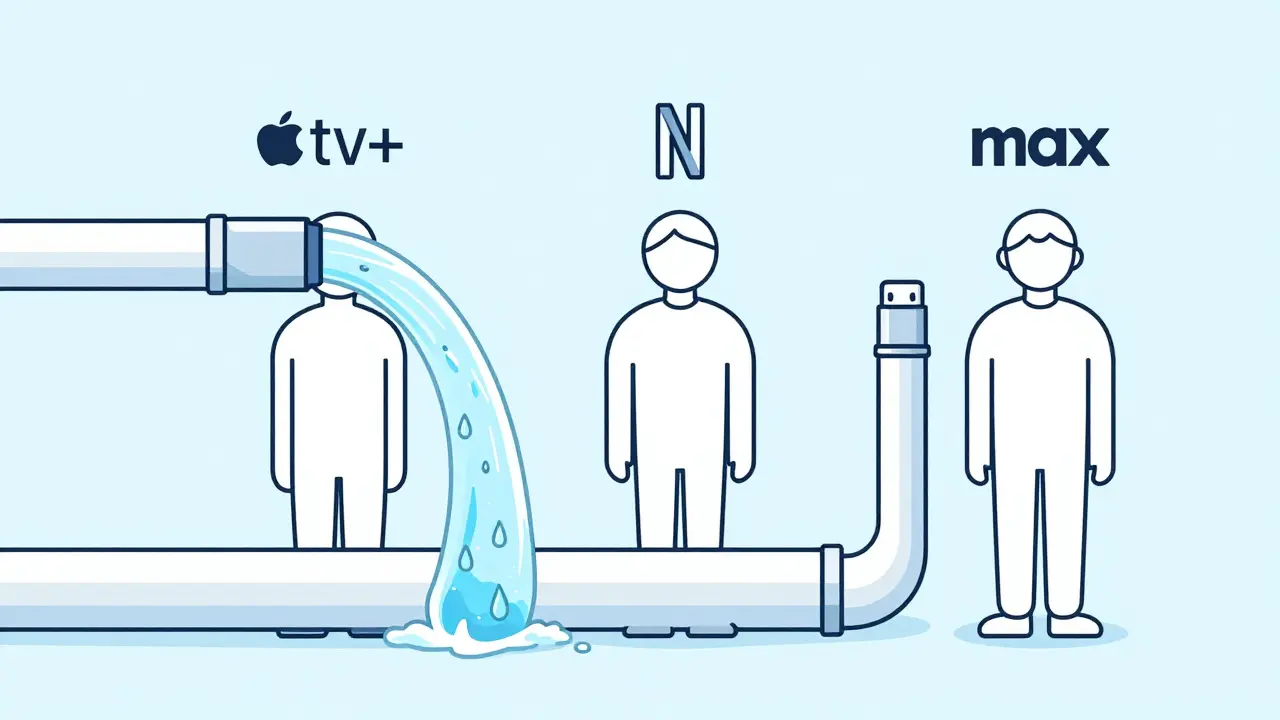
Netflix is the elephant in the room. They have the most subscribers, which means they need to manage bandwidth costs aggressively. As a result, their bitrate strategy is highly adaptive and often criticized by audiophiles and videophiles alike.
For 4K HDR content, Netflix typically peaks around 15 to 25 Mbps, depending on the title and your plan tier. To access 4K, you must subscribe to the Premium plan. Even then, Netflix uses advanced compression techniques, including VMAF (Video Multimethod Assessment Fusion), to optimize perceived quality while reducing file size. This works well for fast-paced action movies where the eye doesn’t linger on static details. But for slower, dialogue-heavy dramas or nature documentaries with intricate textures, you might notice banding in the sky or softening of edges during rapid camera pans.
One interesting quirk about Netflix is their regional variations. In countries with less developed infrastructure, bitrates are often lower globally to ensure compatibility. Also, Netflix tends to lower bitrates during peak hours (evenings) to prevent server congestion, meaning your 9 PM movie night might not look as crisp as your 2 PM afternoon binge.
Max (HBO): The Middle Ground
Max, formerly HBO Max, sits in an awkward middle ground. It has the prestige content of HBO-shows like The Last of Us and House of the Dragon that deserve high-quality presentation-but its technical delivery often lags behind Apple TV+.
Max’s 4K streams generally hover between 10 and 15 Mbps. This is adequate for most viewers, but it’s noticeably lower than Apple’s output. The issue becomes apparent in HDR content. Max supports Dolby Vision and HDR10, but the lower bitrate can cause clipping in bright highlights or crushing in deep shadows. For example, in the cave sequences of The Lord of the Rings: The Rings of Power, you might lose some detail in the darkest corners compared to a Blu-ray disc or an Apple TV+ stream.
Max also struggles with consistency. Some titles are encoded with higher bitrates than others, leading to a variable viewing experience. Additionally, Max’s app optimization across different devices can affect playback quality. On a smart TV, you might get a better bitrate than on a mobile device, even if both are connected to the same network.
The Hidden Factor: Audio Bitrate
We focus so much on video that we forget audio. A stunning 4K image paired with compressed, tinny audio ruins immersion. All three services support Dolby Atmos, but the way they deliver it differs.
Apple TV+ and Netflix both use Dolby Digital Plus (E-AC-3) for their Atmos tracks, with bitrates ranging from 384 kbps to 1.5 Mbps. This is sufficient for most home theater setups. However, Max sometimes falls back to lower-bitrate AAC codecs for older content or non-premium plans, resulting in less dynamic range and clarity. If you have a dedicated soundbar or AV receiver, you’ll notice the difference in dialogue clarity and surround sound effects.

How to Test Your Own Streaming Quality
You don’t need expensive tools to check your streaming bitrate. Here’s a simple method:
- Use a Network Monitor App: On iOS, use the built-in Screen Time feature or third-party apps like NetAnalyzer. On Android, try Data Usage Monitor. On PC/Mac, use GlassWire or Little Snitch.
- Play a 4K Title: Start a show or movie known for high visual complexity (e.g., Stranger Things on Netflix, Foundation on Apple TV+).
- Observe the Speed: Watch the download speed in real-time. If it stabilizes around 15-25 Mbps, you’re getting good quality. If it hovers around 5-8 Mbps, you’re likely getting upscaled HD, not true 4K.
- Check Device Settings: Ensure your streaming app is set to "Auto" or "High" quality. Many users unknowingly leave it on "Standard" to save data.
Also, consider using Ethernet instead of Wi-Fi. Wi-Fi interference can cause fluctuations that force the streaming service to lower the bitrate to prevent buffering. A wired connection ensures consistent data flow, allowing the service to maintain higher bitrates.
Blu-ray vs. Streaming: The Reality Check
No matter how good streaming gets, it still can’t match physical media. A standard 4K Ultra HD Blu-ray disc has a bitrate of 50-100 Mbps. That’s two to four times higher than the best streaming services. The convenience of streaming is undeniable, but if you’re a purist who values absolute fidelity, discs remain the gold standard. Streaming is a compromise-a trade-off between accessibility and perfection.
Future Trends: What’s Next for Bitrates?
As internet speeds increase and AI-driven compression improves, we may see bitrates rise again. Technologies like AV1 and H.266/VVC offer better efficiency, allowing higher quality at lower bitrates. However, adoption is slow due to hardware limitations. Most current TVs and streaming sticks still rely on older codecs like H.264 and HEVC (H.265).
Additionally, personalized streaming could become a thing. Imagine a service that adjusts bitrate not just based on your connection, but on your viewing habits and display capabilities. For now, though, we’re stuck with the current landscape where Apple leads in quality, Netflix balances scale and decent quality, and Max offers prestige content with mediocre technical execution.
Which streaming service has the highest bitrate for 4K?
Apple TV+ currently offers the highest consistent bitrate for 4K HDR content, typically peaking between 25 and 30 Mbps. This results in superior image quality with less compression artifacting compared to Netflix and Max.
Does Netflix reduce bitrate during peak hours?
Yes, Netflix uses dynamic bitrate adjustment. During peak viewing times, they may lower bitrates to manage server load and ensure smooth playback for all users, which can result in slightly reduced image quality.
Is Max 4K worth it for HDR content?
Max offers good 4K content, but its bitrate (10-15 Mbps) is lower than Apple TV+. While acceptable for casual viewing, HDR enthusiasts may notice banding and loss of detail in dark scenes compared to higher-bitrate alternatives.
How can I improve my streaming bitrate at home?
Use a wired Ethernet connection instead of Wi-Fi, ensure your router supports modern standards (Wi-Fi 6/6E), close other bandwidth-heavy applications, and set your streaming app quality settings to "High" or "Auto".
What is the difference between bitrate and resolution?
Resolution refers to the number of pixels (e.g., 3840x2160 for 4K), while bitrate is the amount of data processed per second. High resolution with low bitrate results in poor quality due to heavy compression, whereas high bitrate preserves detail and reduces artifacts.