1
Paramount+ Audio Formats: 5.1 Surround Sound vs. Stereo Availability Guide
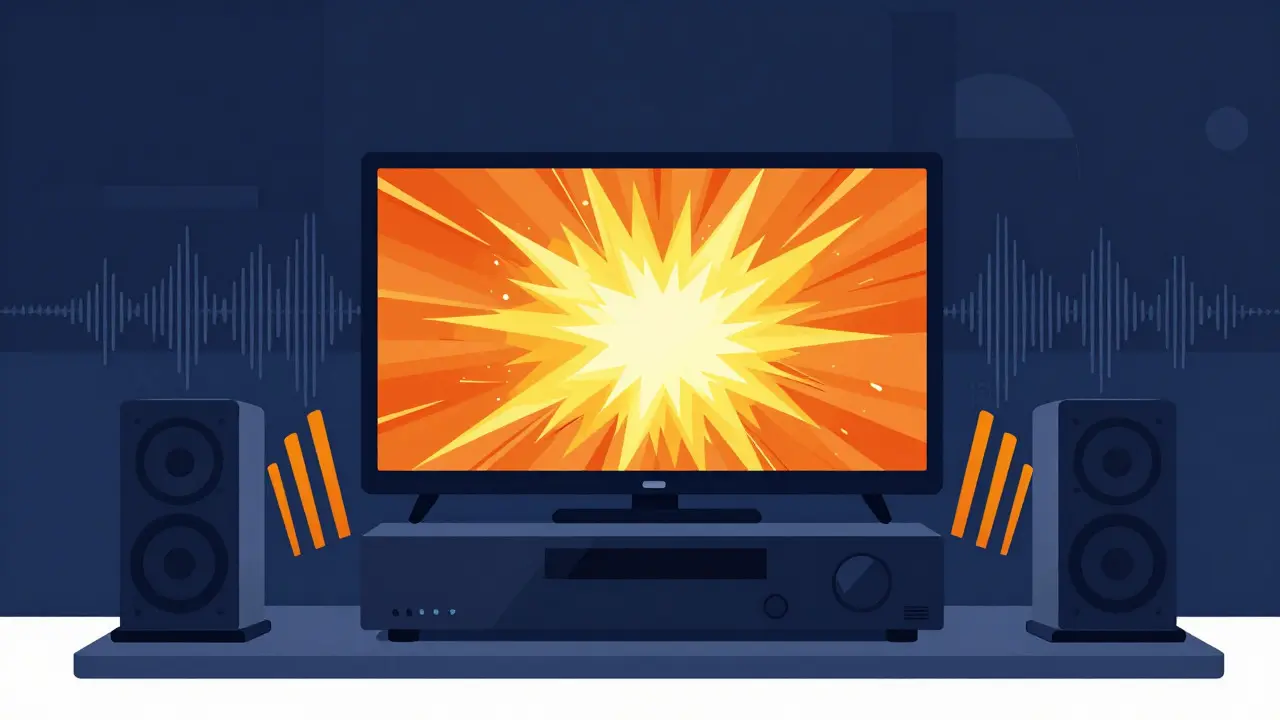
Picture this: you’ve just spent hours setting up your home theater. You’ve got a high-end receiver, floor-standing speakers, and a subwoofer that rattles the windows. You fire up Paramount+ is a subscription video-on-demand service owned by Paramount Global, offering movies, TV series, and live sports. to watch the latest blockbuster. The visuals are crisp, but when the explosion hits, the sound comes out flat. No rumble from the sub. No directional cues from the rear speakers. Just two channels of mono-like audio. It’s frustrating, especially when you know the movie was mixed in immersive audio.
You’re not alone. Many users wonder if they’re missing a setting or if the platform simply doesn’t support their gear. The truth is more nuanced. Audio formats are digital encoding standards that determine how sound is compressed and delivered over networks. on streaming services vary wildly depending on the device, the specific title, and even your internet connection. This guide breaks down exactly what you can expect from Paramount+ regarding 5.1 surround sound is a multichannel audio format with five full-range speakers and one low-frequency effects channel. versus standard Stereo is a two-channel audio reproduction method using left and right speakers., which titles support it, and how to make sure your system actually plays it.
Understanding Paramount+'s Audio Codec Strategy
To understand why your sound might be disappointing, we first need to look at the engine under the hood. Streaming services don’t send raw audio files; they compress them to save bandwidth. Paramount+ primarily uses Dolby Digital Plus is an advanced audio codec developed by Dolby Laboratories, also known as E-AC-3, used for high-quality audio streaming. (also known as E-AC-3). This is the industry standard for HD audio on platforms like Netflix, Disney+, and Amazon Prime Video.
Dolby Digital Plus supports up to 7.1 channels, but most content on Paramount+ is encoded in 5.1 channels. This means if your receiver says "DD+" or "E-AC-3" on the display, you’re getting the full surround experience. However, if it says "AAC" or "Stereo," you’re likely getting a downmixed version. Why? Because not every device supports decoding Dolby Digital Plus natively, and some apps default to stereo to ensure compatibility across older smartphones and tablets.
The key takeaway here is that the capability exists within the platform. The limitation usually lies in the delivery chain-specifically, the app on your device and how it negotiates the audio stream with your TV or receiver.
Which Devices Support 5.1 Surround Sound?
This is where things get tricky. Not all devices created equal when it comes to passing through multi-channel audio. Here’s a breakdown of what works and what doesn’t based on current user reports and technical specifications.
| Device Type | 5.1 Support | Notes |
|---|---|---|
| Smart TVs are televisions with integrated internet connectivity and application processing capabilities. (LG WebOS, Samsung Tizen) | Yes | Must use HDMI ARC/eARC output. Ensure 'Passthrough' is enabled in TV audio settings. |
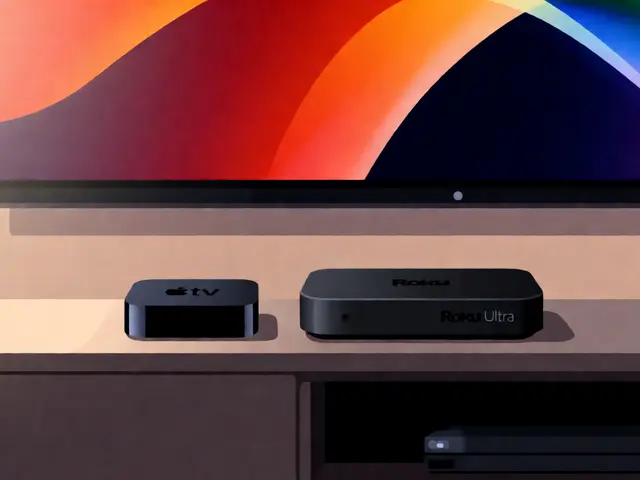
| Apple TV 4K is a digital media player and set-top computer developed by Apple Inc., designed to stream content to televisions. | Yes | Best performance. Supports Dolby Digital Plus passthrough reliably. |
| Roku Ultra / Stream+ are high-end streaming media players manufactured by Roku Inc., featuring advanced audio and video capabilities. | Yes | Requires eARC connection for optimal results. Older Roku models may downmix to stereo. |
| Fire TV Stick 4K Max is a streaming media stick developed by Amazon.com, Inc., optimized for 4K resolution and voice control. | Yes | Generally reliable, but occasional bugs require app restarts to engage surround sound. |
| iOS / Android Phones are mobile operating systems developed by Apple Inc. and Google respectively, powering smartphones and tablets. | No | Apps typically output stereo AAC. Use AirPlay or Chromecast to offload to a receiver. |
| Web Browsers are software applications used to access and navigate the World Wide Web, such as Chrome, Firefox, and Safari. | Rarely | Most browsers only support stereo AAC. Some newer implementations allow spatial audio, but true 5.1 passthrough is inconsistent. |
If you’re watching on a phone or tablet, accept that you’ll get stereo. It’s not a bug; it’s a hardware limitation. To get 5.1, you need to cast the stream to a compatible living room device or use a dedicated streaming box connected via HDMI.
Content Availability: What Actually Has Surround Sound?
Just because your device supports 5.1 doesn’t mean every show does. Paramount+ has a vast library, but the audio mastering varies significantly between decades of content.
Newer original series like Star Trek: Strange New Worlds or Halo are almost always mixed in 5.1 Dolby Digital Plus. These productions are shot and mixed with modern immersive audio in mind. You’ll hear distinct separation between dialogue, background music, and sound effects. Footsteps will move from left to right; explosions will hit the center and subwoofer simultaneously.
However, classic content from the CBS library or older Paramount films might only have a stereo mix. If a show was produced before the widespread adoption of digital surround sound in the early 2000s, it likely never received a proper 5.1 remix. In these cases, your receiver might create a "fake" surround effect using DSP (Digital Signal Processing), but it won’t be true discrete channels.
Movies are generally safer bets. Blockbusters from Paramount Pictures, Skydance, and MTV Studios usually include 5.1 tracks. But always check the episode or movie details page. Sometimes, the app indicates "HD" or "Ultra HD," which often correlates with higher bitrate audio streams, though it’s not a guarantee.
Troubleshooting Your Home Theater Setup
If you have a compatible device and a title that should support 5.1, but you’re still hearing stereo, here’s how to fix it. Most issues stem from configuration errors rather than platform limitations.
- Check HDMI Connections: Ensure you’re using an HDMI cable rated for High Speed or Premium High Speed. Cheap cables can fail to carry the data required for Dolby Digital Plus. Connect the streaming device directly to your AV receiver, then from the receiver to the TV via HDMI ARC/eARC.
- Enable Passthrough: On your TV, go into Audio Settings. Look for options like "Digital Out," "HDMI Audio Format," or "Audio Passthrough." Set this to "Bitstream," "Auto," or "Dolby Digital." Avoid setting it to "PCM" unless your receiver is very old, as PCM converts multi-channel audio to stereo on many consumer TVs.
- Receiver Settings: Make sure your receiver isn’t set to "Mono" or "Stereo" mode. Select "Auto," "Surround Decode," or "Dolby Digital" input mode. Watch the display on your receiver while playing content. Does it say "DD+" or "5.1"? If it says "Stereo" or "2ch," the signal isn’t being passed correctly.
- App Cache: Sometimes the Paramount+ app glitches. Force close the app and reopen it. If that fails, clear the cache or reinstall the app. This forces the app to renegotiate the audio codec with your device.
- Internet Speed: While rare, extremely slow internet connections can cause the app to drop the video quality and sometimes downgrade the audio stream to save bandwidth. Ensure you have at least 15 Mbps for HD content and 25 Mbps for 4K.

Stereo vs. 5.1: Is the Upgrade Worth It?
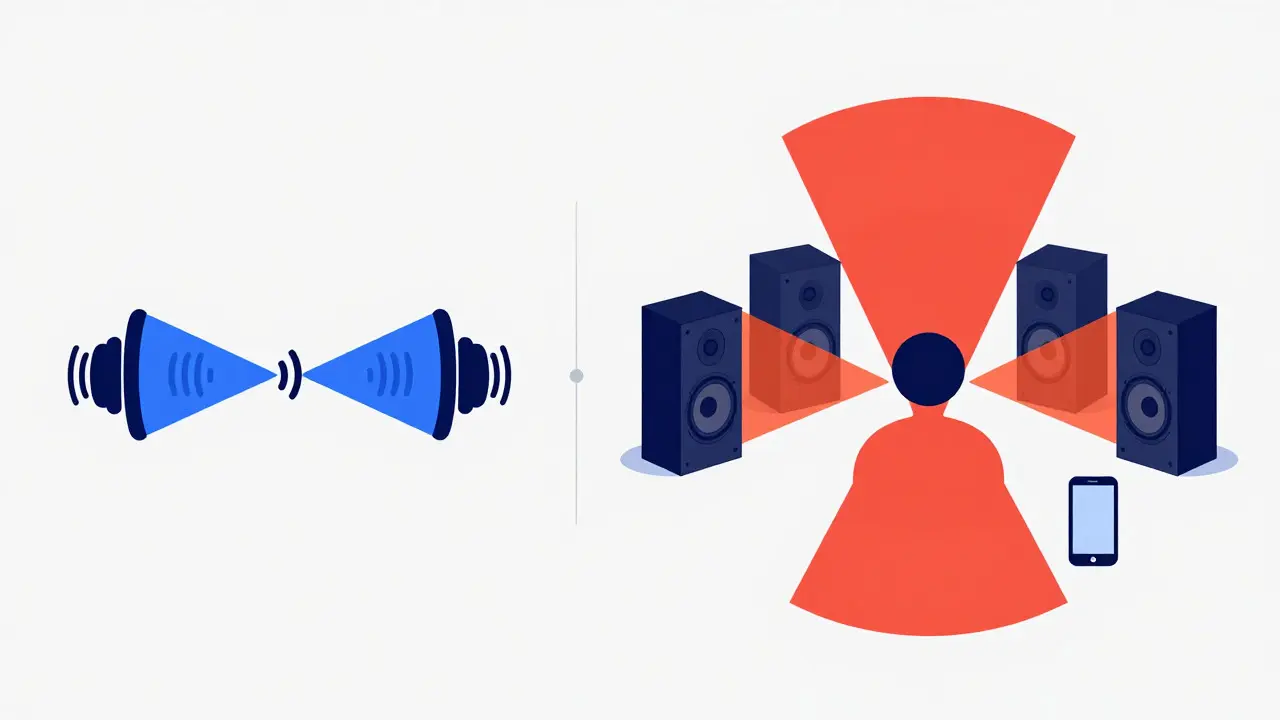
For casual viewers, stereo might seem sufficient. Dialogue is clear, and music sounds fine. But for action movies, sci-fi, and thrillers, 5.1 surround sound transforms the experience. It adds depth and immersion that stereo simply cannot replicate.
In stereo, everything is pushed forward toward you. In 5.1, the sound field expands behind you. When a car chase happens in Top Gun: Maverick, you hear engines sweeping past your ears. When a spaceship flies overhead in Star Trek, the sound moves from the front center speaker to the rear surrounds. This directional audio reduces listening fatigue because your brain doesn’t have to work as hard to locate sound sources.
If you have a soundbar with rear satellites or a full AV receiver setup, enabling 5.1 on Paramount+ is essential to justify the investment. If you’re stuck with built-in TV speakers, you’ll likely only ever hear stereo regardless of the source, so focus on upgrading your audio hardware first.
Future Outlook: Dolby Atmos and Beyond
As of 2026, Paramount+ has begun experimenting with Dolby Atmos is an object-based audio technology developed by Dolby Laboratories that creates three-dimensional sound fields. for select titles. Unlike 5.1, which assigns sounds to specific channels, Atmos treats sounds as objects that can be placed anywhere in a 3D space, including above the listener. This requires height speakers or upward-firing drivers.
While 5.1 remains the backbone of the platform’s audio strategy, expect more Atmos content to roll out in the coming years, particularly for new Paramount originals and major theatrical releases. Keep an eye on app updates and device firmware to ensure you’re ready for this next leap in audio fidelity.
Does Paramount+ support Dolby Atmos?
As of 2026, Paramount+ offers limited Dolby Atmos support for select new releases and original series. However, the majority of the library is still encoded in 5.1 Dolby Digital Plus. Check the specific title's details page for "Atmos" labeling.
Why does my Paramount+ app only play stereo on my Smart TV?
This is usually due to TV audio settings. Ensure your TV's HDMI audio output is set to "Bitstream" or "Auto" rather than "PCM." Also, verify that the app is updated to the latest version, as older builds may default to stereo for compatibility.
Can I get 5.1 surround sound on my iPhone or Android phone?
No, mobile apps typically output stereo AAC audio. To get 5.1, you must cast the content to a compatible living room device like Apple TV, Roku, or a Smart TV that supports Dolby Digital Plus passthrough.
What is the difference between Dolby Digital and Dolby Digital Plus?
Dolby Digital (AC-3) is the older standard found on DVDs, supporting up to 5.1 channels. Dolby Digital Plus (E-AC-3) is the newer, more efficient codec used for streaming and Blu-rays. It supports higher bitrates, more channels (up to 7.1), and better compression without losing quality.
Do I need an eARC port for 5.1 sound?
Not strictly. Standard HDMI ARC supports Dolby Digital Plus 5.1. However, eARC (Enhanced ARC) provides a wider bandwidth, ensuring stable transmission of high-bitrate audio and future-proofing for Dolby Atmos. For 5.1 specifically, regular ARC is sufficient.