29
Disney+ Device Compatibility Guide: Best TVs, Streamers, and Consoles
Quick Setup Guide: Getting Started
Before you spend hours digging through app stores, here is the fastest way to get your stream running:
- Check if your device has a built-in app store (like Google Play or the LG Content Store).
- Search for "Disney+" and hit download.
- Log in using the email associated with your account.
- If the app isn't available, you'll likely need an external streaming stick.
The Smart TV Landscape
Not all smart TVs are created equal. Some are just "dumb" screens with a few basic apps, while others are full-blown computers. When we talk about Smart TVs, we're looking at the operating system (OS) that runs the show. Samsung TVs using Tizen and LG TVs using webOS generally have excellent Disney+ support, provided the model is from 2016 or newer.
If you have a Sony or Hisense TV, you're likely running Android TV or Google TV. These are arguably the most flexible because they pull directly from the Google Play Store. The real pitfall here is "legacy" hardware. If you're rocking a TV from 2014, don't be surprised if the app crashes or refuses to update. In those cases, don't buy a new TV-just buy a $30 streaming stick.
| Operating System | Typical Brands | Performance Level | 4K Support |
|---|---|---|---|
| Tizen | Samsung | High | Yes |
| webOS | LG | High | Yes |
| Google TV / Android TV | Sony, Hisense, TCL | Very High | Yes |
| Roku TV | TCL, Hisense | Medium/High | Yes |
Streaming Sticks and Boxes: The Reliable Route
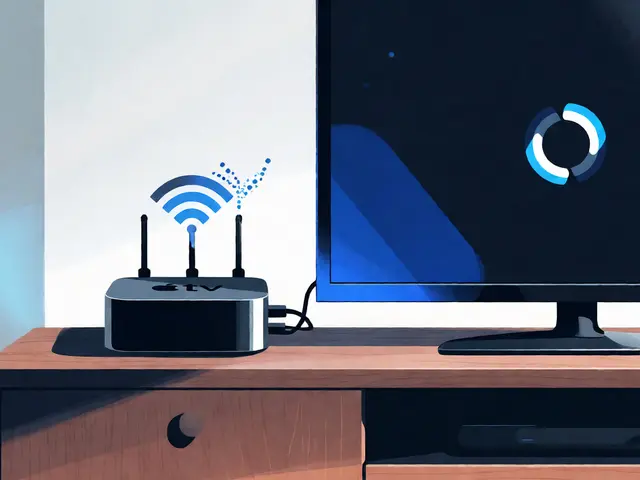
If your TV's built-in software feels sluggish, a dedicated streamer is the way to go. These devices often get app updates faster than TVs do. The Amazon Fire TV Stick is a popular choice because it's affordable and integrates perfectly with Alexa. However, if you're already deep in the Apple ecosystem, the Apple TV 4K is the gold standard for stability and picture quality. It avoids the ad-heavy interfaces found on cheaper sticks and provides a cleaner transition between Disney+ and other apps.
Then there's Chromecast with Google TV. It's a great middle-ground option that allows you to cast content from your phone while still having a dedicated remote. For those who want the absolute simplest interface, the Roku players are incredibly reliable. They don't have the fanciest bells and whistles, but they almost never crash, which is exactly what you want when you're trying to relax after a long day.
Gaming Consoles: More Than Just Gaming
Who says you need a TV app when you have a console? Modern consoles have become entertainment hubs. The PlayStation 5 and PlayStation 4 both support Disney+ natively. The experience is snappy, and because these consoles have powerful processors, the apps tend to load content very quickly.
On the Microsoft side, the Xbox Series X, Xbox Series S, and Xbox One all work seamlessly. One pro tip: if you're using a console, make sure your system software is updated. A pending OS update can sometimes block the Disney+ app from launching or cause it to lag during high-action scenes.
Mobile Devices and Tablets
For those who prefer watching in bed or on a commute, the app is available on virtually every modern smartphone. iOS (iPhone) and Android devices are fully supported. One of the best features here is the "Download" function. If you're traveling, you can save episodes to your device and watch them offline, which is a lifesaver on flights.
Tablets, specifically the iPad and Samsung Galaxy Tab, offer a much better experience than a phone. Because of the larger screens, you can actually appreciate the visual effects in Marvel movies. Just be mindful of your data usage; streaming in 4K on a cellular network will eat through your data cap in record time.
Common Compatibility Pitfalls
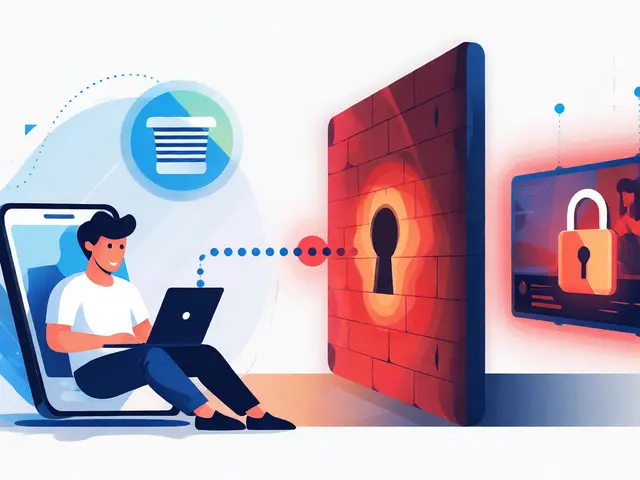
Why does the app work on my phone but not my TV? Usually, it comes down to the HDCP (High-bandwidth Digital Content Protection). This is a handshake between your device and your TV to prevent piracy. If you're using an old HDMI cable or a weird adapter, you might get a black screen or a "content unavailable" error. If this happens, try swapping the cable or plugging the streamer directly into the TV instead of through an audio receiver.
Another common issue is regional locking. Since the Disney Bundle varies by country (e.g., different offerings in the US vs. Australia), your device might not show the app if your account region doesn't match your IP address. If you've recently moved or are using a VPN, this is usually the culprit.
Can I use Disney+ on an old smart TV?
It depends on the year. Most TVs from 2016 onwards support it. If yours is older, the best solution is to plug in a streaming device like a Roku or Fire Stick, which adds modern app support to any screen with an HDMI port.
Does the Disney Bundle work on all these devices?
Yes. While you have separate apps for Disney+, Hulu, and ESPN+, they are compatible with the same range of devices. Just note that Hulu's availability is more restricted geographically than Disney+.
Why is my Disney+ app lagging on my console?
This is often due to an outdated system update or a cluttered cache. Try restarting your console and checking for any available firmware updates in the system settings.
Do I need a 4K TV to use the app?
No, you can watch Disney+ on any resolution. However, to see the content in 4K UHD, you need both a 4K-compatible TV and a streaming device that supports 4K output.
Can I stream Disney+ through a web browser?
Yes, you can use a computer via browsers like Chrome, Firefox, or Safari. This is a great alternative if you don't have a smart device handy, though the interface is slightly different from the TV app.
Next Steps for a Better Experience
If you've got your device sorted, the next step is optimizing your connection. If you notice buffering, try switching your streaming device to a 5GHz Wi-Fi band rather than 2.4GHz. If your router is far from the TV, an Ethernet cable (if your device has a port) will eliminate lag entirely.
For those using the bundle, I recommend setting up a central "hub" device, like an Apple TV or Shield TV, where you can easily switch between Disney+, Hulu, and ESPN+ without having to navigate multiple different remote controls. It keeps the movie night flow smooth and stress-free.