15
Streaming App Safety Features: Parental Controls Guide for 2026
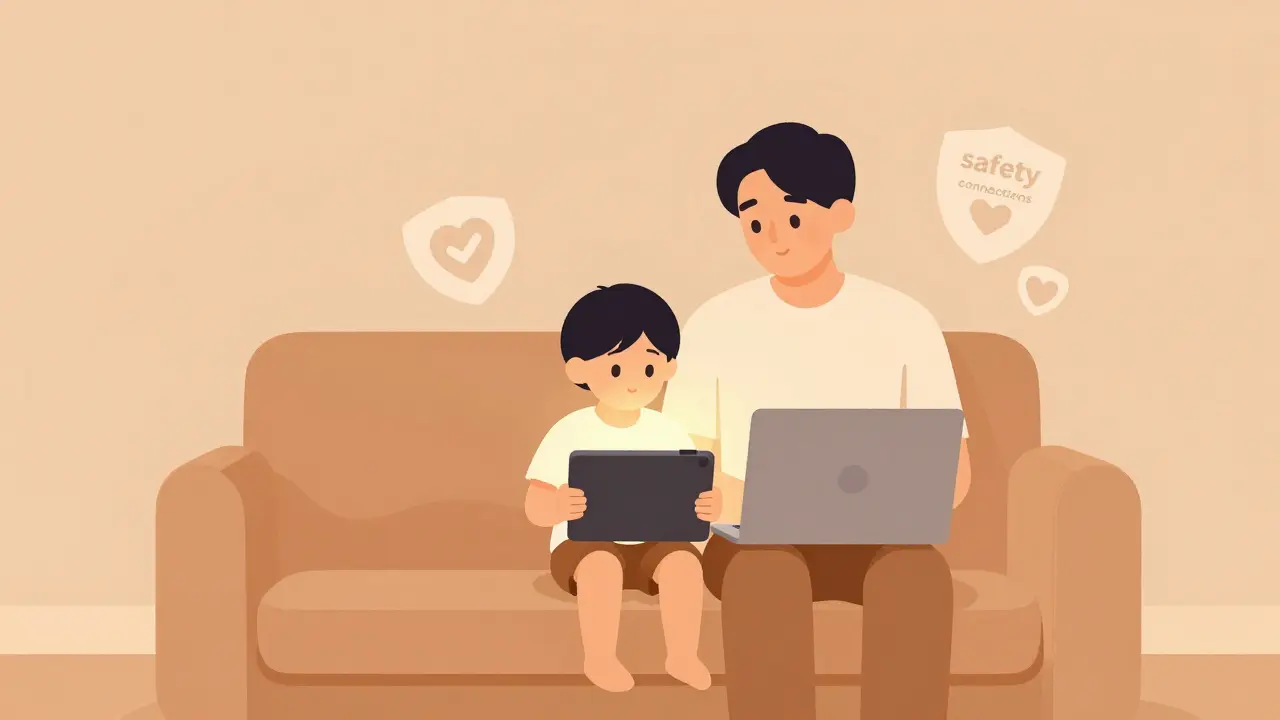
You hand your tablet to your five-year-old so you can finish that email. Within seconds, they’re watching a cartoon. But what happens when the ad break rolls in? Or worse, when a stranger slides into their DMs on a video chat feature embedded in the app? It’s not just about screen time anymore. The real danger lies in who your kids talk to while they watch.
We often think of streaming apps as passive entertainment hubs. You press play, you watch, you pause. But modern platforms like YouTube Kids, TikTok, and even Disney+ are becoming social spaces. They have comments, live streams, direct messages, and algorithmic feeds that react to user behavior. This shift means "communication safety" is no longer a buzzword-it’s a survival skill for parents in 2026.
If you’ve ever wondered if your child is safe behind the glowing screen, you’re asking the right question. Most parents rely on basic age gates, which are easily bypassed by tech-savvy kids. The real protection comes from understanding the specific safety layers built into these apps. Let’s break down what these features actually do, how they work, and where the gaps still exist.
The Shift From Content Filtering to Communication Control
Five years ago, parental controls were mostly about blocking R-rated movies or pausing the TV. Today, the threat model has changed. Kids aren’t just watching content; they are interacting with it. A study by Common Sense Media in early 2025 highlighted that 68% of children aged 8-12 have encountered unwanted contact from strangers through in-app messaging or comment sections.
This is why parental controls software tools that allow parents to monitor and restrict their children's digital activities have evolved. We are moving from simple "time limits" to "interaction limits." Streaming apps now offer granular controls over who can message your child, who can see their location, and what data the algorithm uses to suggest videos.
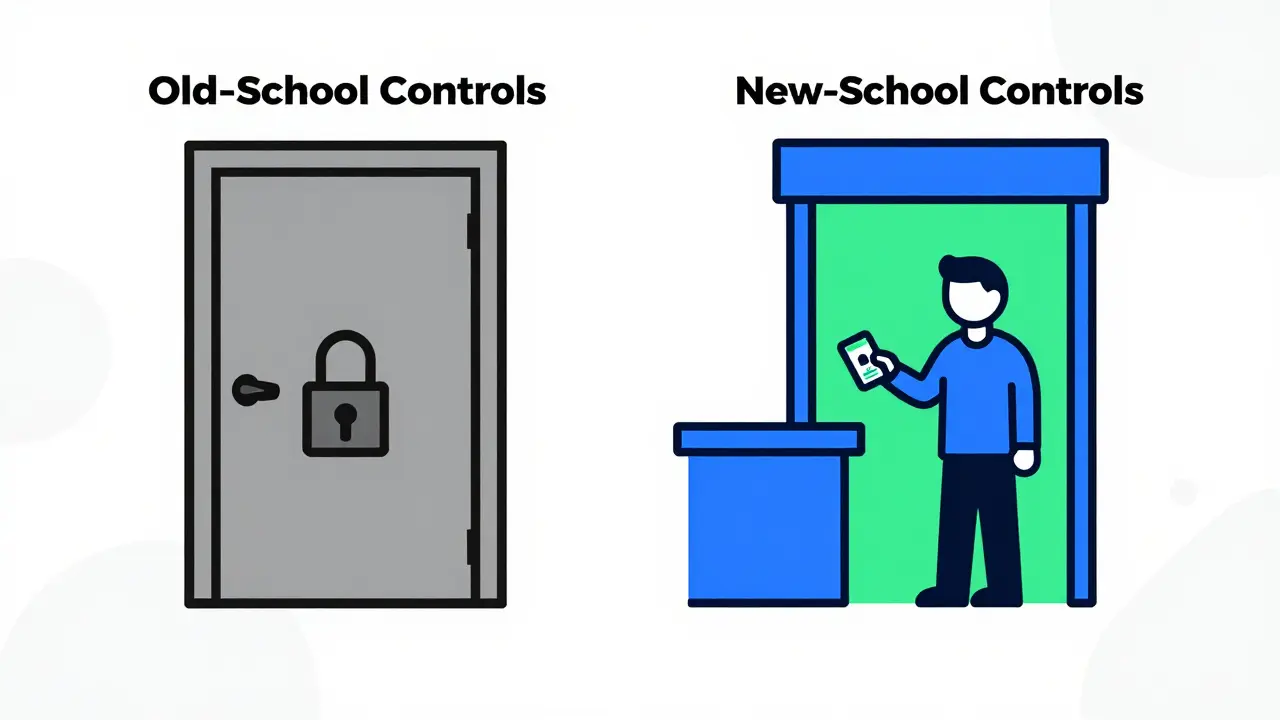
Think of it like this: Old-school controls were a locked door. New-school controls are a bouncer checking IDs at the club. You don’t just stop everyone from entering; you manage who gets to interact with whom once they’re inside.
Key Communication Safety Features in Major Apps
Not all streaming apps are created equal when it comes to safety. Some prioritize engagement over security, while others build safety into their core architecture. Here is how the major players stack up in 2026.
| Platform | Direct Messaging Control | Comment Moderation | Live Stream Safety | Data Privacy Level |
|---|---|---|---|---|
| YouTube Kids | Disabled (No DMs) | AI + Human Review | No Live Streams | High (COPPA Compliant) |
| TikTok | Restricted to Friends Only | Keyword Filtering | Age-Restricted Access | Medium (Data Collection Heavy) |
| Netflix | N/A (No Social Features) | N/A | N/A | High (Minimal Tracking) |
| Roblox | Chat Filters & PIN Lock | Real-time AI Filter | Private Servers Only | Medium (User-Generated Content Risks) |
Notice the difference between Netflix and TikTok. Netflix is a walled garden. There is no one to talk to, so there is no risk of communication harm. TikTok, however, is a town square. The safety features are robust but require active management. If you leave the defaults alone, your teen might be fine. If you want true safety, you need to dig into the settings.
Understanding "Privacy Mode" and "Restricted Mode"
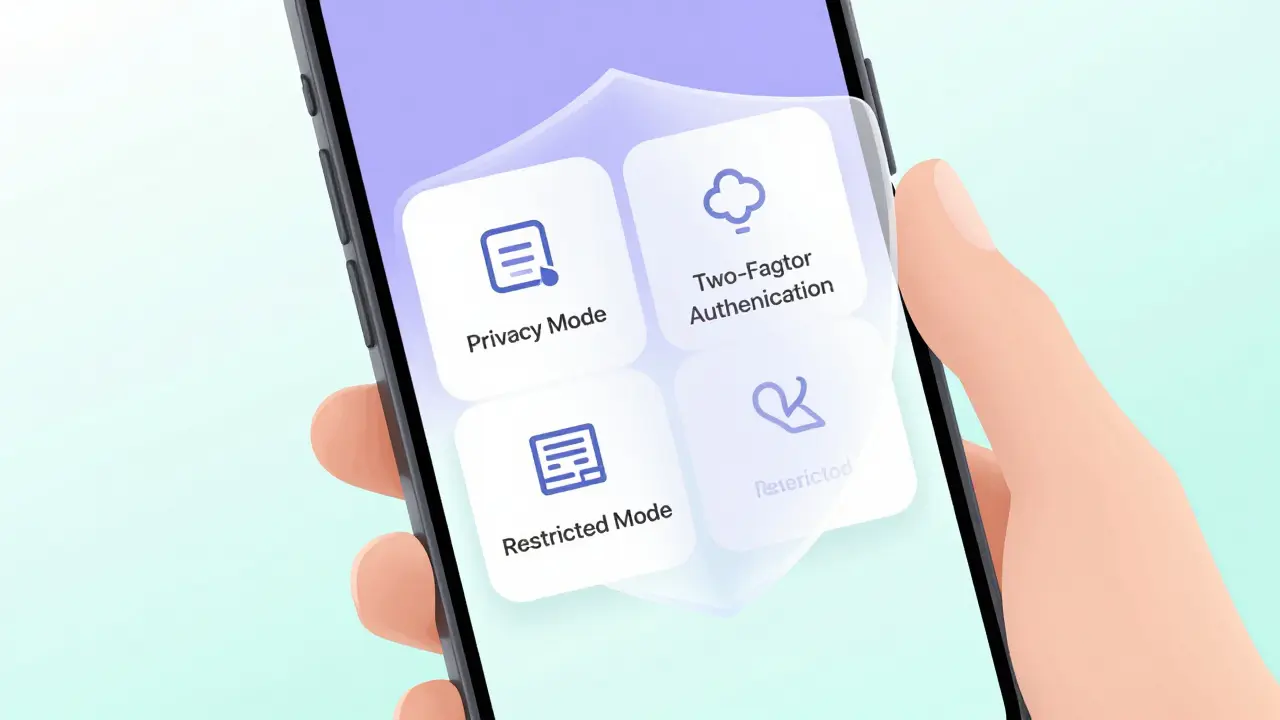
You will see two terms thrown around constantly: Restricted Mode and Privacy Mode. They sound similar, but they serve different purposes. Confusing them is the number one reason parents feel betrayed by an app’s safety claims.
Restricted Mode is primarily a content filter. On YouTube, for example, it blocks videos that may contain mature content based on metadata and community reports. It does not stop someone from commenting something inappropriate on a video your child is watching. It filters what they see, not who talks to them.
Privacy Mode (or Private Account settings) is about communication. When enabled, it prevents strangers from sending direct messages, liking posts, or joining live streams. This is the feature you need to toggle for communication safety. On Instagram and TikTok, setting an account to "Private" is non-negotiable for users under 16.
A pro tip: Check if the app allows "incognito" viewing. Some apps let users browse without leaving a trace, but they also let creators hide their identity. Look for settings that disable "Allow others to tag me" and "Show activity status." These small toggles reduce the surface area for unwanted attention.
The Algorithmic Trap: How Recommendations Drive Risk
Here is the part most parents miss: The algorithm is the silent partner in communication risks. When an app recommends a video based on engagement, it often prioritizes controversy. Controversy drives comments. Comments drive interactions.
In 2026, many streaming apps use machine learning algorithms computer programs that learn from data to make predictions or decisions to curate feeds. If your child watches a video about gaming glitches, the algorithm might push them toward a creator who hosts unmoderated Discord servers. That server is outside the app’s control, but the path to it was paved by the app’s recommendation engine.
To combat this, look for "Supervised Experience" modes. These modes cap the amount of data the algorithm collects. For instance, Google’s Family Link allows you to approve app downloads and set daily limits, but more importantly, it restricts the search history used to train the recommendation engine. Less data means fewer radicalizing pathways.
Setting Up Effective Barriers: A Step-by-Step Approach
Reading about safety features is one thing. Implementing them is another. Most parents fail because they set up controls once and never revisit them. Apps update their interfaces monthly. Settings change. Here is a practical checklist to secure your household’s streaming experience.
- Enable Two-Factor Authentication (2FA): This sounds technical, but it’s crucial. If a hacker guesses your child’s password, 2FA stops them from changing the privacy settings. Use an authenticator app, not SMS, for better security.
- Turn Off In-App Purchases: Scammers often use fake giveaways to trick kids into revealing personal info or buying virtual currency. Disable purchases in the device settings, not just the app.
- Review Friend Lists Weekly: On apps like Roblox or Snapchat, check who your child is connected with. Look for accounts with no profile pictures or strange usernames. Block and report them immediately.
- Use "Ask to Buy" Features: Apple and Android both offer family sharing options that require parent approval for any new app download. This prevents access to unsupervised streaming platforms.
- Disable Location Services: Go into your phone’s settings and turn off location access for streaming apps. There is no reason for a cartoon app to know your GPS coordinates.
These steps take about ten minutes per week. But they create a buffer zone that gives you time to react before a situation escalates.
The Limits of Technology: Why Conversation Matters
Let’s be honest: No software is perfect. Bad actors find ways around filters. They use leetspeak (replacing letters with numbers, like "h@cker") to bypass keyword blockers. They move conversations to encrypted apps like Telegram or WhatsApp within minutes.
This is where technology hits its ceiling. Parental controls are a net, not a wall. They catch the obvious threats, but they cannot read minds. The most effective safety feature is open communication. Ask your kids what they see. Teach them the "Stop, Block, Tell" method. Stop watching, block the user, and tell a trusted adult.
In Brisbane, we see a lot of families relying solely on tech solutions. I’ve worked with dozens of households, and the ones that succeed are the ones that treat safety as a shared responsibility. Your job isn’t to be the police officer in the background; it’s to be the coach on the sidelines.
Emerging Trends in 2026: AI Moderation and Biometrics
As we move deeper into 2026, new tools are emerging. AI moderation is getting smarter. Apps are now using natural language processing a branch of AI that helps computers understand human language to detect context, not just keywords. This means sarcasm, bullying, and grooming attempts are identified faster than before.
Bio-metric locks are also becoming standard. Some premium parental control suites now require a fingerprint or face scan to unlock certain apps after a certain hour. This prevents kids from handing the phone to a sibling or friend to bypass restrictions. While convenient, these features raise privacy questions. Always check the app’s privacy policy to ensure biometric data is stored locally on the device, not sent to the cloud.
Another trend is the rise of "Digital Wellbeing" dashboards. These provide visual insights into not just how long your child uses an app, but what type of content engages them most. If you notice a spike in late-night activity on a social streaming app, it’s a red flag worth investigating.
When to Upgrade Your Protection Strategy
Sometimes, built-in app features aren’t enough. If your child is highly social, spends hours in live chats, or shows signs of anxiety related to online interactions, consider third-party monitoring tools. However, choose wisely. Many spyware apps violate trust and can backfire.
Look for transparent monitoring tools that focus on education rather than surveillance. Tools like Bark or Qustodio alert you to potential dangers (cyberbullying, sexual predators) without reading every single message. This balances safety with respect for your child’s growing independence.
Remember, the goal is not to create a sterile environment. It’s to create a resilient one. Your child will eventually navigate the internet alone. The skills they learn today-how to spot a scam, how to protect their data, how to disengage from toxic conversations-are the real safety features.
What is the safest streaming app for young children?
For children under 13, YouTube Kids and Netflix are generally considered the safest because they lack direct messaging and live interaction features. PBS Kids is another excellent option with curated educational content and no social components.
Can parental controls be easily bypassed?
Yes, determined teenagers can often bypass basic parental controls by creating new accounts, using incognito modes, or switching devices. This is why combining technical controls with open communication and regular check-ins is essential for long-term safety.
How do I stop strangers from messaging my child on TikTok?
Go to Settings and Privacy, then select Privacy. Under "Who can send me messages," choose "Friends" or "No One." Additionally, set the account to "Private" to ensure only approved followers can view content and interact.
Is Restricted Mode enough to protect my child?
No, Restricted Mode only filters potentially mature content. It does not block direct messages, comments, or live stream interactions. For full communication safety, you must also enable Privacy Mode and adjust messaging permissions.
What should I do if my child encounters cyberbullying?
First, comfort your child and reassure them it is not their fault. Then, document the incident with screenshots. Use the app’s reporting tools to block and report the bully. If the bullying involves threats or harassment, contact local authorities and consider seeking professional support.