20
Dolby Atmos Music: Which Streaming Services Support Spatial Audio in 2026?
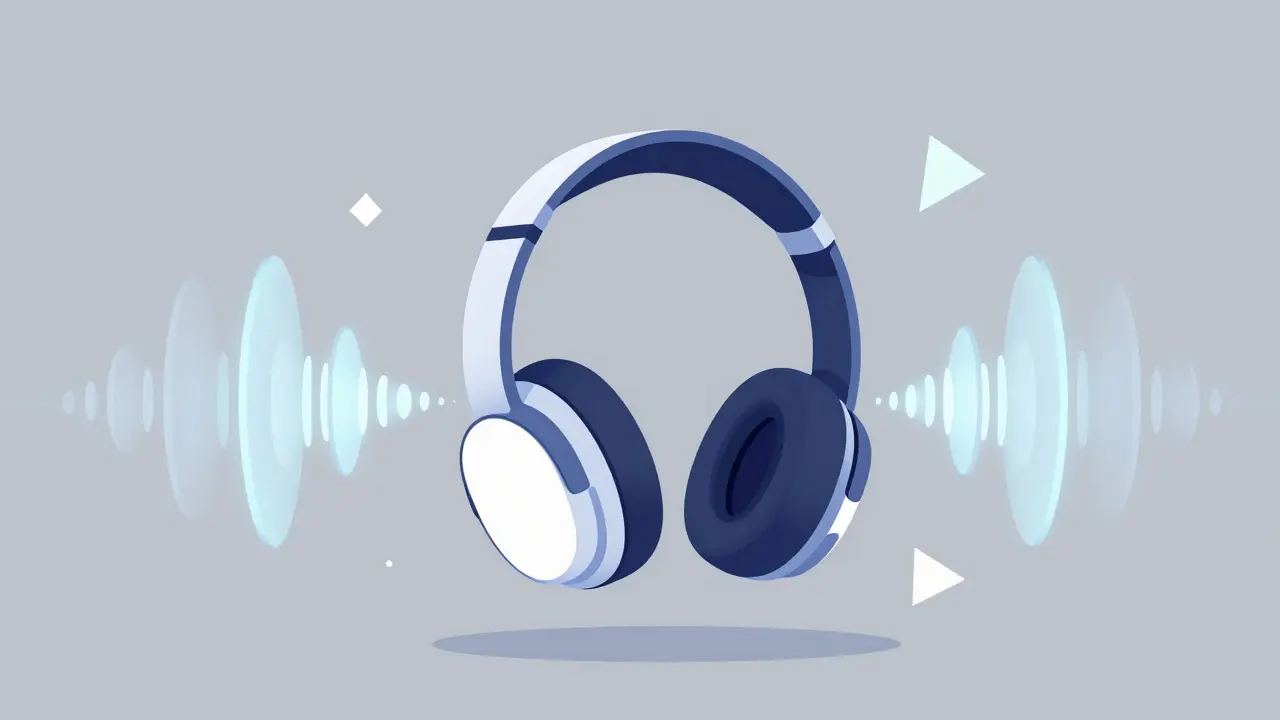
You put on your headphones, hit play, and suddenly the singer isn't just in front of you-she’s slightly to the left, with the kick drum pulsing behind your head. That immersive feeling is Dolby Atmos, a spatial audio technology that creates a three-dimensional sound field where individual sounds can be placed anywhere around the listener, including overhead. It has moved from movie theaters to our living rooms, and now it is the gold standard for music streaming. But here is the catch: not every service supports it, and even among those that do, the experience varies wildly depending on your device, your subscription tier, and how the track was mixed.
If you are looking to upgrade your listening experience, you need to know which platforms actually deliver this technology without breaking the bank or requiring a specific brand of hardware. By May 2026, the landscape has settled into a clear hierarchy of winners and losers. Let’s break down exactly which services support Dolby Atmos music, what you need to stream it, and whether the hype matches the reality.
The Current Landscape of Spatial Audio Streaming
Spatial audio is no longer a niche feature. Major labels have spent years remastering their back catalogs and mixing new releases specifically for this format. However, the infrastructure to deliver these high-bitrate, multi-channel streams requires significant bandwidth and server power. As a result, only a handful of major players offer true lossless Dolby Atmos streaming as part of their core offerings.
In 2026, the market is dominated by four main contenders: Apple Music, Amazon Music Unlimited, Tidal, and YouTube Music Premium. While others like Spotify have dabbled in similar technologies, they often use proprietary codecs that are not true Dolby Atmos. Let’s look at each one individually to see how they stack up.
Apple Music: The Pioneer and Still the Leader
When Apple launched Dolby Atmos support in 2021, it changed the game overnight. In 2026, Apple Music remains the most seamless option for users embedded in the Apple ecosystem. If you own an iPhone, iPad, Mac, or Apple TV, enabling spatial audio is often automatic.
The library is massive. With over 100 million songs available in Lossless quality, roughly 10-15% of the catalog is explicitly mixed in Dolby Atmos. This includes a huge portion of recent pop, hip-hop, and electronic releases. What makes Apple Music stand out is its integration with Headphone Spatial Audio, which uses head-tracking via the gyroscope in your AirPods Pro or Max. When you turn your head, the soundstage stays fixed relative to the screen, creating a cinema-like effect.
For Android users, the experience is good but not perfect. You can stream Dolby Atmos through the Apple Music app, but you lose the head-tracking feature unless you have specific compatible hardware. The bitrate for Atmos tracks on Apple Music is typically around 7.1 Mbps, which is sufficient for high-fidelity playback without consuming excessive data.
Amazon Music Unlimited: The Best Value for Android Users
Amazon Music Unlimited has aggressively expanded its Dolby Atmos catalog since 2023. By 2026, it offers one of the largest selections of spatial audio tracks, rivaling Apple in terms of volume. The key advantage here is accessibility. Unlike Apple, Amazon does not restrict spatial audio to its own hardware. You can listen to Dolby Atmos on any Android phone, Windows PC, or smart speaker that supports the codec.
If you use an Echo Show or Fire TV, the integration is flawless. Amazon also supports Dolby Access apps on various TVs, allowing you to cast spatial audio directly to your home theater system. The pricing is competitive, especially if you already have Prime, though the full unlimited tier is required to access the Atmos catalog. Note that Amazon uses the same AAC codec for Atmos as Apple, ensuring consistent quality across devices.
Tidal: High-Fidelity Focus with a Smaller Catalog
Tidal positions itself as the audiophile’s choice. While it offers Dolby Atmos, its primary selling point remains its FLAC lossless audio. For many users, the spatial audio library feels smaller compared to Apple or Amazon. Tidal focuses heavily on curated playlists and artist exclusives, so you might find more indie and jazz titles mixed in Atmos, but fewer mainstream pop hits.
The benefit of Tidal is its flexibility. It works well on both iOS and Android, and it integrates nicely with third-party DACs (Digital-to-Analog Converters) if you have a dedicated hi-fi setup. However, Tidal does not offer head-tracking features like Apple does. The experience is static: the sound comes from a fixed direction regardless of how you move your head. For purists who prefer a traditional stereo mix enhanced by depth rather than gimmicky tracking, Tidal is a strong contender.
YouTube Music Premium: The Rising Contender
YouTube Music Premium entered the spatial audio race later than its competitors, but by 2026, it has caught up significantly. Google has invested heavily in licensing Dolby Atmos rights, and the service now offers a substantial number of spatial audio tracks. The advantage here is the sheer size of YouTube’s content library. Many live performances, remixes, and unofficial releases that are mixed in Atmos are available here before they hit other platforms.
YouTube Music works best on Android devices, particularly those with Google Pixel phones, which have native software support for spatial audio rendering. On iOS, the experience is functional but lacks some of the polish found in Apple Music. If you are already paying for YouTube Premium to remove ads from videos, adding music spatial audio is a natural extension.
What About Spotify?
This is the most common question. Spotify does not currently support true Dolby Atmos. Instead, it uses a proprietary technology called "Spatial Audio" which is essentially an advanced binaural simulation based on stereo tracks. It creates a wider soundstage, but it does not provide the discrete object-based audio channel separation that Dolby Atmos offers. If authentic spatial audio is your priority, Spotify will disappoint you. Stick to Apple, Amazon, Tidal, or YouTube Music.
| Service | Dolby Atmos Support | Head Tracking | Best For | Price Tier (Approx.) |
|---|---|---|---|---|
| Apple Music | Yes (Extensive) | Yes (Apple Hardware) | iOS Users, Ecosystem Integration | $9.99/mo |
| Amazon Music Unlimited | Yes (Large) | No | Android Users, Smart Home | $8.99/mo |
| Tidal | Yes (Moderate) | No | Audiophiles, Hi-Fi Enthusiasts | $10.99/mo |
| YouTube Music Premium | Yes (Growing) | Limited (Pixel Only) | Android Users, Video Content | $10.99/mo |
| Spotify | No (Proprietary Only) | No | Discovery, Playlists | $9.99/mo |
Hardware Requirements: What Do You Need?
Having the right subscription is only half the battle. To truly hear the difference, your hardware must decode and render the Dolby Atmos signal correctly. Here is what you need to check:
- Smartphones: Most modern smartphones from 2024 onwards support Dolby Atmos decoding. iPhones require iOS 16 or later. Android phones vary; Samsung, Google Pixel, and OnePlus devices generally have excellent support. Check your phone’s specifications for "Dolby Atmos" certification.
- Headphones: Any pair of stereo headphones can technically play spatial audio, but results vary. AirPods Pro (2nd gen or later) and AirPods Max offer the best experience due to head-tracking. For Android, Sony WH-1000XM5 and Bose QuietComfort Ultra provide excellent spatial audio rendering.
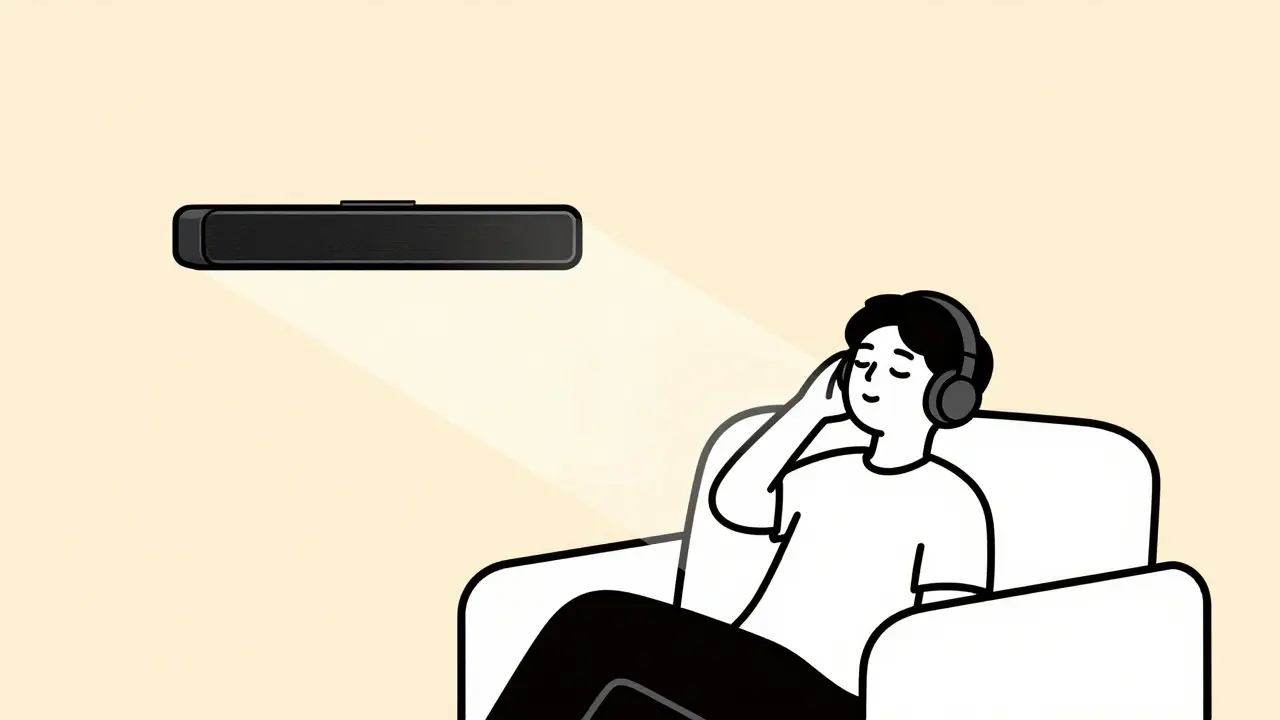
- Speakers: If you want to listen without headphones, you need a speaker system that supports Dolby Atmos. This usually means a soundbar with upward-firing drivers or a dedicated 5.1.2 or 7.1.4 surround sound setup. Standalone Bluetooth speakers rarely support true Atmos; they often simulate it poorly.
How to Enable Dolby Atmos on Your Device
Even if your service supports it, spatial audio is sometimes turned off by default. Here is how to make sure it’s active:
- On iPhone/iPad: Go to Settings > Music > Audio Quality. Ensure "Lossless" is enabled. Then, go to Settings > Accessibility > Audio/Visual > Headphone Accommodations. Turn on "Off-Axis Vocal Enhancement" if you want extra clarity, but ensure "Spatial Audio" is set to "Always On" or "Dynamic".
- On Android: Open the streaming app (e.g., Amazon Music). Go to Settings > Audio Quality. Select "Hi-Res Lossless" or "Dolby Atmos". Some Android skins also require you to enable Dolby Atmos in the system settings under Sound & Vibration.
- On Apple TV: Go to Settings > Audio and Video. Set Audio Format to "Dolby Atmos". Ensure your receiver or AV amplifier is also set to pass-through Dolby Atmos signals.
Is the Difference Worth It?
After testing dozens of tracks across all platforms, the answer is yes-but with caveats. Well-mixed Dolby Atmos tracks feel expansive and detailed. Instruments separate cleanly, and vocals sit naturally in the center. However, not all mixes are created equal. Some early conversions feel artificial, with instruments panned too far to the sides or overhead effects that distract rather than enhance.
The biggest benefit is immersion. If you listen to music while working or commuting, spatial audio reduces ear fatigue because the sound doesn’t feel compressed inside your skull. It mimics a natural acoustic environment. For casual listeners, the difference might be subtle. For enthusiasts, it’s transformative.
Common Pitfalls to Avoid
One mistake people make is assuming every song on these platforms is in Dolby Atmos. It isn’t. Look for the small "Atmos" badge next to the track title. If you don’t see it, you’re hearing a standard stereo upmix, which is inferior. Another pitfall is using low-quality Bluetooth codecs. To get the full benefit, use wired connections or high-bandwidth wireless protocols like Wi-Fi Direct or AirPlay 2. Standard Bluetooth SBC or AAC may compress the spatial data, reducing the effect.
Does Spotify support Dolby Atmos?
No, Spotify does not support true Dolby Atmos. It uses a proprietary spatial audio simulation that enhances stereo tracks but does not provide the object-based, multi-channel audio experience of Dolby Atmos.
Can I listen to Dolby Atmos on any headphones?
Yes, any stereo headphones can play Dolby Atmos tracks. However, to get the full experience with head-tracking, you need specific hardware like AirPods Pro or Sony WH-1000XM5. Without head-tracking, the soundstage remains static.
Which streaming service has the largest Dolby Atmos catalog?
As of 2026, Apple Music and Amazon Music Unlimited have the largest and most comprehensive catalogs of Dolby Atmos tracks, covering a wide range of genres and recent releases.
Do I need a special subscription to access Dolby Atmos?
Yes, on most platforms, Dolby Atmos is included in the premium or unlimited tiers. Free or ad-supported versions typically do not offer spatial audio streaming.
How do I know if a song is mixed in Dolby Atmos?
Look for a "Dolby Atmos" badge or icon next to the track title in your streaming app. If the badge is missing, the track is likely a standard stereo mix or an automated upmix.
Does Dolby Atmos work over Bluetooth?
It depends on the codec. Standard Bluetooth often compresses the audio, reducing the spatial effect. For the best experience, use wired connections, Wi-Fi streaming, or high-quality Bluetooth codecs like LDAC or aptX HD if supported by your device.