17
Spatial Audio and Immersive Sound Explained: How It Works and Why It Matters for 4K and HDR Content
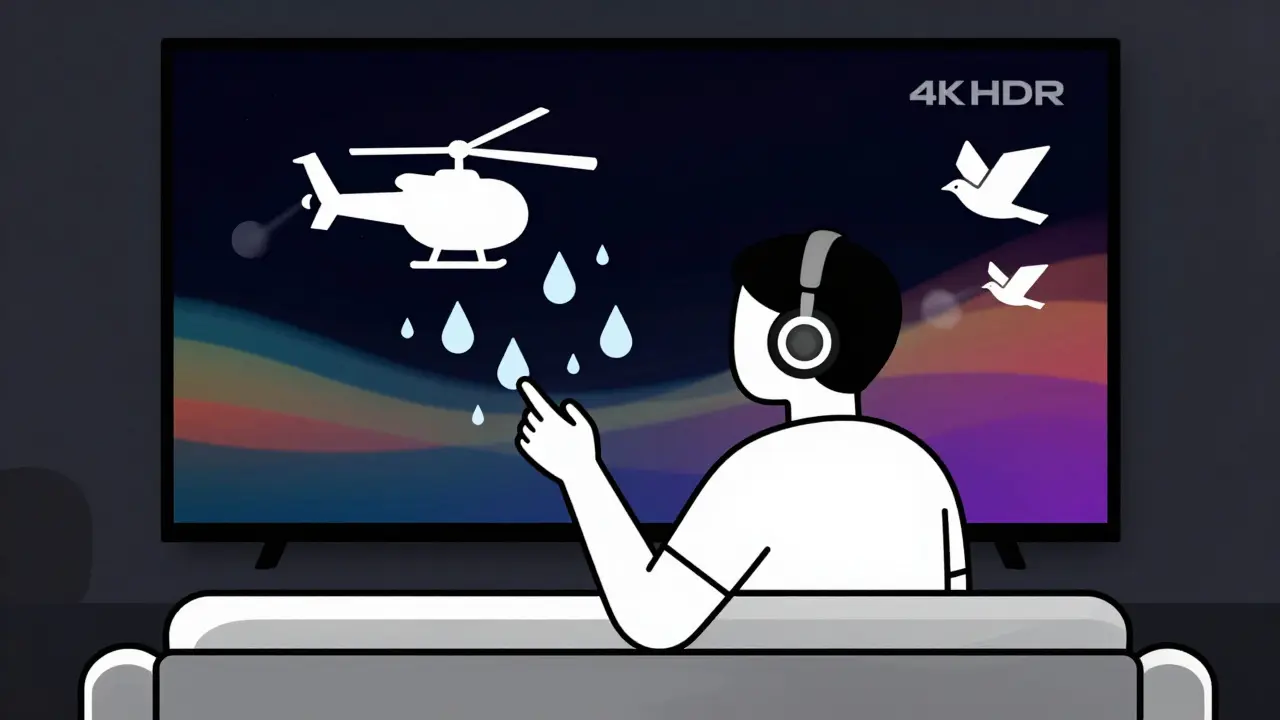
When you watch a 4K movie with HDR on your new TV, you expect sharp details, rich colors, and deep blacks. But what if the sound is still stuck in the past? Flat, two-channel stereo doesn’t match the visual immersion. That’s where spatial audio comes in - it’s not just a buzzword, it’s the missing piece that makes 4K and HDR feel real.
What Is Spatial Audio?
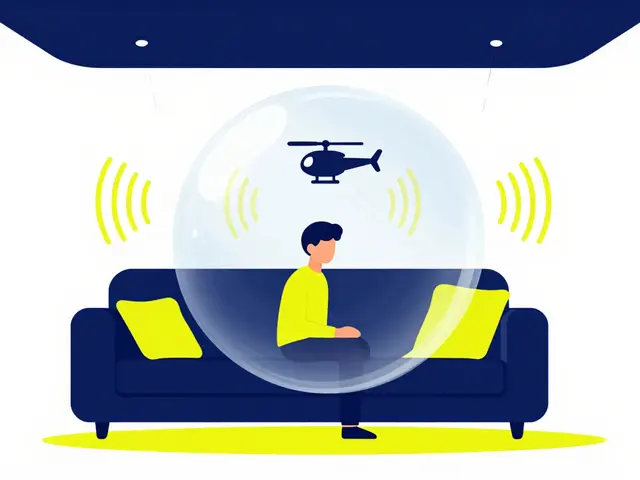
Spatial audio isn’t surround sound. It’s not even Dolby Digital 5.1. It’s smarter. It places sounds in 3D space around you - above, below, behind, and all around - using software and hardware working together. Think of it like a movie where a helicopter flies overhead, a bird chirps from your left rear, and raindrops land just in front of you. You don’t just hear them; you feel their position.
This isn’t magic. It’s built on object-based audio. Instead of sending five or seven fixed channels to speakers, spatial audio treats each sound as its own object. A car engine, footsteps, or a whisper can move independently through space. Your device - whether it’s a phone, TV, or soundbar - calculates where those sounds should come from based on your speaker setup or headphones.
How It Works With 4K and HDR
4K gives you four times the pixels of HD. HDR gives you brighter highlights and deeper shadows. But without spatial audio, your brain doesn’t fully believe what it’s seeing. Your eyes say, “This scene is lifelike.” Your ears say, “This sounds like a TV.” That disconnect breaks immersion.
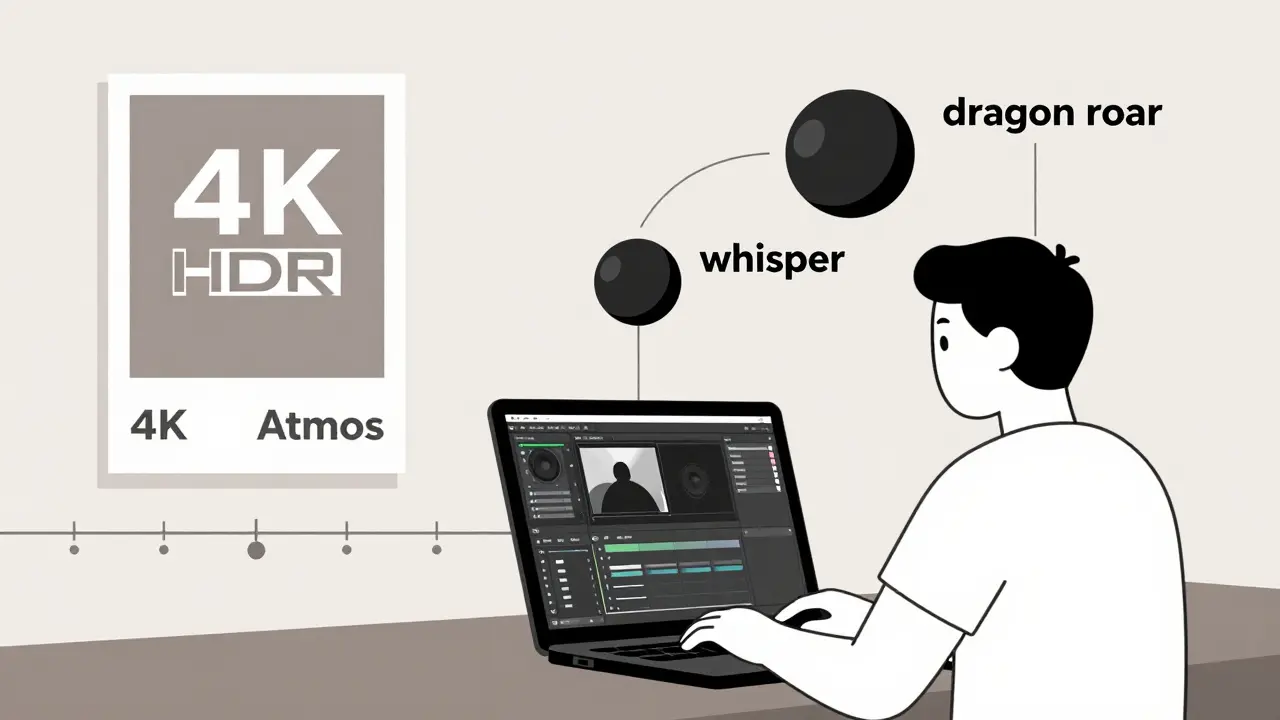
Spatial audio fixes that. When a dragon roars from the top right corner of the screen in a 4K HDR fantasy film, spatial audio makes the roar come from that exact spot - not just from the left or right speaker. The sound doesn’t just play; it travels. That’s why streaming services like Apple TV+, Disney+, and Amazon Prime Video now push Dolby Atmos with their 4K HDR titles. It’s not a bonus. It’s expected.
Even YouTube supports spatial audio for 4K uploads. If you’re watching a nature documentary in 4K HDR on your iPhone with AirPods Pro, the rustling leaves aren’t coming from your phone - they’re coming from the trees behind you. That’s spatial audio syncing with visual depth.
Dolby Atmos and DTS:X: The Two Main Systems
Not all spatial audio is the same. Two systems dominate: Dolby Atmos and DTS:X. Both do similar things, but they’re built differently.
Dolby Atmos is everywhere. It’s in Apple devices, Samsung TVs, Sony soundbars, and Netflix originals. It uses metadata to tell your system where each sound object should go. You don’t need a full 7.1.4 speaker setup to get the effect - even headphones can simulate it using head-tracking.
DTS:X is less common but more flexible. It doesn’t rely on speaker channels at all. Instead, it maps sound based on your room’s layout. If you have speakers in weird places - say, ceiling-mounted or behind a couch - DTS:X adapts. But it’s harder to find. Only a few Blu-ray players and high-end AV receivers support it.
For most people, Dolby Atmos is the way to go. It’s supported by hardware you already own, and content is everywhere. DTS:X is for audiophiles with custom home theaters.
Headphones vs. Speakers: Which One Delivers Better?
You don’t need a home theater to experience spatial audio. Headphones do it better than you think.
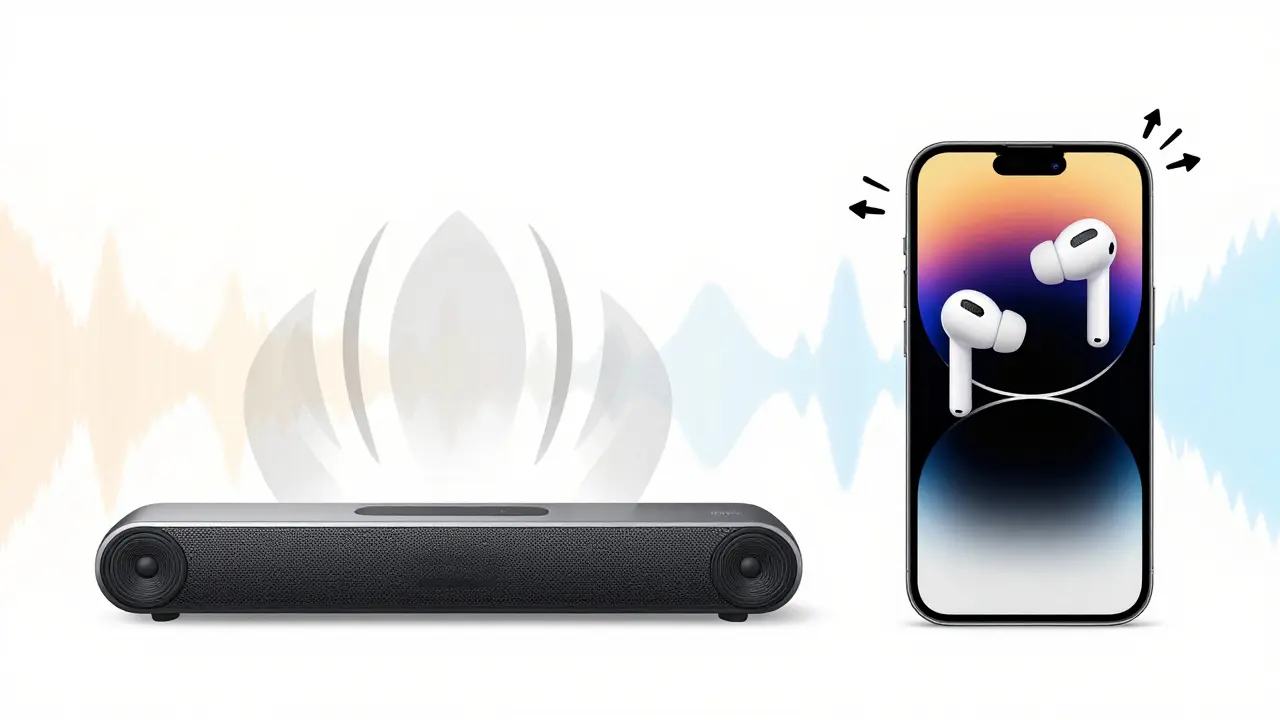
With head-tracking - like on AirPods Pro, Sony WH-1000XM5, or even newer Galaxy Buds - your device uses the phone’s gyroscope and accelerometer to track your head movement. If you turn your head left, the sound of a passing train stays where it is in the room, not on your ear. That’s the trick: the sound stays fixed in space, not locked to your headphones.
On speakers, you need multiple speakers placed correctly. A 5.1.2 setup (five speakers, one sub, two height speakers) gives you the full effect. But even a soundbar with upward-firing drivers can simulate overhead sound. Brands like Sonos, LG, and Bose now include Dolby Atmos in soundbars under $500.
For casual viewers, headphones win. For home theater lovers, speakers win. But both work. And both are better than stereo.
What You Need to Get Started
You don’t need to buy everything at once. Start small.
- Content: Look for the Dolby Atmos logo on Apple TV+, Disney+, Amazon Prime, or Blu-ray discs. Netflix has over 1,000 titles in Atmos.
- Device: iPhone 8 or later, AirPods Pro or Max, Apple TV 4K, Samsung Q-Series TVs, Sony Bravia XR, or any soundbar labeled “Dolby Atmos.”
- Settings: On your TV or phone, go to audio settings and turn on “Dolby Atmos” or “Immersive Audio.” Don’t assume it’s on by default.
Most people miss the last step. Even if you have the hardware, the setting is often turned off to save bandwidth or battery. Turn it on. You’ll notice the difference immediately.
Why This Matters for Creators
If you’re editing 4K HDR video, you’re already investing in color grading, resolution, and frame rate. But if your audio is flat, your audience won’t feel the full impact. Spatial audio isn’t optional anymore - it’s part of professional production.
Adobe Premiere Pro, DaVinci Resolve, and Final Cut Pro all support Dolby Atmos editing. You can place audio objects in a 3D space, assign them to specific locations, and preview how they’ll sound on headphones or speakers. Exporting is simple: just select “Dolby Atmos” as your audio format.
YouTube accepts spatial audio in 4K uploads. If you upload a 4K HDR video with Atmos audio, viewers with compatible devices will hear it. Those without will still get stereo - but those with the right gear? They’ll feel like they’re inside your scene.
Common Myths About Spatial Audio
- Myth: You need expensive gear. Truth: AirPods Pro and a $200 soundbar work fine. You don’t need a $5,000 system.
- Myth: It’s just for movies. Truth: Music apps like Apple Music and Tidal offer spatial audio tracks. You can listen to entire albums in 3D.
- Myth: It doesn’t work with games. Truth: PlayStation 5 and Xbox Series X support spatial audio. Games like Spider-Man 2 and Halo Infinite use it to make footsteps, gunfire, and explosions feel real.
- Myth: It’s too technical. Truth: Turn it on. Listen. That’s it.
What’s Next for Spatial Audio?
By 2026, spatial audio will be standard on every new TV, phone, and streaming service. Apple, Samsung, and Sony are already building head-tracking into all their flagship devices. Even car systems are adding it - you’ll hear navigation prompts come from the direction of the turn.
AI is also starting to help. New tools can convert stereo audio into spatial audio automatically. It’s not perfect yet, but it’s getting close. For creators without surround sound setups, this means you can enhance older footage without re-recording.
The future isn’t just about more channels. It’s about smarter sound. Sound that moves with you. Sound that matches the picture. Sound that doesn’t just play - it places you.
Final Thought: Don’t Ignore the Sound
4K and HDR are visual upgrades. Spatial audio is the emotional upgrade. It’s what makes you lean forward when the thunder cracks overhead. It’s what makes you look behind you when someone whispers. It turns watching into experiencing.
If you’ve upgraded your screen, don’t settle for flat sound. Turn on spatial audio. Your ears will thank you.
Is spatial audio the same as surround sound?
No. Surround sound uses fixed channels - like five speakers and a subwoofer. Spatial audio treats each sound as an independent object that can move anywhere in 3D space. It works with fewer speakers and adapts to your setup, whether you have headphones or a full home theater.
Do I need special headphones for spatial audio?
Not necessarily. Most modern headphones support spatial audio through software. Apple AirPods Pro, Sony WH-1000XM5, and even basic Bluetooth headphones can play Dolby Atmos tracks. But for the full experience - especially head-tracking - you need headphones with motion sensors, like AirPods Pro or Galaxy Buds2 Pro.
Can I get spatial audio on YouTube?
Yes. If you upload a 4K video with Dolby Atmos audio to YouTube, viewers with compatible devices (iPhone, Android with spatial audio support, or smart TVs) will hear it in 3D. Those without will still get stereo. YouTube automatically detects and delivers the best version based on the device.
Is spatial audio worth it for music?
Absolutely. Artists like Taylor Swift, Billie Eilish, and Ed Sheeran now release tracks in spatial audio. In songs with layered instruments or ambient effects, you can hear the guitar pan across the room or the echo of a drum from behind you. It turns listening into a three-dimensional experience.
Does spatial audio work with older movies?
Not natively. Older films were mixed in stereo or 5.1. But some streaming services use AI to upmix stereo audio into spatial audio. It’s not perfect, but it’s better than nothing. For the best results, stick to new releases labeled “Dolby Atmos.”