4
How to Secure Your Netflix Account: 2FA and Login Alerts Guide
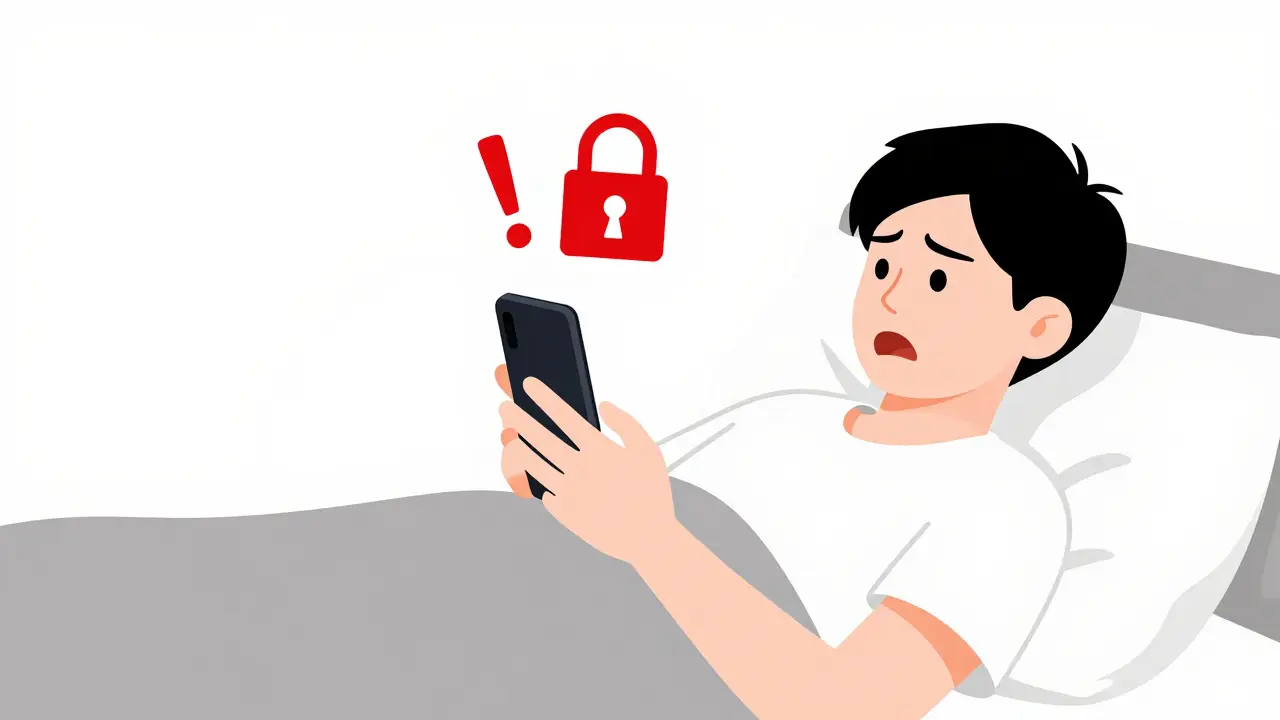
Quick Security Wins
- Turn on two-factor authentication (2FA) for your primary email.
- Review your "Manage Access and Devices" list every month.
- Update your password if you use the same one for other websites.
- Set up account notifications for any changes to your plan or password.
The Truth About Netflix Two-Factor Authentication
Here is something a bit confusing: Netflix doesn't have a traditional 2FA toggle in the way a banking app does. Instead, they use a system of Netflix account security layers that rely heavily on your email and device recognition. If someone tries to log in from a completely new device or location, Netflix often triggers a verification check. Since Netflix doesn't offer a dedicated SMS code for every login, your first line of defense is actually your email provider. If you use Gmail or Outlook, enabling multi-factor authentication (MFA) on those accounts means a hacker can't just reset your Netflix password via email without your phone in their hand. To make your account harder to crack, move away from simple passwords. Avoid using your pet's name or your birth year. A strong password uses a mix of uppercase letters, numbers, and symbols. Even better, use a Password Manager like Bitwarden or 1Password to generate a random 16-character string. This eliminates the risk of "credential stuffing," where bots test millions of common password combinations.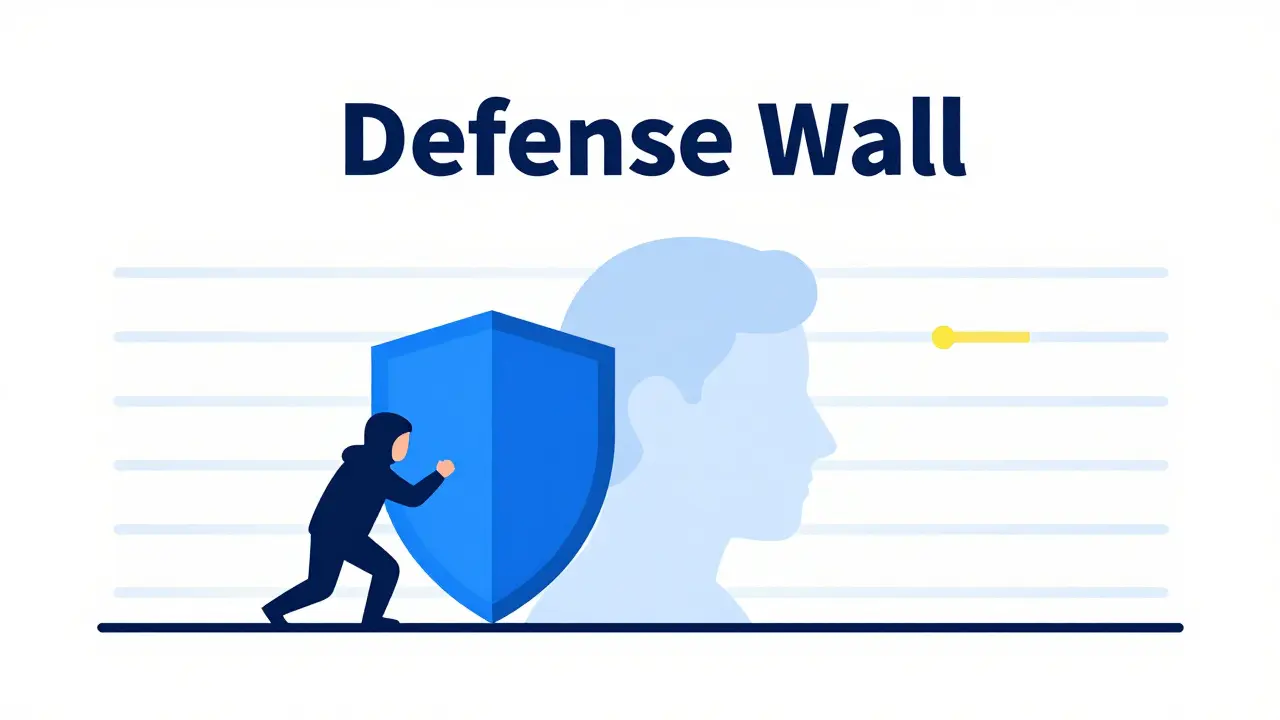
How to Spot and Stop Suspicious Logins
Have you ever noticed your "Continue Watching" list has a weird documentary on it that you definitely didn't start? That is a massive red flag. When someone else is in your account, they usually leave digital footprints. To check who is currently using your account, go to your Account settings and look for the "Security, Privacy, and Account" section. Select "Manage access and devices." This page shows you every single device currently logged in, including the device type (like a Samsung Smart TV or an iPhone 15) and the last location accessed. If you see a device from a city you've never visited, don't panic-just act fast. Use the "Sign Out" button next to that specific device. This instantly kills that session. However, simply signing them out isn't enough because if they have your password, they can just log back in. You must change your password immediately after booting an intruder out.| Activity | Likely Normal | Likely Suspicious |
|---|---|---|
| Location | Your home city or recent travel spot | A different country or unexpected state |
| Device Type | Your usual laptop, phone, or TV | An unknown browser or outdated OS |
| Viewing History | Your usual genres and saved lists | Random content in different languages |
| Account Changes | No unexpected changes to billing | Changes to email or password alerts |
Handling the Account Sharing Headache
For years, people shared passwords like they shared magazines. But Netflix has shifted its policy to target "password borrowers." Now, the service uses IP Address tracking and device IDs to determine if a device is part of the "Netflix Household." If you are the account owner, you can set a "Household」 which acts as a home base. Any device outside that household may be asked to verify its identity via a temporary code sent to the account owner's email. While this is meant to stop sharing, it's also a great security feature. It means you'll get an email every time someone tries to access your account from a new location. If you actually want to share with someone legally, use the "Extra Member" slot (available on certain plans). This gives that person their own login and password, meaning you don't have to hand over your master credentials. This keeps your primary password secret and reduces the number of people who could potentially leak it.
Dealing with a Full Account Takeover
If you've been completely locked out-meaning your password and email have both been changed-you are dealing with a full takeover. This is where you need to move quickly to protect your financial data. First, contact your bank or credit card provider. Since Netflix stores payment methods, a hacker might not be able to see your full card number, but they could potentially use the account for fraudulent activities or change the subscription tier to a more expensive one. Next, use the Netflix Help Center to initiate an account recovery. You will likely need to provide proof of ownership, such as the credit card number used for billing or the original email address associated with the account. Once you regain access, the first thing you should do is use the "Sign out of all devices" option. This clears the slate and ensures no ghost sessions remain active on a hacker's laptop in another country.Pro Tips for Long-Term Maintenance
Security isn't a one-time setup; it's a habit. Set a calendar reminder for every three months to do a "Security Audit." Check your payment methods to ensure no unauthorized cards have been added. Look at your email filters. Some clever hackers set up a filter in your Email settings that automatically archives or deletes emails from "[email protected]." They do this so you never see the "Your password has been changed" alert. If you find these filters, delete them immediately. Also, be wary of phishing. You will get emails that look exactly like they are from Netflix, claiming your payment failed and asking you to "Update your details" via a link. Never click those links. Instead, open a new tab, type in the official URL yourself, and check your account status there. If there is actually a problem with your payment, it will be clearly displayed in your account dashboard.Does Netflix have a real 2FA option?
No, Netflix does not offer a traditional two-factor authentication (2FA) toggle where you enter a code from an app like Google Authenticator. Instead, they rely on device verification and email alerts. To secure your account, you should enable 2FA on the email account linked to your Netflix profile.
What should I do if I see an unknown device in my account?
Immediately go to "Manage access and devices" and select "Sign Out" for that device. After that, change your password immediately to prevent the person from logging back in. If you use the same password elsewhere, change those accounts too.
Can someone steal my credit card through my Netflix account?
Hackers cannot see your full credit card number through the Netflix interface, but they can use the stored payment method to keep the subscription active or potentially change the plan. If your account is compromised, it's a good idea to monitor your bank statements for any unusual charges.
How does the Netflix Household feature help security?
The Household feature tracks the IP address and device IDs of devices used at your primary location. When a device outside this household tries to log in, Netflix may request verification. This acts as a secondary check that alerts the account owner to unauthorized access attempts.
Why is my Netflix account suddenly asking for a code?
This usually happens if you are logging in from a new device, a new location, or if you've recently changed your password. It's Netflix's way of ensuring that the person logging in is actually the account owner and not someone who found your password online.