29
IRL Mobile Live Streaming Guide: Best Phones, Gimbals, and Data Plans for 2026
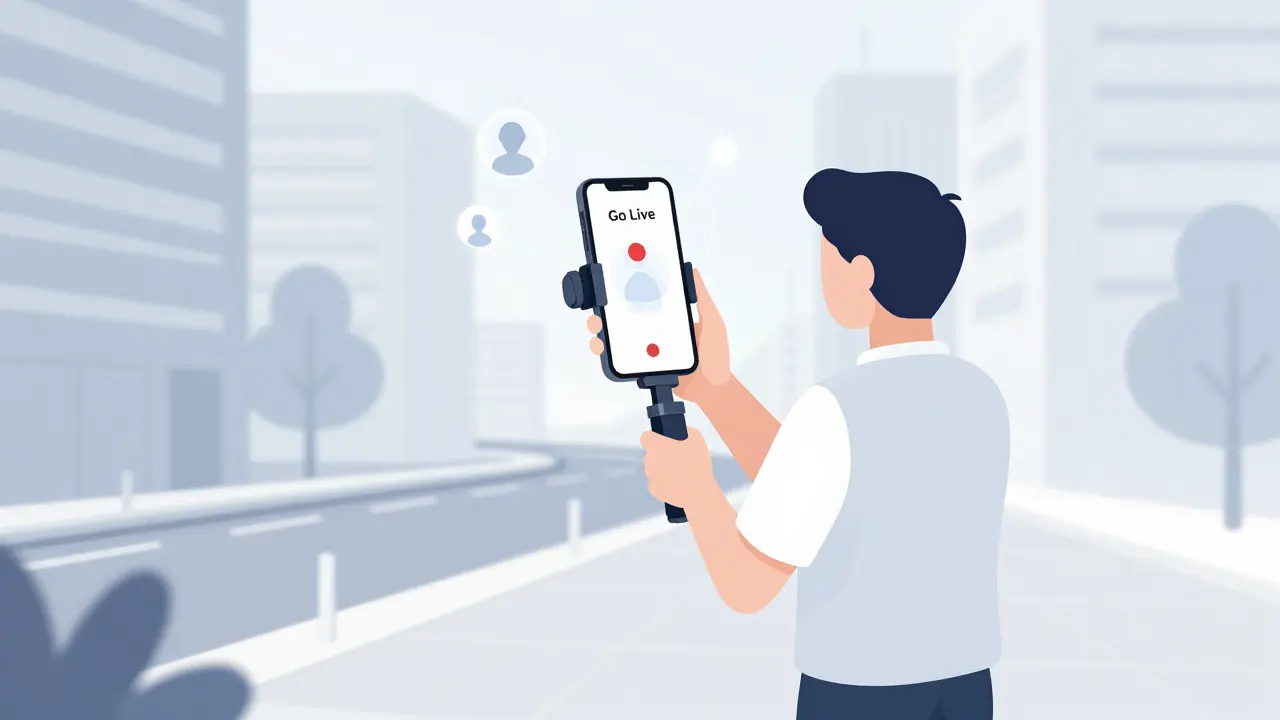
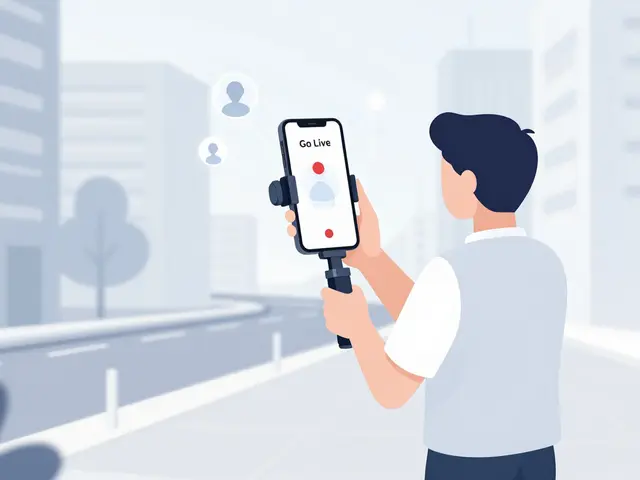
You step out your front door, hit 'Go Live,' and within seconds you have an audience watching your world in real-time. This is the magic of IRL mobile live streaming. It’s raw, it’s immediate, and it has exploded in popularity since platforms like Twitch and YouTube made it easier than ever to broadcast from anywhere. But here is the catch: looking good on camera while walking down a busy Brisbane street is harder than it looks. Your phone shakes, your battery dies, and suddenly you are buffering because your data plan couldn't handle the upload speed.
Getting this right isn't about buying the most expensive gadget on the market. It is about building a reliable system where your phone, your stabilization gear, and your internet connection work together seamlessly. If one part fails, your stream fails. Let's break down exactly what you need to build a professional-grade mobile streaming setup that actually works in the real world.
The Foundation: Choosing the Right Smartphone
Your phone is not just a communication device; it is your studio. In 2026, almost every flagship phone can shoot 4K video, but live streaming doesn't always benefit from maximum resolution. In fact, pushing too much data can cause lag. You want a phone that handles video encoding efficiently without overheating or draining your battery in twenty minutes.
When picking a phone for IRL streaming, focus on these three attributes:
- Video Stabilization: Look for phones with advanced Optical Image Stabilization (OIS) or Hybrid stabilization. While a gimbal helps, having good in-camera stabilization acts as a safety net if you set the gimbal down quickly.
- Audio Input Flexibility: Can you plug in a wireless lavalier microphone directly via USB-C or Lightning? Or does it require a dongle? Direct connectivity reduces latency and potential points of failure.
- Battery Life & Charging Speed: Streaming drains batteries fast. A phone with at least 5000mAh capacity and fast charging support means you can top up during breaks without waiting hours.
For Android users, brands like Samsung and Pixel offer excellent color science and reliable app performance for Twitch and YouTube. iPhone users benefit from a highly optimized ecosystem where apps often get features first. The key is consistency. Stick to one operating system so you know exactly how your settings behave when you step outside.
Stabilization: Why a Gimbal is Non-Negotiable
Imagine watching someone walk down the street. Their head bobs. Their shoulders sway. Now imagine that same motion amplified by a phone held in their hand. It is nauseating. Viewers will click away in seconds if your footage is shaky. This is why a 3-Axis Gimbal is an essential motorized stabilizer that counteracts movement to keep your video smooth and level. is not optional-it is mandatory for professional-looking IRL streams.
A good gimbal does more than just steady the image. It allows you to frame your shots creatively. You can pan smoothly to show a landmark, tilt down to show your feet walking, or keep yourself perfectly centered in the frame without looking like you are fighting the camera.
| Gimbal Model | Max Payload | Battery Life | Key Feature for Streamers |
|---|---|---|---|
| DJI Osmo Mobile 7 | 280g | 15 hours | ActiveTrack 7.0 keeps face locked even in crowds |
| Zhiyun Smooth Q4 | 260g | 14 hours | Vertical shooting mode optimized for TikTok/Shorts |
| Hohem iSteady X3 | 300g | 12 hours | Built-in extension rod for low-angle shots |
When choosing a gimbal, pay attention to the payload capacity. If you use a bulky phone case or attach external microphones, your phone gets heavier. If it exceeds the gimbal's limit, the motors will struggle, leading to jittery footage. Also, check the battery life. A fifteen-hour battery means you can stream all day without carrying extra power banks for the gimbal itself.
The Lifeline: Data Plans and Network Reliability
You can have the best phone and the smoothest gimbal, but if your internet cuts out, your stream ends. This is the biggest hurdle for IRL streamers. Most people think about download speed, but for streaming, upload speed is king. You are sending video data to the cloud, not pulling it from there.
In 2026, 5G networks are widespread, but coverage is still patchy in some urban canyons or rural areas. Here is what you need to look for in a data plan:
- Unlimited High-Speed Data: Avoid plans that throttle your speed after 50GB or 100GB. Streaming at 1080p/30fps uses about 3-6GB per hour. A two-hour stream can eat through a capped plan quickly.
- Low Latency: Lag between your actions and what viewers see causes confusion. Look for carriers with strong 5G standalone (SA) coverage in your area, which offers lower latency than older 4G LTE networks.
- Hotspot Tethering Allowance: Some streamers use a separate 5G hotspot device for better signal reception. Ensure your plan allows tethering without extra fees.
Pro tip: Test your upload speed before you go live. Use an app like Speedtest by Ookla. Aim for at least 10 Mbps upload speed for a stable 1080p stream. If you are in a crowded area, consider using Wi-Fi calling or switching to 4G LTE if 5G congestion is causing drops. Consistency beats peak speed every time.
Audio: Being Heard Over the City Noise
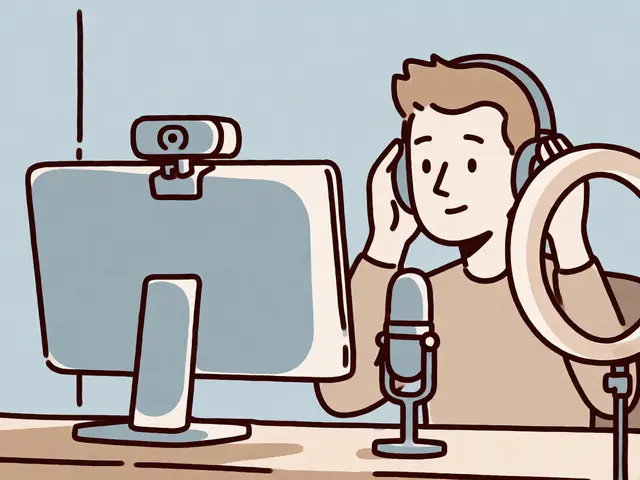
Bad video is forgivable; bad audio is not. If viewers cannot hear you clearly, they will leave. Outdoor environments are filled with wind, traffic, and crowd noise. Your phone's built-in microphones pick up all of this chaos.
To fix this, you need a dedicated microphone. There are two main types for IRL streaming:
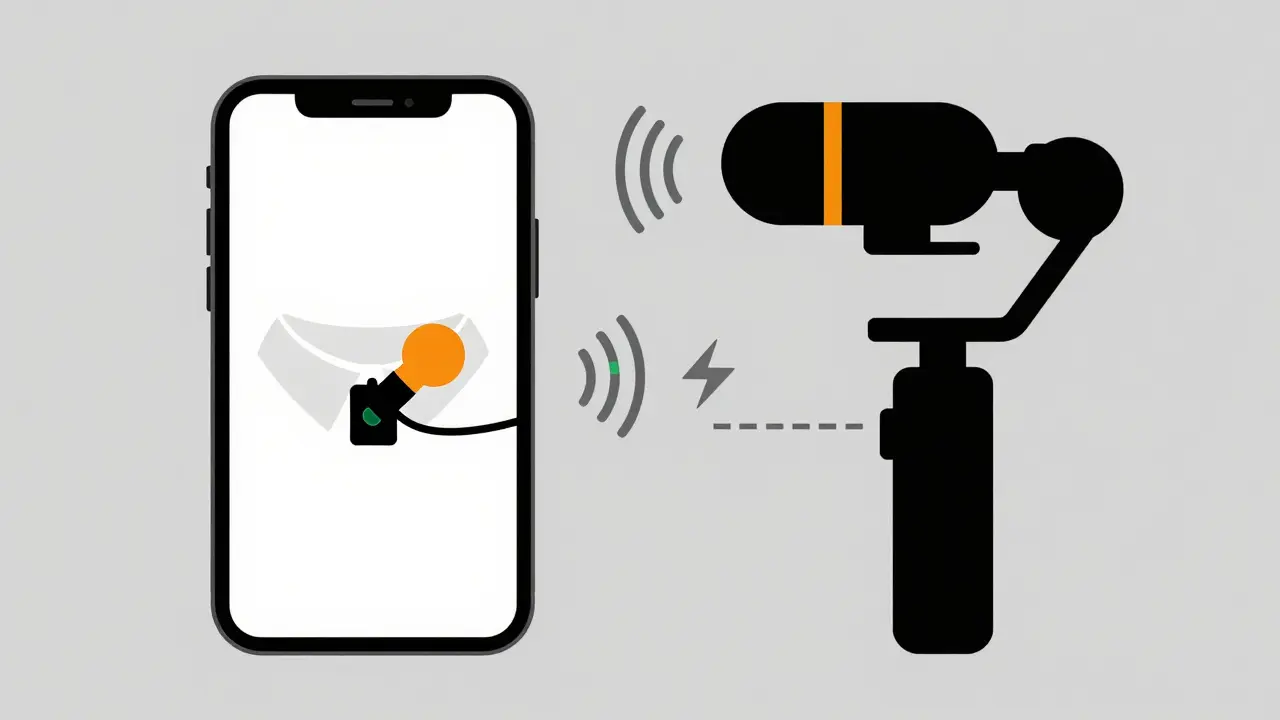
- Wireless Lavalier Mics: These clip onto your shirt and transmit audio wirelessly to your phone. They are ideal because they stay close to your mouth, reducing background noise. Look for ones with directional pickup patterns that reject side and rear noise.
- Rode VideoMic Me-L or similar shotgun mics: These mount directly to your phone or gimbal. They are great for capturing ambient sound along with your voice, but they are more susceptible to wind noise unless you use a furry windscreen.
Make sure your microphone connects directly to your phone. Bluetooth microphones introduce latency, meaning your voice arrives at the stream a second after you speak. This desync drives viewers crazy. Wired digital connections or proprietary 2.4GHz wireless systems are the standard for zero-latency audio.
Power Management: Keeping the Lights On
Streaming generates heat. Heat kills battery life. A typical smartphone battery might last three hours under normal use, but only ninety minutes while streaming at full brightness and recording video. You need a robust power strategy.
Do not rely on small pocket power banks. They charge too slowly and add weight. Instead, invest in a high-capacity power bank (at least 20,000mAh) that supports Power Delivery (PD) or Quick Charge protocols. This ensures your phone charges rapidly even while it is working hard.
Attach the power bank to your gimbal using a strap or a dedicated mounting plate. This creates a self-contained unit. You can then run a long USB-C cable from the power bank to your phone. This setup keeps your hands free and ensures you never hit zero percent battery mid-stream.
Software Settings for Optimal Quality
Hardware is only half the battle. Your streaming software settings determine how your video looks and feels. Whether you are using the native Twitch app, YouTube Go Live, or a third-party tool like Prism Live Studio, adjust these settings:
- Resolution: Start with 1080p. 4K is rarely necessary for mobile screens and consumes excessive bandwidth. 720p is acceptable if your network is unstable.
- Frame Rate: 30 frames per second (fps) is the sweet spot. It looks smooth enough for walking and talking, and it requires less processing power than 60fps.
- Bitrate: Set this between 3000 kbps and 6000 kbps. Higher bitrates mean better quality but require stronger networks. If you see pixelation, lower the bitrate.
- Keyframe Interval: Set this to 2 seconds. This is a technical requirement for most streaming platforms to ensure smooth playback.
Before going live, do a private test stream. Watch it back on a different device. Check for audio sync issues, blurriness, or dropped frames. Adjust your settings based on what you see, not what you guess.
Safety and Legal Considerations
IRL streaming puts you in public spaces. Be aware of your surroundings. Trip over a curb because you were focused on your phone, and you risk injury. Keep one eye on your path and one eye on your screen.
Legally, be mindful of privacy laws. In Australia and many other countries, you generally have the right to film in public spaces. However, you cannot invade someone's reasonable expectation of privacy. Avoid filming inside private homes, hospitals, or schools without permission. If someone asks you to stop filming them, respect their request. Conflict on stream is engaging for some, but it can also lead to legal trouble or platform bans.
Putting It All Together: Your Pre-Stream Checklist
Consistency comes from routine. Before every stream, run through this checklist:
- Charge phone and gimbal to 100%.
- Test microphone levels and check for wind noise.
- Verify upload speed is above 10 Mbps.
- Clean your phone lens-fingerprints ruin image quality.
- Set up your stream title and tags in advance.
- Do a 30-second private test stream.
By mastering these elements-phone selection, stabilization, data management, audio clarity, and power-you transform a shaky, unreliable broadcast into a professional viewing experience. The barrier to entry for IRL streaming is low, but the ceiling for quality is high. With the right gear and knowledge, you can capture the world around you and share it with your audience, no matter where you are.
What is the best phone for IRL streaming in 2026?
The best phone depends on your ecosystem preference. For iOS, the iPhone 15 Pro Max offers excellent video stabilization and app optimization. For Android, the Samsung Galaxy S24 Ultra provides superior zoom capabilities and long battery life. Both handle 1080p/30fps streaming effortlessly.
Do I really need a gimbal for mobile streaming?
Yes. Handheld footage is naturally shaky due to human movement. A 3-axis gimbal counteracts this motion, providing smooth, professional-looking video. Without it, viewers may experience motion sickness and disengage quickly.
How much data does live streaming use per hour?
Streaming at 1080p/30fps typically uses between 3GB and 6GB of data per hour, depending on your bitrate settings. Lower resolutions like 720p use less, around 1.5GB to 3GB per hour. Always choose an unlimited data plan to avoid throttling.
Can I use my existing headphones for audio?
Most wired headphones have built-in microphones, but they are not designed for outdoor use. They pick up excessive wind and background noise. For clear audio, invest in a wireless lavalier microphone with directional pickup and wind protection.
Is it legal to stream in public places?
In most jurisdictions, including Australia, you can film in public spaces. However, you must respect individual privacy rights. Do not film inside private properties or institutions without permission. If someone objects to being filmed, stop immediately to avoid harassment claims.