7
Amazon Freevee: The Complete Guide to Watching Movies and TV for Free in 2026
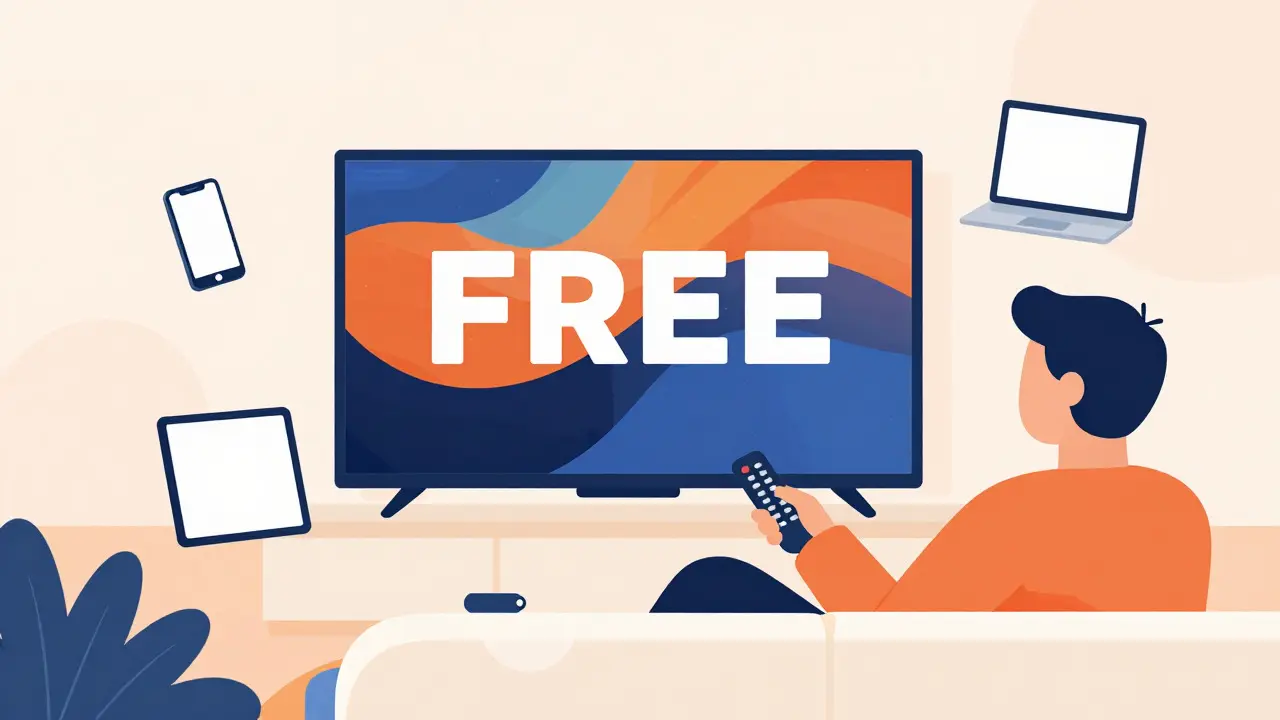
Remember when watching a movie on your laptop meant waiting for a DVD rental to arrive or paying $15 for a digital rental that expired in 48 hours? Those days are fading fast. Today, you can watch blockbuster hits and critically acclaimed series without spending a dime. The catch? You have to sit through some ads. If that trade-off sounds fair to you, Amazon Freevee is likely the most powerful tool in your entertainment arsenal right now.
Launched as IMDb TV in 2019 and rebranded in 2023, this platform has quietly become one of the largest libraries of free content available globally. It isn’t just a dumping ground for old reruns; it’s a strategic hub for Amazon to keep users engaged with its ecosystem while offering genuine value to budget-conscious viewers. Whether you are looking to cut your subscription costs or just want something new to binge-watch tonight, understanding how this service works will save you time and frustration.
What Exactly Is Amazon Freevee?
Amazon Freevee is an ad-supported video-on-demand (AVOD) streaming service owned by Amazon. Unlike Netflix or Disney+, where you pay a monthly fee, Freevee is completely free to use. The business model relies entirely on advertising revenue. Think of it like traditional broadcast television, but with the convenience of streaming on demand.
The key thing to understand is that Freevee is not a separate app in many regions anymore. In the United States, Canada, the UK, and Germany, it has been integrated directly into the Prime Video app. This means if you already have an Amazon account, you don’t need to download anything extra. You simply navigate to the Freevee section within the Prime Video interface. For those without a Prime subscription, you still get access to the entire Freevee library using just a standard, free Amazon login.
This integration was a massive shift for Amazon. Previously, users had to toggle between apps or websites. Now, the experience is seamless. You might be browsing paid rentals, then stumble upon a Freevee original, and start watching immediately. The barrier to entry is practically zero.
Do You Need Amazon Prime to Watch Freevee?
This is the single most common question people ask, and the answer is a definitive no. You do not need an active Amazon Prime membership to watch content on Freevee. All you need is a free Amazon account. If you buy books from Amazon or order groceries from Whole Foods, you probably already have one.
However, having Prime does change the user experience slightly. Prime members see Freevee content mixed in with their premium library. Non-Prime members see a dedicated Freevee homepage. But the actual content library is identical for both groups. There is no "premium" tier of Freevee hidden behind a paywall. What you see is what you get: free, ad-supported entertainment.
It is also worth noting that because it is tied to an Amazon account, you can track your watch history across devices. If you start a show on your smart TV and finish it on your phone, Amazon remembers where you left off. This continuity is a feature often missing from smaller, standalone free streaming sites.
What Kind of Content Can You Watch?
The library on Freevee is surprisingly robust. It falls into three main categories: licensed movies and TV shows, original programming, and live news channels.
Licensed Content: This includes popular movies and classic TV series. You will find titles from major studios like Warner Bros., MGM, and Lionsgate. It’s not always the brand-new releases-those usually go straight to theatrical or premium streaming-but you’ll find solid catalog titles. Think along the lines of older James Bond films, hit sitcoms from the 90s and 2000s, and family-friendly animated features. The rotation changes frequently, so if a specific movie isn’t there today, it might appear next month.
Freevee Originals: This is where Amazon is really pushing hard. They have invested millions into high-quality exclusive content that you won’t find anywhere else. Shows like Bosch: Legacy, Jury Duty, and Brittany Runs a Marathons have garnered critical acclaim. These aren’t low-budget web series; they are full-scale productions with A-list actors. The strategy here is clear: give people a reason to stick around even after they’ve finished the licensed movies.
Live News: In certain markets, Freevee offers live news channels. For example, in the US, you can access CNN International or CBS News Live at no cost. This adds a utility layer to the service, making it a viable option for staying informed without subscribing to cable news packages.
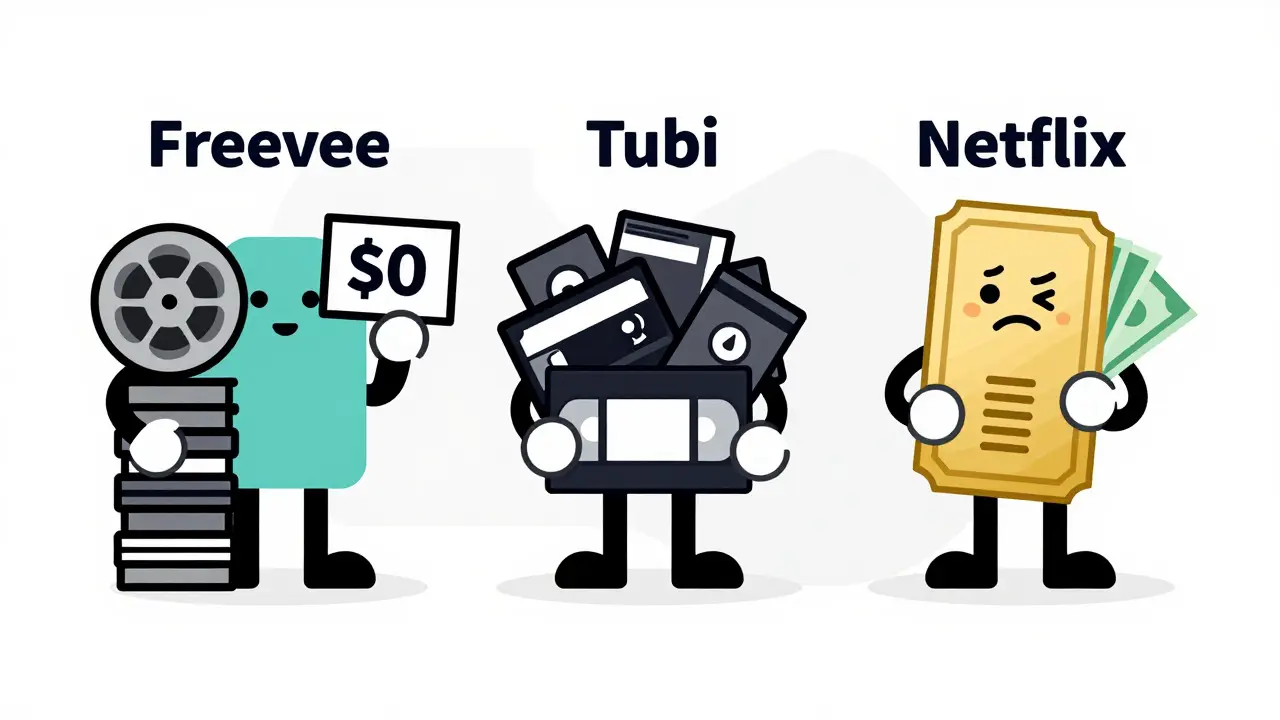
| Service | Cost | Ads | Original Content | Requires Subscription |
|---|---|---|---|---|
| Amazon Freevee | Free | Yes (3-4 per hour) | High Quality (Bosch, Jury Duty) | No (Amazon Account Only) |
| Tubi | Free | Yes (Fewer ads) | Moderate | No |
| Pluto TV | Free | Yes (Linear style) | Low | No |
| Netflix | $7-$23/month | None (on Premium) | Very High | Yes |
How Much Are We Talking About in Ads?
Let’s address the elephant in the room: commercials. Since you aren’t paying with money, you are paying with attention. On average, expect about three to four ad breaks per hour of viewing. Each break typically lasts between two to three minutes.
Compared to traditional cable TV, which can have up to six minutes of ads per hour, Freevee is actually quite reasonable. The ads are targeted based on your general profile, but they aren’t as intrusive as pop-ups on shady streaming websites. Plus, you can pause, rewind, and fast-forward during ad breaks on most platforms, though the ability to skip ads entirely is generally not available unless you upgrade to a paid service elsewhere.
Some users find the ads less annoying than the decision fatigue of choosing between five different paid subscriptions. Others hate them. It comes down to personal preference. If you grew up watching network TV, the rhythm of Freevee will feel familiar. If you are used to the ad-free silence of premium streaming, it might take some adjustment.
Where Can You Stream Freevee?
One of the biggest advantages of being part of the Amazon ecosystem is device compatibility. Freevee is available on almost every screen you own. Here is the breakdown:
- Smart TVs: Most modern Samsung, LG, Vizio, and Sony smart TVs have the Prime Video app pre-installed. Just look for the Freevee logo inside the app.
- Streaming Sticks: Fire TV Stick, Roku, Apple TV, and Chromecast all support Freevee via the Prime Video application.
- Mobile Devices: Download the Prime Video app on iOS or Android. The interface adapts nicely to smaller screens.
- Gaming Consoles: PlayStation 5, Xbox Series X/S, and Nintendo Switch (via browser) can all access the service.
- Web Browsers: Simply log in to primevideo.com and click on the Freevee tab. Works on Chrome, Firefox, Safari, and Edge.
There is no dedicated standalone "Freevee App" in most regions anymore because of the integration mentioned earlier. This simplifies things significantly. You don’t need to clutter your home screen with another icon. One app handles everything.
Freevee vs. Other Free Streaming Options
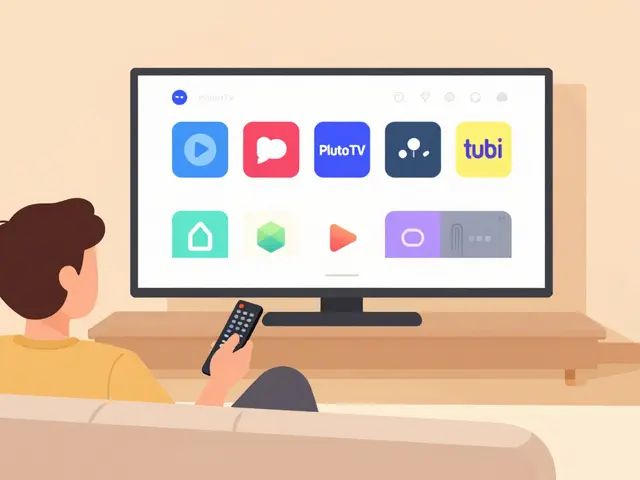
You might be wondering why you should choose Freevee over competitors like Tubi, Pluto TV, or The Roku Channel. Each service has its strengths.
Tubi is known for having a larger library of obscure and indie films. If you love deep cuts from the 1970s or niche horror movies, Tubi might be better for you. However, Tubi’s original content is less polished compared to Freevee’s big-budget productions.
Pluto TV focuses heavily on linear, channel-style viewing. It mimics the experience of flipping through cable channels. If you prefer that passive "channel surfing" vibe, Pluto is great. Freevee is more on-demand focused, giving you control over what you watch and when.
The Roku Channel is similar to Freevee in terms of quality originals, but it is primarily optimized for Roku devices. While it has expanded to other platforms, Freevee’s integration with Amazon’s massive retail and tech footprint gives it a slight edge in ease of access for non-Roku users.
Ultimately, there is no harm in using multiple services. Many savvy streamers rotate between Freevee, Tubi, and Pluto depending on what’s currently trending on each platform.
Is Your Data Safe on Freevee?
Since Amazon collects vast amounts of data from its shopping operations, privacy concerns are valid. When you watch Freevee, Amazon tracks what you view, when you pause, and how long you watch. This data helps refine their ad targeting algorithms.
However, Amazon follows strict data protection standards compliant with GDPR in Europe and CCPA in California. They do not sell your raw viewing data to third-party brokers in the same way some smaller, sketchy streaming sites might. Your information stays within the Amazon walled garden, primarily used to improve your shopping recommendations and ad relevance. If you are particularly privacy-conscious, you can adjust your ad preferences in your Amazon account settings to limit personalized advertising.
Tips for Getting the Most Out of Freevee
To make the best of your free streaming experience, consider these practical tips:
- Check the "New & Popular" Section Regularly: The library rotates weekly. New movies and episodes drop regularly, especially on Tuesdays and Fridays. Checking this section ensures you don’t miss fresh content.
- Use Multiple Profiles: If you share an Amazon account with family members, create separate profiles. This keeps your watch history distinct and prevents the algorithm from recommending kids’ cartoons to you when you’re looking for thrillers.
- Download for Offline Viewing: On mobile devices, you can download Freevee content to watch offline. This is perfect for commutes or flights where internet connectivity is spotty. Note that downloads expire after a set period, so plan accordingly.
- Combine with Prime Benefits: If you decide to subscribe to Prime for shipping benefits, remember that you unlock additional perks like early access to some Prime Video originals, even though Freevee remains free regardless.
The Future of Freevee
Amazon is doubling down on free, ad-supported streaming. Industry analysts predict that AVOD (Ad-Supported Video on Demand) will continue to grow as consumers face "subscription fatigue." People are tired of paying $50+ a month for various services. Freevee positions itself as the antidote to this problem.
We can expect to see more high-profile originals, potentially including spin-offs of major franchises. Amazon has shown willingness to spend big on content that drives engagement. As competition heats up with services like Paramount+ and Peacock introducing cheaper ad-tier options, Freevee will likely enhance its library and reduce ad load to remain competitive.
For now, it stands as a testament to the fact that you don’t need to break the bank to enjoy high-quality entertainment. With a simple Amazon account, a reliable internet connection, and a bit of patience for commercials, you have access to a world of movies and shows. It’s not perfect, but for free, it’s hard to beat.
Is Amazon Freevee really free forever?
Yes, Amazon Freevee is currently free to use indefinitely. There are no hidden fees or trial periods that convert to paid subscriptions. The service is funded entirely by advertisements. While Amazon could theoretically change its business model in the future, there is no indication that they plan to charge users for basic access.
Can I watch Freevee outside of the United States?
Availability depends on your region. As of 2026, Freevee is available in the United States, Canada, the United Kingdom, and Germany. Users in other countries may not have access to the full library or the service itself. Check the local Prime Video app in your region to see if the Freevee tab is present.
Does Freevee have 4K Ultra HD content?
Most content on Freevee is available in Full HD (1080p). Some newer originals and select movies may offer 4K resolution, but this is not guaranteed across the entire library. To ensure you get the best quality, check the technical details listed under the movie or show description before starting playback.
Why did Amazon merge Freevee into Prime Video?
The merger was designed to simplify the user experience and increase engagement. By keeping users within the Prime Video app, Amazon reduces friction and encourages cross-promotion. It allows non-Prime users to easily discover and eventually subscribe to Prime, while giving Prime members more value for their money.
Are there any age restrictions on Freevee content?
Yes, Freevee uses standard parental controls. Content is rated according to MPAA or regional standards (G, PG, PG-13, R, etc.). Parents can set up PIN-protected profiles to restrict access to mature content. Children’s content is clearly labeled and separated from adult-oriented programming.