Archival Best Practices: Preserve Your Digital Video Legacy
When you shoot a video, you’re not just capturing a moment—you’re building something that should last. Archival best practices, a set of proven methods for storing and protecting digital video over time. Also known as digital video preservation, it’s not about fancy gear or expensive software—it’s about making smart choices before your files vanish into digital decay. Most people think saving a video means clicking ‘export’ and dropping it into a folder. But without the right format, naming system, or backup plan, even your best work can become unopenable, corrupted, or lost in a few years.
What makes digital video preservation, the ongoing effort to keep video files accessible and playable across changing technology work? It’s three things: the right file type, clear organization, and multiple backups. Video archiving, the systematic process of storing and cataloging video content for future use isn’t just for film studios. If you’ve shot a wedding, a family reunion, or even a YouTube project you care about, you’re already an archivist. The problem? Most hard drives fail. Cloud services change policies. File formats become obsolete. That 4K footage you saved in 2020? It might not open on your new computer in 2027 if you didn’t use a stable format like ProRes or DNxHD.
It’s not just about saving the file—it’s about knowing what to save it as, where to put it, and how to find it later. Media storage, the physical and digital systems used to house video content needs structure. Use descriptive filenames—not IMG_001.mp4. Add dates and subjects. Store copies on at least two different types of drives—one local, one offsite. And don’t forget metadata: tags, descriptions, and keywords help you search years later when you can’t remember which folder held that baby’s first steps.
You don’t need to be a tech expert to do this right. The tools are simple: free software like HandBrake to convert files, external SSDs for fast backups, and cloud services like Backblaze or Google Drive for redundancy. What matters is consistency. One hour of setup now saves you days of frustration later. These archival best practices aren’t optional—they’re the difference between remembering your past and losing it forever.
Below, you’ll find real-world guides from people who’ve been there—fixing broken subtitles, organizing streaming apps, understanding file formats, and protecting their work. These aren’t theory pieces. They’re the practical steps you can take today to make sure your videos don’t disappear tomorrow.
6
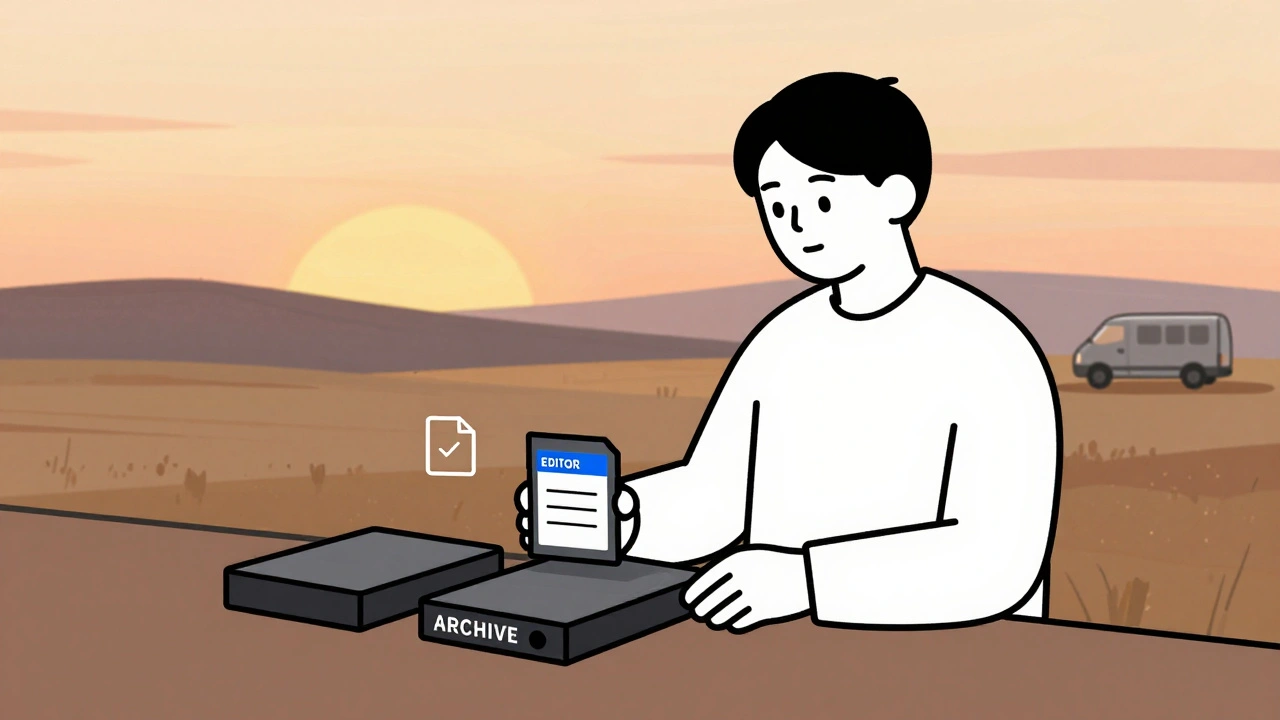
Data Management: DIT, Backups, and Archival Best Practices for Video Teams
Learn how professional video teams manage data with DIT workflows, the 3-2-1 backup rule, and archival practices that prevent costly data loss. Essential for editors, filmmakers, and content creators.
Latest Posts


Popular Posts
-
 Wireless vs. Wired Streaming Connections: Which One Should You Use?
-
 Grip and Electric Basics: Mastering Flags, C-Stands, and Cable Safety
-
 Paramount+ 4K Devices: Best TVs and Streamers for Ultra HD
-
 YouTube TV vs. Hulu + Live TV: Comprehensive Family Streaming Comparison
-
 Adventure Pulp on Screen: Analyzing The Mummy, The Rocketeer, and Serial DNA