How to Cancel Paramount+ and What Happens Next
When you decide to cancel Paramount+, you’re not just turning off a subscription—you’re making a choice about how you spend your time and money on streaming. Paramount+, a streaming service owned by Paramount Global that offers live sports, original shows, and movies from CBS, MTV, Nickelodeon, and more. It’s one of the few platforms that lets you watch CBS Sunday NFL games, live football broadcasts that are exclusive to Paramount+ in many markets without a cable contract. But if you’re not watching often, or if the price feels too high, canceling is a smart move.
People cancel Paramount+ for all kinds of reasons. Maybe you’re trying to cut back on subscriptions, or you realized you only use it for the NFL games and forgot about everything else. Some users get stuck with automatic renewals because they didn’t realize the free trial ended. Others switch to services like Hulu + Live TV or YouTube TV that bundle sports and shows together. The key thing to know: canceling Paramount+ doesn’t delete your account—it just stops the billing. You keep access until the end of your current billing period, so if you paid for a month on the 5th, you can still watch until the 5th of next month. No need to rush.
There’s no penalty for canceling, and you won’t lose access to shows you’ve already watched. But you won’t get a refund for the current period, even if you cancel halfway through. If you’re on a monthly plan, you can cancel anytime. If you’re on an annual plan, you’re locked in until the year ends. You can’t pause it—you can only cancel. And if you change your mind later, you can always resubscribe. Your watch history and profile stay saved, so you pick up right where you left off.
Some users worry about hidden steps or customer service traps. The truth? Paramount+ makes cancellation simple. You do it yourself in the app or website. No phone call needed. Go to your account settings, find the subscription section, and click "Cancel." That’s it. No long forms, no upsells, no pressure. It’s designed to be easy—because they know people will leave. And that’s okay.
What you’ll find below are real guides from users who’ve been through this. Some explain how to cancel on Roku, Apple TV, or Android. Others show how to avoid being charged again after a free trial. There are tips on switching to cheaper plans before canceling, and how to check if you’re still being billed after cancellation. You’ll also see how this connects to broader habits—like organizing your streaming apps, downgrading plans, or using family profiles to avoid accidental charges. This isn’t about guilt. It’s about control. You paid for a service. Now you’re choosing to stop. That’s not failure. That’s smart.
3
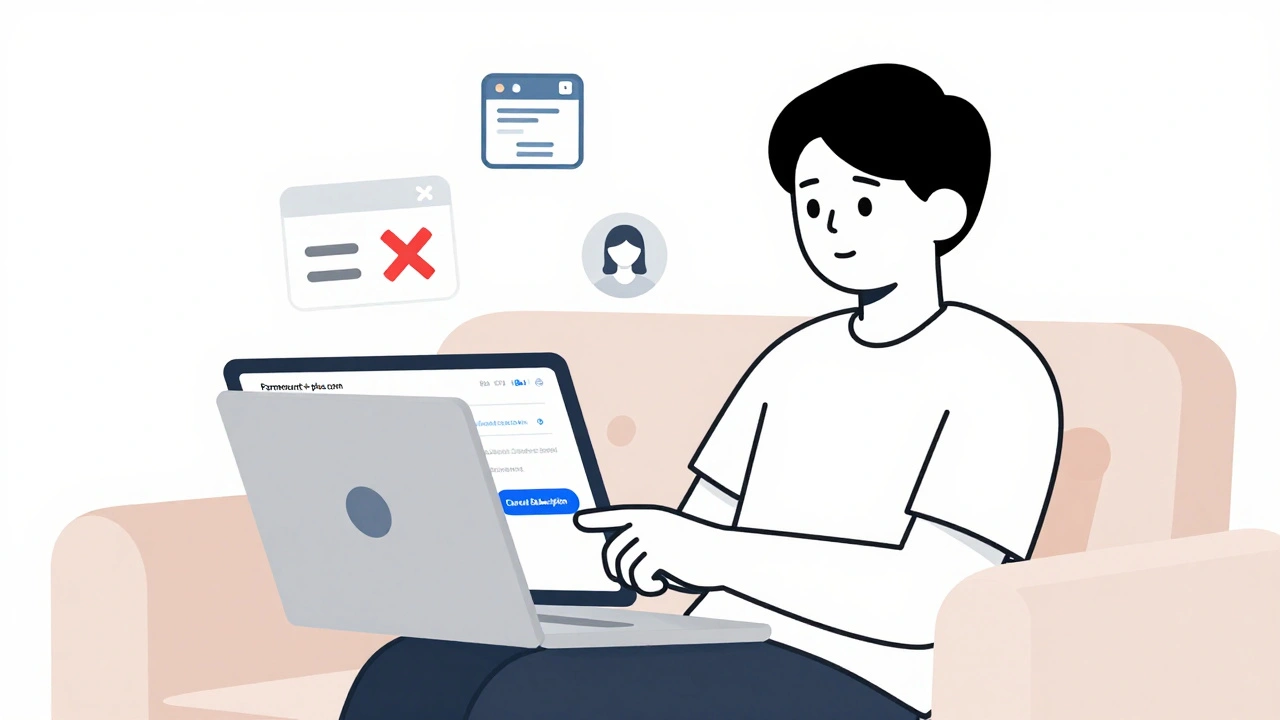
How to Cancel Paramount+: Step-by-Step Guide
Learn how to cancel Paramount+ on any device - web, iPhone, Android, Roku, or Smart TV. Avoid hidden charges, keep your watch history, and know what happens after cancellation.