DIT: What It Is and Why It Matters in Digital Video Production
When you shoot a film or video today, the camera doesn’t just record images—it records DIT, a role in digital video production responsible for managing, backing up, and preparing digital footage for post-production. Also known as Digital Imaging Technician, it’s the person who makes sure your footage doesn’t disappear, your colors stay true, and your editor gets clean, organized files. Without a DIT, you risk losing hours of work, mismatched color grades, or corrupted files that can delay an entire project.
The DIT isn’t just a tech support role—it’s a bridge between the set and the editing suite. They handle data transfer from memory cards to secure drives, verify file integrity, create proxies for editing, and often apply initial color corrections based on the director’s vision. They work with tools like RAID arrays, monitoring scopes, and metadata tagging systems to keep everything trackable. On big productions, they might even manage multiple camera feeds at once. On indie shoots, they’re often the only person holding the entire digital workflow together. Their job is invisible to viewers, but if they mess up, you’ll know it fast—your footage is gone, your color is off, or your editor is stuck waiting for files that never arrived.
Related to DIT are key concepts like digital intermediate, the process of color grading and finalizing digital footage before distribution, and data management, the systematic handling of video files from capture through delivery. These aren’t just buzzwords—they’re the backbone of every modern shoot. Whether you’re filming a Netflix series or a backyard short, if you’re shooting digital, you need a plan for what happens after the camera stops rolling. That’s where DITs come in. They don’t just copy files—they protect your creative work.
The posts below show how DIT workflows connect to real-world video production. You’ll find guides on fixing subtitle errors that often stem from mismanaged file formats, tips on organizing streaming apps that mirror how DITs organize media files, and deep dives into color grading and audio compression that rely on clean, well-managed source material. Whether you’re a filmmaker, editor, or just someone trying to get better video results, understanding DIT helps you ask the right questions, avoid costly mistakes, and make smarter choices from shoot to screen.
6
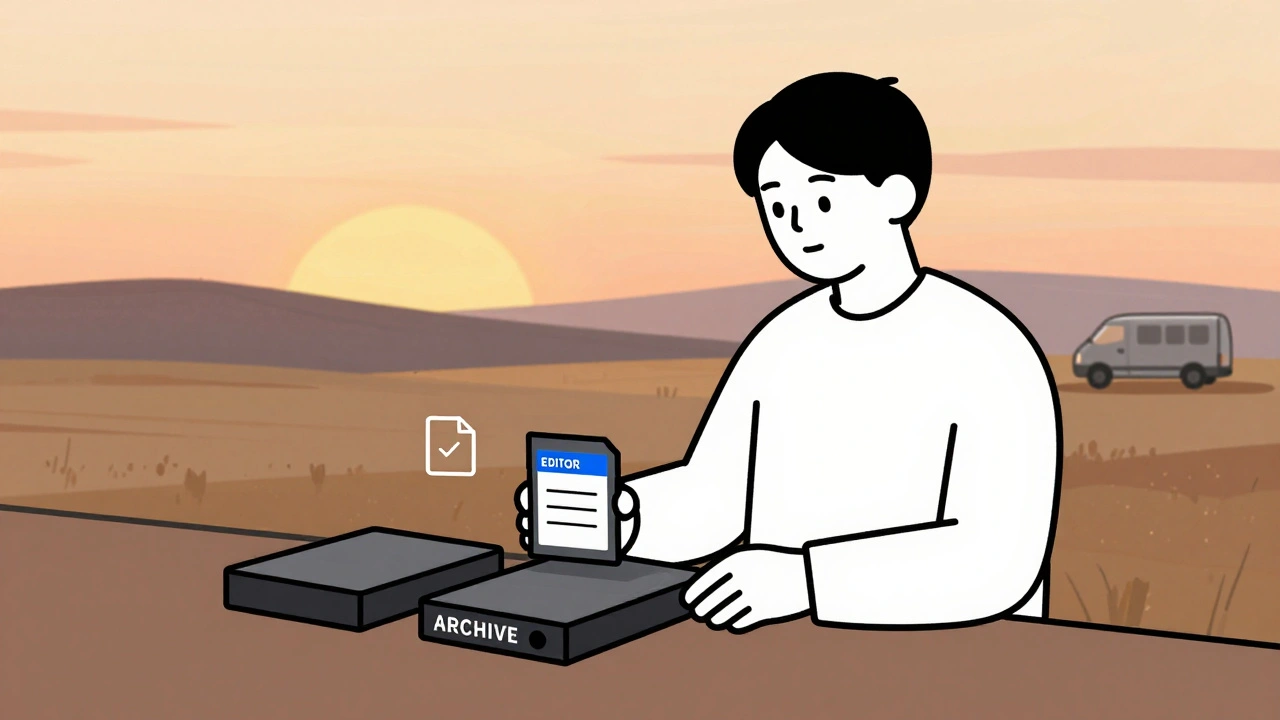
Data Management: DIT, Backups, and Archival Best Practices for Video Teams
Learn how professional video teams manage data with DIT workflows, the 3-2-1 backup rule, and archival practices that prevent costly data loss. Essential for editors, filmmakers, and content creators.
Latest Posts
Popular Posts
-
 Adventure Pulp on Screen: Analyzing The Mummy, The Rocketeer, and Serial DNA
-
 Grip and Electric Basics: Mastering Flags, C-Stands, and Cable Safety
-
 YouTube TV vs. Hulu + Live TV: Comprehensive Family Streaming Comparison
-
 Accessibility for Kids: How Captions and Audio Descriptions Help Learning
-
 Wireless vs. Wired Streaming Connections: Which One Should You Use?