8
Wireless vs. Wired Streaming Connections: Which One Should You Use?

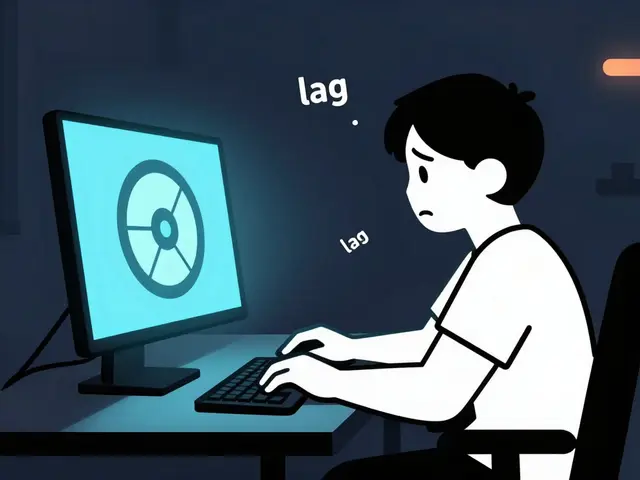
You're halfway through a high-stakes gaming stream or a cinematic 4K presentation when the screen freezes. The dreaded buffering wheel appears, and your chat starts flooding with "Lag!" and "Is your internet down?" It's a nightmare for any creator. Usually, the culprit isn't your internet plan itself, but how that internet actually gets from the wall to your device. Choosing between a wired vs wireless streaming connection is often the difference between a professional broadcast and a glitchy mess.
Most people treat internet as a magic cloud, but in reality, it's a physical journey. Whether you use a cable or a signal in the air, you're fighting against physics and interference. If you want a stream that never drops a frame, you need to understand the trade-offs between stability and convenience. Let's break down what's actually happening under the hood.
Quick Summary for Streamers
- Wired (Ethernet): The gold standard for reliability, lowest latency, and maximum speed. Use this for gaming and 4K streaming.
- Wireless (Wi-Fi): Great for mobility and casual viewing, but prone to interference and "jitter." Use this for tablets and secondary devices.
- The Verdict: If you have a choice, always plug in. If you can't, upgrade to Wi-Fi 6 or 6E to bridge the gap.
The Invisible Struggle of Wireless Connections
Wireless streaming relies on Wi-Fi a wireless networking technology based on the IEEE 802.11 standards. Essentially, your router sends data as radio waves through the air. While this sounds convenient, air is a messy medium. Your microwave, your neighbor's router, and even some baby monitors operate on similar frequencies, creating what pros call "signal noise."
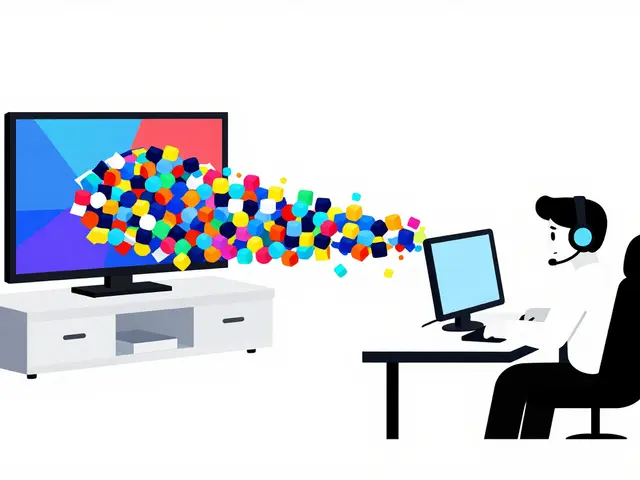
When you stream over wireless, you deal with something called "packet loss." Imagine sending a 100-piece puzzle through the mail, but five pieces get lost in transit. Your device has to ask the router to send those pieces again. This creates a tiny delay. In a Zoom call, you might not notice it, but in a live stream, it manifests as a sudden drop in bitrate or a frozen frame. This is why you'll see a stream suddenly drop from 1080p to 360p-the wireless connection is struggling to maintain the data flow.
Modern standards like Wi-Fi 6E an extension of the Wi-Fi 6 standard that adds support for the 6 GHz band have helped by opening up new "lanes" of traffic, reducing the congestion. However, no matter how fast the spec sheet says your Wi-Fi is, it will never be as consistent as a physical wire.
Why Ethernet is the Professional's Choice
When you use an Ethernet a system for connecting a number of computer systems to form a local area network (LAN) cable, you are creating a dedicated, shielded highway for your data. There is no fighting for signal space and no interference from the kitchen appliance. You get a direct point-to-point connection between your device and the router.
The biggest advantage here is the reduction of latency the delay before a transfer of data begins following an instruction for its transfer, often referred to as "ping." For a streamer, low ping is everything. If you're playing a fast-paced game and streaming it simultaneously, your computer is doing a massive amount of work. Adding the instability of Wi-Fi on top of that creates a bottleneck that can crash your software or cause desync between your audio and video.
A typical Cat6 cable can handle up to 10 Gbps, which is far beyond what most home internet plans even provide. This means your hardware isn't the bottleneck; your ISP is. By removing the wireless variable, you can accurately troubleshoot your stream. If the stream lags on Ethernet, you know it's an ISP issue or a PC hardware problem, not a "bad signal" issue.
| Feature | Wired (Ethernet) | Wireless (Wi-Fi 6/6E) |
|---|---|---|
| Stability | Rock Solid | Variable |
| Latency (Ping) | Ultra Low | Moderate to High |
| Setup Ease | Requires Cables | Plug and Play |
| Interference | None | High (Radio waves/Walls) |
| Max Speed | Consistent 1Gbps+ | Bursty / Theoretical |
Understanding the "Jitter" Factor
Most people talk about speed (Mbps), but streamers should care more about jitter the variation in the delay of received packets in a network. Speed is how much data you can move; jitter is how consistent that movement is.
Think of it like a car on a highway. High speed means the car is going 70 mph. Low jitter means the car stays at exactly 70 mph the whole way. High jitter is like a car that goes 100 mph, then slams on the brakes to 20 mph, then speeds up again. To a streaming service, high jitter looks like a connection failure. This is why your "Speed Test" might say you have 300 Mbps on Wi-Fi, yet your stream still stutters. The average speed is high, but the delivery is erratic.
Wired connections virtually eliminate jitter. When you plug in, the data arrives in a steady, rhythmic stream. This allows your encoding software, like OBS Studio open-source software for video recording and live streaming, to maintain a constant bitrate without having to constantly adjust the quality to compensate for drops.
Practical Setup Scenarios: What Should You Use?
Not everyone can run a 50-foot cable across their living room. Depending on your goals, you might choose different paths. Let's look at a few real-world scenarios.
The Hardcore Gamer/Pro Streamer: If you are streaming on Twitch or YouTube and playing a game on the same PC, there is no debate: Wired is the only option. Use a Cat6 or Cat6a cable. If your router is in another room, look into Powerline Adapters devices that send network data over your home's existing electrical wiring. These aren't as fast as a dedicated Ethernet run, but they are significantly more stable than Wi-Fi because they use physical wires (your electrical outlets) to move the data.
The Casual Vlogger/Mobile Streamer: If you're streaming a "walk-and-talk" with a smartphone or using an iPad for a casual art stream, wireless is your only choice. To make this work, ensure you are on the 5GHz or 6GHz band. The 2.4GHz band is where most old devices live, and it's incredibly crowded. Moving to a higher frequency reduces the range but drastically increases the speed and stability.
The Hybrid Setup: Some people use a dual-PC setup. The gaming PC is wired to the router, and the streaming PC is also wired. This separates the heavy lifting. If you try to do this over Wi-Fi, you're essentially doubling the amount of wireless traffic in your room, which increases the chance of interference and packet loss for both machines.
Common Pitfalls to Avoid
Even with a wired connection, things can go wrong. A common mistake is using an old Cat5 cable (not Cat5e). Original Cat5 cables are limited to 100 Mbps. If you have a Gigabit internet plan but are using a 20-year-old cable you found in a drawer, you're capping your speed by 90% without even knowing it. Always check the text printed on the side of the cable.
Another issue is the "Wi-Fi Range Extender." Many people buy these to fix a weak signal in their streaming room. In reality, most cheap extenders just repeat a degraded signal, which actually increases jitter and latency. If you can't run a wire, a Mesh Wi-Fi System a group of nodes that work together to provide seamless wireless coverage across a large area is a much better investment. Mesh systems use a dedicated backhaul to communicate between nodes, making the connection feel more like a wired network.
Can I use Wi-Fi if I have a very expensive router?
A high-end router improves the quality of the signal, but it cannot change the physics of radio waves. You will still experience more jitter and interference than you would with a $5 Ethernet cable. For casual use, a great router is enough; for professional streaming, it's still a second-best option.
Does 5G home internet work for streaming?
5G home internet is great for downloading, but its upload speeds can be wildly inconsistent. Since streaming is all about uploading data to a server, 5G can be risky. If you use 5G, definitely connect your streaming PC to the 5G gateway via Ethernet to remove one more layer of wireless instability.
What is the best Ethernet cable for streaming?
For most people, a Cat6 cable is the sweet spot. It supports up to 10 Gbps and has better shielding against interference than Cat5e. Unless you are running cables through walls in a commercial building, you don't need Cat7 or Cat8.
Will a wired connection improve my stream quality?
It won't necessarily make the image "sharper" (that depends on your bitrate and encoder), but it will stop the image from suddenly becoming blurry or freezing. It provides a consistent flow of data, which allows your stream to stay at the highest possible quality setting without dipping.
Is a Mesh Wi-Fi system as good as Ethernet?
It's much closer than a standard extender, but still not as good. The best way to use a Mesh system for streaming is to connect your PC to the nearest Mesh node using an Ethernet cable. This gives you a wired connection to the node, which then uses a high-speed wireless backhaul to the main router.
Next Steps for Your Setup
If you're currently on Wi-Fi and experiencing drops, start by checking your upload speed using a tool like Speedtest.net. Look specifically at the "jitter" and "loss" metrics. If the loss is above 1%, you have a problem.
Your first move should be to try a temporary Ethernet cable-even if it means running it across the floor for one stream. If your stability improves instantly, you have your answer. From there, you can decide if you want to invest in permanent cabling, a Powerline adapter, or a high-end Mesh system to keep your broadcast professional and uninterrupted.