19
Data Usage for Music Streaming: How Much Your Playlists Consume

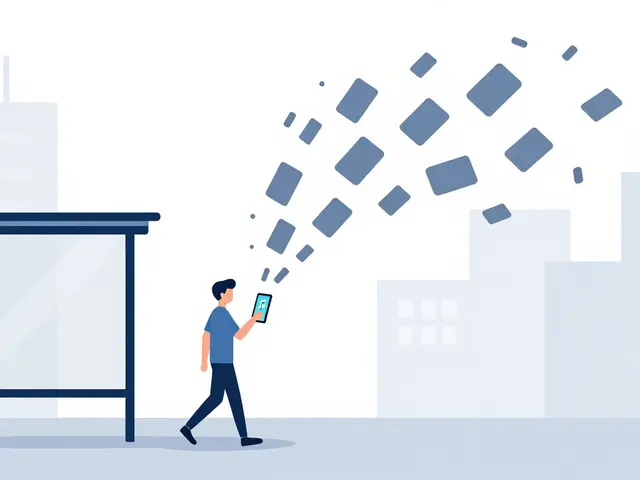
You hit play on your favorite playlist while walking to the bus stop. The song starts, but then you notice your phone’s battery draining faster than usual, or worse, your monthly data cap warning popping up. It’s a common frustration in 2026: we love streaming music anywhere, but we often ignore how much mobile data it actually eats up.
If you’re sharing a home internet plan, using a limited mobile hotspot, or traveling abroad where data costs are steep, understanding these numbers isn’t just nice to know-it’s essential. Let’s break down exactly how much data different streaming services use, why quality settings matter more than you think, and how to keep your playlists running without blowing your budget.
The Real Cost of Streaming Audio
When you stream music, your device downloads small chunks of audio data from a server in real-time. Unlike downloading a file once, streaming keeps that connection open as long as the song plays. This continuous transfer is what consumes your bandwidth.
The amount of data used depends primarily on one factor: Bitrate. Bitrate measures how many bits of data are processed per second, usually expressed in kilobits per second (kbps) or megabits per second (Mbps). Higher bitrates mean better sound quality but also higher data consumption.
- Low Quality: Typically around 96 kbps. Sounds decent on cheap earbuds but lacks depth.
- Normal/Medium Quality: Usually 128 kbps to 160 kbps. The standard for most casual listeners.
- High Quality: Ranges from 256 kbps to 320 kbps. Crisp highs and deep bass.
- Lossless/Audio Lossless: Can exceed 900 kbps to 1,411 kbps (CD quality). Requires high-end headphones to hear the difference.
To put this in perspective, an hour of music at 128 kbps uses roughly 57 MB of data. At 320 kbps, that same hour jumps to about 144 MB. If you listen for three hours a day, you could burn through 432 MB daily-or over 12 GB a month-just on music.
How Major Platforms Compare
Not all apps handle data the same way. Some prioritize convenience with automatic quality adjustments, while others let you manually lock in specific settings. Here is how the big players stack up in 2026.
| Service | Default Quality | Data Per Hour (Approx.) | Max Data Per Hour | Data Saver Mode? |
|---|---|---|---|---|
| Spotify | Normal (128 kbps) | 57 MB | 144 MB (Very High) | Yes |
| Apple Music | Automatic | Varies | ~100 MB+ (Lossless) | Yes (Cellular Data Options) |
| Amazon Music | Standard | ~50-60 MB | ~150 MB (HD) | Yes |
| YouTube Music | High (256 kbps) | 115 MB | 115 MB | Yes (Low Quality) |
| Tidal | HiFi (1,411 kbps) | 630 MB | 630 MB+ | No (but has 'Mobile Data' toggle) |
Spotify remains popular partly because its default settings are relatively light on data. However, if you switch to "Very High" quality, the usage doubles. Apple Music introduced lossless audio a few years ago, which sounds incredible but can eat up to 100 MB per hour if left on automatic mode during cellular connections. Tidal is known for high-fidelity audio, meaning it consistently uses significantly more data than competitors unless you manually restrict it.
Why Your Data Bill Might Be Spiking
You might be wondering why your data usage seems inconsistent. One day it’s fine; the next, you’ve used half your allowance. Several hidden factors contribute to this variability.
Pre-buffering and Caching
Streaming apps don’t just download the current song. They pre-load the next few tracks to prevent buffering pauses. If you skip songs frequently, you waste data on tracks you never heard. Additionally, some apps cache entire albums or playlists in the background when connected to Wi-Fi, which doesn’t cost mobile data but can confuse users checking total network activity.
Video Lyrics and Visualizers
In 2026, many platforms offer video lyrics, artist visualizers, or even full music videos within the player interface. These features stream video alongside audio. A single minute of HD video can use more data than an entire hour of lossless audio. Keep an eye out for toggles that disable "Lyrics Video" or "Background Play" if you want to save bytes.
Podcast Integration
Services like Spotify and Amazon Music include podcasts. Podcasts are often streamed at lower bitrates than music, but they are longer. Listening to a two-hour podcast episode might use less data per minute than a song, but the total volume adds up quickly because of the duration.
Practical Ways to Reduce Data Usage
You don’t need to give up streaming to save data. A few simple tweaks can cut your consumption by 50% or more without noticeably affecting sound quality for most people.
- Enable Data Saver Modes: Almost every major app has a setting called "Data Saver," "Cellular Data Options," or "Stream Smart." Turn this on. It forces the app to use low-quality audio (usually 96-128 kbps) when you’re not on Wi-Fi.
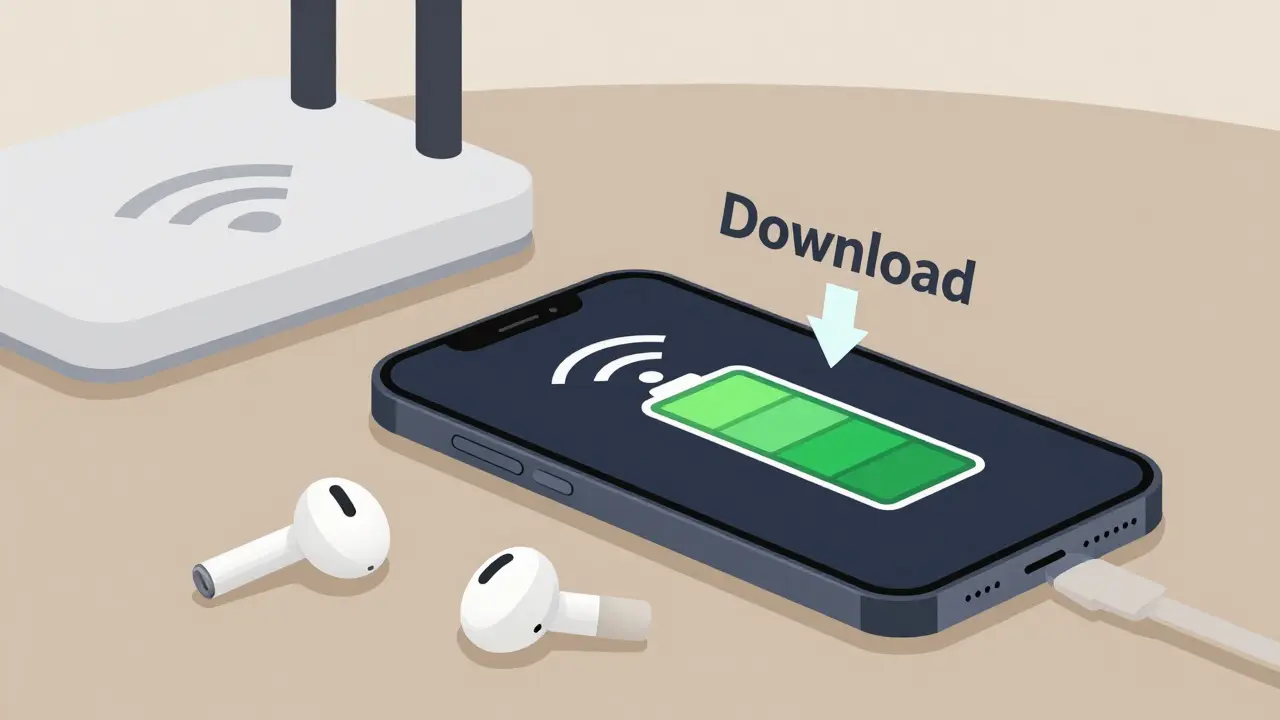
- Download Over Wi-Fi Only: Use the "Download Over Cellular" toggle. Disable it. This ensures that only free Wi-Fi connections are used for heavy downloading tasks.
- Adjust Sound Quality Manually: Don’t rely on "Automatic." Set your streaming quality to "Normal" or "Medium" (128-160 kbps) permanently. Most listeners cannot distinguish between 128 kbps and 320 kbps on standard Bluetooth earbuds or phone speakers.
- Use Offline Mode: Download your playlists when you’re at home or work. Then, enable "Offline Mode" on your phone before heading out. This prevents the app from fetching any new metadata or ads, saving both data and battery.
- Disable Auto-Play: When a playlist ends, auto-play continues with similar songs. This can lead to unintended listening time and data usage. Turn off auto-play to control exactly what you consume.
Understanding Lossless vs. Compressed Audio
There’s a debate in the audio community about whether lossless audio is worth the extra data. Lossless audio compresses files without losing any information, resulting in larger file sizes. Standard streaming uses compressed formats like AAC or MP3, which remove frequencies less audible to human ears to shrink file size.
For the average listener using wireless earbuds, the difference is negligible. Bluetooth codecs themselves compress audio further. To truly benefit from lossless streaming, you need wired headphones with high impedance and a dedicated digital-to-analog converter (DAC). If you don’t have that setup, paying for extra data usage to stream lossless audio is likely a waste of resources.
Troubleshooting Unexpected Data Drain
If you’ve adjusted your settings but still see high usage, check these common culprits:
- App Updates: Streaming apps update frequently. Ensure these updates happen only over Wi-Fi in your phone’s general settings.
- Background Refresh: Disable background app refresh for music apps. You don’t need the app updating its library in the background while you’re scrolling social media.
- Family Sharing: If you share a data plan, monitor who else is streaming. One family member watching 4K video content will overshadow everyone else’s music usage.
- Router Settings: Sometimes, your home router might misclassify traffic. Check if your ISP is counting local network traffic incorrectly, though this is rare.
Final Thoughts on Smart Streaming
Music streaming is convenient, but it’s not free in terms of bandwidth. By understanding bitrate, adjusting quality settings, and leveraging offline downloads, you can enjoy your favorite tunes without worrying about overage fees. In 2026, with 5G becoming ubiquitous, data caps are still a reality for many plans. Being proactive about your settings ensures your playlist stays uninterrupted, no matter where you are.
How much data does 1 hour of Spotify use?
At normal quality (128 kbps), Spotify uses approximately 57 MB per hour. At very high quality (320 kbps), it uses about 144 MB per hour.
Does Apple Music use more data than Spotify?
It can. Apple Music offers lossless audio which uses significantly more data (up to 100+ MB/hour) compared to Spotify's maximum of 144 MB/hour for high-quality compressed audio. However, if you set Apple Music to standard quality, their usage is comparable.
Can I stream music without using mobile data?
Yes. You can download playlists and albums over Wi-Fi and then enable "Offline Mode" in the app settings. This allows you to listen to saved music without consuming any mobile data.
What is the best bitrate for saving data?
For most users, 128 kbps to 160 kbps is the sweet spot. It provides good enough quality for casual listening on phones and earbuds while keeping data usage low. Avoid 320 kbps or lossless options if you are strictly limited on data.
Do music videos use more data than audio-only streams?
Yes, significantly. Video streams require much higher bitrates to maintain visual quality. A single minute of HD music video can consume more data than an entire hour of audio-only streaming. Disable video lyrics or visualizers to save data.