10
Spotify Lossless Audio: The Truth About Higher Quality Streaming in 2026
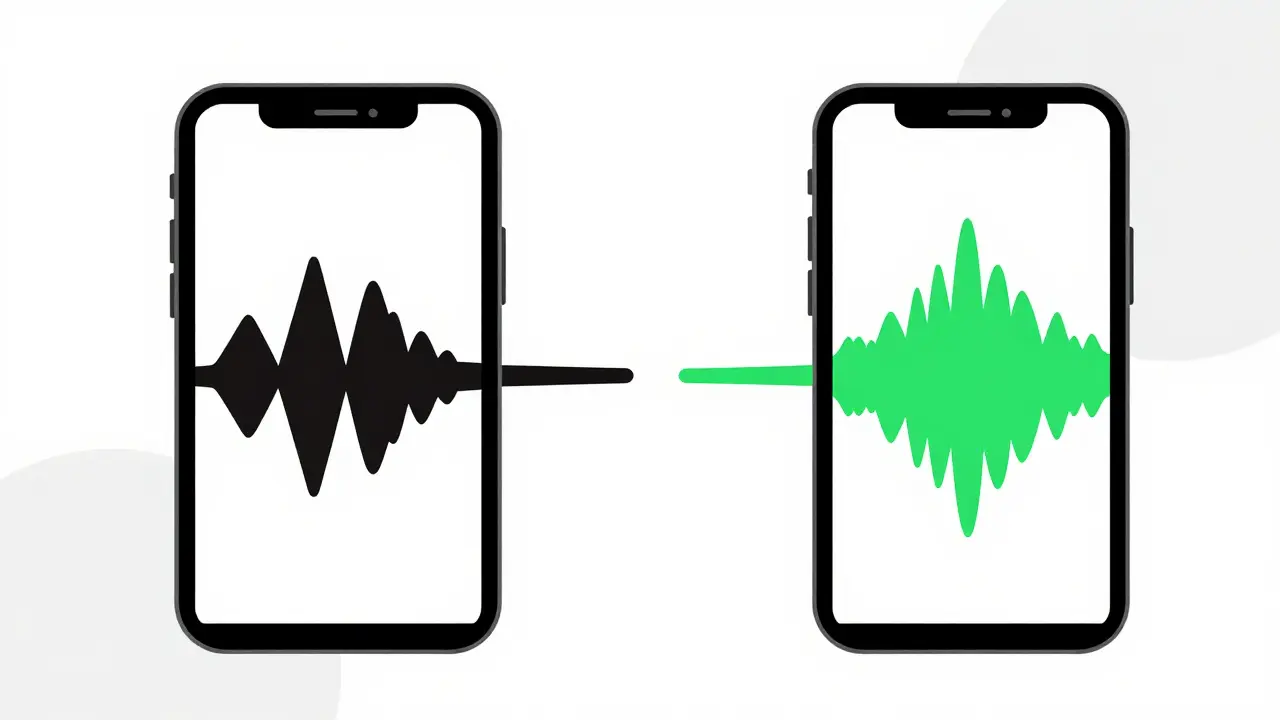
For years, the conversation around Spotify, a dominant music streaming service known for its vast library and algorithmic recommendations was defined by one glaring omission: true high-resolution audio. If you were an audiophile or just someone who cared about how your favorite tracks sounded on decent headphones, Spotify’s standard Ogg Vorbis encoding at 160 kbps felt like a compromise. You could hear the compression artifacts, especially in complex orchestral pieces or dense electronic productions.
That changed dramatically as we moved into 2026. After years of teasing "HiFi" tiers that never quite materialized in the way users expected, Spotify finally rolled out its long-awaited lossless audio offering. But does it actually deliver on the promise of higher quality? Or is it just another marketing term wrapped around slightly better bitrates? Let’s break down what this means for your ears, your data plan, and your wallet.
The Technical Shift: From Lossy to Lossless
To understand why this matters, you need to look at the underlying technology. For over a decade, Spotify relied on Ogg Vorbis, a lossy audio codec designed to reduce file size while maintaining acceptable sound quality. At 160 kbps (kilobits per second), this format strips away audio data deemed less perceptible to the human ear to save bandwidth. It works well for casual listening on phone speakers, but it lacks the dynamic range and clarity that high-end gear can reproduce.
The new tier introduces ALAC, which stands for Apple Lossless Audio Codec, a format that preserves all original audio data without compression artifacts. While ALAC is often associated with Apple ecosystems, Spotify has implemented it efficiently across Android and iOS platforms. This means the stream you receive is bit-perfect identical to the source file used in the studio, typically delivering up to 24-bit/96kHz resolution. That is significantly higher than the CD-quality standard of 16-bit/44.1kHz.
Here is the practical difference: when you listen to a track in lossless mode, you are hearing every subtle reverb tail, every breath between vocal phrases, and the full spatial depth of the recording. On a pair of $50 earbuds, you might not notice the difference. But on open-back headphones or a dedicated home theater system, the distinction becomes night and day. The soundstage widens, instruments separate more clearly, and the overall texture feels richer and more natural.
How to Enable and Use Spotify Lossless Audio
Unlike previous updates that required third-party apps or jailbreaking, enabling lossless audio on Spotify is now straightforward within the official app. However, it isn’t automatically turned on for everyone. You have to opt-in, primarily because it consumes significantly more data.
Follow these steps to activate the feature:
- Open the Spotify app on your mobile device (iOS or Android).
- Navigate to the Settings menu, usually found under your profile icon.
- Select Playback Quality or Audio Quality.
- Toggle on the option labeled Lossless or HiFi.
- Choose your preferred connection type settings (Wi-Fi only vs. Cellular).
A crucial detail here is the bitrate variability. Unlike older services that offered a fixed bitrate, Spotify’s lossless stream adjusts based on the source material. Most tracks will stream at approximately 960 kbps to 1.5 Mbps. Some highly compressed masters or lower-quality uploads from independent artists may still cap out at lower resolutions. Always check the album metadata; if it says "High Resolution" or displays the FLAC/ALAC badge, you are getting the real deal.
Data Consumption and Battery Impact
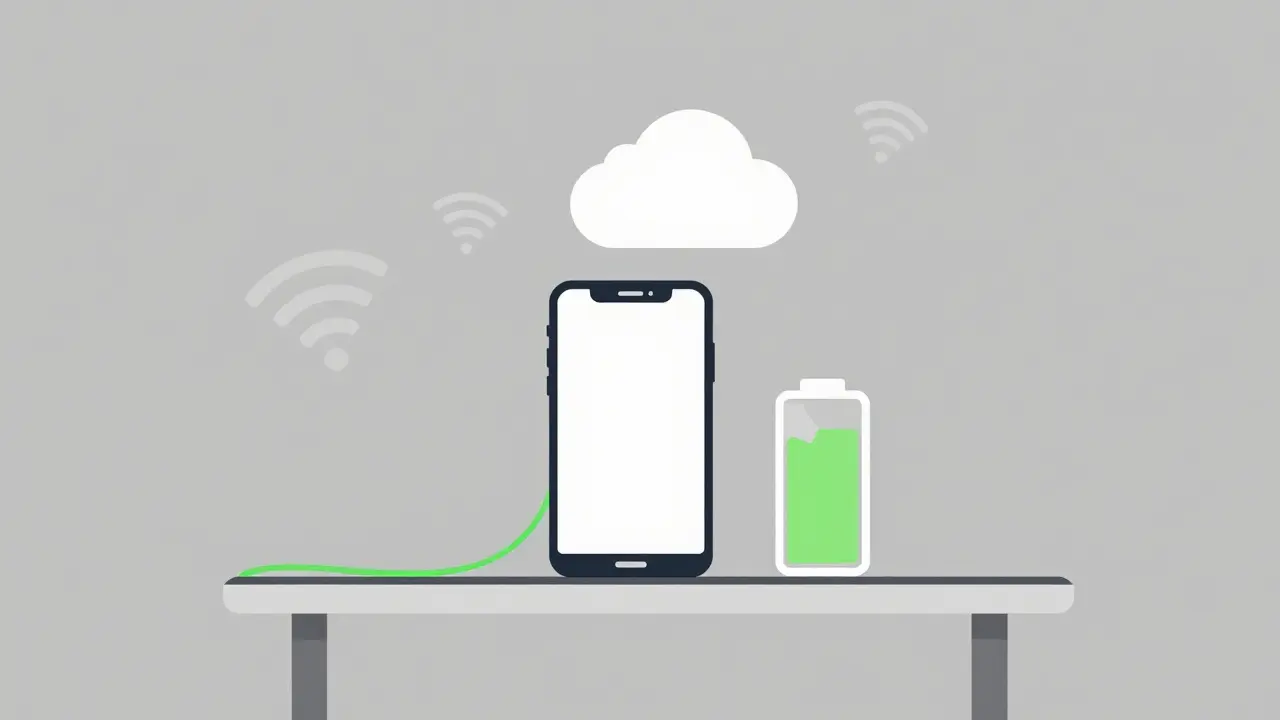
There is no free lunch in digital audio. Switching to lossless streaming has tangible costs beyond the subscription fee. The most immediate impact is on your data usage. Standard Spotify streaming uses roughly 1 MB per minute of music. Lossless streaming can consume between 3 MB and 5 MB per minute.
If you listen to three hours of music daily on cellular data, you could easily burn through 10-15 GB of your monthly allowance. In Australia, where data plans are relatively affordable compared to some regions, this might not be a huge burden. But if you are traveling internationally or on a capped plan, this adds up quickly. I recommend keeping lossless enabled only on Wi-Fi networks unless you have unlimited data.
Battery life is another factor. Decoding lossless audio requires more processing power from your device’s CPU and DSP (Digital Signal Processor). Users have reported a noticeable drop in battery efficiency-sometimes up to 15-20% faster drain during continuous playback. If you are using an older smartphone, this might be a significant trade-off. Newer devices with efficient chipsets handle the load better, but it is something to monitor.
Comparison: Spotify vs. Competitors
You might wonder if Spotify’s entry into the lossless space makes it superior to established competitors like Tidal, a streaming service known for pioneering high-fidelity audio offerings or Qobuz, a platform focused exclusively on high-resolution audio downloads and streaming. Here is how they stack up in 2026.
| Feature | Spotify Premium | Tidal HiFi | Qobuz |
|---|---|---|---|
| Max Resolution | 24-bit/96kHz | 24-bit/192kHz | 24-bit/192kHz |
| Codec Used | ALAC / FLAC | MQA / FLAC | FLAC |
| Monthly Price (AUD) | $17.99 | $19.99 | $19.99 |
| Catalog Depth | Vast (100M+) | Large (80M+) | Curated (70M+) |
| User Experience | Best-in-class UI | Good | Functional |
Tidal still holds the edge in maximum resolution, offering up to 192kHz sampling rates, which appeals to purists with ultra-high-end equipment. Qobuz remains the favorite for classical and jazz listeners due to its extensive liner notes and curated editorial content. However, Spotify’s advantage lies in its ecosystem. Its recommendation algorithms, playlist curation, and social features remain unmatched. For the average user who wants high quality without sacrificing discovery, Spotify offers the best balance.
Does Your Gear Matter?
This is the most critical question. Upgrading to lossless audio is pointless if your playback chain cannot reproduce the improved signal. Think of it like watching a 4K movie on a small, low-resolution TV. The extra pixels are there, but you won’t see them.
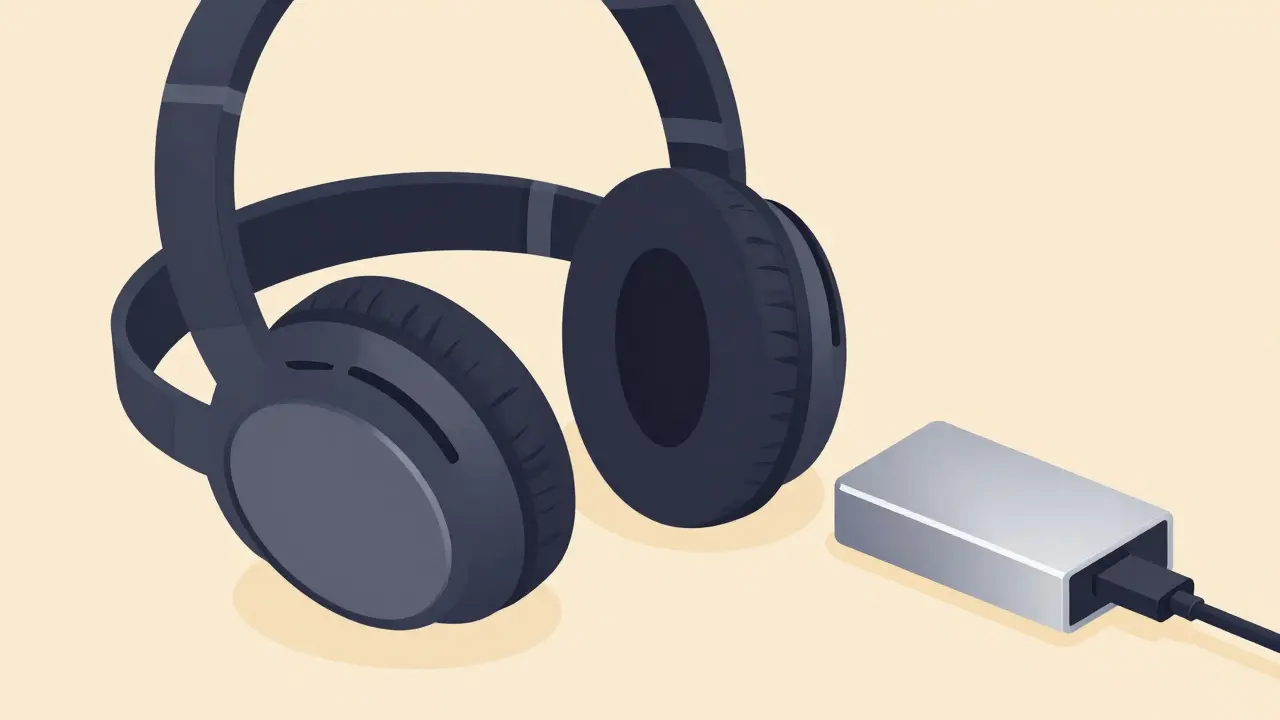
To truly benefit from Spotify’s lossless tier, you need two things: good headphones or speakers, and a capable Digital-to-Analog Converter (DAC). Most modern smartphones have built-in DACs that are adequate for 24-bit audio, but they are often compromised by noise and limited voltage swing. External USB-C or Lightning DACs, such as those from brands like FiiO, a manufacturer of portable audio accessories including DACs and amplifiers or iBasso, a company specializing in high-end portable audio players and components, can unlock the full potential of the stream.
If you are listening through Bluetooth wireless headphones, you face another bottleneck. Most Bluetooth codecs, even advanced ones like LDAC or aptX HD, are still lossy. They compress the audio again before sending it wirelessly. To get true lossless quality, you need a wired connection or a very high-end wireless setup with proprietary codecs supported by both the phone and the headphones. This is a limitation many users overlook when upgrading their subscription.
Pricing and Value Proposition
In 2026, Spotify did not create a separate price tier for lossless audio. Instead, it bundled the feature into the existing Premium Individual plan. This is a smart move. It avoids fragmenting the user base and encourages mass adoption. The cost remains competitive against rivals. When you consider that Tidal and Qobuz charge similar or higher prices for comparable features, Spotify’s value proposition strengthens considerably.
However, families should note that the Family Plan also includes lossless access for all members. This makes it an incredibly cost-effective option for households with multiple listeners who care about audio quality. Student discounts remain available, though verifying eligibility can sometimes be cumbersome depending on your institution’s partnership status.
Common Pitfalls and Troubleshooting
Even with the best intentions, users encounter issues. Here are the most common problems and how to fix them:
- Stuttering or Buffering: Lossless files are larger. If your internet connection is unstable, the stream will buffer frequently. Ensure you have a stable Wi-Fi connection or strong 5G signal.
- No Quality Change Noticed: Check your volume levels. Listen at moderate volumes in a quiet environment. Also, verify that your headphones are not damaged or poorly sealed.
- App Crashes: Older devices struggling with the decoding load may crash. Update your OS and Spotify app to the latest versions. Clear the cache if performance lags.
- Incorrect Metadata: Sometimes, albums display as lossless but aren’t. This is usually a catalog error. Report it via the app’s help section to encourage correction.
Is Spotify lossless audio really CD quality?
Yes, and often better. Standard CD quality is 16-bit/44.1kHz. Spotify’s lossless tier streams up to 24-bit/96kHz, which provides greater dynamic range and frequency response than a standard CD. This means more detail and clarity in the audio reproduction.
Can I use Spotify lossless with Bluetooth headphones?
Technically yes, but you won’t get true lossless quality. Bluetooth transmission involves compression. Even high-end codecs like LDAC lose some data. For authentic lossless listening, use wired headphones or a direct connection to a DAC.
Does Spotify lossless work offline?
Yes. When you download songs for offline listening, they are stored in the lossless format if you have enabled the setting. This allows you to enjoy high-quality audio without consuming data or requiring an internet connection.
Why does my battery drain faster with lossless audio?
Decoding high-resolution audio files requires more processing power from your device’s CPU and digital-to-analog converter. This increased computational load draws more power from your battery, leading to faster depletion compared to standard lossy streams.
Is there a difference between Spotify HiFi and Spotify Lossless?
No. "HiFi" and "Lossless" refer to the same feature set within Spotify. The company has used both terms interchangeably in marketing and interface design. Both indicate the availability of uncompressed, high-resolution audio streams.