23
Apple TV 4K vs. Roku Ultra: The Definitive Streaming Device Showdown for 2026
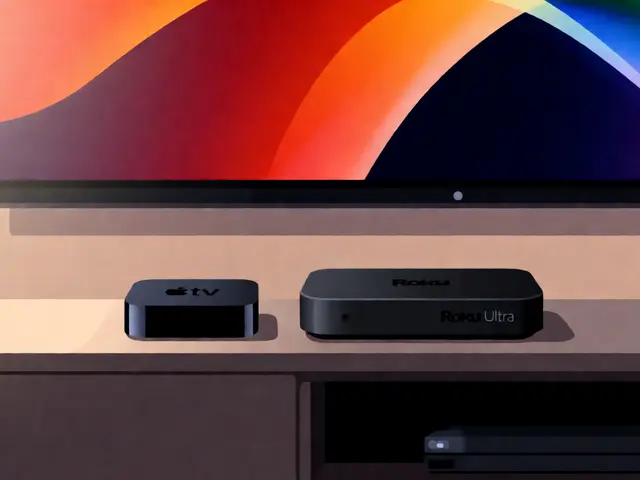
You’re sitting on your couch, remote in hand, staring at a wall of apps that look suspiciously similar. You want to watch a movie, but first you have to navigate three menus, wait for a buffer, and hope the audio syncs up. Sound familiar? Choosing between the Apple TV 4K is a premium media streaming device from Apple featuring A15 Bionic chip support and deep iOS integration and the Roku Ultra is a high-end streaming player known for its simple interface and extensive channel library support isn’t just about which box looks better next to your television. It’s about how you actually consume content.
In 2026, the gap between these two titans has widened in some areas and narrowed in others. One leans heavily into a walled garden of seamless performance and ecosystem lock-in. The other throws open the doors to every app imaginable with zero friction. If you’ve been debating which one deserves a spot in your living room, let’s cut through the marketing noise and look at what really matters: speed, ease of use, picture quality, and your wallet.
The Ecosystem Factor: Walled Garden vs. Open Playground
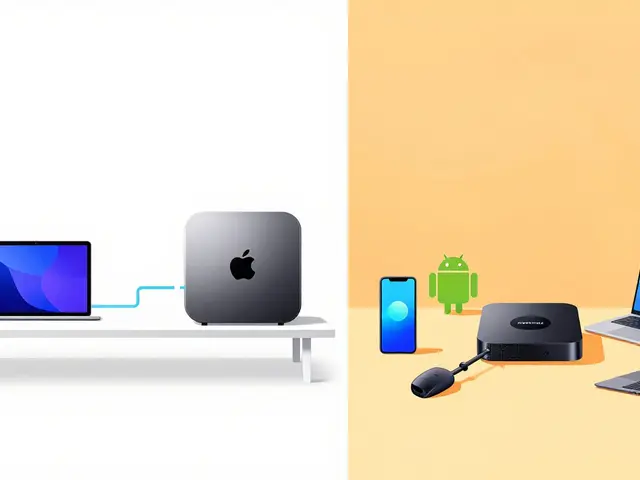
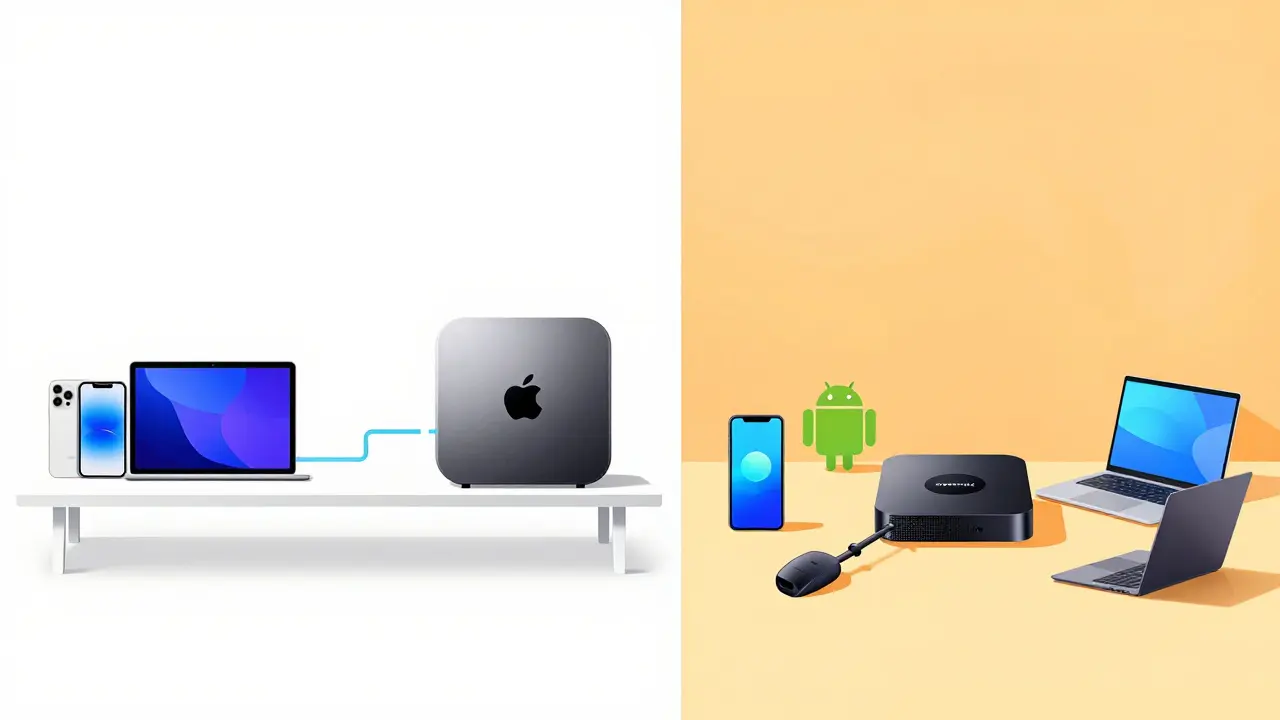
The biggest difference between these devices isn’t hardware-it’s philosophy. Apple wants you inside their world. Roku wants you to have access to everything, regardless of where it lives.
If you own an iPhone, an iPad, or a Mac, the Apple TV 4K feels like magic. AirPlay works flawlessly. You can mirror your screen to watch a presentation or show a photo album without fumbling with cables. Handoff lets you start watching a trailer on your phone and pick it up on the big screen instantly. Siri integration is tight; asking "Play the latest Marvel movie" actually finds it across Disney+, Netflix, and Prime Video if you’ve linked those accounts. This convenience is addictive once you get used to it.
Roku takes the opposite approach. Its strength lies in neutrality. It doesn’t care if you use Android, Windows, or a flip phone. The Roku Ultra interface is a grid of tiles. That’s it. No algorithms trying to guess your mood based on your location data. Just rows of channels. For many users, this simplicity is a breath of fresh air. You find what you want quickly because there are no hidden layers or promotional banners cluttering the home screen. Roku also supports more niche streaming services than almost any competitor, including international platforms that might not make it to Apple’s curated list.
| Feature | Apple TV 4K (2026 Model) | Roku Ultra |
|---|---|---|
| Primary OS | tvOS 18 | Roku OS 12 |
| Device Integration | Deep iOS/Mac/iPad synergy | Platform agnostic |
| Voice Assistant | Siri | Built-in Voice Remote Pro |
| App Store Size | Curated (~200+ apps) | Extensive (~500+ channels) |
| Gaming Support | Strong (Apple Arcade, MFi controllers) | Limited (Cloud gaming only) |
Performance and Speed: Raw Power Matters
Let’s talk specs, because they translate directly to your experience. In 2026, the Apple TV 4K runs on the A15 Bionic chip (or newer variants depending on the specific model year). This is mobile-grade silicon found in iPhones. It handles 4K HDR decoding effortlessly. Menus scroll smoothly. Apps launch in seconds. There’s virtually no lag when switching between Netflix and YouTube.
The Roku Ultra uses a custom quad-core processor designed specifically for streaming. It’s not as powerful as Apple’s chip in raw benchmarks, but it’s optimized for one job: playing video. In real-world testing, the difference in menu responsiveness is negligible for most people. However, under heavy load-like opening multiple background apps or using complex voice commands-the Apple TV tends to stay ahead. If you’re someone who multitasks on your TV, keeping Spotify running while browsing Plex libraries, Apple’s extra horsepower pays off.
But here’s the catch: power means nothing if the user interface drags. Roku’s UI is lightweight. It loads faster on older networks. If your Wi-Fi router is five years old and sits behind two concrete walls, the Roku Ultra might feel snappier simply because it asks less of your bandwidth.
Picture Quality: Dolby Vision and HDR Handling
Both devices support 4K resolution, High Dynamic Range (HDR), and Dolby Vision. So why do enthusiasts often prefer the Apple TV?
It comes down to color calibration and bit depth. The Apple TV 4K outputs 10-bit color, which provides smoother gradients in dark scenes. When you watch a night scene in a sci-fi movie, the shadows on Apple TV tend to look richer and less banding-prone. Roku Ultra also supports 10-bit HDR, but its implementation varies slightly by model generation. In side-by-side tests, the Apple TV often wins on pure visual fidelity, especially if you pair it with a high-end OLED display.
However, for the average viewer watching sitcoms or news, the difference is imperceptible. Both devices will blow away built-in smart TV processors. If you’re upgrading from a cable box, either choice will feel like a massive leap forward. Don’t overpay for marginal gains unless you’re a videophile with a calibrated home theater setup.
Remote Control Experience: Simplicity vs. Features
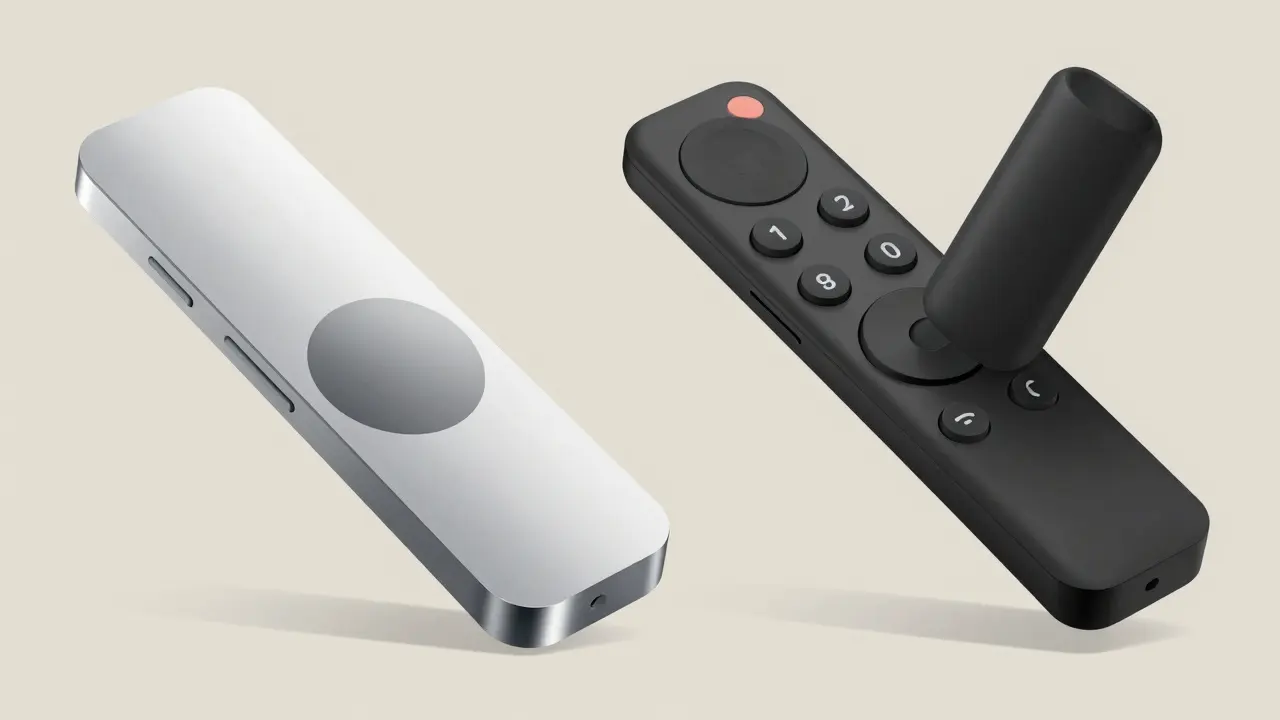
Remotes are underrated. You hold them every time you watch something. The Apple TV remote is sleek, aluminum, and features a touch-sensitive clickpad. It looks great on a coffee table. But it’s slippery. And the touchpad can be finicky. Swiping to scroll requires practice. Many users end up pressing the buttons instead of swiping, defeating the purpose of the gesture controls.
The Roku Ultra comes with the Voice Remote Pro. It’s plastic, chunky, and absolutely fantastic. It has dedicated buttons for major streaming services (Netflix, Hulu, Disney+, etc.). You don’t need to hunt through menus to launch your favorite app. The microphone button is large and easy to press. Plus, the remote has a headphone jack for private listening-a feature Apple removed from its remote years ago. If you live with partners or kids, being able to listen to late-night shows without waking anyone else is a game-changer.
Pricing and Value Proposition
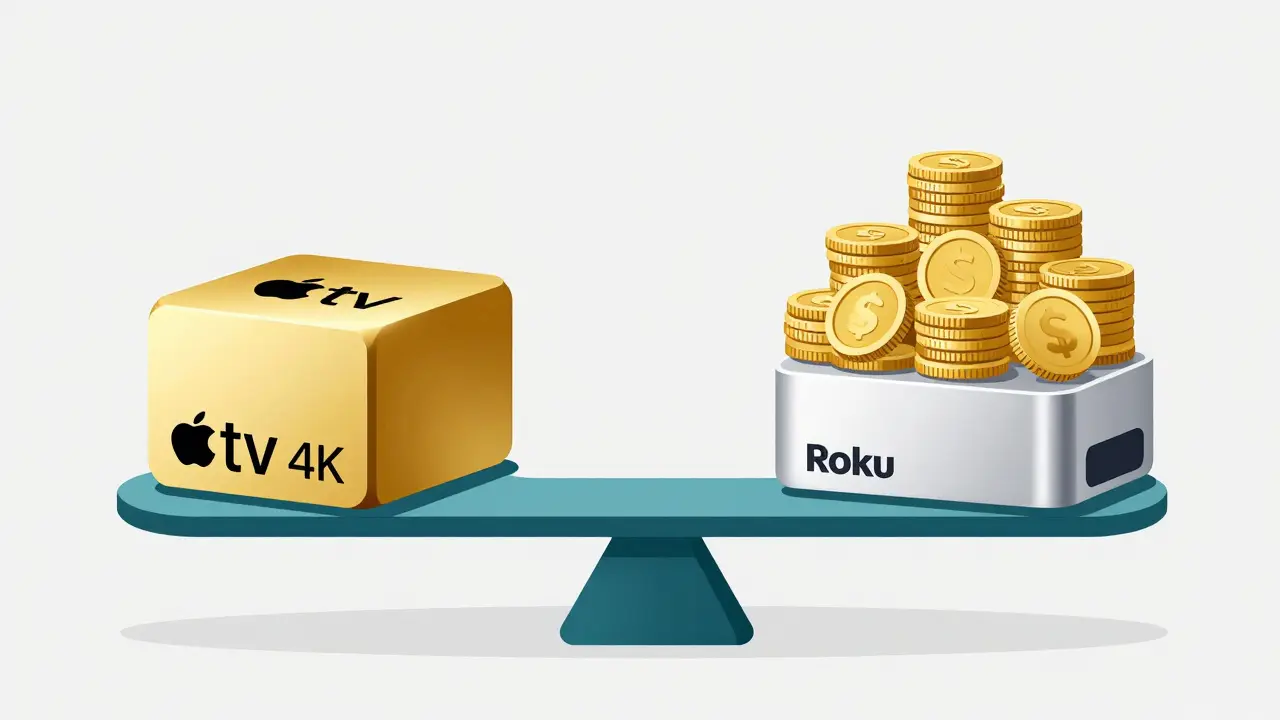
Money talks. The Apple TV 4K typically retails for around $179-$199 USD, depending on storage capacity (64GB vs 128GB). The Roku Ultra usually lands between $99-$129 USD. That’s a significant price gap.
Is the Apple TV worth double the cost? Only if you value ecosystem integration and gaming. If you play games via Apple Arcade or use your TV as a second screen for work, the investment makes sense. Otherwise, you’re paying for brand prestige and marginal performance gains.
Roku offers incredible value. For under $100, you get a reliable, fast, and fully-featured 4K streamer. It does everything the Apple TV does, except integrate with your iPhone. If you don’t care about AirPlay or Siri, the Roku Ultra is the smarter financial decision.
Who Should Buy Which?
Here’s the bottom line. Choose the Apple TV 4K if:
- You live in the Apple ecosystem (iPhone, Mac, iPad).
- You want the best possible picture quality out-of-the-box.
- You enjoy casual gaming via Apple Arcade.
- You prefer a minimalist, polished interface.
Choose the Roku Ultra if:
- You want a simple, no-nonsense interface.
- You use a variety of streaming services, including niche ones.
- Private listening via headphones is important to you.
- You want the best bang for your buck.
Neither device is objectively "better." They serve different lifestyles. Pick the one that fits how you actually watch TV, not how tech reviewers say you should.
Does Apple TV 4K work with non-Apple phones?
Yes, Apple TV 4K works with any smartphone for basic streaming apps like Netflix or YouTube. However, you lose key features like AirPlay mirroring, HomeKit control, and seamless iCloud photo syncing. The experience is functional but lacks the magic found within the Apple ecosystem.
Can I use Roku Ultra without a Roku account?
No, you must create a free Roku account to set up the device. This account syncs your preferences, watchlists, and payment methods across all Roku devices. It’s required for initial activation and software updates.
Which device has better sound output?
Both support Dolby Atmos and pass-through audio to soundbars or AV receivers. Neither device produces superior sound on its own since they rely on external speakers. However, Apple TV’s tighter integration with HomePod speakers allows for easier multi-room audio setup if you own Apple speakers.
Do I need Wi-Fi 6 for these devices?
Not strictly, but it helps. Both devices support Wi-Fi 6 (802.11ax), which reduces buffering in crowded network environments. If your router is older, both will still work fine on standard Wi-Fi 5, provided your internet speed is at least 25 Mbps for smooth 4K streaming.
Is the Apple TV 4K worth the extra cost over Roku?
Only if you are deeply invested in the Apple ecosystem. The performance and build quality justify the price for iPhone users. For everyone else, the Roku Ultra offers nearly identical streaming capabilities at half the price, making it the better value proposition.