10
Best Devices for Netflix in 2026: TVs, Streamers, and Consoles with True 4K HDR
It’s August 2026, and your internet speed isn’t the only thing that matters anymore. You can have a blazing-fast gigabit connection, but if you’re watching Netflix on an old smart TV or a budget tablet, you’re missing out on half the picture. The platform has shifted hard into high-bitrate 4K, Dolby Vision, and now even immersive sound formats like Dolby Atmos. If your hardware doesn’t speak these languages, you’re stuck with standard definition.
Finding the right gear isn’t just about buying the most expensive box. It’s about matching the device to your current setup. Do you need a standalone stick? A full-blown gaming console? Or are you ready to upgrade your entire television? Let’s break down exactly which devices deliver the best Netflix experience right now, without wasting money on features you won’t use.
The Non-Negotiables: What Makes a Device "Netflix Ready"?
Before we look at specific brands, you need to know what to look for on the spec sheet. In 2026, "4K support" is a marketing trap. Many cheap devices claim 4K output, but they cap Netflix streams at 1080p because they lack the necessary licensing or processing power for high-efficiency codecs.
To get the true premium experience, your device must support three things:
- HEVC (H.265) Hardware Decoding: This is the video compression standard Netflix uses for 4K. Without dedicated hardware decoding, your device will overheat or drop frames.
- Dolby Vision Compatibility: Standard HDR10 is good, but Dolby Vision adjusts brightness scene-by-scene. Most new flagship content on Netflix is mastered in this format.
- Wi-Fi 6E or Ethernet Port: 4K streaming requires sustained bandwidth. Wi-Fi 6E reduces interference from neighbors’ networks, ensuring smooth playback during peak hours.
If a device lacks any of these, it might play Netflix, but it won’t give you the cinematic quality you paid for.
Best Streaming Sticks and Boxes for Pure Viewing
For most people, a dedicated streaming device is the smartest move. They are cheaper than upgrading a TV, easier to update, and usually faster than built-in smart TV software.
| Device | Max Resolution | HDR Format | Audio Support | Best For |
|---|---|---|---|---|
| Apple TV 4K (3rd Gen) | 4K @ 60fps | Dolby Vision / HDR10+ | Dolby Atmos | iOS users and home theater enthusiasts |
| Roku Ultra | 4K @ 60fps | Dolby Vision / HDR10+ | Dolby Atmos | Easy setup and universal remote control |
| Amazon Fire TV Cube | 4K @ 60fps | Dolby Vision / HDR10+ | Dolby Atmos | Alexa users and IR remote replacement |
| NVIDIA Shield TV Pro | 4K @ 60fps | Dolby Vision / HDR10+ | Dolby Atmos | Gamers and upscaling enthusiasts |
The Apple TV 4K remains the gold standard for performance. Its processor handles the Netflix app smoother than almost anything else, and if you own an iPhone, the handoff feature lets you start watching on your phone and continue seamlessly on the TV. However, it comes at a premium price point.
On the other end, the Roku Ultra offers incredible value. It supports all the major HDR and audio formats, and its interface is neutral-it doesn’t push one ecosystem over another. If you want a simple plug-and-play experience that just works, Roku is hard to beat.
Don’t sleep on the NVIDIA Shield TV Pro. While originally marketed toward gamers, its AI-powered upscaling makes older HD content look surprisingly close to 4K. If you have a mix of old DVDs and new Netflix originals, this device bridges the gap beautifully.
Smart TVs: Built-In Apps vs. External Devices
You might think your new smart TV is enough. Modern TVs from brands like LG OLED, Samsung QLED, and Sony Bravia do support 4K Netflix natively. But there’s a catch: smart TV operating systems slow down over time.
After two years, the built-in Netflix app on many smart TVs becomes sluggish. Menus lag, and loading times increase. This is why tech experts often recommend using an external streaming stick even with a high-end TV. It keeps the TV’s processor free for image processing rather than running apps.
If you’re buying a new TV in 2026, prioritize panels with high peak brightness (at least 1000 nits) for proper HDR impact. An LG C-series OLED or Samsung S95QD OLED will make Dolby Vision content pop in ways an LCD simply cannot match. Just remember to pair it with a strong external streamer for longevity.
Gaming Consoles: More Than Just Games
If you already own a next-gen console, you likely don’t need a separate streaming device. Both the PlayStation 5 and Xbox Series X are powerful media players disguised as game machines.
The Xbox Series X has a slight edge here due to its deeper integration with Windows-based media frameworks. It supports Auto HDR, which can enhance non-HDR Netflix titles by analyzing the frame and adding dynamic lighting effects. The PS5 delivers crisp 4K playback as well, but its user interface is less optimized for media browsing compared to dedicated streaming boxes.
However, consoles require more power and space. If you’re setting up a bedroom TV or a secondary screen, a small HDMI stick is far more practical than hauling out a 10-pound console.
Mobile and Tablets: Watching On-the-Go
Netflix isn’t just for the living room. For commuters and travelers, mobile devices are crucial. In 2026, the barrier for 4K mobile streaming is lower than ever, but battery life remains the bottleneck.
The iPad Pro with its M-series chip handles 4K Netflix effortlessly. The screen’s color accuracy is studio-grade, making it ideal for creators who want to check how their work looks on consumer displays. Android tablets like the Samsung Galaxy Tab S9 offer similar performance, especially with their AMOLED screens providing deep blacks.
For phones, ensure you have a plan that allows downloads. Downloading 4K episodes takes significant storage space-often 3-4 GB per hour. Clear your storage regularly, or invest in a phone with at least 256GB of capacity.
Sound Matters: Don’t Forget Audio
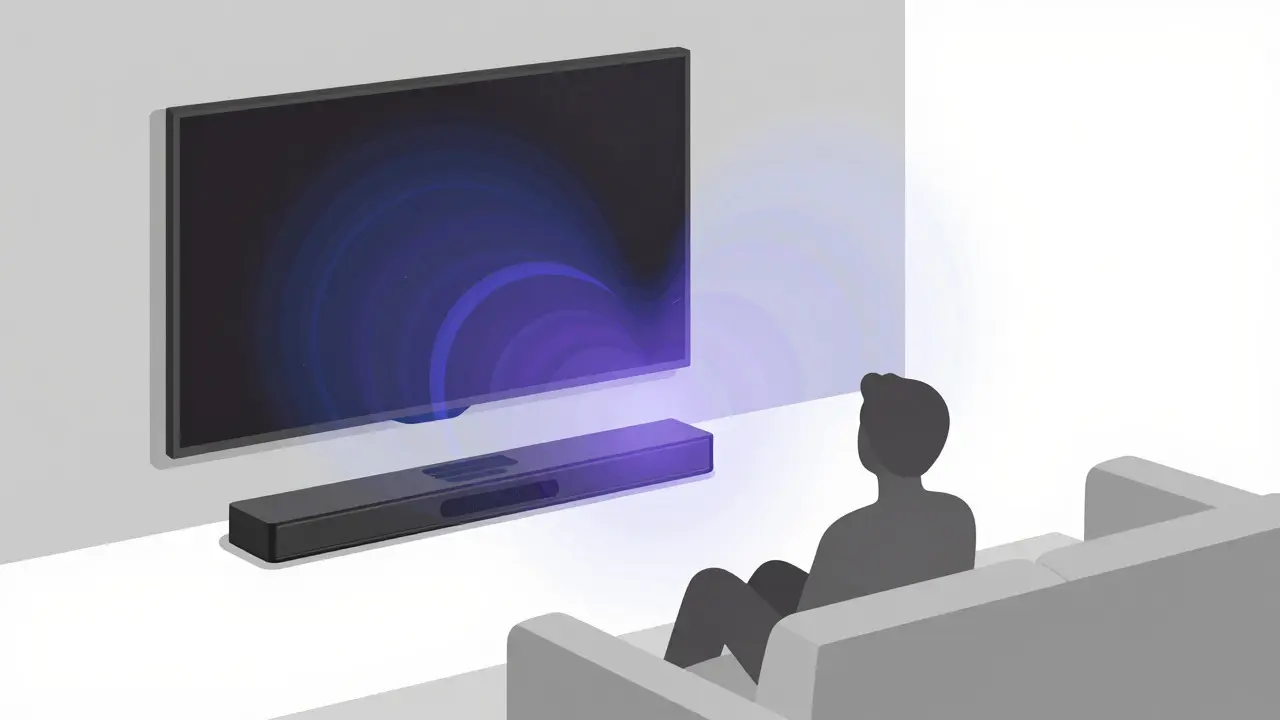
We focus so much on visuals that we ignore audio. Netflix produces many shows with Dolby Atmos mixes. These mixes place sounds in specific locations around you, not just left or right.
To hear this, you need a receiver or soundbar that explicitly states "Dolby Atmos" support. Cheap Bluetooth speakers will compress this multi-channel audio into stereo, losing the immersion. Pair your 4K visual setup with a proper sound system, and the difference is night and day. Try watching a scene with rain or city traffic-the directional cues will feel tangible.
Common Pitfalls to Avoid
Even with the right hardware, settings can ruin your experience. Here are three common mistakes:
- Using HDMI ARC Instead of eARC: Older HDMI cables and ports (ARC) may not carry uncompressed Dolby Atmos audio. Ensure your TV and sound system use eARC (Enhanced Audio Return Channel) for full fidelity.
- Ignoring Color Space Settings: In your TV settings, set the input signal format to "PC Mode" or "RGB Full" if colors look washed out. Some TVs default to limited range, which dulls HDR highlights.
- Streaming Over Public Wi-Fi: Hotels and cafes often throttle streaming bandwidth. Use a personal hotspot or wait until you’re home for 4K viewing to avoid buffering artifacts.
Does Netflix still support 3D movies?
No. Netflix discontinued 3D content support several years ago. All current streaming is in standard 2D, though HDR and high frame rates provide a more immersive alternative.
Can I watch Netflix in 4K on my laptop?
Yes, but only through the Microsoft Edge browser or the dedicated Netflix app on Windows 11. Chrome and Firefox do not currently support DRM requirements for 4K playback. Your laptop must also have a 4K-capable display.
Why does my Netflix look blurry even on a 4K TV?
This is usually due to internet speed throttling or incorrect TV settings. Check your playback profile to see the actual resolution being delivered. Also, ensure your TV’s motion smoothing is turned off, as it can introduce artificial blur.
Is Chromecast with Google TV good for Netflix?
The original Chromecast with Google TV only supports 1080p. For 4K, you need the Chromecast with Google TV (4K) model. It supports Dolby Vision and Atmos, making it a solid budget-friendly option for high-quality streaming.
Do I need a special Netflix plan for 4K?
Yes. You must subscribe to the Premium tier to access 4K UHD and Dolby Atmos. Lower tiers cap your resolution at 1080p regardless of your device capabilities.