10
Streaming Price Tracker: How to Monitor Netflix, Disney+, and Hulu Increases
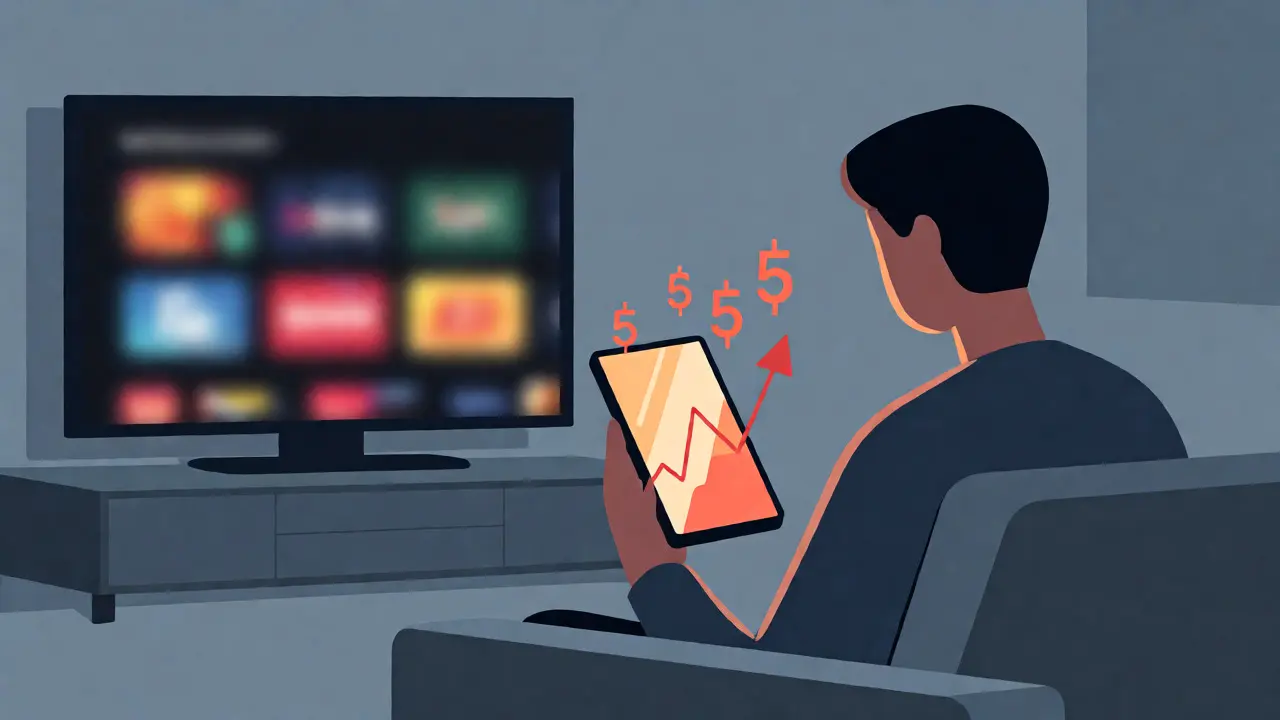
Did you notice your credit card bill creeping up last month? It’s not just you. Streaming services have quietly shifted from a $10-a-month luxury to a $60-a-month necessity for many households. The era of cheap cable replacements is over. If you aren't actively tracking these costs, you're likely overpaying for content you barely watch.
Here is the hard truth: Netflix raised its standard plan prices multiple times in recent years, and competitors like Disney+ and Hulu follow suit with their own ad-supported and premium tiers. Relying on memory to track these changes is a recipe for budget shock. You need a system. This guide breaks down exactly how to monitor these shifts, understand the current pricing landscape as of late 2026, and use smart tools to keep your entertainment budget under control.
Why Streaming Prices Keep Climbing
It feels personal, but it’s mostly economics. For a decade, tech companies spent billions acquiring subscribers at a loss to dominate market share. Now, they are focused on profitability. They know that once you have five different apps installed on your smart TV, you are less likely to cancel them all because of a $3 hike. This inertia is what allows them to raise prices incrementally.
Content costs are also exploding. Producing high-quality original series now rivals major studio films. To cover these production budgets, platforms push users toward higher-tier plans or aggressively promote ad-supported models. Understanding this motivation helps you anticipate when the next bump might come. Usually, it happens right after a major hit show releases or during holiday seasons when retention rates are naturally higher.
The Current Pricing Landscape (Late 2026)
Pricing structures have become complex. It is no longer just about "how much does it cost?" but "what do I get for this cost?" Ad-supported tiers have changed the game, creating a two-tier system for almost every major provider. Here is a snapshot of where the big three stand right now.
| Service | Ad-Supported Tier | Standard Plan (No Ads) | Premium/4K Plan | Notes |
|---|---|---|---|---|
| Netflix | $6.99/mo | $15.49/mo | $22.99/mo | Price hikes frequent; ads tier has limited library initially. |
| Disney+ | $7.99/mo | $13.99/mo | N/A (Bundled) | Often cheaper via Disney Bundle with Hulu/ESPN+. |
| Hulu | $7.99/mo | $17.99/mo | N/A | LIVE add-on significantly increases cost ($76.99 total). |
| Max | $9.99/mo | $16.99/mo | $20.99/mo | Rebranded from HBO Max; strong original content. |
Notice the pattern? The gap between ad-supported and ad-free is widening. Services want you to pay more to avoid interruptions, but they also want to capture the price-sensitive audience with ads. Your job is to decide which side of that line you fall on.
Manual Tracking vs. Automated Tools
You can manage this manually, but it requires discipline. Most people fail because they check their bank statements only when something looks wrong. By then, you’ve already paid the increased rate for two months. Manual tracking involves setting calendar reminders for each service's renewal date and checking their website for price updates quarterly. It works, but it’s tedious.
Automated tools offer a better return on investment for your time. These services connect securely to your email or bank feed (read-only access) to identify recurring subscriptions. They alert you when a charge amount changes. Some even suggest cancellation options if you haven’t used the app in 30 days. While most require a small monthly fee (around $3-$5), the savings from catching one unauthorized price hike or forgotten free trial usually cover the cost immediately.
How to Set Up an Effective Alert System
Setting up a robust monitoring system doesn't require expensive software. You can build a highly effective setup using free or low-cost methods. Here is a step-by-step approach to ensure you never miss a price change.
- Centralize Your Subscriptions: Create a dedicated email address (e.g., `[email protected]`) specifically for streaming sign-ups. Use this for all receipts and password resets. This keeps promotional noise out of your main inbox and makes searching for price changes easy.
- Use Browser Extensions: Install extensions like Honey or Capital One Shopping. While primarily known for coupons, they often track price history for digital goods and notify you of changes in subscription terms.
- Leverage Bank Alerts: Most banking apps allow you to set alerts for specific merchants. Configure alerts for "Netflix," "Disney," and "Hulu." Set the threshold slightly above your current price. If Netflix jumps from $15.49 to $16.00, you’ll get a notification instantly.
- Audit Quarterly: Every three months, spend 15 minutes reviewing your active subscriptions. Ask yourself: Did I watch this service last month? If the answer is no, pause it. Most services allow you to pause your account for 1-3 months without losing your profile data.
Bundling Strategies to Offset Hikes
When individual prices rise, bundles often remain stable or offer better value per dollar. This is the primary defense against inflation in the streaming world. The Disney Bundle (combining Disney+, Hulu, and ESPN+) remains one of the best deals in the industry, especially if you already watch sports or live TV news.
Consider the trade-offs carefully. Bundles lock you into a ecosystem. If you cancel Hulu, you might lose the discounted rate on Disney+. However, if you consume content from all three providers, the bundle saves roughly 20% compared to buying them separately. Always calculate the "cost per hour watched." If you pay $20 for a bundle but only watch 5 hours of content, that’s $4 per hour. Compare that to renting a movie for $6. Suddenly, the bundle looks reasonable.

The Hidden Cost of Ad-Supported Tiers
Switching to an ad-supported plan seems like an obvious money-saver. But there are hidden costs. First, the ads themselves take up time. If you watch 10 hours of content a week, you might sit through 30-45 minutes of ads. Is your time worth $0.50 an hour? Probably not. Second, some ad-supported tiers restrict downloads for offline viewing. If you commute or travel frequently, this limitation might force you back to the pricier tier.
Also, be aware of the "ad fatigue" effect. Studies suggest that viewers who watch ad-supported content are more likely to churn (cancel) within six months than those on ad-free plans. If you find yourself skipping shows because you dread the commercial breaks, the "savings" might actually cost you in satisfaction. Track your mood along with your money.
Future-Proofing Your Budget
Expect more fragmentation. As we move deeper into 2026, niche services (like specialized sports packages or anime-focused platforms) will continue to launch. The trend is shifting away from "all-in-one" mega-bundles toward modular subscriptions. You might buy a base package and add-ons for specific events.
To stay ahead, diversify your payment method. Using a credit card with rotating categories for entertainment purchases can earn you 3-5% cash back. Over a year, spending $600 on streaming could net you $20-$30 back-enough to cover a few months of a basic plan. Also, look for annual prepayment discounts. While risky if you cancel early, paying annually often locks in the current price for 12 months, shielding you from mid-year hikes.
Frequently Asked Questions
Do streaming services notify me before a price increase?
Yes, legally they must provide advance notice, typically 30 days before the new rate applies. However, these emails often land in spam folders or get buried among newsletters. Checking your dedicated subscription email folder regularly is crucial to catch these notices.
Is it cheaper to pay for streaming services annually?
Sometimes. Services like Amazon Prime Video offer significant discounts for annual payments. However, Netflix and Disney+ generally stick to monthly billing models without substantial annual discounts. Always check the current terms, as promotions vary by region and user history.
Can I pause my Netflix subscription instead of canceling?
Netflix does not have an official "pause" button like Spotify. However, you can cancel your subscription at any time. Your account remains active until the end of the billing cycle. When you resubscribe later, your profiles and watch history are preserved for up to 10 months.
Are ad-supported plans really that bad?
It depends on your tolerance. Modern ad loads are shorter than traditional TV commercials, but they interrupt narrative flow. If you binge-watch, the interruptions can be frustrating. For casual viewing, the cost savings often outweigh the inconvenience. Test the ad-supported tier for one month before committing long-term.
What happens if I forget to cancel a free trial?
You will be charged the full monthly rate immediately after the trial ends. Many services do not offer refunds for accidental charges unless you contact support quickly. Setting a calendar reminder for 2 days before the trial expires is the best way to avoid this common pitfall.