25
How to Avoid Auto-Renewal Traps on Streaming Free Trials
It’s January 25, 2026. You signed up for a new streaming service last week because it had a 30-day free trial. You watched three shows, loved the interface, and forgot about it. Now, your bank statement shows a $15 charge you didn’t agree to. Welcome to the auto-renewal trap - a quiet, everywhere, and totally avoidable money leak.
Streaming services aren’t trying to trick you on purpose. But they’re built to make it easy to start and hard to stop. The system works like this: you get a free trial, you enjoy it, and then - boom - your credit card gets charged the moment the trial ends. No warning. No second chance. Just a charge you didn’t mean to make.
Here’s the truth: you don’t need to cancel every free trial. You just need to know when and how to act. Most people lose money because they assume they’ll get a reminder. They don’t. Most services only send one email - if they send any at all - and it’s buried in your spam folder or ignored because it looks like a marketing blast.
Know the exact end date of your trial
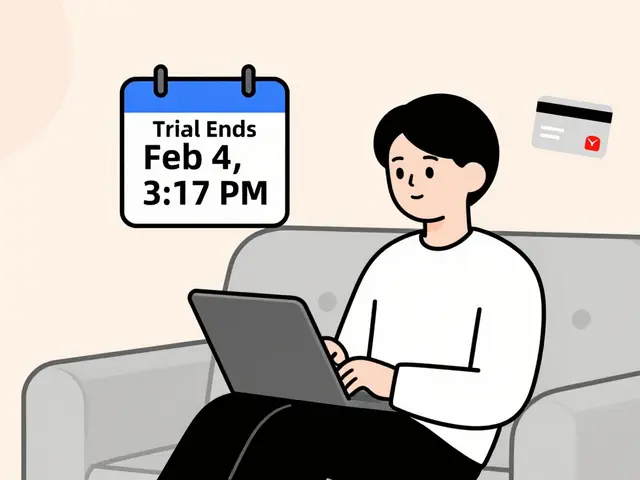
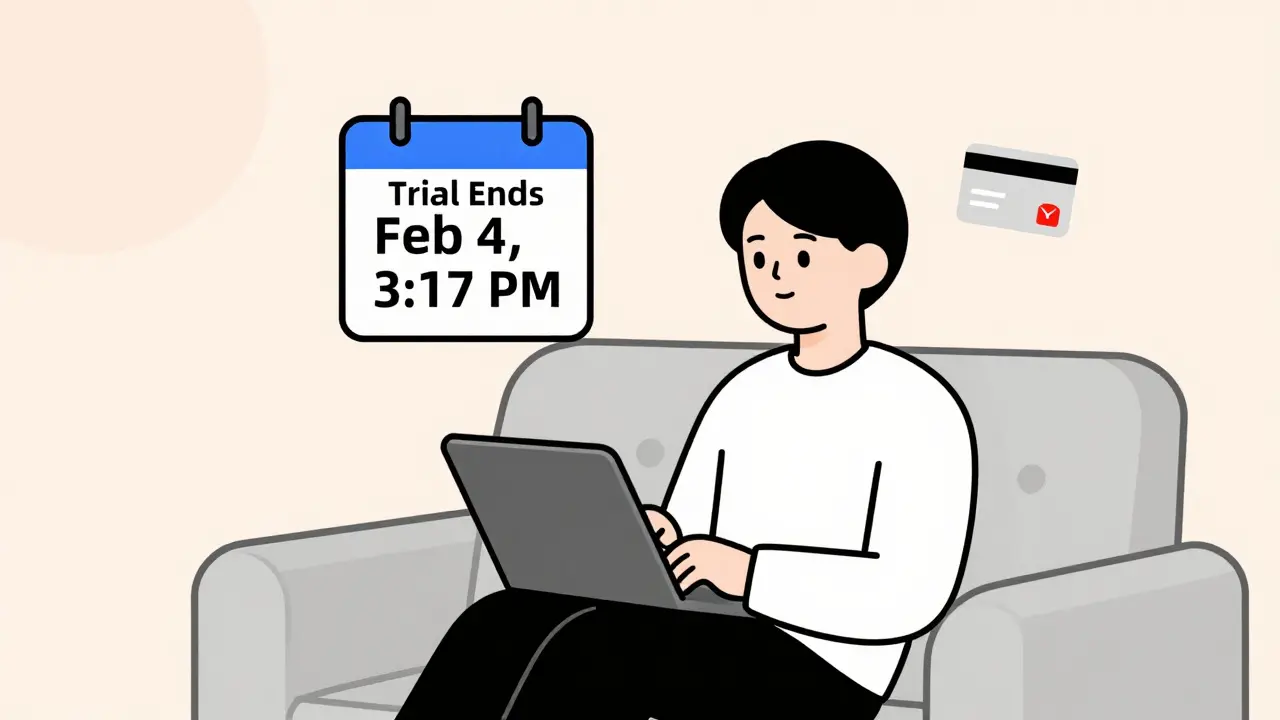
Don’t trust the words “30-day free trial.” That’s just marketing. What matters is the exact date and time your trial ends. That’s usually 24 hours after you signed up, not at midnight on the 30th day. If you signed up at 3:17 PM on January 5, your trial ends at 3:17 PM on February 4 - not February 5.
Check your confirmation email. Look for the phrase “your trial ends on” or “your subscription will auto-renew on.” Save that date in your phone calendar with a reminder two days before. Set two alarms: one for two days out, one for the day before. Treat it like a doctor’s appointment.
Some services hide this info in their app. Open the app, go to Account Settings > Subscription > Manage. You’ll see the end date there. If you can’t find it, call customer support. Ask: “When exactly does my free trial expire?” Write down their answer. Don’t trust the website.
Use a virtual card or prepaid card
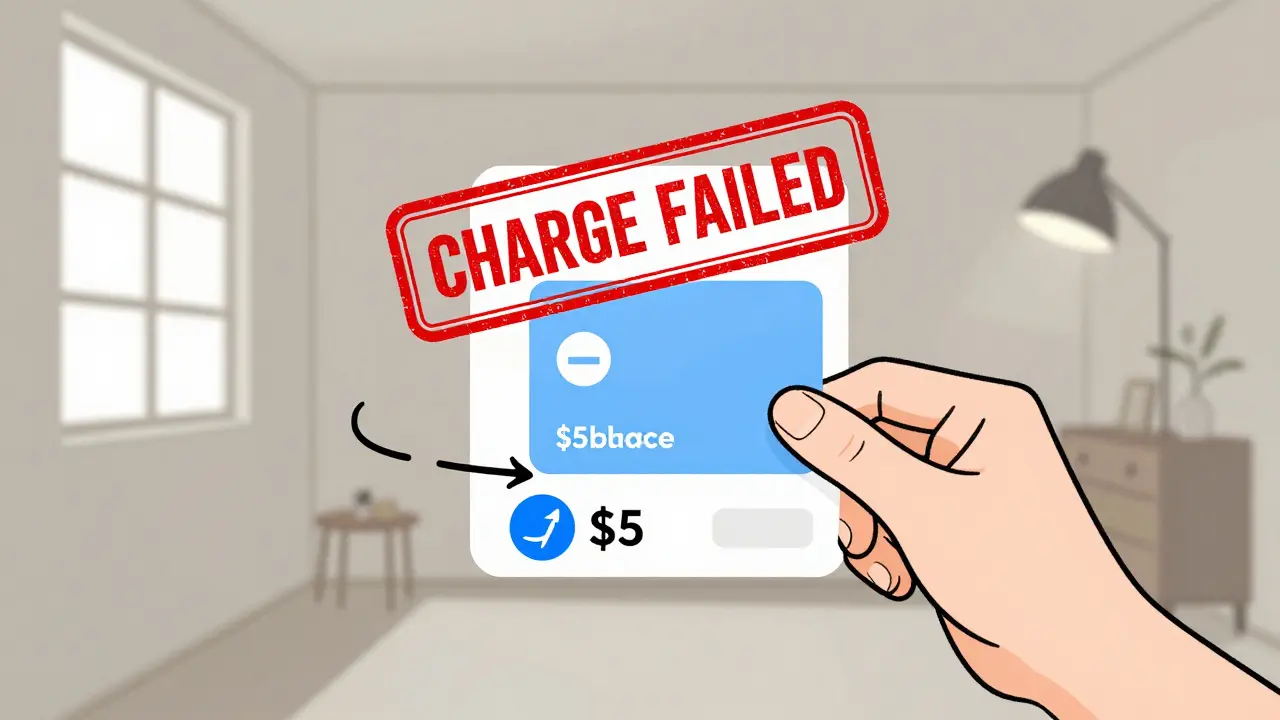
The easiest way to avoid getting charged is to never give them your real card. Use a virtual card or a prepaid card with a small balance - say $1 or $5.
Most banks in Australia offer virtual cards through their apps. NAB, Commonwealth Bank, and ANZ let you generate one-time or limited-use cards. Create one just for streaming trials. Load it with $5. When the trial ends, the system tries to charge $14.99 - it fails. No charge. No hassle. You get to keep your real card safe.
Prepaid cards like Postbank or Neteller work too. Buy one at a convenience store, load it with $10, and use it only for trials. If they charge it, you lose $10 - not $150 over the year. If they don’t, you’re still ahead.
This isn’t cheating. It’s budgeting. You’re not trying to get something for free forever. You’re just not letting them take money without your permission.
Set up a reminder system
You can’t rely on memory. You can’t rely on emails. You need a system.
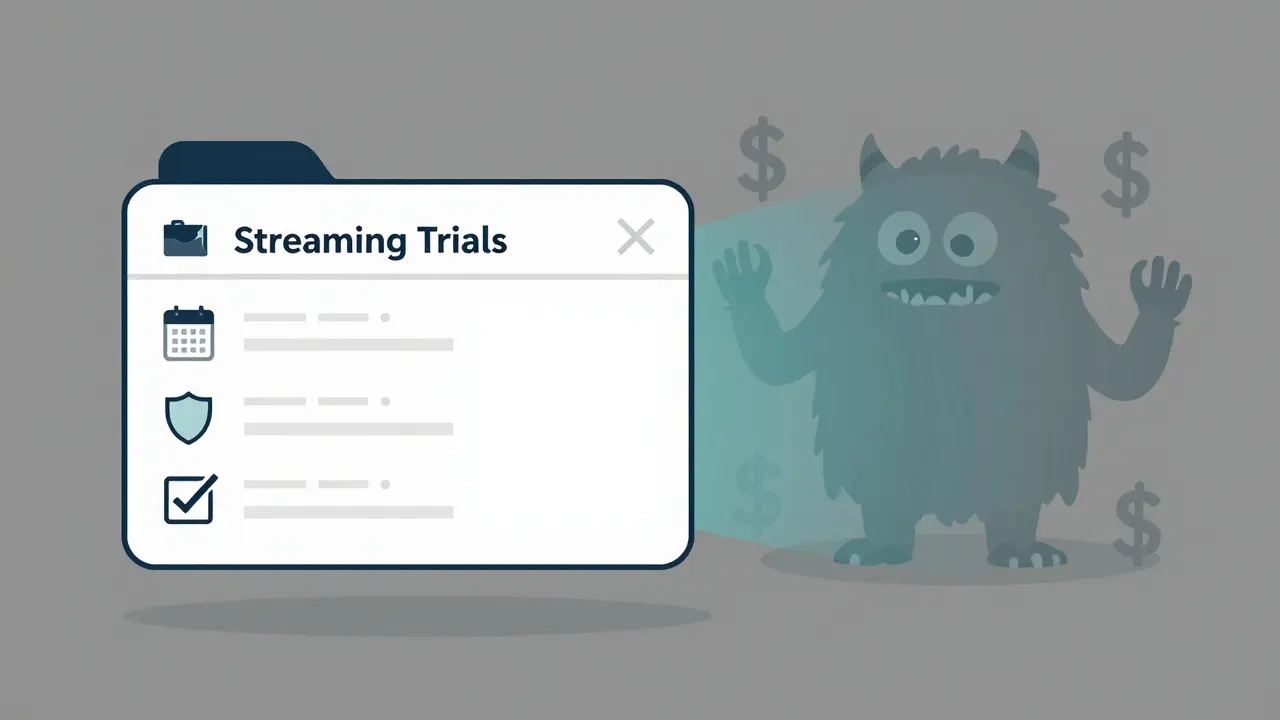
Use Google Calendar or Apple Calendar. Create a new calendar called “Streaming Trials.” Every time you sign up for a trial, add an event with:
- Event name: “Netflix Trial Ends”
- Date and time: exact end time (check your email)
- Reminder: 48 hours before
- Notes: “Cancel if not keeping. Card: [last 4 digits]”
At the 48-hour mark, you’ll get a push notification. You’ll open the app, check if you’re still using it, and cancel if you’re not. If you are using it, mark the event as “Keep.” That’s it. No more surprises.
Some people use apps like Trim or Truebill. They work - but they cost money. The calendar method is free, reliable, and under your control.
Cancel before the trial ends - not after
Most people wait until the day they get charged. That’s too late. You need to cancel before the trial ends.
Why? Because services often have a grace window. If you cancel at 11:59 PM on the last day, they might still process the charge. But if you cancel at 10:00 AM two days before, the system has time to process the cancellation - and you’ll get a confirmation email saying “Your subscription will not renew.”
Here’s how to cancel properly:
- Log into the service’s website (not the app).
- Go to Account > Subscription > Cancel.
- Follow the steps. Some will ask why you’re leaving - skip that.
- Look for a confirmation page that says “Your subscription has been canceled” or “You will not be charged.”
- Check your email for a confirmation message within 24 hours.
If you don’t get a confirmation, call them. Say: “I canceled my subscription on [date]. I need written confirmation that I won’t be charged.” Record the call if you can - legally - in case you need to dispute a charge later.
Watch out for hidden trials
Not all trials are obvious. Some come bundled with other services.
Did you buy a new TV? It might come with a free year of Apple TV+ or Amazon Prime Video. Did you sign up for a phone plan? Telstra or Optus might throw in a free trial of Stan or Binge. Did you download a new app? It might ask for your card to “unlock premium features” - and then charge you after 7 days.
These are the worst traps. You didn’t even think you signed up for anything. But your card was saved anyway.
Check your bank statements every month. Look for charges from:
- Apple.com/billing
- Google.com/payments
- Amazon.com.au
- Stan.com.au
- Binge.com.au
- Paramountplus.com
If you see one you don’t recognize, Google the name + “cancel subscription.” You’ll find a direct link to cancel. Don’t wait. Cancel it immediately.
Use a dedicated email for trials
Sign up for streaming trials using a separate email address. Not your main one. Not your work one. A throwaway one.
Create a Gmail alias like “[email protected].” Use it for every trial. That way, all the reminder emails, renewal notices, and promo spam go to one place. You can check it once a week. If you see a trial ending in two days, you’ll know.
It also makes it easier to spot fake emails. If you get a “Your Disney+ account is suspended” email sent to your main inbox - but you never signed up with that email - it’s a scam. You’re protected.
What to do if you got charged anyway
It happens. Maybe you forgot. Maybe the service didn’t send a reminder. Maybe their system glitched.
First, don’t panic. Call the service and ask for a refund. Say: “I didn’t realize my trial ended. I’d like a refund for the first charge. I’m willing to keep using the service if you waive the fee.”
Most services will give you one refund - especially if you’ve been a good customer. They don’t want to lose you. If they say no, ask to speak to a supervisor. Say: “I’m a loyal customer and I’ve never disputed a charge before. This was an honest mistake.”
If they still refuse, file a chargeback with your bank. Go to your online banking portal, find the transaction, and click “Dispute.” Choose “Unauthorized charge” or “Service not as described.” Banks usually side with you if you can prove you didn’t intend to pay.
Keep records: screenshots of your cancellation attempts, emails, call logs. You have rights under Australian Consumer Law. You can’t be charged without clear consent.
Final tip: Only sign up if you’ll use it
The best way to avoid auto-renewal traps? Don’t sign up unless you’re sure you’ll keep it.
Ask yourself: “Will I watch this service at least twice a week for the next year?” If the answer is no - don’t start the trial. There’s no shame in using free content on YouTube, library apps, or free tiers of services. You don’t need to pay for everything.
Streaming services are a luxury. Not a necessity. And if you’re only watching one show a month, you’re paying too much.
Try this: every time you feel tempted to sign up, wait 48 hours. If you still want it after two days, then sign up - and set your calendar reminder right away. You’ll save hundreds a year.
Free trials aren’t evil. They’re just designed to make you forget. Stay sharp. Stay organized. And never let a service take money you didn’t agree to pay.
Do streaming services send reminders before auto-renewal?
Some do, but most send only one email - if any. Many emails get filtered into spam, ignored, or buried under other messages. Never rely on a reminder. Always set your own calendar alert two days before the trial ends.
Can I get a refund if I get charged after canceling?
Yes, if you canceled before the trial ended and were still charged, you’re entitled to a refund. Contact the service first. If they refuse, file a chargeback with your bank. Australian Consumer Law protects you from unauthorized charges.
Is it legal for services to auto-renew without clear consent?
No. Under Australian Consumer Law, businesses must clearly disclose that a trial will auto-renew and get your explicit consent to charge your card. If they didn’t, the charge is invalid. You can dispute it.
What’s the best way to cancel a streaming subscription?
Cancel through the service’s website - not the app. Go to Account > Subscription > Cancel. Look for a confirmation page that says your subscription won’t renew. Then check your email for a confirmation within 24 hours. If you don’t get one, call them.
Should I use my real credit card for free trials?
No. Use a virtual card, prepaid card, or a card with a low limit. This stops accidental charges and keeps your main card safe. Even a $5 balance on a prepaid card is enough to block unwanted payments.