12
How to Find All Your Streaming Subscriptions and Stop Overpaying
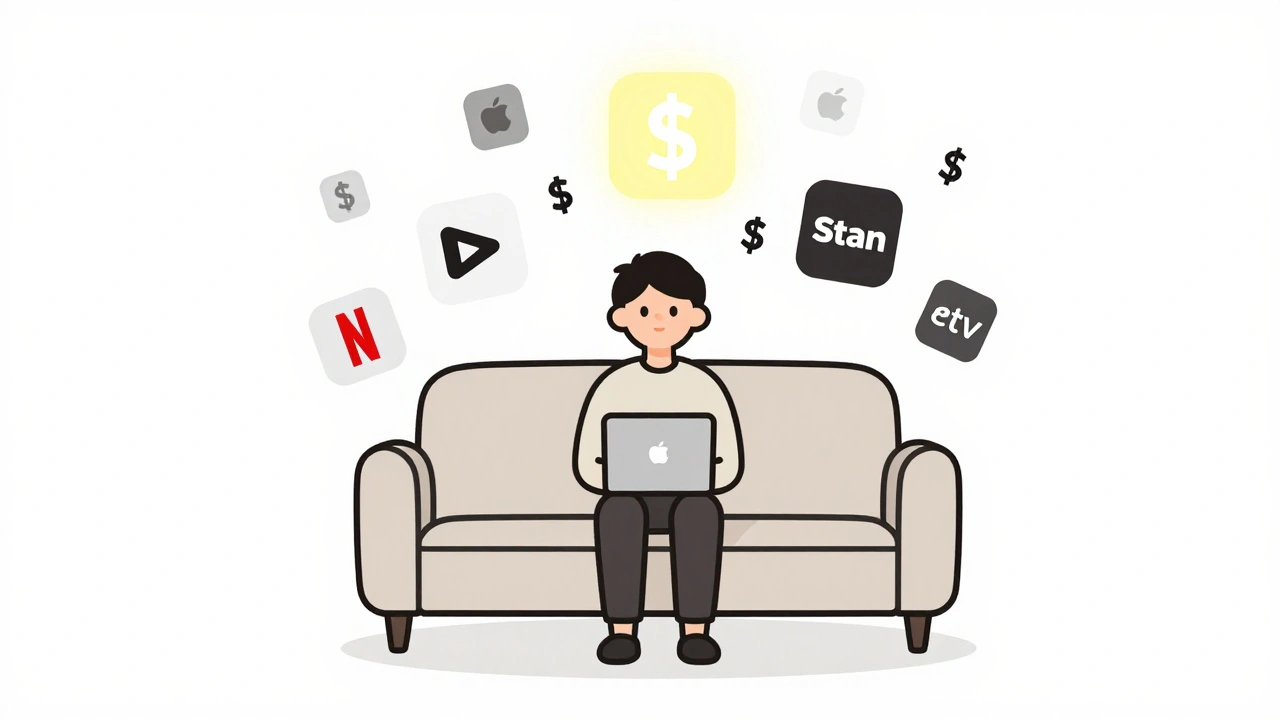
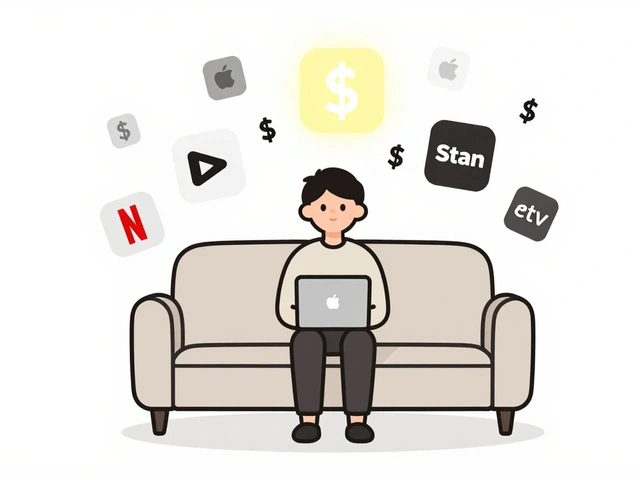
You’ve got a dozen streaming services. You know that. But can you name them all? And more importantly-do you actually watch them all? By December 2025, the average Australian household pays over $120 a month for streaming services. Most of that is wasted. You’re paying for something you haven’t opened in six months. Maybe it’s that niche documentary channel you signed up for during a binge-watch of true crime shows. Or the sports package you thought you’d use after the World Cup. It’s gone. But the money? Still coming out.
Here’s the truth: no one keeps track. Not because they’re lazy. Because it’s messy. Apple, Google, Netflix, Stan, Disney+, Paramount+, Foxtel Now, Kayo, Binge, Amazon Prime Video-each has its own billing cycle, its own email receipt, its own login page. And if you signed up through your TV, your phone, your smart speaker? You probably don’t even remember which one you used.
There’s a simple way to find every single one. No apps needed. No third-party tools. Just your bank statements, your device settings, and 20 minutes of your time.
Start with your bank or credit card statements
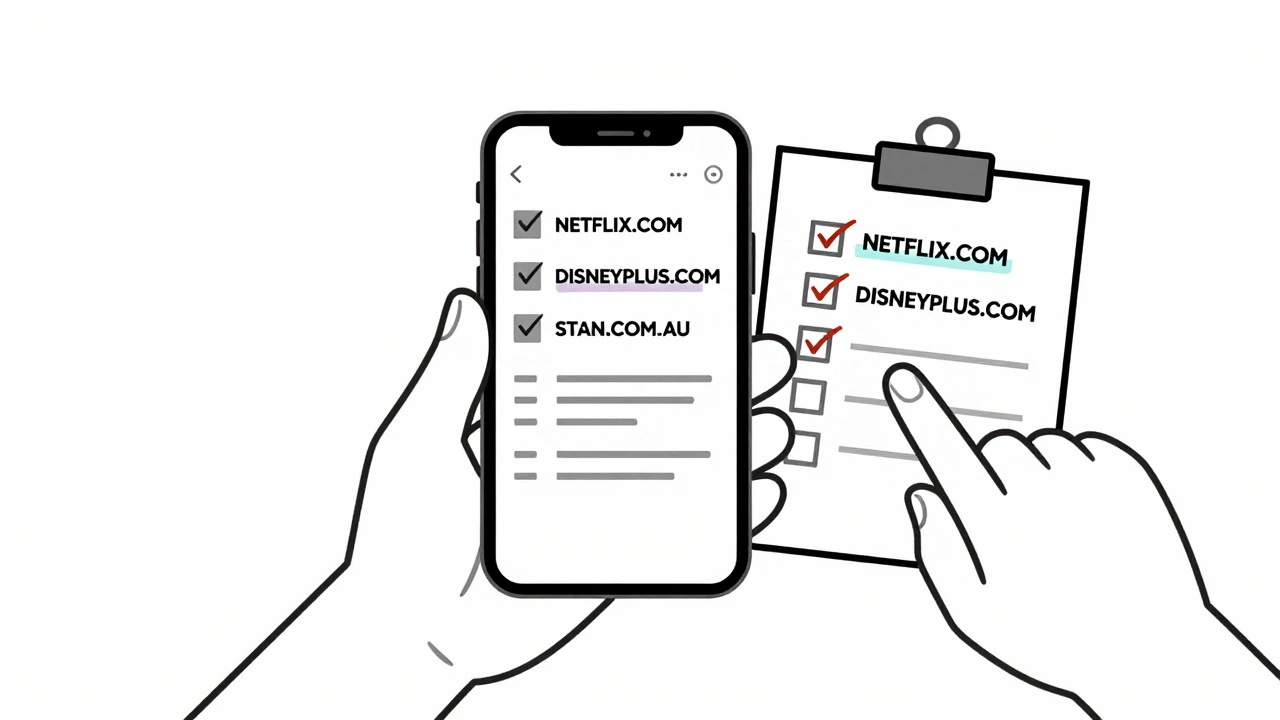
Open your online banking app. Go back at least six months. Look for recurring charges. Filter by "digital services," "streaming," or "entertainment." You’ll see names like "NETFLIX.COM," "DISNEYPLUS.COM," "STAN.COM.AU," "AMAZON PRIME VIDEO." These are your active subscriptions. Write them down. Don’t skip small ones. Sometimes it’s $4.99 for a film rental service you forgot about. That adds up.
Check both your personal and joint accounts. If you share a plan with a partner or family member, they might have signed up under their own card. You need the full picture.
Pro tip: Look for charges that say "trial" or "promo." Some services auto-renew after 7 or 30 days. If you didn’t cancel, you’re still paying.
Check your device subscriptions
Most people sign up through their TV, phone, or tablet. Each device keeps a record of what you’ve bought.
On an iPhone or iPad:
- Open Settings
- Tap your name at the top
- Select Subscriptions
- You’ll see every Apple-based subscription: Apple TV+, Apple Music, even third-party apps billed through Apple
On Android:
- Open the Google Play Store app
- Tap your profile icon
- Select Payments & subscriptions
- Then Subscriptions
- Here’s every service billed through Google Play: YouTube Premium, Paramount+, Discovery+, and others
On Apple TV or Roku:
- Go to the home screen
- Find your profile or account settings
- Look for "Manage Subscriptions" or "Account"
- Some devices show active services directly
Smart TVs are trickier. If you signed up on your Samsung or LG TV, the subscription is usually tied to the app’s account-not your TV. But you can still check the app’s website. Log in to Netflix, Disney+, or Stan from a browser and go to your account page. You’ll see billing details and active plans.
Search your email
Open your email app. Search for these terms:
- "subscription confirmed"
- "welcome to" + [service name]
- "renewal notice"
- "receipt"
- "trial ending"
Look through the last 12 months. You’ll find emails from services you forgot existed. Maybe you signed up for BritBox during a UK trip. Or you got a free month of Apple TV+ with your new iPhone. That free month turned into $10 a month. And you didn’t notice.
Filter by sender too. Look for domains like: netflix.com, disney.com, stan.com.au, primevideo.com, paramountplus.com, kayosport.com.au, binge.com.au.
Look at your TV or streaming box app list
Walk over to your TV. Look at the home screen. Count the streaming icons. Now ask yourself: which ones do I actually open? If you see seven apps and only use three regularly, you’re paying for four that sit there collecting dust.
Don’t assume you’re using everything. Many people keep apps because they think they "might" use them. That’s not a reason to pay.
Here’s what most people find: they’re paying for two sports services, three movie services, and one kids’ app they haven’t opened since their toddler grew out of Paw Patrol. That’s $60 a month for content they don’t watch.
Compare what you found
Now take your list-bank charges, device subscriptions, email receipts-and put them all in one place. Use a spreadsheet. Or just a notepad. List:
- Service name
- Monthly cost
- When you signed up
- How often you use it
- How to cancel
Example:
| Service | Cost/month | Used in last 30 days? | Cancel via |
|---|---|---|---|
| Netflix | $17.99 | Yes | Website |
| Stan | $14 | Yes | Website |
| Disney+ | $13.99 | Yes | Website |
| Kayo Sports | $25 | No | App or website |
| Apple TV+ | $10.99 | No | iPhone Settings |
| Binge | $14 | Only once | Website |
Now look at the "Used in last 30 days?" column. If the answer is no, you’re paying for nothing. That’s $50 a month gone. Just like that.
Cancel what you don’t use
Cancelling is easier than you think. Most services let you cancel in two clicks.
For services billed through Apple or Google, you can cancel directly from your device settings. That’s the cleanest way-it stops future charges and removes the app from your account.
For others, go to their website. Log in. Go to Account > Subscription > Cancel. Don’t wait for a customer service rep. You don’t need to talk to anyone. Just follow the steps.
Don’t worry about losing access immediately. Most services let you keep watching until the end of your billing cycle. That’s your bonus. Use it. Then cancel.
And don’t feel guilty. You’re not giving up entertainment. You’re taking back control. You’re choosing what you pay for.
Set up a reminder to review every 3 months
Once you’ve cleaned up, don’t let this happen again.
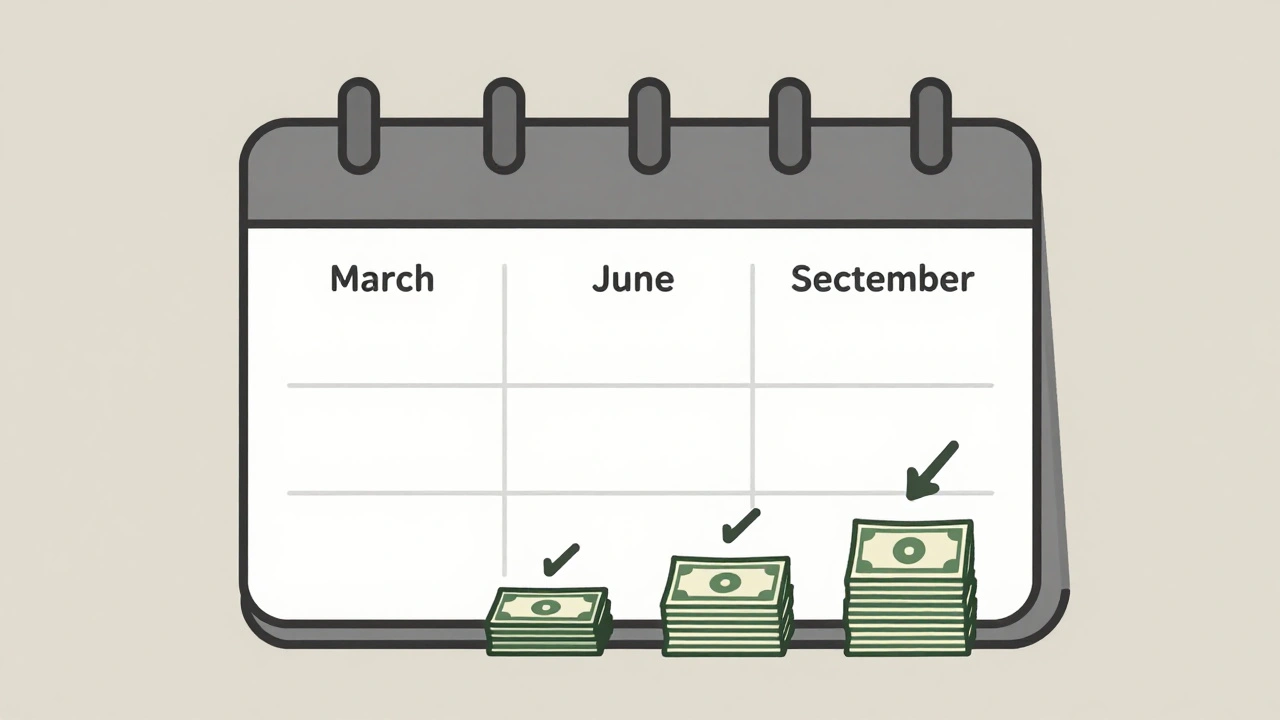
Put a reminder in your phone calendar: "Review streaming subscriptions" every March, June, September, December.
Why every three months? Because that’s how often new services launch, promotions expire, or you forget you signed up for something. A quick 10-minute check keeps your spending in check.
Some people use apps like Truebill or Rocket Money. But they’re not necessary. Your bank statement and device settings give you everything you need. And they’re free.
What to do if you find a subscription you can’t cancel
Occasionally, you’ll hit a wall. Maybe a service won’t let you cancel online. Maybe it’s buried in a menu. Or maybe it’s tied to a hardware bundle-like Foxtel through Telstra.
In those cases, call them. Have your account number ready. Say: "I’d like to cancel my subscription. Can you confirm the cancellation date?"
They might try to offer you a discount. Say thank you, but no. You’re not here to negotiate. You’re here to stop paying.
If they refuse? Ask for a supervisor. Or send an email to their support team. Keep a copy. In Australia, the ACCC says you have the right to cancel recurring payments at any time. They can’t lock you in.
Final check: Are you really saving money?
After you cancel, check your next bank statement. Did the charges disappear? If not, you missed one. Go back. Double-check.
And here’s the real win: that money you save? Redirect it. Put it into a savings account. Or use it to upgrade your one service you actually love-like adding 4K to Netflix or getting the sports tier on Stan.
You’re not cutting back. You’re investing in what matters.
Streaming isn’t the problem. Paying for things you don’t use is. You’ve got the tools. You’ve got the list. Now take back your money.