20
Third-Party Billing: How to Manage Subscriptions Through Apple and Google
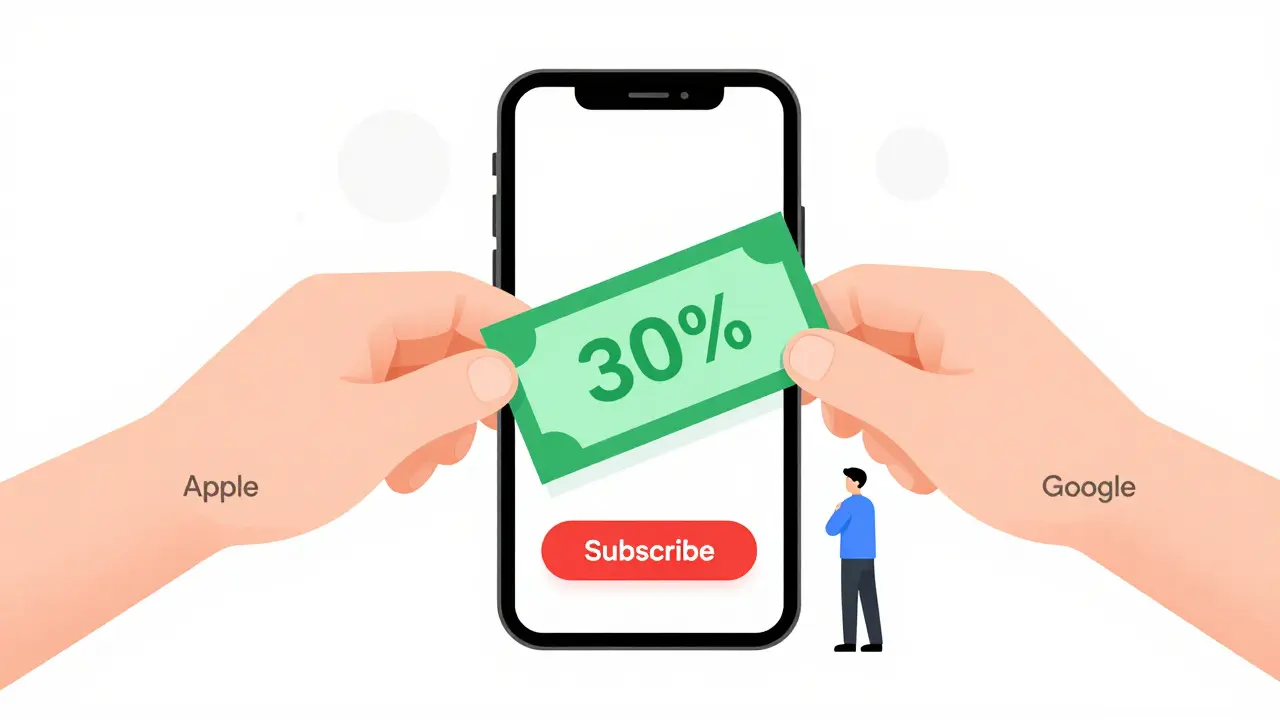
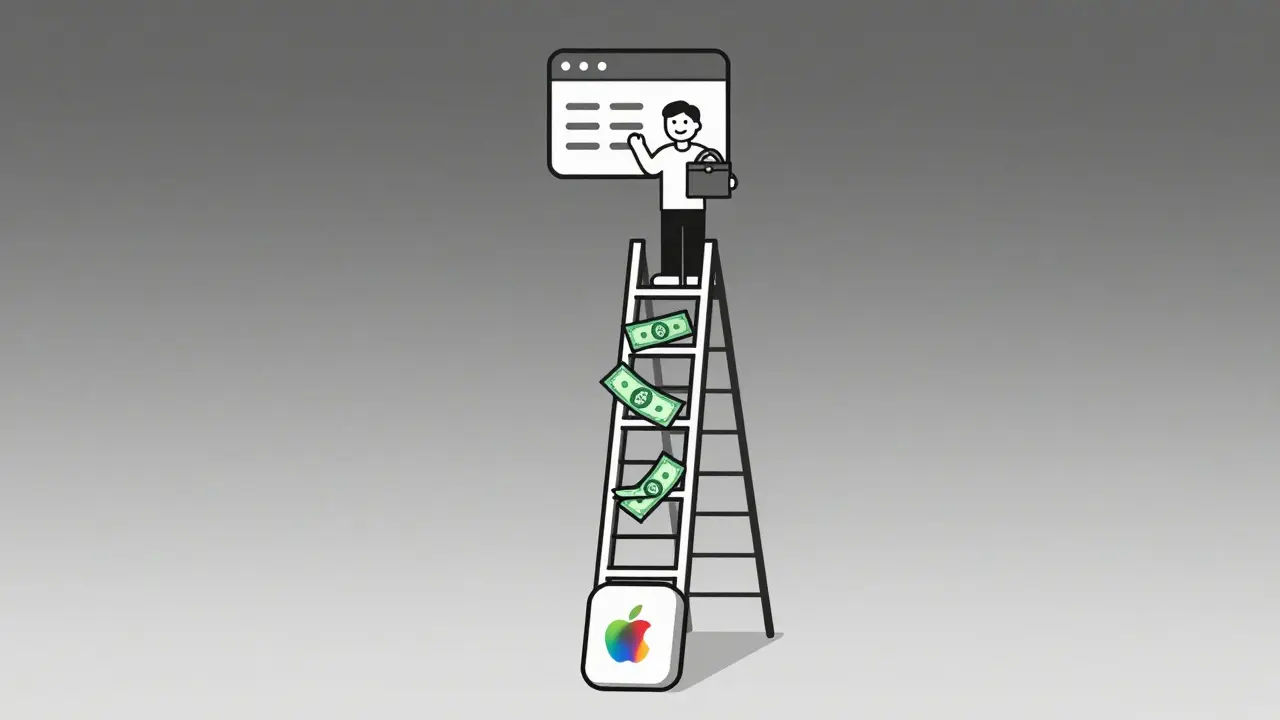
If you run a subscription-based app or service, you’ve probably run into a wall when trying to bill users directly. Apple and Google don’t let you. They force you to use their payment systems - and take a cut. This isn’t just a nuisance. It’s a rule that changes how you price, how you grow, and how much profit you actually keep.
Why Apple and Google Control Your Billing
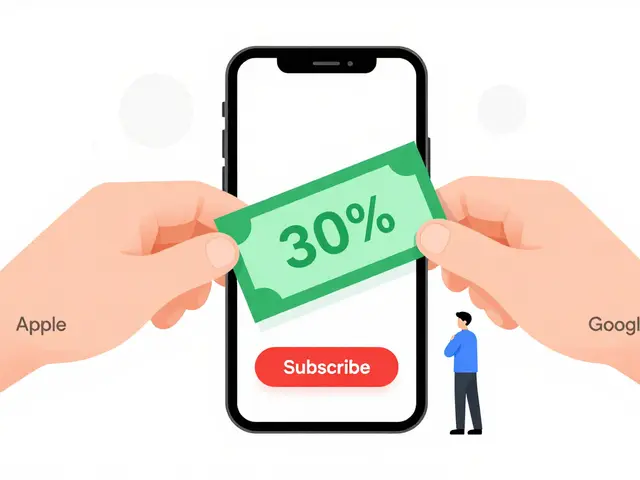
Apple’s App Store and Google’s Play Store aren’t just marketplaces. They’re walled gardens with strict rules. If your app offers digital content, services, or subscriptions - like a streaming plan, a fitness coach, or a monthly newsletter - you must use their billing systems. No exceptions.This isn’t about security. It’s about control. Both companies take 15-30% of every transaction. Apple takes 15% after the first year of a subscription. Google takes 15% for subscriptions longer than 12 months. For the first year? 30%. That’s a massive chunk out of your revenue.
Why do developers accept this? Because the alternative is worse. If you try to bypass their systems - say, by linking to a website to pay - your app gets pulled. Apple and Google enforce this hard. In 2023, over 12,000 apps were removed from the App Store for violating in-app purchase rules. That’s not a warning. That’s a death sentence for small developers.
What Counts as a Digital Subscription?
Not every payment needs to go through Apple or Google. But figuring out what does is tricky.Here’s the line:
- Must use Apple/Google billing: Streaming video, music, cloud storage, premium app features, digital magazines, online courses, virtual goods in games.
- Can use external billing: Physical goods (like T-shirts or books), services delivered outside the app (like a haircut booking), donations, real-world event tickets.
Let’s say you run a meditation app. If users pay for access to daily guided sessions inside the app? Apple and Google take their cut. But if you offer a downloadable PDF guide they can buy on your website? That’s fine. The line is between digital access and physical delivery.
One real example: a fitness app in Australia offered live coaching sessions. They tried to let users pay via PayPal inside the app. Apple rejected the update. They had to rebuild the entire payment flow using StoreKit. The developer lost three weeks of development time and 30% of their first-year revenue.
How Subscription Management Works in Practice
Managing subscriptions isn’t just about collecting money. It’s about tracking renewals, handling cancellations, and keeping users happy.Both Apple and Google give you tools to do this:
- Apple’s App Store Connect: Shows you subscription status, renewal dates, churn rates, and refund requests. You can also send users renewal reminders via push notifications.
- Google Play Console: Tracks subscription lifecycle, lets you test billing flows, and provides revenue reports broken down by country and plan.
But here’s the catch: you can’t see the full user profile. You don’t get their email address unless they give it to you. You can’t easily move users between plans. You can’t send them a personalized discount unless you use their system’s promo codes.
Most developers use a backend server to tie Apple and Google receipts to user accounts. When a user subscribes, your app sends the receipt to your server. Your server validates it with Apple or Google’s API, then unlocks content. This is how you know who paid, when they’ll renew, and if they’ve canceled.
Without this step, you’re flying blind. A user cancels on Apple? You won’t know unless you check their receipt every day. That’s not scalable.
What Happens When Users Cancel?
Cancellations are inevitable. But how you handle them makes or breaks retention.Apple and Google both let users cancel subscriptions anytime. But they don’t notify you in real time. You get a notification only when the subscription expires - not when the user hits cancel. That’s a 24-48 hour delay.
Here’s what that means in practice:
- User cancels on Tuesday.
- They still have access until Wednesday night.
- Your system doesn’t know they canceled until Thursday morning.
- They log in Thursday, see they still have access, and think, “Hmm, maybe I didn’t cancel right.”
- They re-subscribe.
This is called “cancellation flapping.” It’s a common problem. The fix? Build a grace period into your system. Don’t remove access immediately when you see a cancellation notice. Wait 24 hours. Then send an email: “We noticed you canceled. Want to keep going? Here’s 20% off for another month.”
One SaaS company in Brisbane saw a 22% increase in re-subscriptions after adding this simple delay and offer. They didn’t change their pricing. They just changed how they responded.
How to Avoid Common Mistakes
Most developers make the same three mistakes with third-party billing:- Not validating receipts. Anyone can fake a receipt. Always verify with Apple’s and Google’s servers. Don’t trust what the app tells you.
- Forgetting about family sharing. If a user shares their subscription through Apple Family Sharing or Google Family Library, you still get paid - but you don’t know who’s using it. Build user profiles that allow multiple devices per account.
- Ignoring refund policies. Apple and Google handle refunds differently. Apple allows refunds up to 60 days after purchase. Google allows them up to 48 hours. If a user asks for a refund, check the platform’s policy first. Don’t issue one yourself unless the platform allows it.
One developer in Melbourne lost $8,000 in a month because they gave refunds directly. Apple reversed them, charged the developer a fee, and flagged their account. Now they only process refunds through Apple’s portal.
What Are Your Alternatives?
You can’t avoid Apple and Google if you want to be on iOS or Android. But you can reduce their grip.Here are three real strategies:
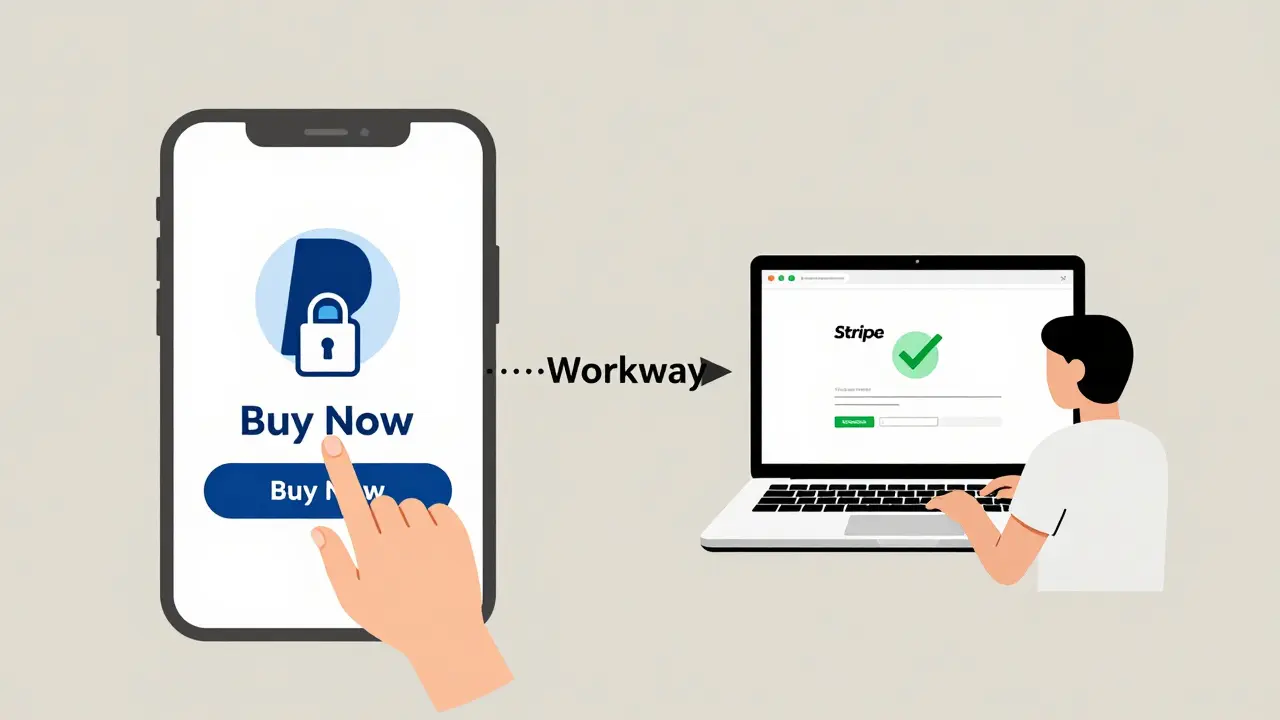
- Use web-only subscriptions: Offer your service on a website. Let users pay via Stripe or PayPal. Then, link to it from your app. You can’t sell access inside the app, but you can say: “Sign up at [website] for full features.” Many users will do it. One fitness app in Sydney grew its web subscribers by 40% in six months - even though their app was free.
- Bundle physical + digital: Sell a physical product (like a yoga mat) and include a free 3-month subscription. Since the payment is for a tangible item, Apple and Google don’t require their billing. This works well for wellness, education, and hobby brands.
- Go desktop or smart TV: If your service works on a browser or Roku, you can avoid mobile app stores entirely. Many podcast apps now offer web apps. Users can subscribe via Stripe. No 30% cut. No app store review.
One music app in Brisbane stopped pushing subscriptions through the iOS app. Instead, they added a “Subscribe on Web” button. Within three months, 61% of their new subscribers came from the website. Their revenue per user went up 18% - because they kept the full payment.
What’s Next for Third-Party Billing?
Regulators are watching. The EU’s Digital Markets Act forced Apple to allow alternative payment systems for apps in Europe. In the U.S., the Epic Games lawsuit pushed Apple to let developers link to external payment pages - but only if they don’t mention it in the app description.By 2026, we’ll likely see more platforms allow direct billing. But for now, Apple and Google still hold the keys.
The smart move? Build your business so you’re not dependent on their stores. Use the app as a gateway, not the storefront. Let users discover you there, then move them to your website for payments. That way, you control the relationship - not the platform.
Subscription management isn’t about payments. It’s about ownership. The moment you hand over billing to Apple or Google, you hand over part of your customer. Don’t give it away without a plan.
Can I avoid Apple and Google billing by using a web app instead?
Yes. If your service works in a browser, you can offer subscriptions through Stripe, PayPal, or other payment processors without paying Apple or Google’s fees. You can still have a mobile app that links to your website - just don’t include any buy buttons or payment forms inside the app. Many successful apps, like podcast players and newsletters, use this model.
What happens if I try to bypass Apple’s in-app purchase system?
Apple will reject your app update or remove your app entirely. They scan apps for hidden links to external payment pages. Even mentioning “subscribe on our website” in the app description can get you flagged. There’s no gray area - it’s a hard policy. If you want to avoid their fees, build your main service on the web and use the app as a free tool to drive traffic.
Do I need to use both Apple and Google billing if I have apps on both platforms?
Yes. Each platform has its own system. Apple uses StoreKit, Google uses Google Play Billing. You’ll need to integrate both into your backend. You can use tools like RevenueCat or Stripe’s billing system to unify them, but you still have to handle two separate receipt validation flows. Don’t assume a subscription on iOS works on Android - they’re completely separate.
How do I track if a user canceled their subscription?
You don’t get real-time alerts. Both Apple and Google send a notification only when the subscription expires - not when the user cancels. To catch cancellations early, check the user’s receipt every 24 hours using Apple’s and Google’s server APIs. If the receipt shows the subscription is no longer active, trigger a retention email. Many developers use third-party services like RevenueCat to automate this.
Can I offer discounts or promo codes through Apple and Google?
Yes, but only through their systems. Apple lets you create promo codes for subscriptions in App Store Connect. Google lets you create discount codes in the Play Console. You can’t offer your own coupons inside the app. These codes are limited - Apple allows up to 100,000 per year, Google allows 500 per campaign. Use them for user acquisition, not ongoing discounts.
What to Do Next
Start by auditing your current subscription flow. Are you using Apple or Google billing? Are you validating receipts? Are you tracking cancellations? If you’re not, you’re leaking revenue.Next, build a simple backend to link receipts to user accounts. You don’t need a complex system. A basic server with a database and two API calls (one for Apple, one for Google) is enough to start.
Finally, consider moving your core subscription offering to your website. Use the app as a free gateway. You’ll keep more money, own your customers, and reduce your dependence on platforms that can change the rules overnight.