2
Powerline Networking for Streaming: When Electrical Wiring Helps or Hurts
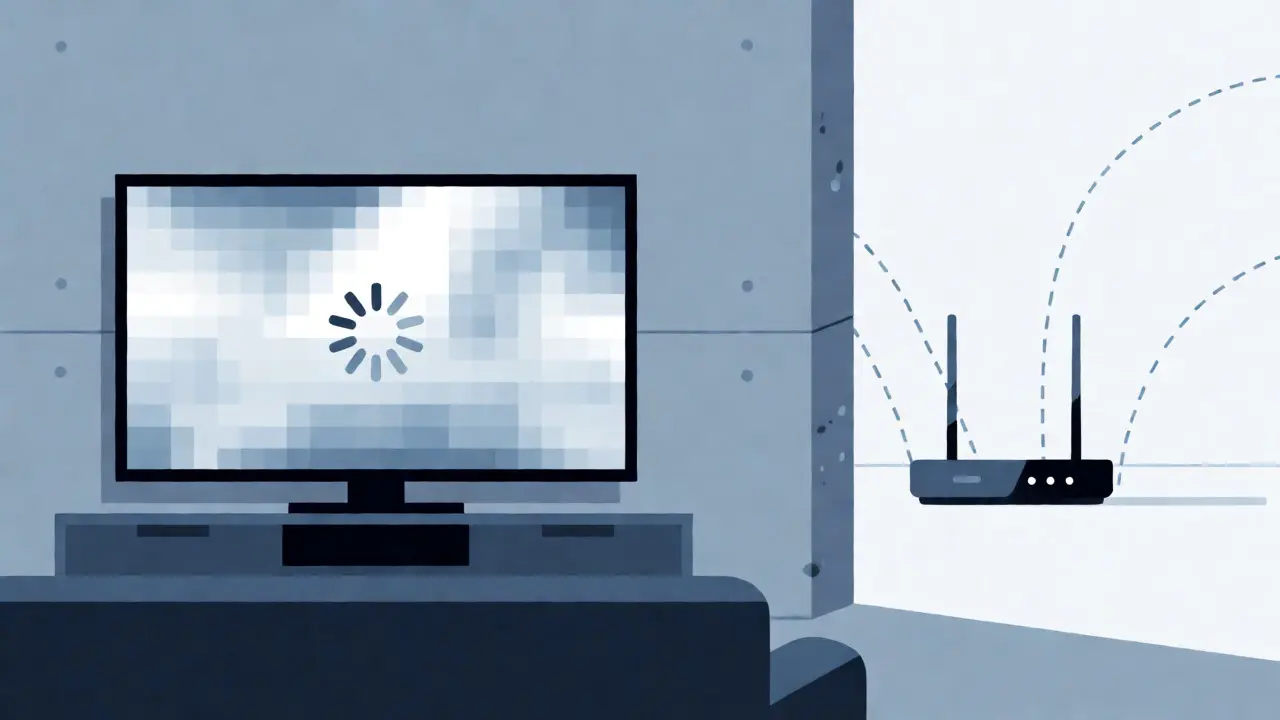
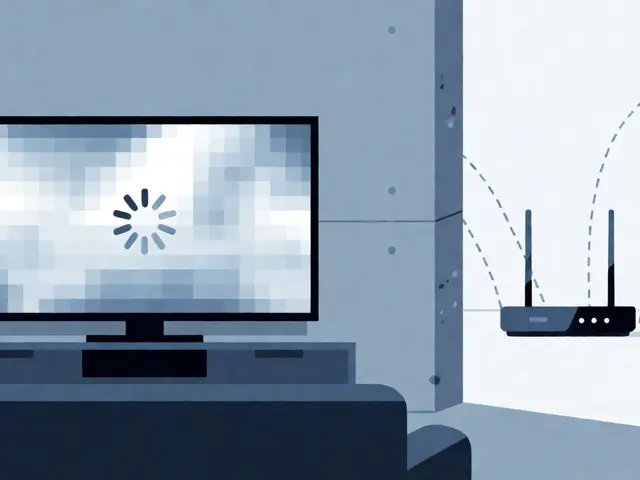
You just bought a new 4K TV, set up your Netflix account, and are ready to binge-watch the latest series. But as soon as you hit play, the screen freezes. The spinning wheel of death appears. You check your Wi-Fi signal bars-they look fine, but the stream is buffering every thirty seconds. This is the classic modern living room dilemma: wireless signals struggle to penetrate thick walls, concrete floors, and metal appliances, leaving your entertainment center starving for bandwidth.
This is where Powerline Networking enters the conversation. Also known as HomePlug AV2 or G.hn technology, it promises to turn your existing electrical wiring into a high-speed data highway. The pitch is simple: plug one adapter near your router, another near your TV, and suddenly you have a wired connection without running ugly cables across your carpet. But does it actually work for streaming? Or is it a tech trap that will leave you more frustrated than your current Wi-Fi setup?
| Scenario | Verdict | Why |
|---|---|---|
| Same circuit breaker panel | Helps | Data travels short distance with minimal interference. |
| Different floors/panels | Hurts | Signal degradation through transformers is severe. |
| Older wiring (pre-1990) | Risky | Lack of ground wires causes instability. |
| Gaming & Low Latency | Helps | Lower jitter than congested Wi-Fi bands. |
How Powerline Adapters Actually Work
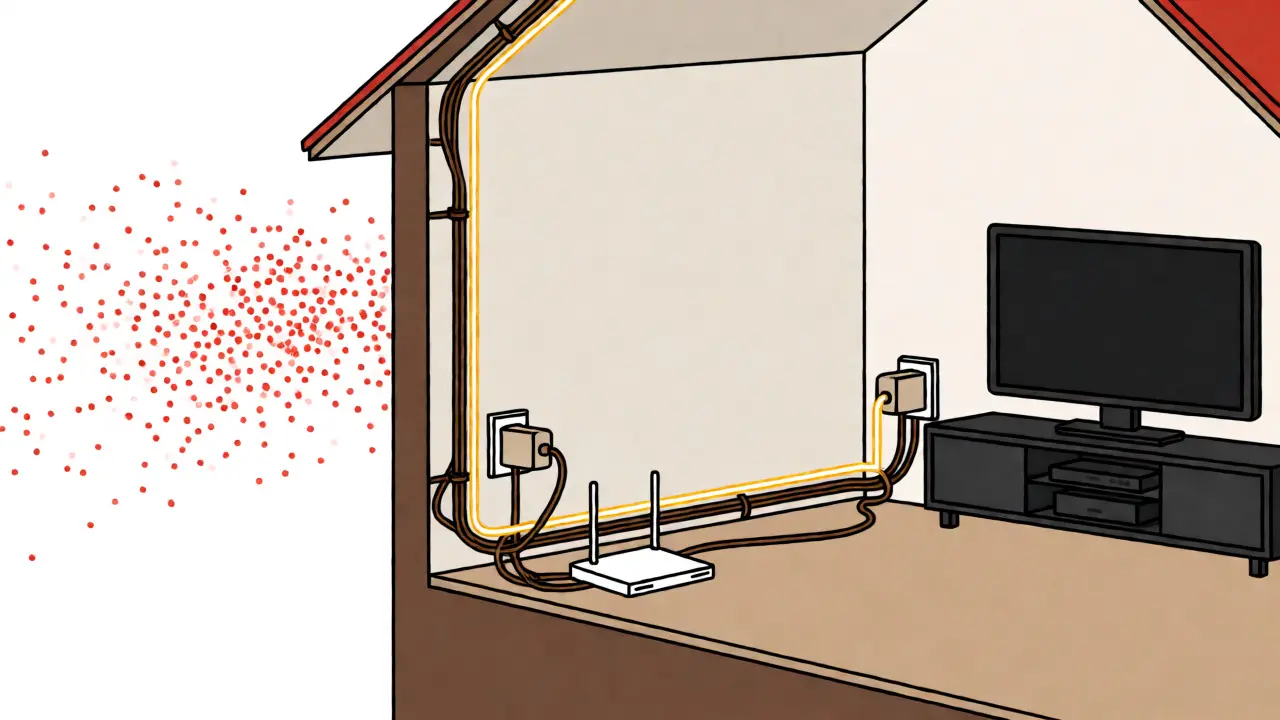
Before we judge whether this tech saves or ruins your movie night, you need to understand what’s happening inside those wall plugs. Unlike Ethernet, which sends data down dedicated copper wires, powerline adapters superimpose a digital signal on top of the standard 50Hz or 60Hz alternating current that powers your house. Think of it like adding a second radio station to an existing frequency. Your toaster doesn’t notice the data traffic, and your Netflix stream doesn’t care about the electricity-it just needs the packets to arrive intact.
The most common standards today are HomePlug AV2 and the newer G.hn. HomePlug AV2 uses MIMO (Multiple Input Multiple Output) technology, meaning it utilizes the live, neutral, and earth wires simultaneously to boost throughput. Real-world speeds usually hover between 100 Mbps and 300 Mbps for decent setups. That sounds low compared to gigabit fiber, but here’s the kicker: consistent 100 Mbps is infinitely better for streaming than a fluctuating 500 Mbps Wi-Fi signal that drops to 5 Mbps when someone turns on the microwave.
When Powerline Networking Saves Your Stream
There are specific scenarios where plugging into your electrical outlets beats both Wi-Fi and running long Ethernet cables. If you live in a brick-and-mortar home-common in older suburbs of Brisbane or Melbourne-Wi-Fi signals die quickly. Concrete blocks and double-brick walls act as Faraday cages for 5GHz Wi-Fi. In these homes, powerline adapters provide a stable, predictable connection. Because the signal doesn’t compete with your neighbor’s Wi-Fi or Bluetooth devices, latency (ping) remains steady. For competitive online gaming or video calls via Zoom, this stability is worth its weight in gold.
Another win comes from convenience. Running Cat6 Ethernet cable through a finished ceiling requires drilling, fishing tools, and potentially hiring an electrician. Powerline adapters require zero installation skills. You plug them in, press a sync button, and you’re done. If you rent your property and can’t drill holes, this is often the only viable "wired" option. It also helps if your router is in a bad spot, like behind a TV cabinet or inside a metal media unit, which blocks Wi-Fi but allows electrical connectivity to flow freely to other rooms.
The Deal-Breakers: When It Hurts
However, powerline networking isn’t magic. It has physical limitations that can make it worse than Wi-Fi if you aren’t careful. The biggest enemy is your home’s electrical architecture. If your house has multiple fuse boxes or different phase circuits, the signal struggles to jump between them. In Australia, many older homes split lighting and power onto different circuits. While modern adapters handle same-panel jumps well, crossing a main switchboard or moving between different phases (common in three-phase industrial-style homes) can cut your speed by 80% or kill the connection entirely.
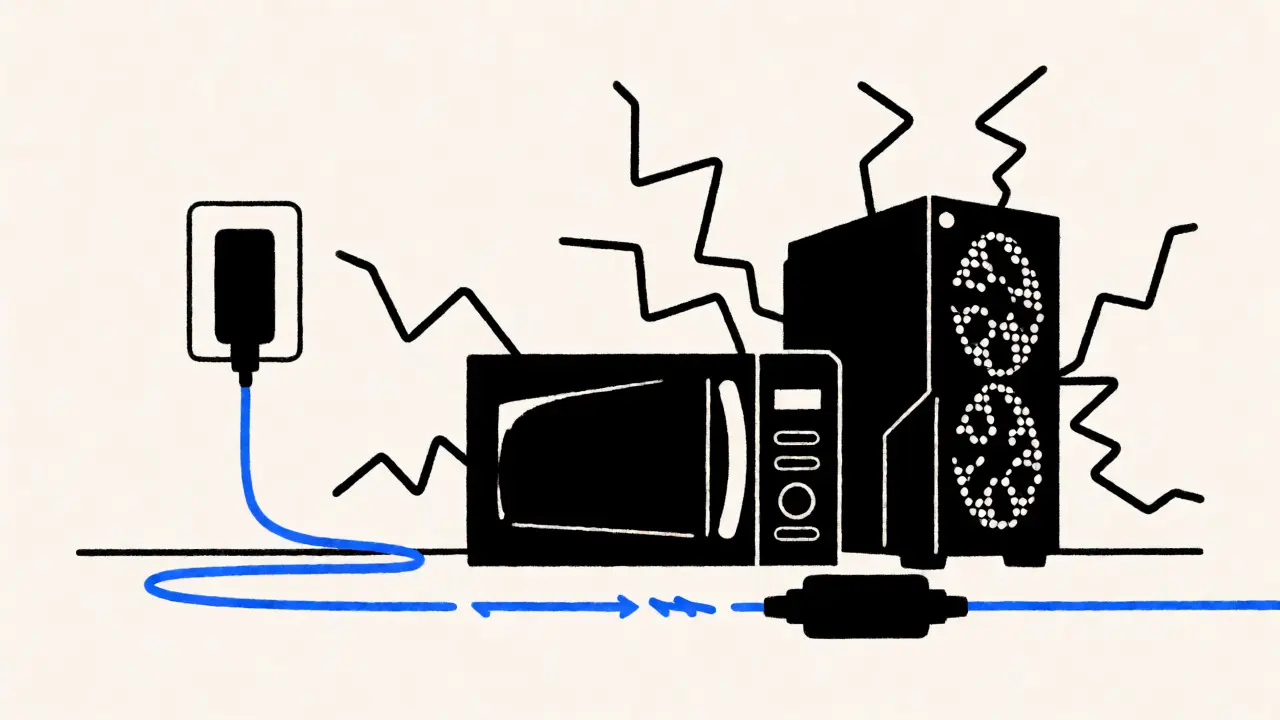
Noisy electronics are the second major pain point. Devices with switching power supplies-like cheap phone chargers, LED dimmers, and older fluorescent lights-inject electrical noise into the line. This noise looks like static to your powerline adapter. If you plug your adapter into a power strip shared with a gaming PC and a laser printer, you might see packet loss. This results in stuttering video, even if the raw speed test looks okay. Always plug powerline adapters directly into a wall socket, never into a surge protector or extension lead, unless the lead explicitly supports passthrough data.
Powerline vs. Mesh Wi-Fi: Which One Wins?
Most people debating powerline adapters are actually deciding between them and a Mesh Wi-Fi system. Both aim to solve dead zones, but they do it differently. Mesh Wi-Fi creates a seamless web of wireless access points. Powerline creates a virtual wire through your walls. Here is how they stack up for streaming specifically:
| Feature | Powerline Adapter | Mesh Wi-Fi System |
|---|---|---|
| Installation Effort | Very Low (Plug & Play) | Moderate (Placement tuning required) |
| Interference Source | Electrical Noise | Other Wi-Fi Networks/Walls |
| Latency Stability | High (Wired-like) | Variable (Depends on backhaul) |
| Cost | $100 - $200 AUD (Starter Kit) | $300 - $600+ AUD (3-pack) |
| Best For | Fixed devices (TV, Console) | Mobile devices (Phones, Tablets) |
If your primary goal is watching 4K content on a stationary TV, powerline is often cheaper and more stable. Mesh systems shine when you need strong Wi-Fi coverage for phones walking around the house. A hybrid approach is popular: use a Mesh system for general mobile coverage and add a single powerline kit to feed hard-wired connections to your TV and console.
Real-World Performance Expectations
Don’t believe the box marketing. When manufacturers claim "2000 Mbps," they mean theoretical maximums under lab conditions with no interference. In my experience testing kits in Brisbane townhouses, real-world throughput rarely exceeds 300 Mbps. Is that enough for streaming? Absolutely. Netflix 4K HDR streams require about 15-25 Mbps. Disney+ 4K needs similar bandwidth. Even if you lose half your speed due to electrical noise, you still have plenty of headroom.
However, if you plan to transfer massive files locally (like backing up 4K home videos to a NAS), powerline will feel slow compared to direct Ethernet. For pure consumption of internet content, though, it delivers. Just remember that performance degrades over time as you add more noisy devices to the circuit. Regularly checking the link status LEDs on the adapters helps you catch issues before your movie starts buffering.
Troubleshooting Tips for Best Results
To get the most out of your investment, follow these rules of thumb. First, ensure all adapters are plugged directly into wall sockets. Second, try to keep them on the same electrical circuit if possible. You can test this by flipping breakers off and seeing if the adapter light goes out. Third, avoid plugging them next to large appliances like fridges or washing machines, which create massive electrical spikes during startup.
If you experience intermittent dropouts, try updating the firmware on your adapters. Manufacturers like TP-Link, Netgear, and Devolo regularly release patches that improve noise immunity. Finally, consider replacing very old adapters. Technology has improved significantly since the early HomePlug days. Newer G.hn models are much better at handling noisy environments than their predecessors from five years ago.
Can I use powerline adapters on extension cords?
Generally, no. Most extension leads filter out the high-frequency data signals used by powerline adapters. If you must use one, ensure it is a basic, unfiltered lead without surge protection. However, plugging directly into the wall socket is always recommended for best performance.
Do powerline adapters work across different floors?
Yes, but performance depends on the distance and the complexity of the wiring. Signal strength weakens as it travels through more junction boxes and longer cable runs. In multi-story homes, expect lower speeds on upper floors compared to the floor where the router is located.
Is powerline networking secure?
Modern powerline adapters use AES-128 encryption. This prevents neighbors from easily intercepting your data. However, if you live in an apartment block with shared meter cabinets, there is a slight risk of crosstalk. Using a strong network password (PIN) mitigates this risk effectively.
Will powerline adapters interfere with my Wi-Fi?
No, they operate on different frequencies. Powerline uses frequencies between 2 MHz and 86 MHz, while Wi-Fi uses 2.4 GHz and 5 GHz. They coexist peacefully. In fact, using powerline reduces congestion on your Wi-Fi band, potentially improving Wi-Fi performance for other devices.
Which brand is best for powerline networking?
TP-Link and Devolo are widely regarded as reliable options with good software support. Netgear offers solid hardware but sometimes lacks user-friendly apps. Look for models supporting AV2 1300 or higher, and ensure they have a passthrough socket so you don't waste a wall outlet.