7
How to Use a Library Card for Free Streaming on Hoopla and Kanopy
You’re staring at your TV screen, scrolling through yet another subscription service that costs $15 a month. The movies look fine, but the algorithm keeps pushing the same three blockbusters. Meanwhile, you have a plastic card in your wallet from your local library that most people forget exists after they return their last paperback. That little piece of plastic is actually a golden ticket to free streaming services like Hoopla and Kanopy. No ads interrupting the climax, no hidden fees, and no credit card required. If you haven’t tapped into this yet, you’re essentially paying for something you already own.
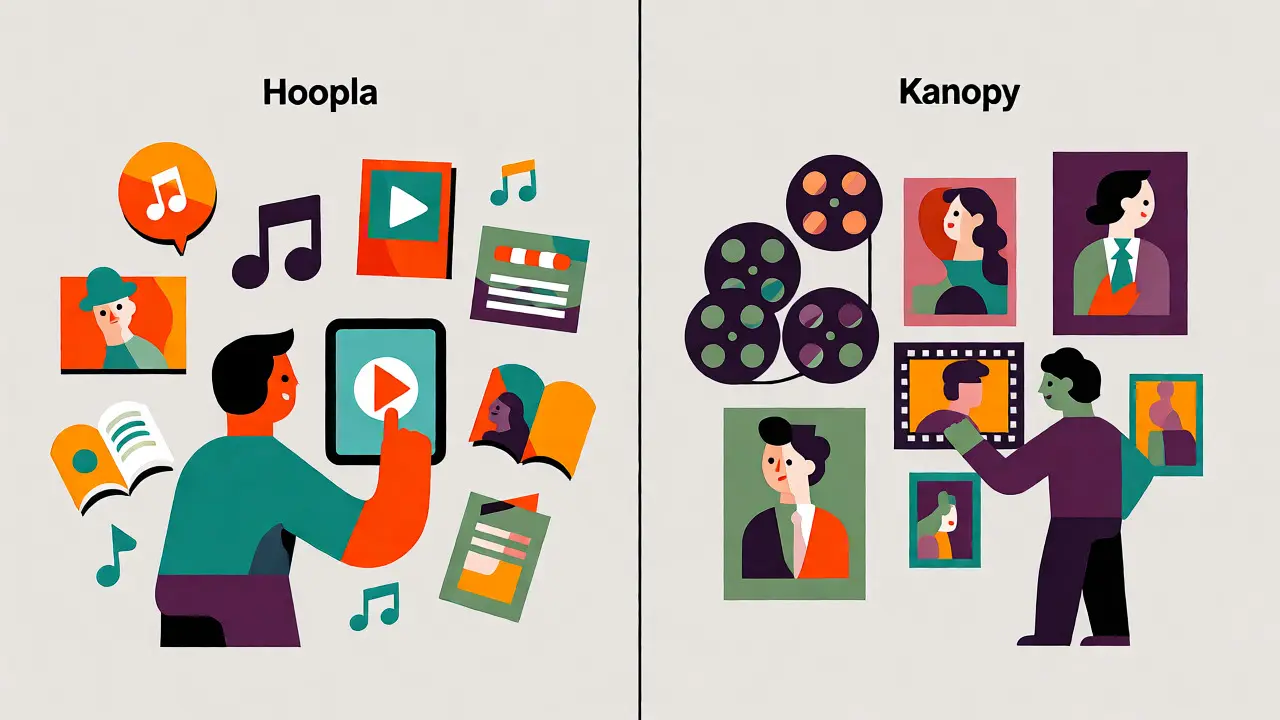
Hoopla and Kanopy are two distinct digital platforms partnered with public libraries worldwide. Unlike Netflix or Disney+, these services don’t ask for a monthly fee because the cost is subsidized by your tax dollars and library budgets. They function as digital branches of your local library, offering everything from Hollywood hits to indie documentaries and audiobooks. The catch? You need an active library card, and each platform has its own borrowing rules. But once you set it up, the content flows directly to your phone, tablet, smart TV, or web browser.
Why Your Library Card Beats Subscription Services
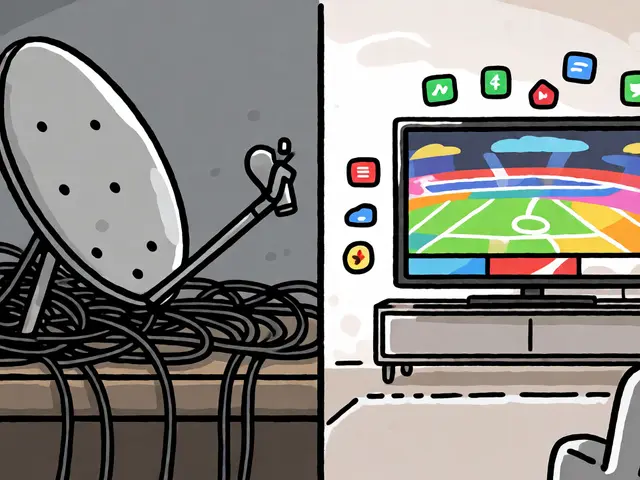
Let’s be real about the current state of entertainment. We are drowning in subscriptions. Between Netflix, Hulu, Max, Prime Video, Apple TV+, and Paramount+, the average household spends over $50 a month just to watch TV. Hoopla and Kanopy disrupt this model completely. They offer immediate access without the "binge" pressure. On Hoopla, there are no waitlists. You click play, and it starts. On Kanopy, you get a set number of credits per month, but the catalog skews heavily toward high-quality cinema, Criterion Collection films, and educational content that often gets buried on mainstream apps.
Think of it this way: if Netflix is a massive buffet where you pay to enter, Hoopla is an all-you-can-eat cafeteria included with your job benefits. Kanopy is more like a curated museum exhibit where you get a few free tickets every month. Both require zero financial commitment beyond your existing library membership. For students, retirees, or anyone trying to cut back on recurring bills, this is a game-changer. Plus, the interface is clean. No autoplay trailers screaming at you. Just titles ready to watch.
Getting Started: Linking Your Library Account
The first step is checking if your local library participates. Not every branch supports both platforms. Some might only have Hoopla; others might stick to Kanopy. A quick search on your library’s website under "Digital Resources" or "E-Media" will tell you which ones are available. Once you confirm, grab your library card number and PIN. This PIN is usually the last four digits of your phone number unless you changed it during registration.
Here is how to link them up:
- Download the App: Search for "Hoopla Digital" or "Kanopy" in your device’s app store. Both are free to download.
- Select Your Library: Open the app and type in your city or zip code. It’s crucial to pick the exact branch that issued your card. If you live in Brisbane, Australia, and use the State Library of Queensland, select that specific institution.
- Enter Credentials: Input your library card number and PIN. If it fails, double-check for spaces or dashes. Sometimes you need to call the library help desk to reset a forgotten PIN.
- Create a Profile: Most apps allow you to create user profiles within one account. This is handy if you share the card with family members, though keep in mind that some platforms count borrows against the main account limit.
If you hit a snag, don’t panic. Technical glitches happen. Often, clearing the app cache or updating the software fixes connection issues. Remember, your library card must be active. If you have overdue fines above a certain threshold (usually around $10-$15), the system might block new digital loans until you clear the balance.
Understanding Hoopla’s Instant Access Model
Hoopla operates on an "instant borrow" system. There are no holds. If a movie is listed, you can watch it right now. However, you have a monthly cap on how many titles you can borrow. This limit varies by library but typically ranges from 5 to 10 items per month. An "item" can be a movie, an episode of a TV show, an album, or an ebook. So, if you binge-watch a five-episode miniseries, that counts as five borrows. Choose wisely.
| Feature | Hoopla | Kanopy |
|---|---|---|
| Cost | Free with library card | Free with library card |
| Borrowing Limit | Fixed monthly quota (e.g., 8 items) | Credits system (e.g., 6 credits/month) |
| Waitlists | None (Instant access) | Some popular titles may have queues |
| Content Focus | Mix of mainstream, kids, comics, music | Indie, classic, documentary, foreign film |
| Offline Viewing | Available on mobile devices | Available on mobile devices |
The strength of Hoopla lies in its variety. It’s not just video. You can stream entire discographies of artists like Taylor Swift or Kendrick Lamar instantly. Comic book fans love it because it offers full-color digital comics from Marvel and DC. For parents, the children’s section is robust, featuring safe, ad-free cartoons. Because there are no waitlists, it’s perfect for spontaneous decisions. You see a title, you click, you watch. The downside is the strict monthly cap. If you run out of borrows on day three, you wait until the next calendar month. There is no option to buy extra borrows.
Navigating Kanopy’s Credit System
Kanopy feels different. It’s sleeker, more cinematic, and focused on quality over quantity. Instead of a simple item count, many libraries assign "credits." One credit might equal one feature-length film, while short documentaries might cost less. Or, some libraries give you unlimited access to Kanopy Kids but limited credits for adult content. Check your specific library’s policy because this varies wildly between municipalities.
Kanopy shines when you want to discover something outside the mainstream. It hosts the Criterion Channel collection in many regions, meaning you can watch restored classics like Akira Kurosawa’s Rashomon or Agnès Varda’s Cléo from 5 to 7. It also has a strong selection of BBC documentaries and PBS Masterpiece theater series. If you are a student, Kanopy is often integrated into university databases, giving you access to academic films and lectures.
One quirk to note: Kanopy sometimes places popular new releases on hold. Unlike Hoopla’s instant gratification, you might join a queue for a trending indie darling. However, the wait times are usually shorter than physical DVD rentals used to be. Also, Kanopy offers a feature called "Kanopy Kids," which is a separate portal designed for younger audiences with parental controls. It filters out mature content automatically, making it safer for unsupervised browsing.
Troubleshooting Common Connection Issues
Even with a valid card, things break. Here are the most common headaches and how to fix them quickly.
- "Card Expired" Error: Even if you think your card is valid, check the expiration date printed on the back. Libraries renew cards annually or biennially. If it’s expired, visit your library website to update your address or verify your status online. In many places, you can do this via email confirmation without visiting the branch.
- Device Limits: Hoopla allows streaming on multiple devices simultaneously, but Kanopy often restricts concurrent streams to one or two per account. If someone else in your house is watching Kanopy on the living room TV, you might get a "Stream in Progress" error on your phone. Coordinate with your household or wait for the other stream to end.
- Geo-Restrictions: These services detect your IP address. If you travel abroad, you might lose access because your IP no longer matches your home library’s region. To fix this, you can use a reputable VPN service to route your traffic through your home country’s server. Note that using a VPN violates some terms of service, so proceed with caution.
- App Updates: Old versions of the apps can fail to authenticate. Always keep your apps updated. If problems persist, try logging out and logging back in. This refreshes the token connection between the app and the library server.
Maximizing Your Monthly Allowance
To get the most value, treat your monthly limits like a budget. On Hoopla, prioritize long-form content. Borrowing a single episode of a sitcom uses up one slot, whereas a two-hour movie also uses one slot. Therefore, movies and miniseries offer better "time-per-borrow" efficiency. Save your slots for things you definitely want to finish, not just samples.
On Kanopy, use your credits strategically. Many users save their credits for weekends or special occasions when they have time to commit to a 90-minute film. Use the free resources like Kanopy Kids or short educational clips during the week. Also, explore the "Playlists" feature. Librarians curate collections like "Best of Noir" or "Climate Change Docs." Browsing these saves you time and often leads to hidden gems you wouldn’t find via search alone.
Don’t ignore audio. Both platforms support audiobooks and podcasts. If you commute or exercise, swapping a video borrow for an audiobook lets you consume content while doing other tasks. This effectively doubles your consumption rate without hitting the visual screen limit.
Frequently Asked Questions
Do I need a separate subscription for Hoopla or Kanopy?
No. Both services are completely free if your local library partners with them. The cost is covered by your library membership, which is funded by taxes or annual fees you likely already pay. There are no hidden charges or premium tiers.
Can I watch Hoopla and Kanopy on my Smart TV?
Yes, most modern Smart TVs (Samsung, LG, Sony) have dedicated apps for both Hoopla and Kanopy in their app stores. Alternatively, you can cast from your smartphone or tablet using Chromecast, AirPlay, or Roku. Ensure your TV firmware is up to date for the best compatibility.
What happens if I exceed my monthly borrow limit?
You simply cannot borrow any new titles until the next calendar month begins. There is no penalty or late fee. Your previously borrowed items remain accessible until they expire (typically 72 hours for movies, 21 days for ebooks). You just have to wait for your counter to reset.
Is the content on Kanopy suitable for children?
Kanopy has a dedicated section called "Kanopy Kids" which features age-appropriate content, including animated series and educational videos. The main Kanopy library contains mature themes, so it is recommended to use the Kids portal for younger viewers or enable parental controls if available in your specific library setup.
Can I download movies to watch offline?
Yes, both Hoopla and Kanopy allow downloading titles to mobile devices (iOS and Android) for offline viewing. This is useful for flights or areas with poor Wi-Fi. Note that downloads expire based on the loan period, so make sure to start watching before the timer runs out.
Next Steps for Better Streaming
You now have the tools to unlock hundreds of dollars in potential savings. Start tonight. Log into your library account, sync your card, and browse the "New Arrivals" section on Hoopla. Pick a movie you’ve been meaning to watch but didn’t want to rent. Press play. Notice the lack of ads. Notice the clarity. Then, switch to Kanopy and find a documentary on a topic you know nothing about. Expand your horizons without opening your wallet. If you find yourself loving the experience, consider recommending these platforms to friends who complain about rising subscription costs. It’s one of the best-kept secrets in modern entertainment, and it’s sitting right in your pocket.