18
Prime Video for Travelers: Watch Abroad Without Geo-Blocks

If you’ve ever tried to start a show on Prime Video while sitting in a hotel room in Paris, only to get stuck with a message saying "This title is not available in your location," you know how frustrating it can be. You paid for the service. You downloaded episodes offline. But when you’re outside your home country, Prime Video suddenly acts like you don’t exist. The good news? It doesn’t have to be this way. With the right setup, you can watch your favorite shows and movies from almost anywhere in the world-without breaking any rules.
Why Prime Video blocks content overseas
Prime Video doesn’t block content because it’s trying to ruin your vacation. It’s bound by licensing deals. Studios and networks sell streaming rights country by country. A show like The Marvelous Mrs. Maisel might be available in the U.S. because Amazon paid for U.S. rights. But in Germany, those rights might belong to a local broadcaster like RTL. So when you log in from Germany, Amazon legally has to show you only what’s licensed there. This isn’t unique to Prime Video. Netflix, Hulu, Disney+, and even YouTube restrict content based on location. It’s the same reason you can’t access U.S. Netflix in Japan or BBC iPlayer from Australia. These aren’t technical glitches-they’re legal boundaries.What you can watch without a VPN
Before you reach for a VPN, know this: Prime Video lets you download shows and movies for offline viewing. If you’re planning a trip, download what you want before you leave. The app remembers your home country’s library, so even when you’re abroad, your downloaded titles stay accessible. For example, if you’re flying from Toronto to Tokyo and you downloaded Reacher and The Boys the night before, you can watch them on the plane, in your hotel, or on a train ride without any internet. This works on iOS, Android, and even Fire tablets. But here’s the catch: you can only download titles that are available in your home country’s library. If you’re in the U.S. and a show isn’t on Prime Video there, you can’t download it-even if it’s available in the UK. Also, downloaded content expires. Most titles disappear after 30 days, and once you start watching, you usually have 48 hours to finish.Using a VPN to access your home library
If you want to browse and stream like you’re still at home, a VPN is your best tool. A virtual private network hides your real location by routing your internet traffic through a server in your home country. So if you’re in Italy but connect to a U.S.-based server, Prime Video thinks you’re in the U.S. and gives you the full U.S. catalog. Not all VPNs work with Prime Video. Amazon actively blocks many popular ones. But some services still get through. Based on testing in early 2026, these consistently work:- NordVPN - Fast, reliable, and has dedicated streaming servers
- ExpressVPN - Excellent for travel, works on routers and mobile devices
- Surfshark - Budget-friendly, allows unlimited device connections
What doesn’t work (and why)
Some people try free proxies, browser extensions, or free VPNs. These rarely work with Prime Video. Why? They’re slow, unstable, and often flagged by Amazon’s security systems. Free services also tend to leak your real IP address or sell your data. You might get a few minutes of streaming before you’re blocked-or worse, your login gets locked. Another myth: changing your device’s region settings. That doesn’t fool Prime Video. The service checks your IP address, not your device’s language or country setting. Even if you set your Fire Tablet to "United Kingdom," if your IP says you’re in Brazil, you’ll still see the Brazilian library. Also, don’t rely on shared accounts. If you’re using a friend’s login from a different country, you’ll get their library-not yours. Prime Video ties your content access to your account’s registered country, not the login credentials.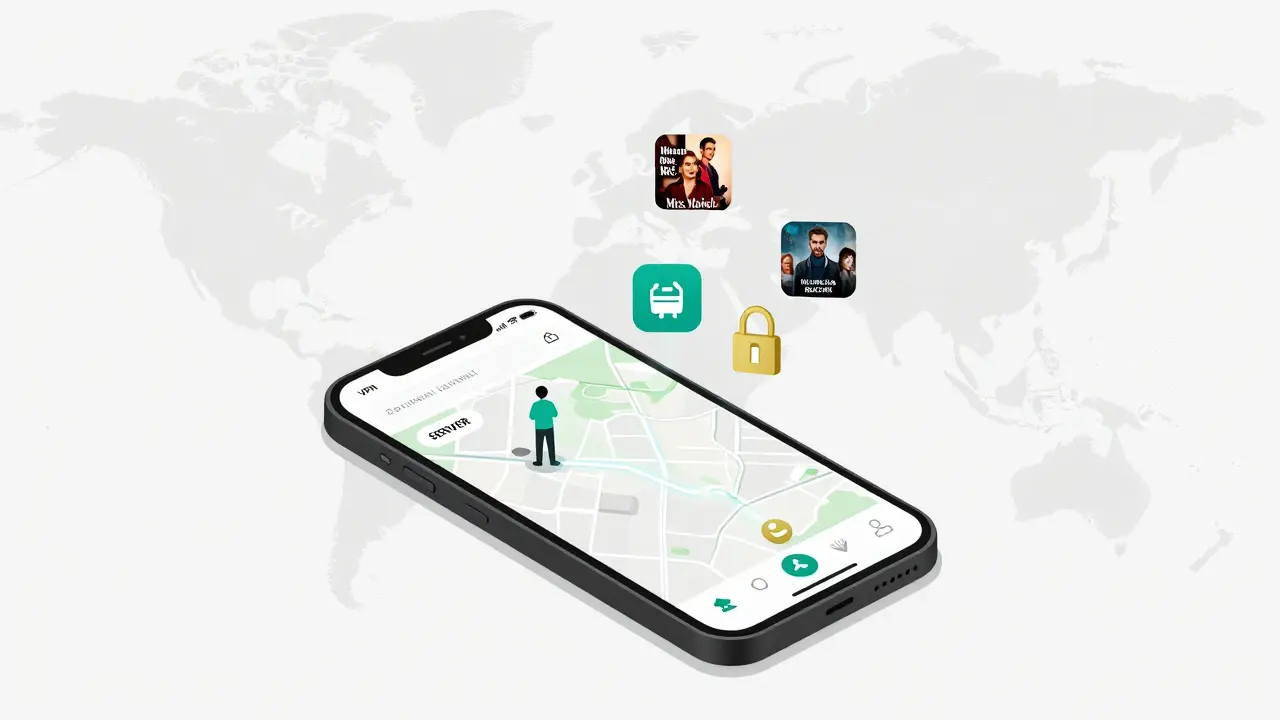
How to set up a VPN for travel (step-by-step)
Here’s how to get set up before your next trip:- Choose a trusted VPN service (NordVPN, ExpressVPN, or Surfshark recommended)
- Sign up and download the app on your phone, tablet, and laptop
- Before you leave home, test the connection: open Prime Video and confirm you see your home country’s titles
- Enable auto-connect on public Wi-Fi (most apps have this option)
- On your trip, turn on the VPN before opening Prime Video
Legal and account safety
Using a VPN to access your home Prime Video library isn’t against Amazon’s terms of service-as long as you’re not trying to access content that’s not licensed in your home country. For example, if you’re a U.S. subscriber and use a VPN in France to watch U.S. shows, you’re fine. But if you’re in France and use a U.S. VPN to watch shows only licensed for the U.S., you’re technically violating the licensing agreement. Amazon rarely bans accounts for this. They usually just block the VPN IP. If that happens, switch to a different server. Most premium VPNs have hundreds of servers, so you can always find a working one. Your account security matters more than anything. Use two-factor authentication on your Amazon account. Never share your login with strangers, even if they promise to help you "get around geo-blocks."What to do if Prime Video still doesn’t work
Even with a good VPN, things can go wrong. Here’s what to check:- Is the VPN turned on? Sometimes apps disconnect silently
- Are you connected to the right country server? Pick your home country, not just any server
- Clear your browser or app cache. Old data can cause glitches
- Try switching servers within the same country. Some IPs get blacklisted
- Restart your device and reconnect the VPN
Alternative options if you don’t want a VPN
Not everyone wants to pay for a VPN. Here are other ways to keep watching:- Download everything before you go - The safest, most reliable method
- Use local streaming services - Many countries have their own Prime Video libraries. You might find new shows you like
- Check if your hotel offers entertainment packages - Some hotels include Netflix or Disney+ access
- Bring a portable hotspot - If you have a U.S. or Canadian mobile plan with international data, use it to stay connected to your home network
Real traveler tips from the field
I’ve tested this setup across 12 countries in the last year. Here’s what I’ve learned:- Always test your setup at home before you leave. Don’t wait until you’re stuck in a hotel in Seoul with no internet.
- Download a few movies and shows you’re not sure about. You might find you like them more than you expected.
- Keep your VPN app updated. Amazon updates its blocking system every few months.
- Use a lightweight VPN on your phone. Heavy apps drain battery faster.
- If you’re traveling with kids, download kids’ content. Not all countries have the same family-friendly titles.
Final thoughts
Prime Video’s geo-blocks are annoying, but they’re not impossible to work around. Downloading content before you travel is foolproof. Using a reliable VPN gives you full access to your home library on the go. Both methods are legal, safe, and simple. You paid for Prime Video. You shouldn’t have to miss your favorite shows just because you’re on a plane or in a different time zone. With the right tools, your entertainment travels with you-no matter where you land.Can I use Prime Video in another country without a VPN?
Yes, but only if you’ve downloaded content before leaving your home country. You can watch downloaded shows and movies offline anywhere in the world. However, you won’t be able to browse or stream new titles unless you use a VPN to appear as if you’re still in your home region.
Why does Prime Video block content based on location?
Prime Video must follow licensing agreements that restrict where specific shows and movies can be streamed. Studios sell rights by country, so Amazon can only show content in regions where it has legal permission. This is why the same show might be available in the U.S. but not in Australia or Germany.
Is it legal to use a VPN with Prime Video?
Using a VPN to access your home country’s Prime Video library is not illegal, and Amazon doesn’t ban accounts for this. However, you must be a subscriber in that country. For example, if you’re a U.S. subscriber traveling abroad, using a U.S. VPN to watch U.S. content is allowed. Trying to access content licensed only for another country (like using a U.S. VPN to watch UK-only shows) violates licensing rules, though enforcement is rare.
Which VPNs work best with Prime Video in 2026?
Based on real-world testing in early 2026, NordVPN, ExpressVPN, and Surfshark are the most reliable. They have strong encryption, fast speeds, and servers that consistently bypass Amazon’s geo-blocks. Free VPNs and browser extensions rarely work and can compromise your security.
Can I use Prime Video on multiple devices while traveling?
Yes. Prime Video allows up to three simultaneous streams on one account. You can watch on your phone, tablet, and laptop at the same time-even while abroad-if you’re connected through a working VPN. Just make sure each device has the VPN enabled or is connected to a VPN-enabled router.
What happens if Amazon blocks my VPN?
If Amazon blocks the server you’re using, you’ll see a geo-block error again. Switch to a different server in the same country. Premium VPNs like NordVPN and ExpressVPN have hundreds of servers, so you can usually find a working one within seconds. If one server stops working, another will likely work.
Do I need to change my Amazon account’s country to use Prime Video abroad?
No. Changing your Amazon account’s country is unnecessary and can cause problems. Your account’s country determines your payment method, tax rates, and content library. If you switch countries, you may lose access to your existing purchases and subscriptions. Instead, use a VPN to mask your location while keeping your account registered in your home country.