19
Chromecast vs. Google TV: What's the Difference in 2026?
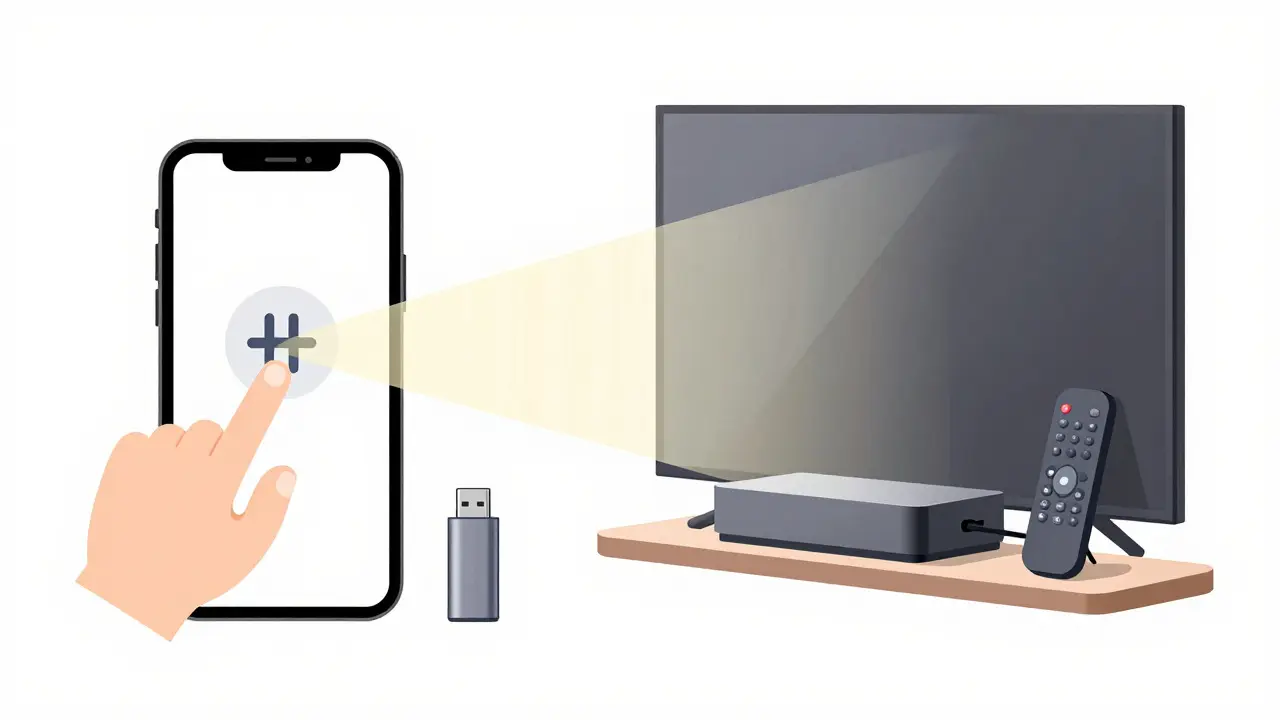
Walk into an electronics store or browse online, and you’ll likely see two boxes from Google that look deceptively similar: the Chromecast and the Google TV Streamer. Confusing them is a common mistake because they share branding, but functionally, they are different tools for different jobs. One is a lightweight bridge for your phone; the other is a full-fledged media center for your living room.
If you are trying to decide which one to buy, or why your new smart TV behaves differently than your old dongle, understanding this distinction is key. This guide breaks down exactly what each device does, who it is for, and how they fit into the modern home entertainment setup.
The Core Difference: Casting vs. Streaming
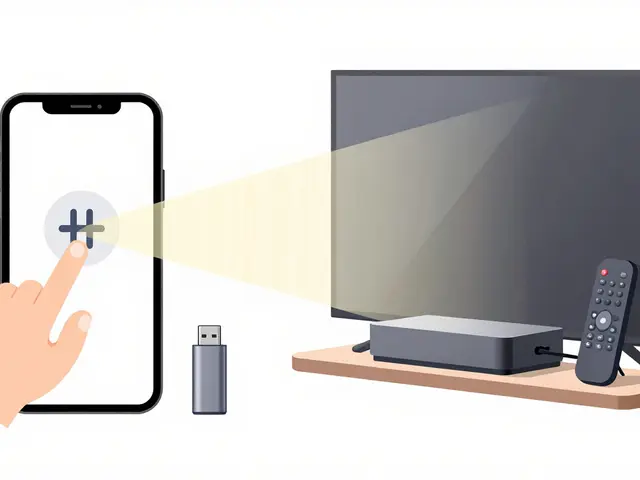
To understand the hardware, you first need to understand the software philosophy behind it. Chromecast is primarily a casting device that mirrors content from a mobile device or computer to a television screen. Think of it as a remote control extension. You start playing a video on your iPhone, Android phone, or laptop, and tap the cast icon. The video then plays on the TV, but your phone remains the source. If you lock your phone, the video often pauses or stops, depending on the app. Your phone is the brain; the Chromecast is just the display receiver.
In contrast, Google TV (specifically the Google TV Streamer box) is a standalone streaming media player with its own operating system and user interface. It connects directly to your internet via Wi-Fi or Ethernet. You use a remote control to navigate apps like Netflix, Disney+, or YouTube directly on the TV. Your phone is not required at all once the content starts. It functions much like an Amazon Fire Stick or Apple TV, acting as an independent computer dedicated to media playback.
Hardware Form Factors and Connectivity
The physical design reflects these functional differences. The standard Chromecast with Google TV (often just called Chromecast) is a small USB-C stick that plugs directly into your TV’s HDMI port. It requires a separate power cable connected to a wall outlet or USB port. It is compact, easy to hide behind the TV, and costs significantly less than the larger box.
The Google TV Streamer, released in 2023, is a larger, rectangular box that sits on a shelf or table. It has built-in storage (16GB), which allows it to cache data more efficiently. It also supports HDMI 2.1, meaning it can handle higher bandwidths necessary for advanced features like Variable Refresh Rate (VRR) and higher frame rates if your TV supports them. While both devices use the same underlying "Google TV" interface, the Streamer’s hardware is more robust, making it better suited for 4K HDR streaming without buffering issues on congested Wi-Fi networks.
| Feature | Chromecast with Google TV | Google TV Streamer |
|---|---|---|
| Primary Function | Casting & Basic Streaming | Standalone Media Hub |
| Form Factor | USB-C Stick | External Box |
| Storage | Minimal (Internal only) | 16GB Internal Storage |
| HDMI Version | HDMI 2.0 | HDMI 2.1 |
| Best For | Budget users, secondary TVs | Main living room, gamers, heavy streamers |
| Remote Included? | No (Uses Phone App) | Yes (Physical Remote) |
User Experience: How You Actually Use Them
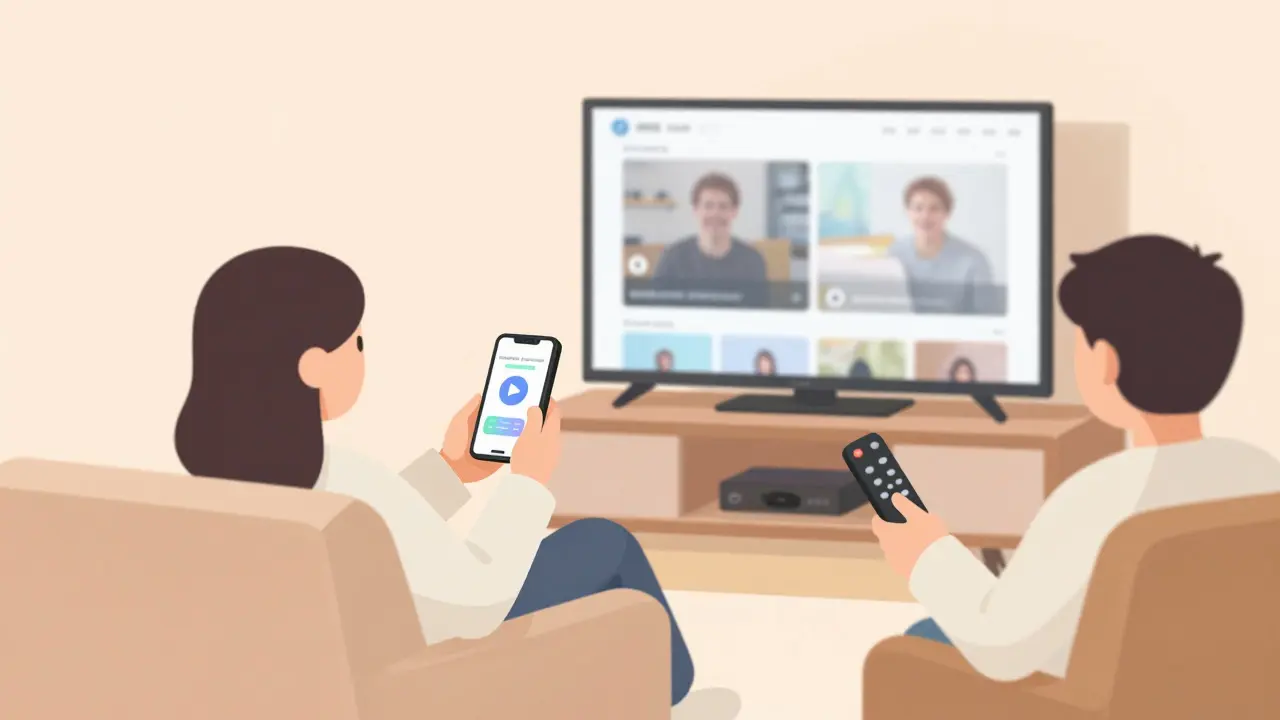
The daily experience differs significantly based on your habits. If you prefer to browse for movies on your phone while lying in bed and then send the selection to the big screen, Chromecast is ideal. It saves battery life on your phone compared to mirroring the entire screen, and it allows you to keep using your phone for other tasks while the TV plays. However, if you want to sit on the couch, pick up a remote, and casually scroll through recommendations without touching your smartphone, the Google TV Streamer is the superior choice.
Both devices run the Google TV interface, which aggregates content from various providers into a single dashboard. This means you don’t have to switch between five different apps to find what’s available; Google TV shows you everything you have access to in one place. The interface is identical on both devices, so learning one means you know the other. The difference lies in the input method: touch-based navigation via the mobile app versus button-based navigation via a physical remote.
Performance and Reliability
When it comes to raw performance, the Google TV Streamer has the edge. Because it has more RAM and dedicated storage, it handles large libraries of 4K content more smoothly. Users with slower Wi-Fi connections may notice fewer buffering events on the Streamer compared to the smaller Chromecast unit. Additionally, the Streamer’s HDMI 2.1 support makes it future-proof for newer gaming consoles and high-refresh-rate TVs. If you play games via cloud services like GeForce Now or Xbox Cloud Gaming, the lower latency and better video processing of the Streamer provide a noticeably sharper image.
However, the Chromecast remains incredibly reliable for its price point. For most households where the main TV already has built-in smart features, adding a Chromecast to a bedroom or kitchen TV is a cost-effective way to upgrade older screens without buying a new television. It handles 1080p and basic 4K streaming perfectly well for casual viewing.
Which One Should You Buy?
Your decision should hinge on three factors: budget, primary use case, and existing hardware.
- Choose Chromecast if: You want the lowest entry price, you mostly watch content initiated from your phone, or you are upgrading a secondary TV in a smaller room. It is the best value proposition for casual users.
- Choose Google TV Streamer if: This is your main living room TV, you prefer using a remote over a phone, you stream 4K HDR content heavily, or you want the most stable and fast connection possible. It is the premium option for dedicated media consumption.
- Check your Smart TV first: Many modern LG, Sony, and Samsung TVs come with Google TV pre-installed. If your TV already runs Google TV, you might not need either device unless you want to cast from specific apps that aren’t available natively or want a backup solution.
It is worth noting that Google has been phasing out the older "Chromecast" branding in favor of "Chromecast with Google TV" to reduce confusion. Even though the names overlap, the hardware distinction remains clear: one is a stick, one is a box. Knowing this helps you avoid buying the wrong tool for your specific setup.
Frequently Asked Questions
Is Chromecast the same as Google TV?
No. Chromecast is a type of hardware device (a dongle) used for casting. Google TV is the operating system and user interface. Current Chromecast devices run the Google TV interface, but the terms refer to different things: one is the hardware, the other is the software platform.
Do I need a Chromecast if my TV has Google TV built-in?
Usually, no. If your TV runs Google TV natively, it can stream apps directly. A Chromecast is only useful if you want to cast from a specific app on your phone that isn't installed on the TV, or if your TV's built-in processor is slow and you want a faster external device.
Which device is better for gaming?
The Google TV Streamer is better for gaming, particularly cloud gaming. Its HDMI 2.1 support and stronger internal hardware allow for lower latency and smoother high-frame-rate video output compared to the standard Chromecast stick.
Can I use both devices at the same time?
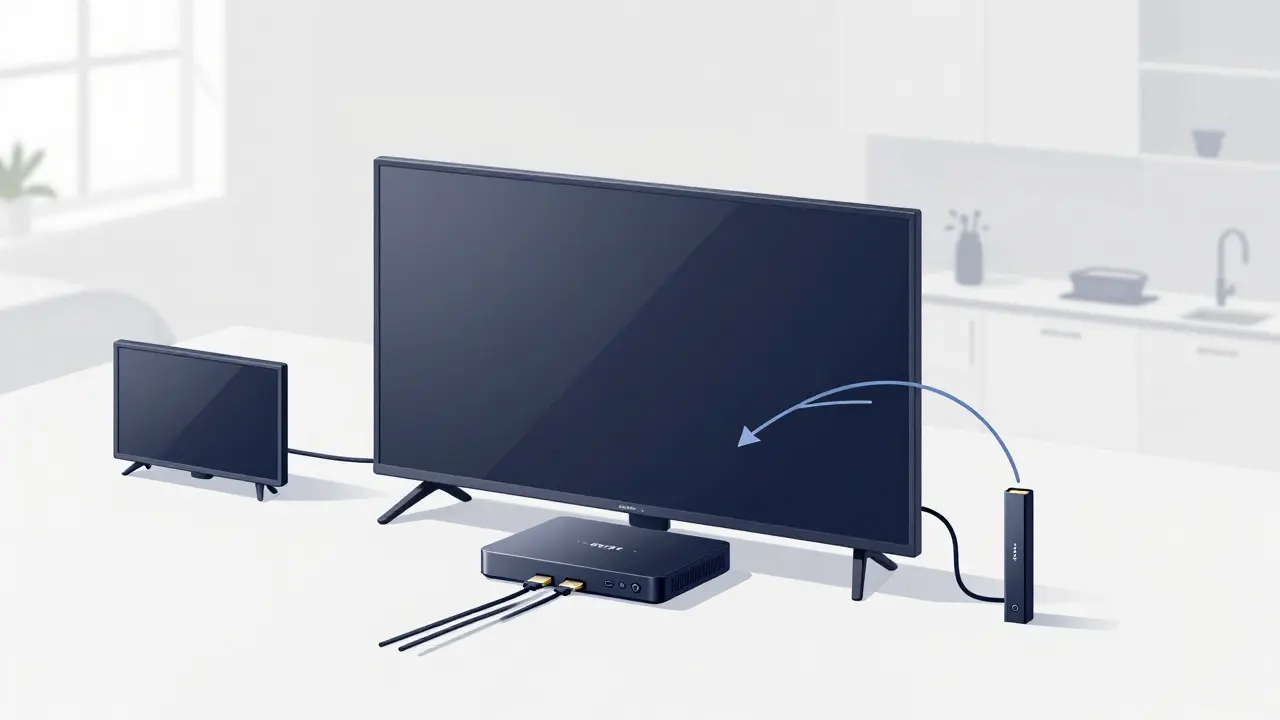
Yes, but only if your TV has multiple HDMI ports. You can plug the Chromecast into one port and the Google TV Streamer into another. You would then switch between them using your TV’s input selector. They do not conflict with each other.
Does Chromecast work without Wi-Fi?
Generally, no. Both Chromecast and Google TV Streamer require an internet connection to fetch streaming content. While you can mirror a local file from your phone in some limited scenarios, the core functionality relies on a stable Wi-Fi or Ethernet connection.