20
Best Streaming Services for 4K Content in 2026
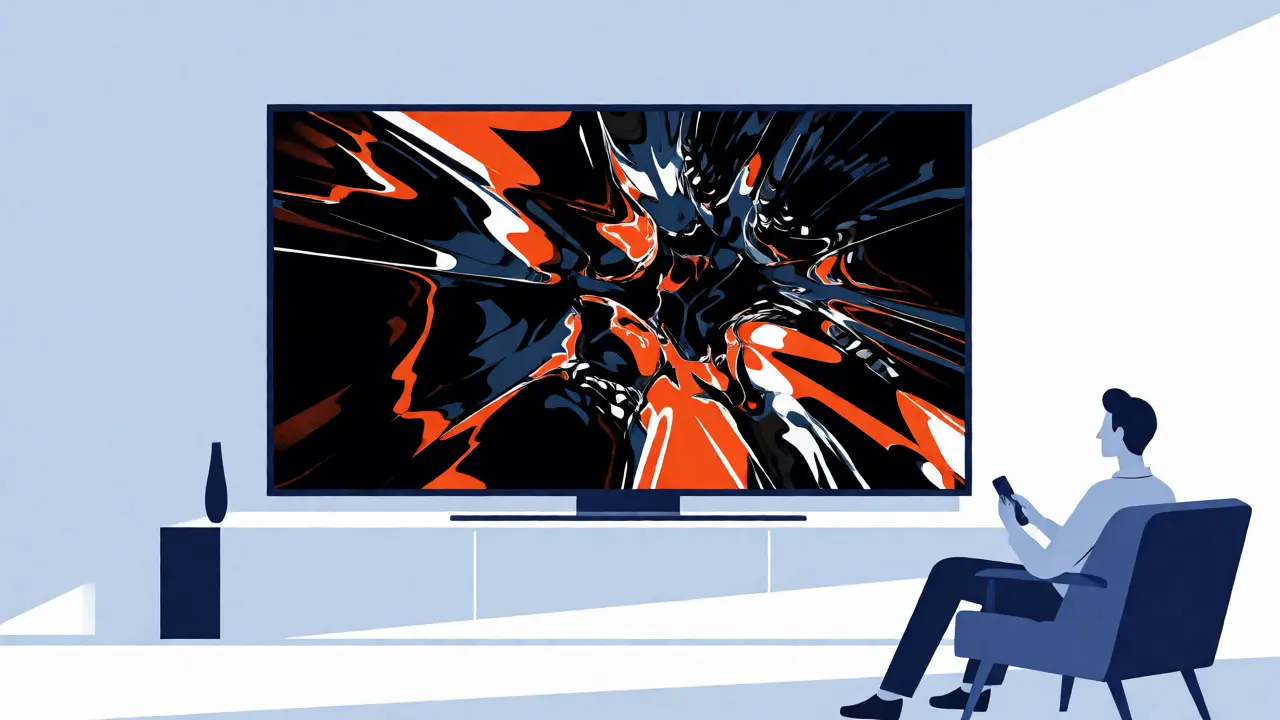
You paid good money for that shiny new 4K TV. You set it up, adjusted the contrast, maybe even tweaked the motion smoothing until it looked right. But then you open your favorite streaming app, hit play on a blockbuster movie, and... it looks fine. Just "fine." Not the jaw-dropping, hyper-realistic spectacle you were promised. Why? Because not all streaming services treat 4K resolution equally. Some throttle bitrates so hard that fast-motion scenes turn into digital soup. Others hide their highest quality behind expensive premium tiers or require specific hardware dongles. In late 2026, with 8K barely gaining traction and 4K being the absolute baseline, knowing which platform actually delivers true Ultra HD is critical for getting your money's worth.
| Service | 4K Availability | HDR Formats | Max Bitrate (Est.) | Device Support |
|---|---|---|---|---|
| Netflix | Premium Plan Only | Dolby Vision, HDR10 | ~15 Mbps | All Smart TVs, Consoles, Mobile |
| Disney+ | Included in Base | Dolby Vision, HDR10+ | ~12-15 Mbps | All Major Platforms |
| Apple TV+ | Included in Base | Dolby Vision, HDR10 | ~30+ Mbps | Apple Devices, Roku, Fire TV, Smart TVs |
| Amazon Prime Video | Select Titles Only | HDR10, Dolby Vision | ~10-15 Mbps | Fire TV, Most Smart TVs |
| Max | Ultimate Plan | Dolby Vision, HDR10 | ~15 Mbps | Most Modern Devices |
The Bitrate Bottleneck: Why Resolution Isn't Everything
Here is the dirty secret of modern video compression: pixels are cheap, bandwidth is expensive. When you stream 4K content, you aren't just looking at the number of horizontal lines (3,840 to be exact). You are looking at how much data flows per second to fill those lines with detail. This is measured in megabits per second (Mbps). A low-bitrate 4K file often looks worse than a high-quality 1080p Blu-ray because the encoder smears details together to save space. Apple TV+ has long been the gold standard here, often pushing bitrates above 30 Mbps for its original series. Compare that to older standards where 10 Mbps was considered "good" for HD, and you see why Apple's catalog pops off the screen. If your internet speed hovers around 25 Mbps, you might struggle to maintain steady 4K streams on platforms like Netflix during peak evening hours, leading to automatic downscaling to 1080p without any warning.
Netflix: The Volume King with Caveats
Netflix remains the largest library of 4K titles globally, but accessing it requires strategy. You must subscribe to the Premium tier, which costs significantly more than the Standard plan. Even then, not every title supports Ultra HD. Documentaries and older licensed films often max out at 1080p. However, Netflix has aggressively expanded its Dolby Vision support, particularly for its original sci-fi and fantasy productions. Dolby Vision uses dynamic metadata, meaning it adjusts brightness and color scene-by-scene rather than once per movie. This results in deeper blacks and brighter highlights, crucial for dark scenes in shows like *Stranger Things* or *The Witcher*. One pitfall? Netflix’s adaptive streaming algorithm is aggressive. If your Wi-Fi signal drops slightly, it will downgrade quality instantly. To combat this, use an Ethernet cable instead of Wi-Fi whenever possible. The difference in stability is night and day.
Disney+: The Value Proposition
If you want 4K without breaking the bank, Disney+ is arguably the best value in the market. Unlike Netflix, Disney includes 4K and HDR in its base subscription price. There is no premium tier needed for picture quality. Their catalog relies heavily on Marvel, Star Wars, and Pixar animations, all of which look stunning in 4K. Animation benefits massively from high-resolution displays because there are no film grain artifacts to obscure pixel clarity. Lines are crisp, colors are vibrant, and gradients are smooth. Disney+ also supports HDR10+, a competitor to Dolby Vision developed by Samsung. While Dolby Vision is generally superior due to dynamic tone mapping, HDR10+ offers similar benefits for users who don’t have Dolby-capable TVs. The main downside is the bitrate. It typically sits between 12-15 Mbps, which is solid but doesn’t match Apple’s raw fidelity. For casual viewing, though, it is more than enough to make your eyes water with joy.
Apple TV+: Quality Over Quantity
Apple TV+ plays a different game. They don’t have thousands of movies; they have hundreds of carefully curated originals. And they encode them like crazy. Apple TV+ consistently delivers the highest visual quality across all major platforms. Their use of Dolby Vision is meticulous, ensuring that every frame meets strict internal benchmarks. Shows like *Severance* or *Foundation* showcase this perfectly. The lighting contrasts are preserved beautifully, avoiding the crushed blacks common in lower-quality streams. Another advantage is device integration. If you own an Apple TV box, the playback experience is seamless. You can pause, rewind, and switch audio tracks with zero lag. On non-Apple devices, the app has improved significantly, but it still feels slightly less optimized than on native hardware. If you prioritize picture purity over having 10,000 options to choose from, Apple TV+ is the clear winner. It’s the audiophile choice for video.
Amazon Prime Video: The Hidden Gem
Many people overlook Amazon Prime Video when hunting for 4K, assuming it’s inferior. That’s a mistake. Amazon has quietly invested billions in producing high-budget originals like *The Rings of Power* and *Reacher*, both shot specifically for 4K HDR display. The catch is discovery. Amazon mixes free ad-supported content with paid rentals and included Prime titles. You need to filter carefully to find what’s actually available in 4K. Also, Amazon’s interface is cluttered, making it hard to spot quality indicators. Look for the small "UHD" badge on thumbnails. Once found, the quality is excellent, often rivaling Disney+ in bitrate. Amazon also supports X-Ray, a feature that lets you pause and see actor info, which works surprisingly well even during 4K playback without stuttering. If you already pay for Prime shipping, adding this service is essentially free, making it a no-brainer addition to your bundle.
Hardware Matters: Your TV and Player Setup
Even the best streaming service can’t fix bad hardware. Your TV needs to support the same HDR formats as the content. If your TV only supports HDR10, you won’t get the full benefit of Dolby Vision content on Netflix or Apple TV+. Check your TV manual. Many mid-range TVs from 2023-2024 support HDR10 but lack Dolby Vision. If you’re serious about 4K, consider an external media player. An Apple TV 4K (latest generation) or Nvidia Shield Pro handles decoding better than most built-in smart TV apps. They offer smoother motion processing and faster app launches. Built-in apps on cheaper TCL or Hisense TVs often struggle with heavy 4K HDR files, causing buffering or dropped frames. Investing $150 in a dedicated player can dramatically improve your viewing experience, turning a mediocre setup into a home theater powerhouse.
Internet Speeds and Bandwidth Management
Streaming 4K requires sustained bandwidth. Netflix recommends 15 Mbps for stable 4K. Apple suggests higher for best quality. But real-world conditions vary. Interference from microwaves, distance from the router, and other devices downloading games all eat into your pipe. Use a wired connection if possible. If you must use Wi-Fi, ensure your router supports Wi-Fi 6 or 6E. These newer standards handle multiple high-bandwidth streams better than older Wi-Fi 5 routers. Also, check your data caps. Some ISPs limit monthly data usage. Watching two hours of 4K content can consume 7-15 GB. Multiply that by daily viewing, and you could hit caps quickly. Consider unlimited plans or local caching features if available on your device. For instance, some Android TV boxes allow you to download episodes for offline viewing, bypassing network fluctuations entirely.
Frequently Asked Questions
Do I need a special HDMI cable for 4K streaming?
Yes, but it’s likely simpler than you think. You need an HDMI 2.0 cable or higher. Most cables sold after 2015 meet this standard. Look for "High Speed" or "Premium High Speed" labels. Older HDMI 1.4 cables cannot carry 4K signals at 60Hz, resulting in blurry images or no signal at all.
Is 4K worth it if I sit far away from my TV?
It depends on screen size. For a 55-inch TV, you need to sit within 6-7 feet to truly distinguish 4K from 1080p. At typical living room distances (8-10 feet), the difference becomes subtle unless the content has extreme detail or HDR effects. Larger screens (65 inches+) make 4K noticeable from farther away.
Why does my 4K stream look blurry sometimes?
This is usually due to bandwidth throttling. If your internet speed dips below the required threshold (often 15-25 Mbps), the streaming service automatically lowers the resolution to prevent buffering. Check your speed test while streaming. Also, ensure your TV isn’t applying excessive noise reduction or sharpening filters that distort the image.
Can I watch 4K content on my phone?
Technically yes, but practically no. Most phones don’t support 4K streaming via cellular data due to cost and battery drain. Wi-Fi streaming to phones often downscales to 1080p. Additionally, phone screens are too small to appreciate 4K detail. Stick to 1080p or HDR10 for mobile viewing to save data and battery life.
What is the difference between HDR10 and Dolby Vision?
HDR10 is static, meaning it applies one set of brightness and color instructions for the entire movie. Dolby Vision is dynamic, adjusting these settings scene-by-scene or even frame-by-frame. This allows for brighter highlights and deeper shadows simultaneously, creating a more realistic image. Dolby Vision requires licensing fees, so not all TVs support it.