Audio Compression: What It Is and Why It Matters for Streaming and Editing
When you stream a song, watch a YouTube video, or edit a podcast, audio compression, the process of reducing digital audio file size by removing or simplifying data. Also known as sound encoding, it's what lets you carry thousands of songs on your phone without filling up your storage. Without it, a single minute of CD-quality audio would take up 10MB—enough to slow down your internet, eat your data plan, and crash your editing software.
There are two main types: lossy compression, a method that permanently removes audio data you’re less likely to hear. Also known as destructive compression, it’s used in MP3s, AAC files, and most streaming services. And lossless compression, a method that shrinks files without throwing away any original data. Also known as non-destructive encoding, it’s what professionals use for archiving or mastering—think FLAC or ALAC files. The difference? One saves space. The other saves quality. You pick based on whether you’re sharing a clip on Instagram or mixing a film soundtrack.
It’s not just about file size. Audio compression affects how your content sounds on different devices. A podcast compressed at 64 kbps might sound fine on earbuds but fall apart on a home theater system. A video edited with uncompressed audio can take hours to render. That’s why streaming services like Netflix and YouTube use smart compression algorithms—they adjust bitrate based on your connection, so you get clear sound without buffering.
Even your phone’s data saver mode? It’s using audio compression behind the scenes. Turn it on, and your streaming apps reduce the audio quality just enough to save bandwidth—often without you noticing. But if you’re editing dialogue or recording music, you want to avoid heavy compression until the final export. Otherwise, you lose detail, introduce artifacts, and end up with a muddy mix.
What you’ll find below are real-world guides on how compression impacts your workflow. Whether you’re trying to shrink files for social media, fix sync issues in video edits, or understand why your podcast sounds different on Spotify versus Apple Music, these posts break it down without the jargon. No theory dumps. Just what works.
24
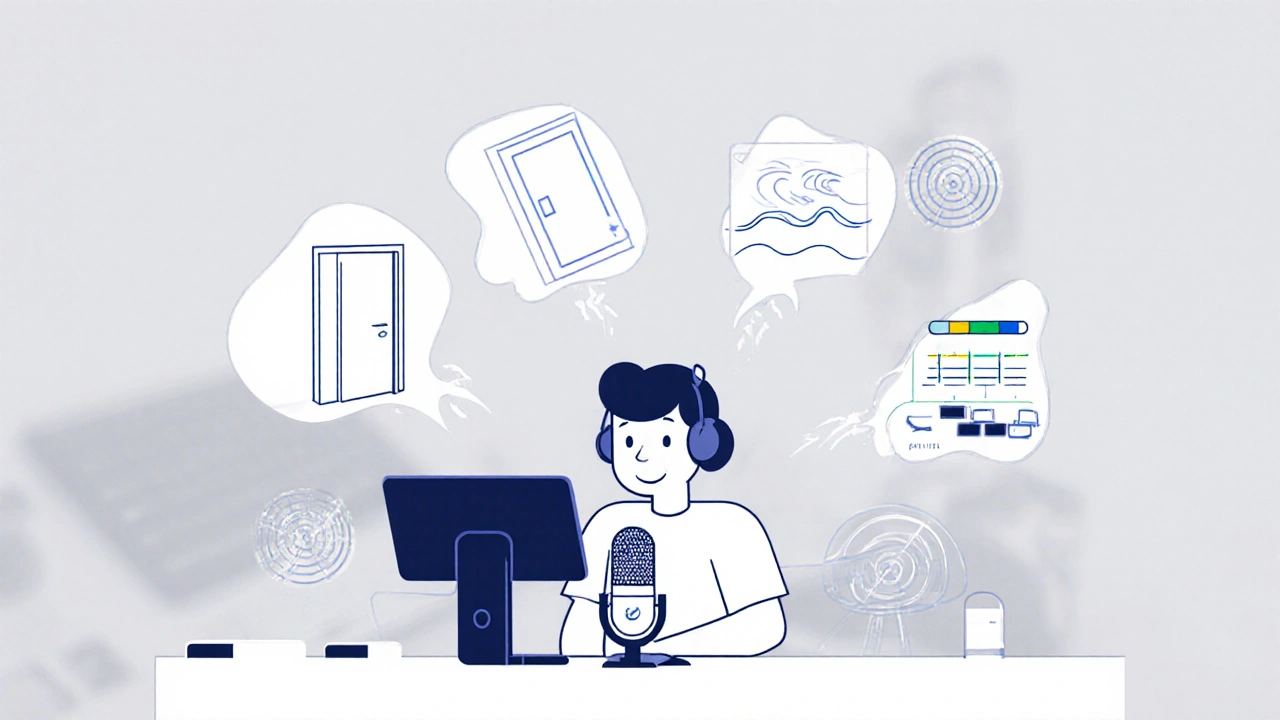
Stream Audio Compression: Use Limiters, Gates, and EQ to Get Crystal-Clear Voice
Learn how to use noise gates, compressors, limiters, and EQ to get crystal-clear voice audio for live streaming. Simple, effective settings that work in OBS and other platforms.
Latest Posts
Popular Posts
-
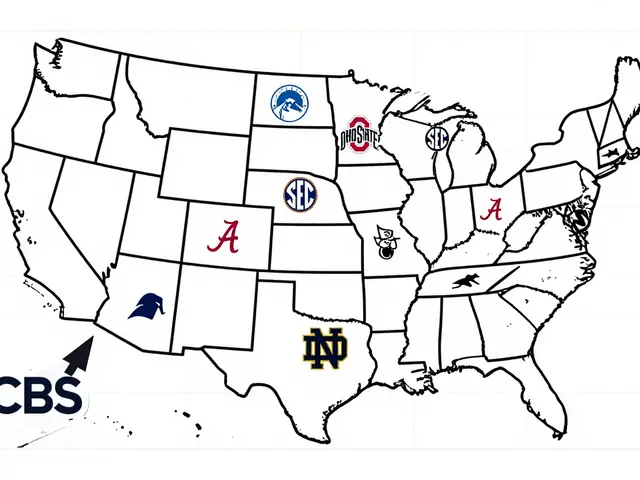 Paramount+ College Football: Which Conferences and Games Stream
-
 Publicists for Indies: How to Get Critics, Press, and Film Festivals to Notice Your Movie
-
 Self-Distribution Case Studies: Real Wins and Hard Truths for Indie Filmmakers
-
 Apple TV+ Pricing History: Promotions and Device Purchase Deals
-
 Effective Screen Time Management for Streaming: Setting Limits for Kids