Data Management for Video Creators: Organize, Save, and Stream Smarter
When you're editing videos, data management, the system of storing, organizing, and retrieving digital video files efficiently. Also known as media asset management, it's what keeps your projects from turning into digital chaos. If you’ve ever lost a clip because you saved it in ten folders with different names, or had your stream buffer because your router couldn’t handle the file size—you know how vital this is. Good data management doesn’t mean using fancy software. It means knowing where your files live, how to find them fast, and how to keep them safe without wasting time or money.
It connects directly to streaming storage, how video files are stored and accessed for online viewing. Services like Netflix and Paramount+ don’t just stream content—they manage terabytes of it, with versions for every device, language, and internet speed. You do the same, just on a smaller scale. When you use data saver modes on your phone or organize your streaming apps by genre, you’re practicing data management. It’s also why file organization, the method of naming, tagging, and structuring digital media for easy access matters. A video file named "Final_Edit_v3_FINAL_2024.mp4" won’t help you next month. But one named "Raiders_of_the_Lost_Ark_4K_Master_2024"? That’s a lifeline.
Think about your workflow. You shoot footage, edit it, export it, upload it, maybe back it up. Each step is a data decision. Do you keep raw files or delete them after export? Do you use cloud backups or external drives? Can your Wi-Fi handle 4K uploads without dropping frames? These aren’t just tech questions—they’re creative ones. If your files are messy, you waste hours searching instead of editing. If your storage fills up, you can’t shoot new content. If your subtitles don’t sync because the file format got corrupted, you lose credibility with your audience.
That’s why the posts here focus on real, daily problems: how to cut bandwidth without killing quality, how to stop algorithm mix-ups in family accounts, how to downgrade plans without losing access to your favorite shows. Every one of them ties back to data management. It’s not about being a tech expert. It’s about building habits that keep your work moving. Whether you’re editing a sports doc on Windows, organizing streaming apps for your kids, or trying to stream NFL games without buffering—your success depends on how well you handle your data.
Below, you’ll find practical guides that cut through the noise. No theory. No fluff. Just clear steps to fix broken subtitles, save storage space, organize your apps, and keep your videos safe—so you can focus on what really matters: telling your story.
6
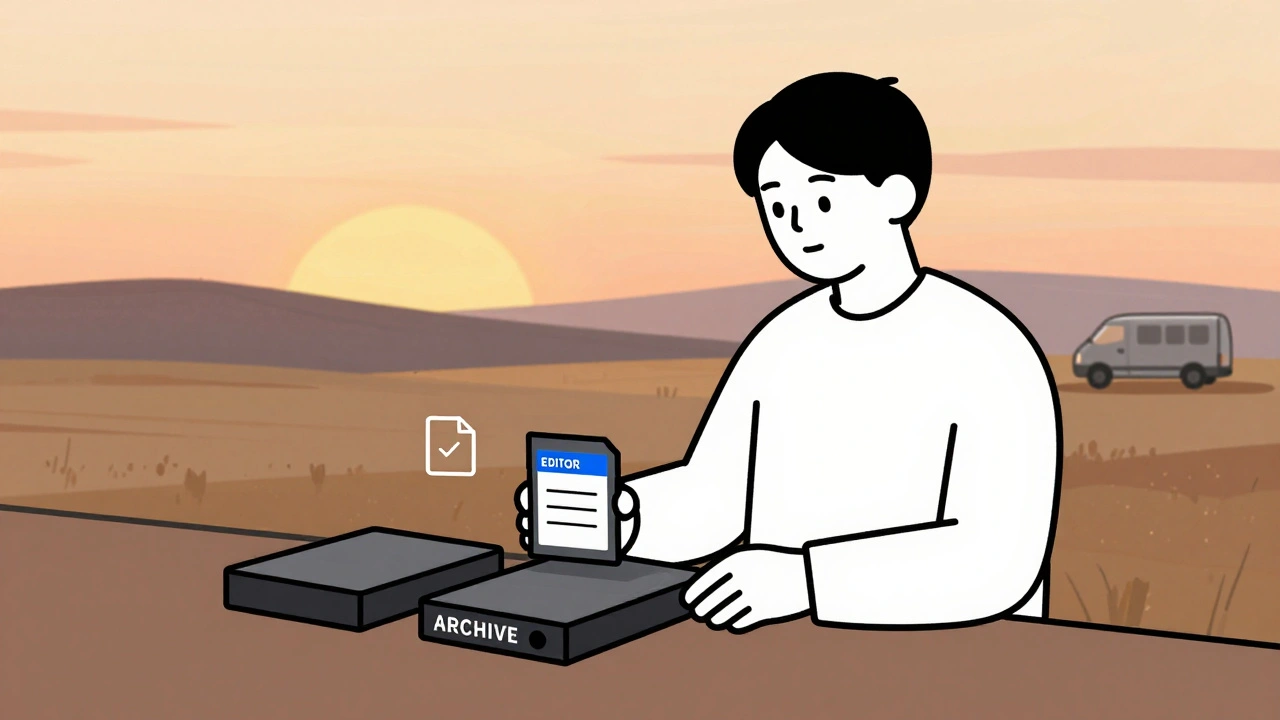
Data Management: DIT, Backups, and Archival Best Practices for Video Teams
Learn how professional video teams manage data with DIT workflows, the 3-2-1 backup rule, and archival practices that prevent costly data loss. Essential for editors, filmmakers, and content creators.
Latest Posts


Popular Posts
-
 Paramount+ 4K Devices: Best TVs and Streamers for Ultra HD
-
 How to Secure Your Netflix Account: 2FA and Login Alerts Guide
-
 Grip and Electric Basics: Mastering Flags, C-Stands, and Cable Safety
-
 Wireless vs. Wired Streaming Connections: Which One Should You Use?
-
 Adventure Pulp on Screen: Analyzing The Mummy, The Rocketeer, and Serial DNA