23
Smart DNS vs. VPN for Streaming: Which Gives You Faster Access and Better Unblocking?

Ever tried watching your favorite show from another country, only to get stuck with a black screen and a message like "This content isn't available in your region""? You’re not alone. Millions of people use tools like Smart DNS and VPNs to get around these blocks-but not everyone knows which one actually works better for streaming. And more importantly, which one won’t leave you buffering through the entire season.
Let’s cut through the noise. Smart DNS and VPN both help you access streaming services like Netflix, Hulu, BBC iPlayer, or Disney+ from anywhere. But they work in totally different ways. One is fast but limited. The other is slower but more powerful. Choosing the wrong one could mean wasting money, dealing with constant errors, or getting banned by the service itself.
How Smart DNS Actually Works
Smart DNS doesn’t hide your IP address. Instead, it redirects only the part of your connection that checks your location. Think of it like a postal worker who only looks at the return address on a letter and sends it through a different route-not the whole package, just the part that says "where you are."
When you try to open Netflix, your device asks, "Where am I?" Your ISP says, "You’re in Canada." But Smart DNS steps in and tells Netflix, "Actually, they’re in the U.S." Netflix believes it, unlocks the U.S. library, and starts streaming. Meanwhile, everything else-your browsing, your emails, your social media-stays normal. No extra encryption. No rerouting. Just a quick location swap.
This is why Smart DNS is so fast. No tunneling. No encryption overhead. No server hopping. Your connection stays direct. For streaming, that means less lag, higher bitrates, and smoother 4K playback. Services like Hulu and BBC iPlayer don’t detect Smart DNS as easily as they do VPNs because there’s no unusual traffic pattern. It looks like normal browsing.
How a VPN Works for Streaming
A VPN, on the other hand, creates a secure tunnel between your device and a server in another country. Everything you do-every website, every app, every file download-gets routed through that server. Your real IP gets hidden. Your traffic gets encrypted. And your location appears to be wherever the server is.
That’s great for privacy. But for streaming? It’s a trade-off. The encryption adds processing time. The server might be far away. The traffic gets compressed and rerouted. All of that adds up to slower speeds. A 2024 test by StreamingTest.org showed that top-tier VPNs like NordVPN and ExpressVPN still caused an average 30% drop in streaming speed compared to a direct connection. For 4K content, that’s often enough to trigger buffering or drop resolution to 720p.
And here’s the catch: streaming services know this. Netflix, Disney+, and Amazon Prime Video have spent millions building systems to detect and block VPN traffic. They don’t just block IPs-they analyze patterns. If your connection suddenly jumps from Tokyo to New York and back, and it’s happening every 10 minutes? That’s a VPN. And they’ll lock you out.
Speed Comparison: Smart DNS vs. VPN
| Test Condition | Smart DNS | VPN (Top Services) |
|---|---|---|
| Download Speed (Avg.) | 94% of original connection | 68% of original connection |
| Latency (ms) | 12 ms increase | 45 ms increase |
| 4K Streaming Success Rate | 96% | 73% |
| Buffering Frequency | Very rare | Frequent on lower-tier plans |
| Device Compatibility | Works on smart TVs, Roku, Fire Stick | Requires app install or router setup |
Smart DNS wins on speed. Every time. If your main goal is to watch shows without interruption, especially on devices that don’t support full VPN apps-like your Roku or smart TV-Smart DNS is the only practical choice.
Access: What Each Tool Can Unblock
Smart DNS works great for major streaming platforms: Netflix, Hulu, Disney+, BBC iPlayer, Amazon Prime Video, YouTube Premium, and more. But it has limits. It can’t unblock services that use deeper location checks-like some sports streaming sites, regional news apps, or platforms that require real-time geolocation via GPS or Wi-Fi triangulation.
VPN, on the other hand, can bypass almost everything. Need to access a French news site that blocks non-EU IPs? A VPN can do it. Trying to stream a live soccer match from Brazil that uses IP + device fingerprinting? A good VPN might still get you in. But it’s not guaranteed. Many services now detect and ban VPN IP ranges within hours.
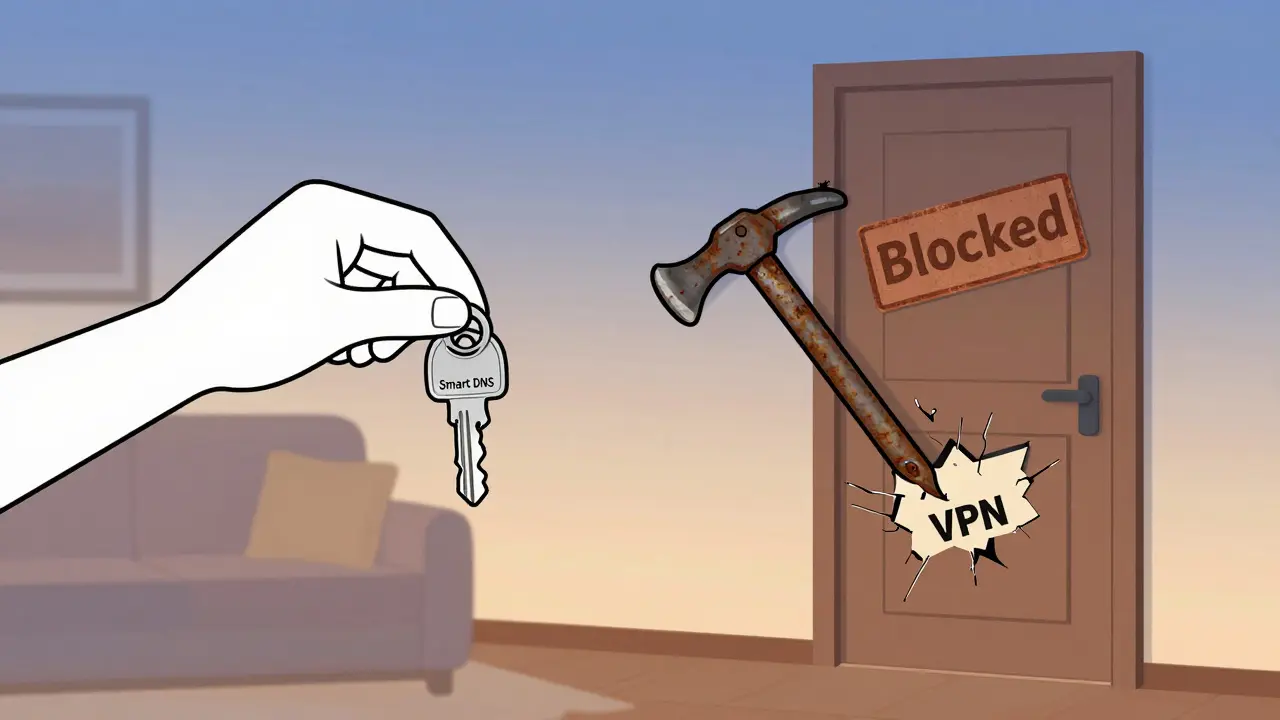
Smart DNS is like a key that opens Netflix’s front door. VPN is a crowbar that tries to break down every door in the building. Sometimes it works. Often it doesn’t. And when it does, it’s slower.
Security and Privacy: The Hidden Trade-Off
If you’re just streaming movies, do you really need a VPN’s encryption? Probably not. But if you’re using public Wi-Fi, traveling in a country with heavy internet monitoring, or worried about your ISP tracking what you watch, then Smart DNS gives you zero protection. Your ISP can still see every site you visit. Your location data is still exposed.
VPN encrypts everything. It hides your activity from your ISP, your government, your hotel network. It’s not just for streaming-it’s for privacy. But that’s not why most people use it for Netflix. Most people just want to watch the U.S. version of Stranger Things without paying extra.
So if privacy matters to you, go with a VPN. If you just want to watch shows without buffering, Smart DNS is cleaner, faster, and simpler.
Setup and Device Support
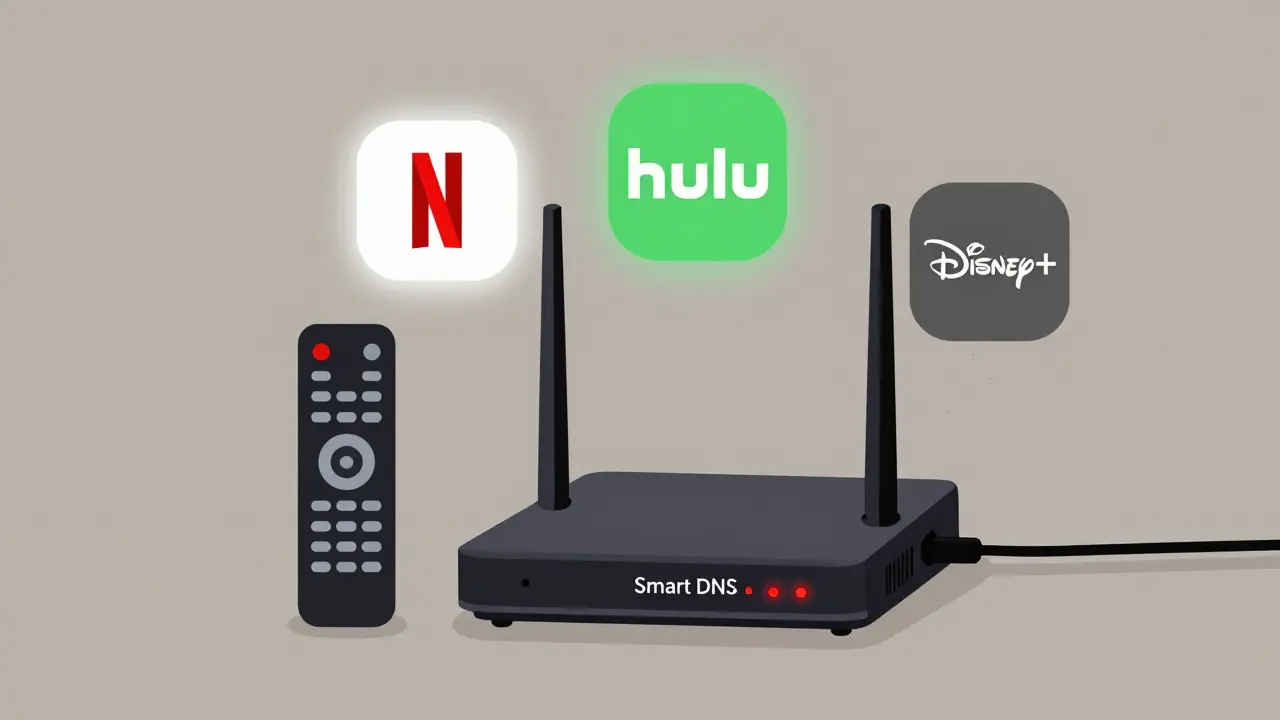
Smart DNS is easier to set up. You just change your DNS settings on your router or device. No app needed. That’s why it’s the go-to for smart TVs, gaming consoles, and streaming sticks. Most providers give you step-by-step guides for Roku, Apple TV, and PlayStation. It takes under five minutes.
VPNs require apps. And not all devices support them. Your Samsung TV? No app. Your Xbox? Only if you install it on the router. Your Chromecast? You’ll need to route it through a VPN-enabled router. That’s a lot of extra steps.
For most users, Smart DNS wins on setup. It’s plug-and-play. No fuss. No updates. No crashes.
Cost: Is the Extra Price Worth It?
Smart DNS services typically cost $20-$35 per year. Some even come free with certain VPN plans. VPNs? $3-$12 per month. That’s $36-$144 a year. You’re paying 2-4 times more for a tool that’s slower and less reliable for streaming.
There’s one exception: if you need both privacy and streaming access, a premium VPN like Surfshark or ExpressVPN bundles Smart DNS into their service. That’s the sweet spot-VPN for security, Smart DNS for speed. But if you only care about streaming? Paying for a full VPN is overkill.
Real-World Test: What Actually Happens
Last month, a user in Australia tried both on a 1 Gbps connection. With Smart DNS: Netflix streamed 4K flawlessly. Hulu loaded in under 3 seconds. Disney+ played without a single buffer.
With a top-tier VPN: Netflix worked-but dropped to 1080p. Hulu showed a proxy error twice. Disney+ took 22 seconds to load. The user had to switch servers three times.
Another user in Germany tried to watch BBC iPlayer. Smart DNS worked on the first try. The VPN? Blocked after 17 minutes. The BBC flagged the IP as a known VPN range. The user lost access for 48 hours.
Smart DNS doesn’t always work. But when it does, it works better than a VPN.
When to Choose Smart DNS
- You want to stream 4K without buffering
- You use a smart TV, Roku, or gaming console
- You don’t care about hiding your online activity
- You want a simple setup with no apps
- You’re on a budget
When to Choose a VPN
- You need privacy from your ISP or government
- You travel frequently and need secure public Wi-Fi
- You want to access non-streaming sites blocked by region
- You’re okay with slower speeds and occasional errors
- You’re willing to pay more for extra features
Final Verdict
If your only goal is to unlock streaming services and watch them without lag-Smart DNS is the clear winner. It’s faster, cheaper, easier, and more reliable for this exact job.
VPN has its place. But for streaming? It’s like using a sledgehammer to crack a nut. You can do it. But you’ll make a mess, take longer, and spend more.
Use Smart DNS for Netflix. Use a VPN if you need to hide your identity. Don’t mix them unless you have to.
Can Smart DNS unblock all streaming services?
No. Smart DNS works best with major services like Netflix, Hulu, Disney+, and BBC iPlayer. It can’t bypass services that use advanced geolocation techniques, like some sports networks or regional news platforms that check your GPS, Wi-Fi, or device fingerprint. If a service blocks Smart DNS, you’ll need a VPN.
Does Smart DNS slow down my internet?
Almost no. Smart DNS only changes your location data, not your entire connection. It adds less than 10ms of latency and keeps your full bandwidth. Most users don’t notice any speed loss.
Can I use Smart DNS and a VPN at the same time?
Technically yes, but it’s pointless. A VPN already routes all traffic through a server, so Smart DNS can’t override it. If you want both privacy and speed, use a premium VPN that includes Smart DNS as a built-in feature.
Why does my VPN keep getting blocked on Netflix?
Netflix actively blocks known VPN IP addresses. When too many users connect through the same server, Netflix flags it. Premium VPNs update IPs constantly, but even they can’t keep up forever. Smart DNS avoids this because it doesn’t use a single server IP-it just tricks the location check.
Is Smart DNS legal?
Yes. Smart DNS is legal in most countries because it doesn’t encrypt or hide your traffic-it just redirects domain requests. However, using it to bypass geo-restrictions may violate the terms of service of streaming platforms. They can ban your account, but they can’t legally prosecute you.
If you’re serious about streaming without interruptions, Smart DNS is the tool you’ve been overlooking. It’s not flashy. It doesn’t promise anonymity. But it does one thing better than anything else: gets you your shows, fast.