Data Workflow: Streamline Your Video Production from Capture to Upload
When you’re shooting video, data workflow, the organized system for handling video files from camera to final output. Also known as digital video pipeline, it’s not just about saving files—it’s about keeping your sanity. If you’ve ever lost a clip, mixed up versions, or spent hours searching for the right take, you’re not alone. A clear data workflow cuts through the mess so you can focus on creating, not chasing files.
A good data workflow starts the second you turn on your camera. It includes how you name files, where you store them, how you back them up, and how you move them between editing, color grading, and delivery. It’s not fancy software that makes it work—it’s consistency. Professionals don’t rely on memory. They use folder structures like ProjectName/RAW/Day1/ and ProjectName/EXPORT/FINAL/. They label files with date, scene, and take—no vague names like "VID_001.MOV". They copy footage to two drives before even plugging into their laptop. This isn’t optional. One failed drive can erase weeks of work.
Related to this are video production, the full process of making video content from planning to publishing, which depends entirely on how clean your data moves. If your editing software can’t find your clips because they weren’t copied properly, you’re stuck. Same with media management, the system for organizing, tagging, and retrieving video assets over time. Without it, your archive becomes a black hole. And editing workflow, the step-by-step process of assembling, trimming, and finishing video, breaks down fast if your files are disorganized. You can’t edit efficiently if you’re hunting for footage or fighting corrupted files.
Look at the posts here. You’ll see guides on fixing subtitles, organizing streaming apps, and reducing data usage—all of them tie back to how digital video moves. If your data workflow is shaky, even the best editing software won’t save you. But if you get this right, you’ll spend less time troubleshooting and more time making great stuff. Whether you’re cutting a short film, streaming live, or just saving vacation clips, a solid system means fewer headaches and faster results.
Below, you’ll find real-world fixes and setups used by people who’ve been burned by bad workflows. No theory. No fluff. Just what works.
6
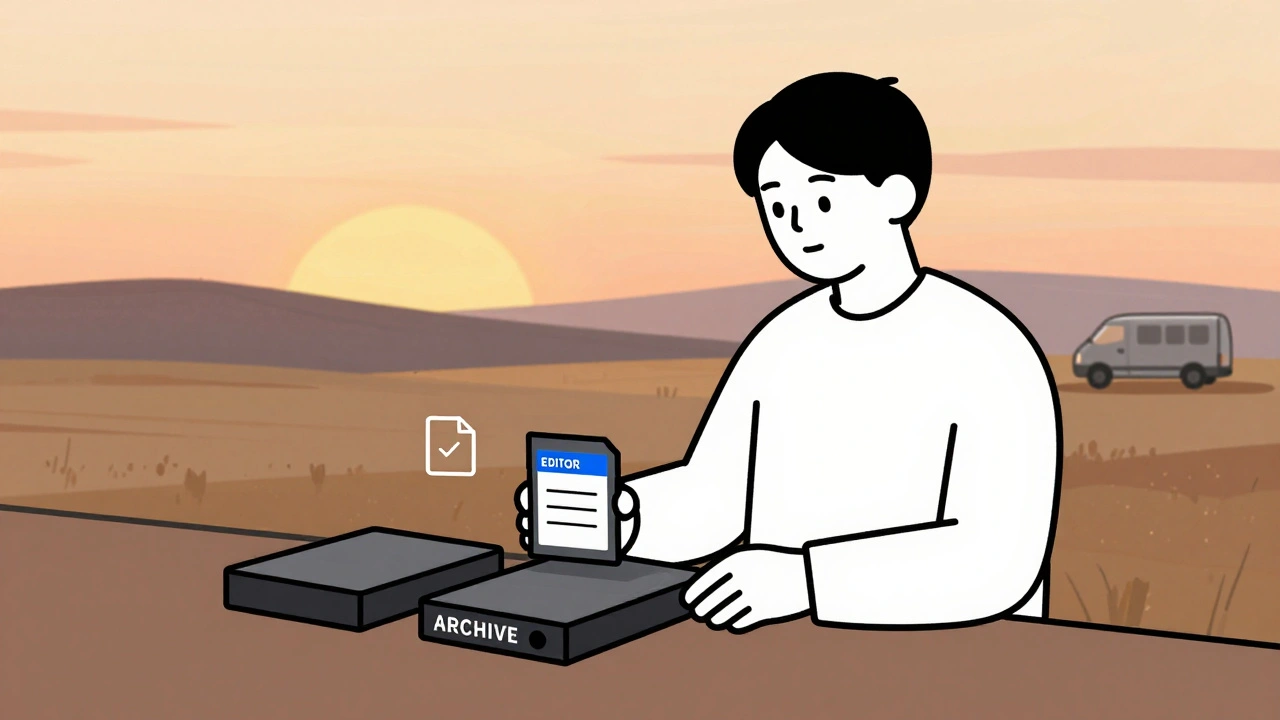
Data Management: DIT, Backups, and Archival Best Practices for Video Teams
Learn how professional video teams manage data with DIT workflows, the 3-2-1 backup rule, and archival practices that prevent costly data loss. Essential for editors, filmmakers, and content creators.
Latest Posts



Popular Posts
-
 Paramount+ 4K Devices: Best TVs and Streamers for Ultra HD
-
 How to Secure Your Netflix Account: 2FA and Login Alerts Guide
-
 Adventure Pulp on Screen: Analyzing The Mummy, The Rocketeer, and Serial DNA
-
 YouTube TV vs. Hulu + Live TV: Comprehensive Family Streaming Comparison
-
 Grip and Electric Basics: Mastering Flags, C-Stands, and Cable Safety