EQ for Clear Voice: Tools, Techniques, and Tips for Crisp Audio
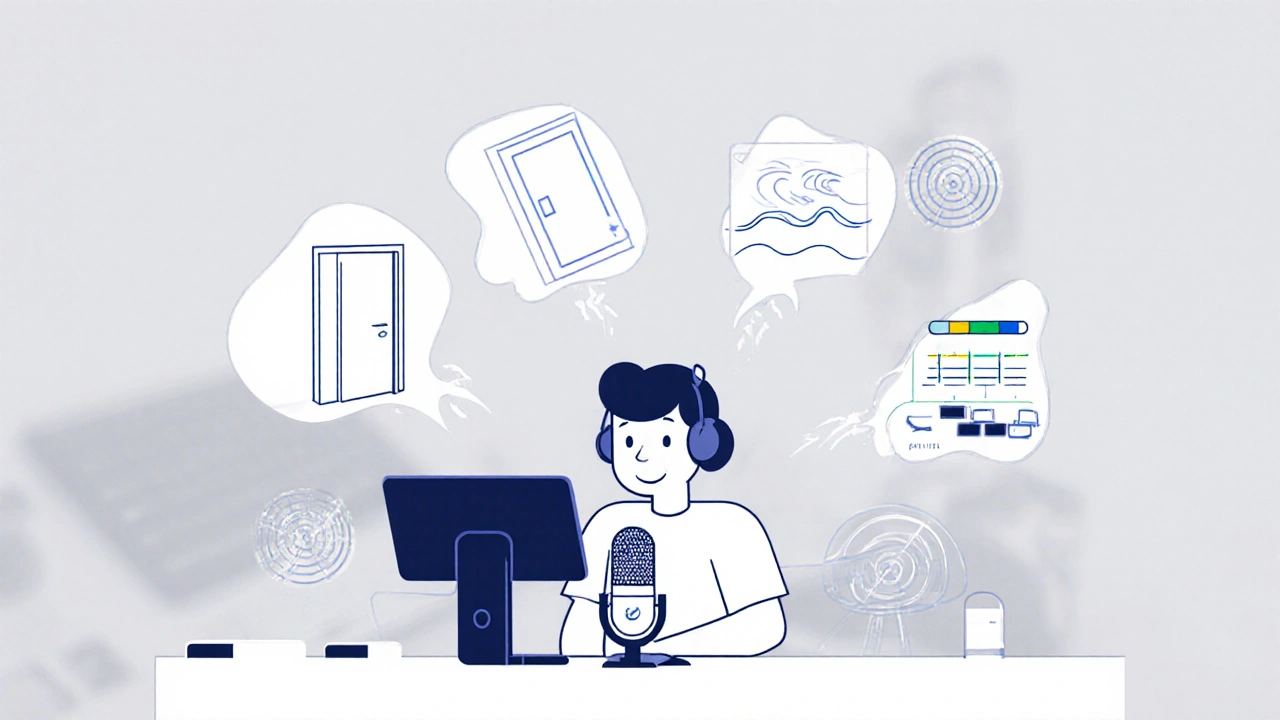
When you record your voice—whether for a podcast, YouTube video, or voiceover—EQ for clear voice, the process of adjusting frequency levels to enhance vocal clarity and remove unwanted noise. It’s not magic, but it’s close. Without it, your voice can sound flat, boxy, or buried under background hiss. With it, even a cheap mic can sound like it belongs in a studio. You don’t need expensive gear to get results. You just need to know which frequencies to touch and which to leave alone.
Vocal equalization, a core technique in audio post-production that shapes the tonal balance of spoken words works by boosting or cutting specific ranges. For example, cutting below 80 Hz removes rumble from AC units or footsteps. Boosting around 2–5 kHz gives your voice presence—it’s the range where human ears pay attention. Too much above 8 kHz? Your voice starts to sound harsh, like you’re talking through a tin can. Too little, and it sounds dull, like you’re underwater. Audio editing, the practice of refining recorded sound using software tools to improve quality and consistency is where this all comes together. You’re not just fixing problems—you’re making your voice easier to understand, more engaging, and more professional.
Most people skip EQ because they think it’s complicated. But it’s not. Think of it like adjusting the brightness and contrast on your phone’s photo. You’re not changing the picture—you’re just making it look better. The same goes for your voice. If you’re recording in a bedroom with hard walls, you’re probably getting too much midrange buildup. A simple low-cut filter and a small cut around 200–300 Hz can clean that up instantly. If your voice sounds distant, a gentle lift at 4 kHz adds intimacy. These aren’t guesses. They’re fixes used by podcasters, YouTubers, and voice actors every day.
You’ll find tools for this in almost every editing app—Audacity, DaVinci Resolve, Premiere Pro, even mobile apps like Ferrite or Adobe Audition. You don’t need fancy plugins. Start with what’s built in. Listen. Adjust. Repeat. The goal isn’t to make your voice sound perfect. It’s to make it sound like you, just clearer. No one wants to hear a robotic voice. They want to hear your thoughts, your emotion, your personality. EQ for clear voice doesn’t erase that. It helps it shine through.
What you’ll find below are real-world examples from creators who’ve cracked this. From fixing muddy Zoom calls to polishing narration for YouTube videos, these posts show exactly how to apply EQ without overdoing it. You’ll see what works for male and female voices, for home setups, and even for noisy environments. No theory overload. Just what to click, when to click it, and why it matters.
24
Stream Audio Compression: Use Limiters, Gates, and EQ to Get Crystal-Clear Voice
Learn how to use noise gates, compressors, limiters, and EQ to get crystal-clear voice audio for live streaming. Simple, effective settings that work in OBS and other platforms.
Latest Posts


Popular Posts
-
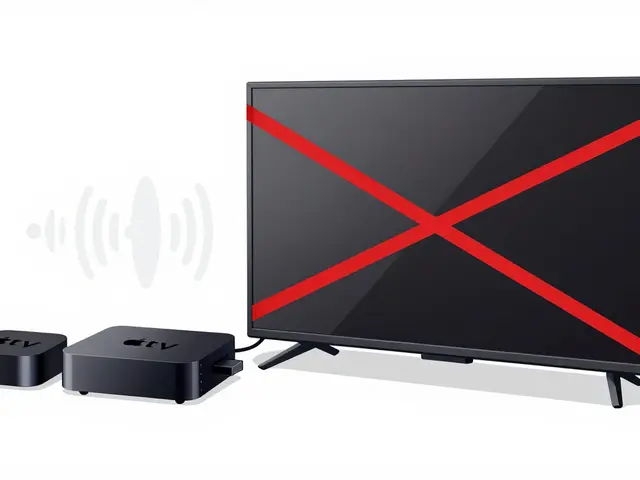 AVR Passthrough for Atmos: How to Set Up Device Audio for Dolby Atmos Streaming
-
 What Makes Great Acting: The Invisible Art on Screen
-
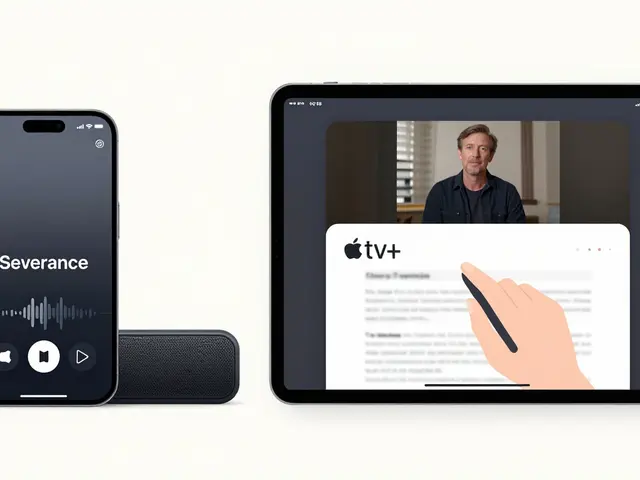 Apple TV+ on iPhone and iPad: How to Stream and Maximize Your Experience
-
 Documentary Filmmaking Techniques: From Interview to Narration
-
 Paramount+ Accessibility: Captions, Dubbing, and Audio Description