Latency in Streaming: What It Is and How It Breaks Your Viewing Experience
When you press play and the screen doesn’t respond right away, or your voice chat lags behind the game, you’re feeling latency, the delay between when an action happens and when you see or hear the result. Also known as video delay, it’s not just a nuisance—it’s what turns a smooth stream into a frustrating mess. Whether you’re watching a live NFL game on Paramount+, syncing audio in a live stream on OBS, or trying to enjoy a family movie on Disney+, latency is the invisible glitch that breaks immersion.
Latency shows up in different ways. In audio compression, the process of reducing file size for streaming without losing clarity, too much processing adds lag between your voice and the mic. In Wi-Fi 6 and Wi-Fi 7, next-gen wireless standards designed to handle high-bandwidth streams, poor router setup can still cause buffering even with the fastest plan. And in live sports or interactive streams, even 200 milliseconds of delay can make you miss a goal, a laugh, or a key plot twist because the video is behind the audio—or vice versa.
It’s not just about speed. Latency is the result of too many steps between your device and the source: encoding, transmitting, buffering, decoding. Each one adds a tiny pause. Streaming services like Netflix and Prime Video use data saver modes to cut bandwidth, but that often means longer buffering times. Kids’ remotes and family profiles might block ads, but they don’t fix the lag when the network is overloaded. Even Dolby Atmos score mixing, which places sound in 3D space, can feel off if the audio lags behind the visuals.
What you’ll find here aren’t just tech specs. These are real fixes from people who’ve dealt with lag during live streams, family movie nights, and binge sessions. You’ll learn how to spot where latency hides in your setup, why upgrading your router might not help if your app settings are wrong, and how to make your streaming feel instant—even on a slow connection.

11
Smart DNS for Streaming: Speed vs. Unblocking Trade-Offs
Discover how Smart DNS compares to VPNs for streaming. Learn the trade-offs between speed, privacy, and geo-unblocking reliability.
26
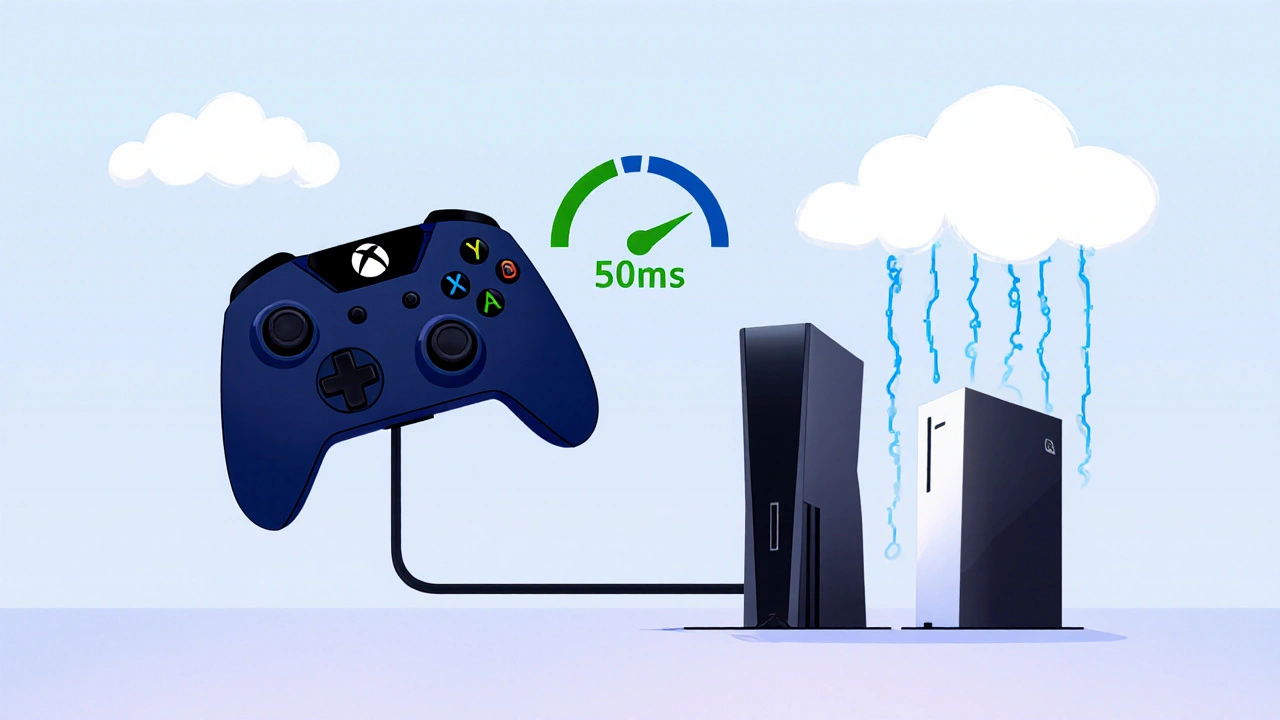
Game Controllers on Streamers: Cloud Gaming Compatibility
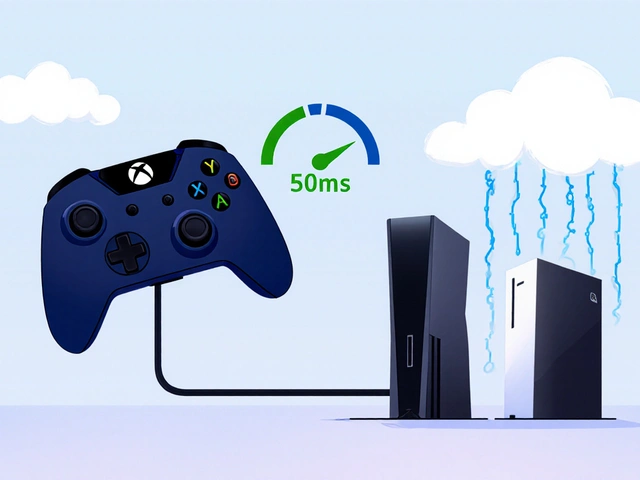
Learn which game controllers work best with cloud gaming services and how to reduce latency for smoother streams. Essential tips for streamers who rely on responsive controls.