Noise Gate for Voice: Clean Up Your Audio and Eliminate Background Hiss
When you record your voice, you don’t just capture your words—you also pick up the hum of your computer, the buzz of your lights, or the echo from your bare walls. That’s where a noise gate for voice, a tool that mutes audio below a set volume threshold to block background noise. It’s also known as an audio gate, and it’s one of the simplest, most effective fixes for muddy recordings. You don’t need fancy gear or a soundproof room. Just a noise gate, a decent mic, and a little setup, and your voice will sound like it was recorded in a studio—even if you’re in your bedroom.
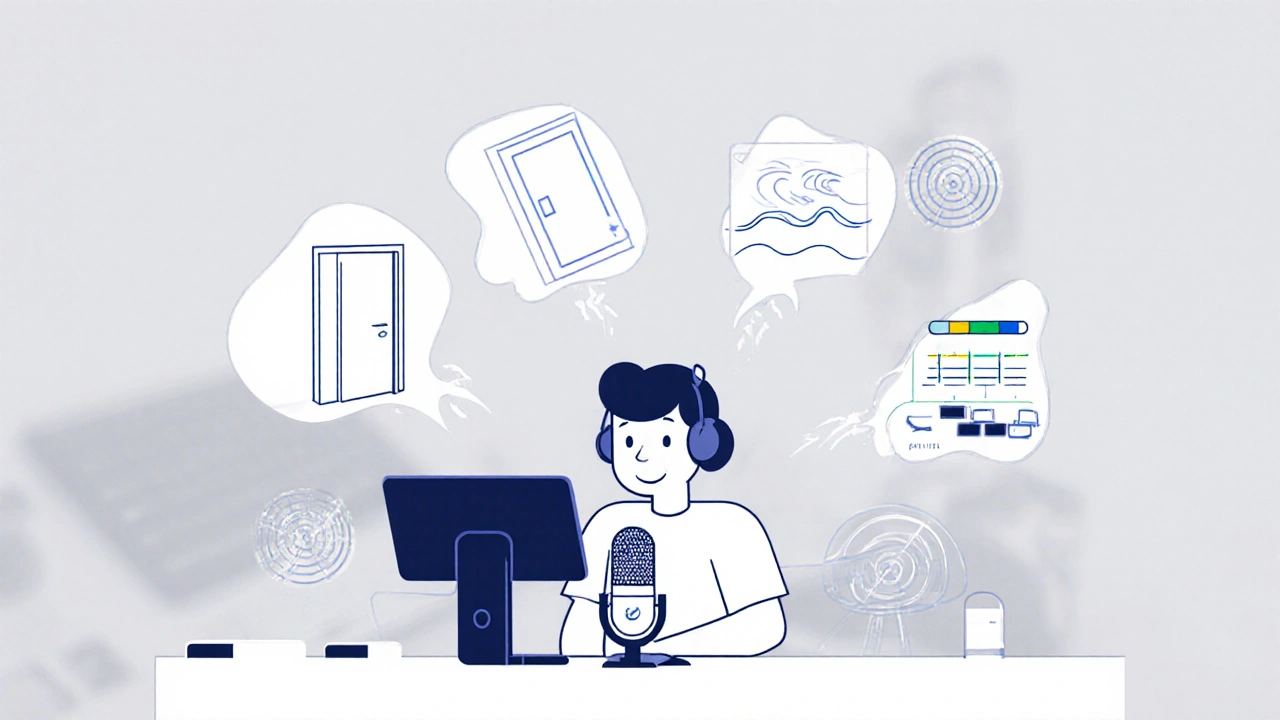
A noise gate for voice works like a smart door: it only lets sound through when you’re speaking loudly enough. When you stop talking, it shuts out the hiss, fan noise, or keyboard clatter that normally sneaks in. It’s not the same as noise reduction software, which tries to guess and remove unwanted sounds (and often makes your voice sound robotic). A noise gate just cuts the silence. It’s fast, clean, and doesn’t mess with your vocal tone. That’s why podcasters, YouTubers, and voice-over artists rely on it. Even if you’re using a cheap USB mic, a noise gate can turn a barely usable clip into something you’d be proud to publish.
It’s not just about removing noise—it’s about control. If your room has a constant low rumble from HVAC, or your laptop fan kicks in during quiet moments, a noise gate stops that from ruining your edit. You can set the threshold so it only opens when your voice hits a certain level, adjust the attack to react instantly to your speech, and tweak the release so it doesn’t chop off the end of your words. Most digital audio workstations like Audacity, Reaper, or even GarageBand include built-in noise gates. You don’t need to buy extra hardware unless you’re doing live streaming and need real-time filtering.
Some people think noise gates are only for pros, but that’s not true. If you’ve ever recorded a voice memo and cringed at the background noise, you’ve already felt the need for one. It’s not magic—it’s basic audio hygiene. Think of it like washing your hands before eating. You don’t need a fancy sink. You just need to do it right. And once you use a noise gate, you’ll wonder how you ever recorded without one.
Below, you’ll find real-world guides and setups from people who’ve fixed their audio without spending a fortune. Whether you’re editing a podcast, recording a Zoom call, or just trying to sound clearer on TikTok, these posts show you exactly how to make your voice stand out—not your background noise.
24
Stream Audio Compression: Use Limiters, Gates, and EQ to Get Crystal-Clear Voice
Learn how to use noise gates, compressors, limiters, and EQ to get crystal-clear voice audio for live streaming. Simple, effective settings that work in OBS and other platforms.
Latest Posts


Popular Posts
-
 Paramount+ Data Usage: How to Reduce Bandwidth on Mobile and TV
-
 Documentary Filmmaking Techniques: From Interview to Narration
-
 Apple TV+ on iPhone and iPad: How to Stream and Maximize Your Experience
-
 Paramount+ Accessibility: Captions, Dubbing, and Audio Description
-
 Depeche Mode: M Review - Music as Documentary Experience