Subtitle File Problems: Fix Sync, Encoding, and Compatibility Issues
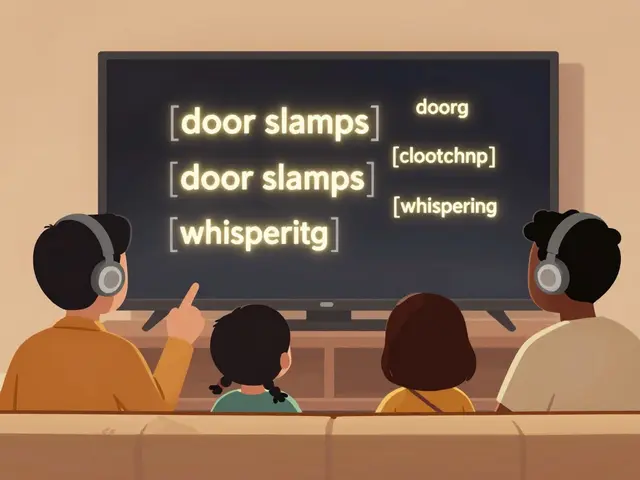
When your subtitle file, a text file that displays spoken dialogue on screen during video playback. Also known as closed captions, it is essential for accessibility and language support doesn’t work right, it’s not just annoying—it breaks immersion. You’re watching a tense scene, and the words pop up half a second too late. Or worse, they’re all question marks and weird symbols. These aren’t glitches. They’re subtitle file problems—and they happen more often than you think.
Most of these issues come down to three things: timing, encoding, and compatibility. A SRT file, a simple text-based subtitle format with timecodes and lines of text might look clean in Notepad, but if the timestamps are off by even a few frames, your subtitles will drift further and further out of sync as the video plays. This happens when the video was re-encoded, trimmed, or stretched. A 23.976 fps video played as 25 fps? Your subtitles will be late by 10 seconds in just 10 minutes. Then there’s encoding—when a subtitle file saved in UTF-8 is opened by a player expecting Windows-1252, you get garbled text like “Café†instead of "Café." And don’t get started on compatibility. Some players ignore ASS/SSA files. Others won’t load external subtitles unless they match the video filename exactly. Even a single space or capital letter can break it.
These aren’t just tech quirks—they’re everyday frustrations for anyone who watches foreign films, uses streaming apps on multiple devices, or edits their own videos. You might think your subtitle files are fine because they work on your laptop, but what about your TV? Your Roku? Your phone? Each platform handles subtitles differently. That’s why you’ll find posts here that show you how to fix timing drift with free tools, how to detect and fix encoding errors in seconds, and which subtitle formats actually work reliably across devices. You’ll also see real examples from streaming platforms like Netflix and Disney+, where language options are abundant but subtitle files are often poorly made or mismatched. No fluff. No theory. Just clear fixes for the problems you actually run into.
If you’ve ever stared at a screen wondering why the words won’t stay on time or why they look like nonsense, you’re not alone. Below, you’ll find practical guides that solve exactly these issues—step by step, device by device. No need to guess. No need to reinstall apps. Just fix it and get back to watching.

2
Why Subtitles Aren't Working: Fix Common Video Text Issues
Subtitles not showing up or syncing properly? Learn how to fix common video text issues with file formats, encoding, timing, and platform-specific fixes that actually work.