Video Backups: Protect Your Footage Before It's Too Late
When you shoot a video, you're not just recording pixels—you're capturing moments that can't be replayed. A video backup, a duplicate copy of your video files stored separately from the original source. Also known as media backup, it's the only thing standing between you and total data loss. Whether you're editing a wedding film, a short documentary, or just a family vacation clip, if you don't have a backup, you're one failed drive, corrupted card, or accidental delete away from losing it all.
Most people think backups are for IT departments or big studios. But the truth? video storage, the physical or digital systems used to hold video files long-term matters just as much for a solo creator as it does for a production house. A single memory card can fail. A laptop can drop. A cloud sync can glitch. And if your only copy is on your camera or your laptop’s internal drive, you’re playing Russian roulette with your work. That’s why smart creators use backup strategies, planned methods for copying and storing video files to prevent permanent loss—like the 3-2-1 rule: three copies, two different storage types, one offsite. It sounds simple, but most people skip at least one step.
You don’t need fancy gear to start. A second external hard drive, a cloud service like Backblaze or Google Drive, and a habit of copying files immediately after transfer—that’s enough. But it’s not just about copying files. It’s about organizing them. Naming them right. Checking them. Testing restores. If you’ve ever opened a folder full of files named "Video_001.mov" and "Final_Trim_v3_FINAL.mov," you know how easy it is to lose track. That’s why the best video backups aren’t just copies—they’re part of a workflow. They connect to your editing process, your storage habits, and your daily routine.
Look at the posts here. You’ll find guides on video editing software for Windows, tips on streaming audio, and even how to fix subtitles. But none of that matters if your original footage is gone. Editing tools can’t bring back a deleted file. Cloud streaming won’t help if your camera card crashed. And no amount of algorithm tweaking will restore your interview with your grandfather. That’s why this collection starts with backups. Because no matter how good your technique is, if you don’t protect the source, everything else is built on sand.
Below, you’ll find real stories, practical tools, and simple steps—none of them require a degree in computer science. Just a little foresight. And maybe ten minutes today to set up something that could save your next project.
6
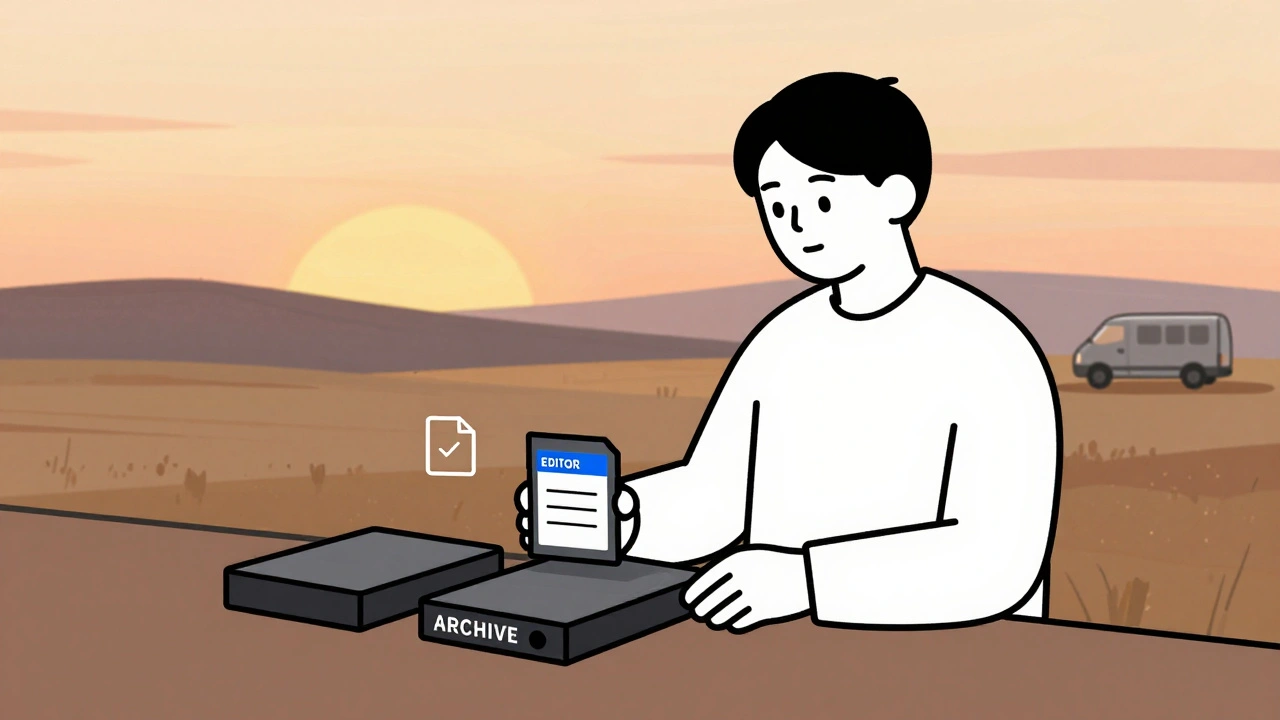
Data Management: DIT, Backups, and Archival Best Practices for Video Teams
Learn how professional video teams manage data with DIT workflows, the 3-2-1 backup rule, and archival practices that prevent costly data loss. Essential for editors, filmmakers, and content creators.
Latest Posts

Popular Posts
-
 Wireless vs. Wired Streaming Connections: Which One Should You Use?
-
 YouTube TV vs. Hulu + Live TV: Comprehensive Family Streaming Comparison
-
 Grip and Electric Basics: Mastering Flags, C-Stands, and Cable Safety
-
 Accessibility for Kids: How Captions and Audio Descriptions Help Learning
-
 Adventure Pulp on Screen: Analyzing The Mummy, The Rocketeer, and Serial DNA