22
CGI Pipelines 101: Modeling, Rigging, and Rendering for Film
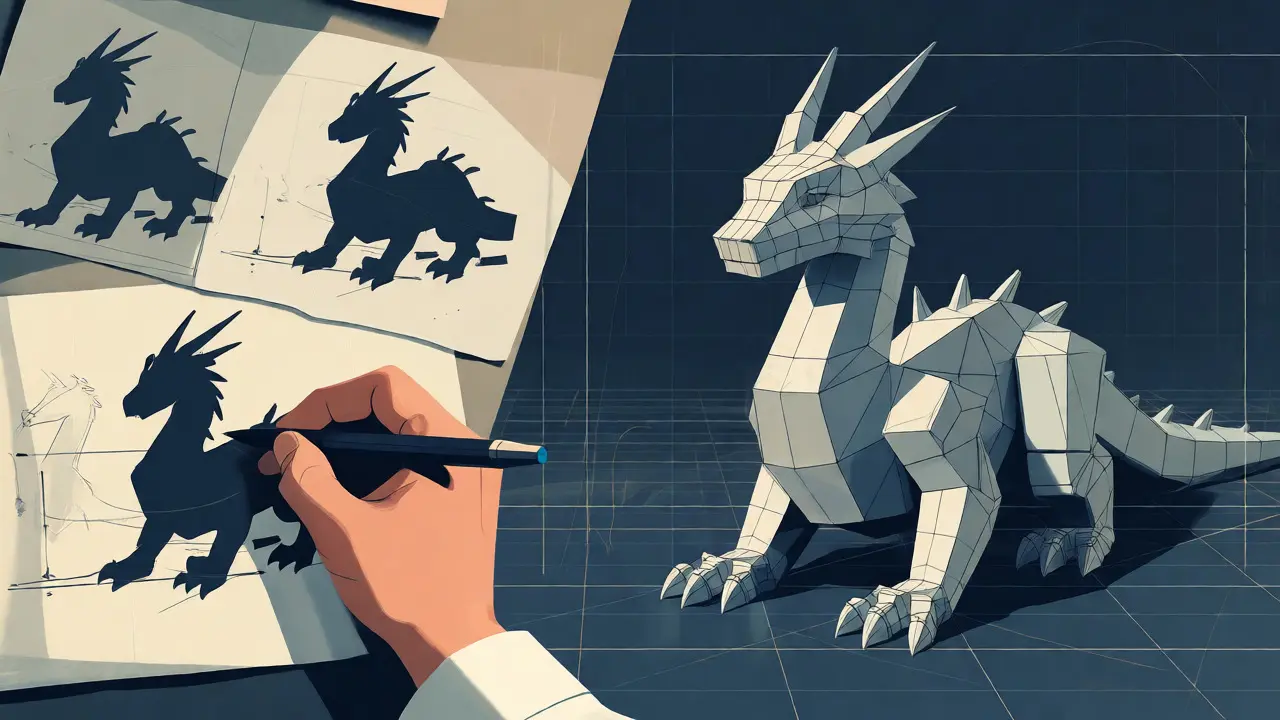
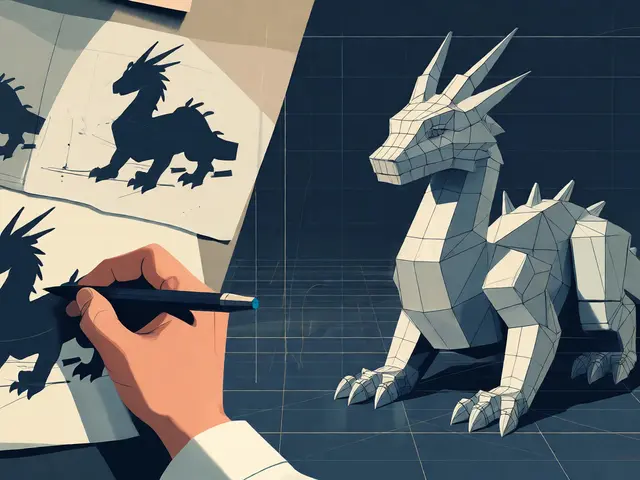
You’ve seen the final shot. The dragon scales catch the light, the hero’s hair moves with a breeze that doesn’t exist on set, and the explosion feels heavy enough to shake your chair. But how does a wireframe box become that believable creature? It isn’t magic; it’s a CGI Pipeline, a structured sequence of digital production steps used to create computer-generated imagery for movies. If you’re an aspiring artist or just curious about how blockbusters are built, understanding this workflow is non-negotiable. It’s not just about making things look pretty; it’s about solving technical problems so artists can focus on storytelling.
The Blueprint: Concept Art and Pre-Visualization
Before a single vertex is moved in 3D space, someone needs to decide what the thing looks like. This is where concept art lives. Artists sketch silhouettes, color palettes, and textures based on the director’s vision. Think of it as the architectural blueprint for a building. You wouldn’t start pouring concrete without knowing if you’re building a skyscraper or a cottage. Once the designs are locked, pre-visualization (previz) takes over. Previz teams use rough 3D models to block out camera angles and timing. They aren’t worried about perfect textures yet; they care about composition and pacing. If the action scene feels slow in previz, no amount of high-end rendering will save it later. This stage saves studios millions by catching narrative issues before expensive assets are built.
Modeling: Building the Digital Skeleton
3D Modeling is the process of creating a mathematical representation of any three-dimensional surface or object. In film, this splits into two distinct disciplines: hard-surface modeling and organic modeling. Hard-surface covers robots, cars, and buildings-things with sharp edges and geometric precision. Organic modeling handles characters, animals, and cloth, requiring a deep understanding of anatomy and topology.
Artists often start with a base mesh, a low-polygon version of the shape. For a human face, this might be a simple sphere that gets extruded to form the nose and eye sockets. Topology-the flow of edge loops-is critical here. Bad topology causes ugly pinching when the model deforms during animation. Imagine trying to bend a piece of cardboard versus a piece of fabric; one creases sharply, the other flows. Good topology allows the latter.
High-detail sculpting usually happens next, using software like ZBrush. Artists sculpt pores, wrinkles, and scars at a microscopic level. But these million-polygon sculpts are too heavy for real-time playback. So, they get baked down into normal maps-texture images that fake depth on a lower-resolution model. This trick lets a game engine or renderer display complex details without crashing your computer.
| Feature | Hard-Surface Modeling | Organic Modeling |
|---|---|---|
| Primary Tools | NURBS, Boolean Operations | Sculpting Brushes, Subdivision Surfaces |
| Topology Focus | Quads, Edge Flow for Bevels | Anatomical Loops, Deformation Zones |
| Common Assets | Vehicles, Props, Architecture | Characters, Creatures, Cloth |
| Complexity Source | Precision Geometry | Surface Detail & Flexibility |
Rigging: Giving Life to the Mesh
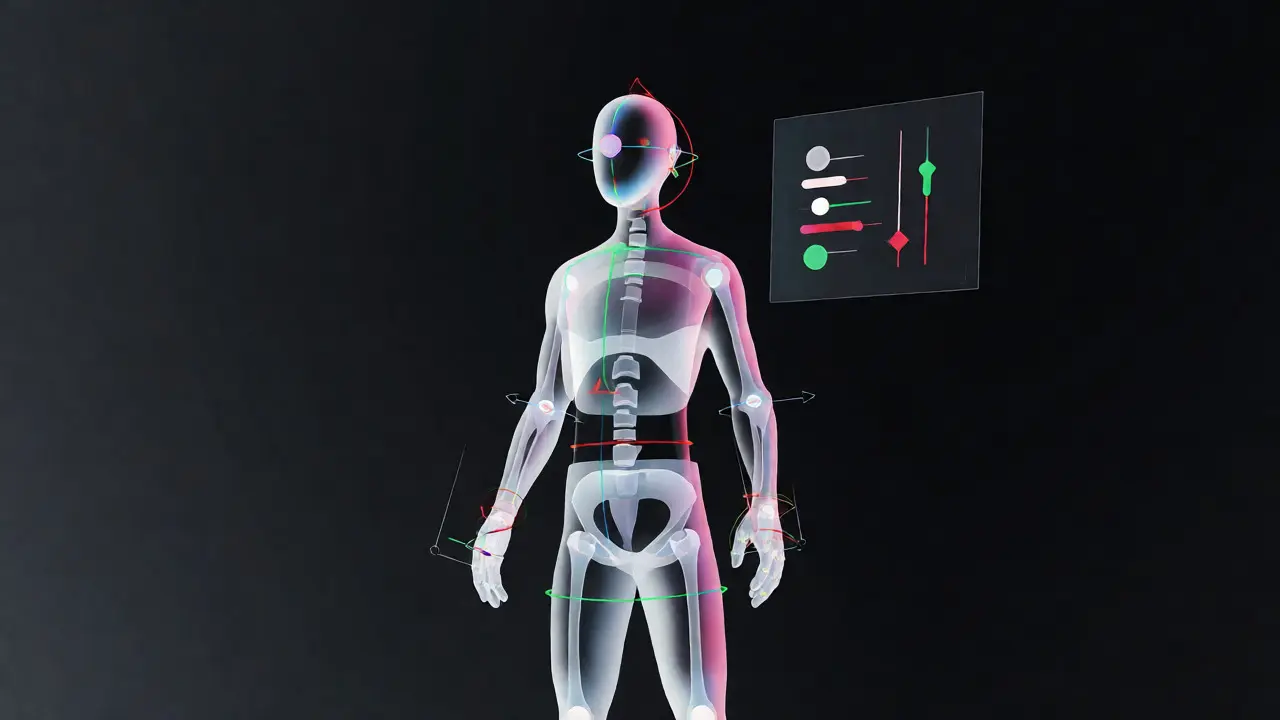
A static model is just a statue. To move it, you need a rig. Character Rigging is the process of adding a skeleton and control system to a 3D model so animators can manipulate it. Think of the rig as the puppet strings. Without them, the animator has to move every single point of the mesh manually-a nightmare scenario.
Riggers build joint hierarchies that mimic biological bones. A shoulder joint rotates the arm, which rotates the forearm, which rotates the hand. But film rigs go far beyond basic bones. They include inverse kinematics (IK), which lets animators place the foot on the ground and have the knee and hip adjust automatically. Try walking across a room without thinking about your hips moving first; IK does exactly that for digital characters.
Facial rigging is its own beast. Animators don’t want to pull individual vertices to make a smile. They want a slider labeled "Smile Left" that triggers dozens of muscle movements simultaneously. Riggers use blend shapes (morph targets) for extreme expressions and bone-driven systems for subtle nuances. A good rig hides its complexity. If an animator spends more time fixing broken controls than acting, the rig failed.
Texturing and Shading: Painting with Light
Geometry defines shape; shaders define material. When you look at a leather jacket, you see grain, scratches, and slight translucency where the light passes through thin areas. Texturing artists paint these details onto UV maps-flattened versions of the 3D surface.
Modern pipelines rely heavily on Physically Based Rendering (PBR). Instead of guessing how shiny something is, PBR uses physical properties: albedo (base color), roughness (how scattered the reflection is), and metallicness. This ensures consistency across different lighting environments. A metal sword should look metallic whether it’s in a sunny field or a dark cave, provided the lighting data is accurate.
Subsurface scattering (SSS) is another crucial shader effect. It simulates how light penetrates semi-translucent materials like skin, wax, or marble. Without SSS, human characters look like plastic dolls. With it, ears glow red when backlit by the sun, adding a layer of subconscious realism that viewers rarely notice but definitely feel.
Animation: The Performance Layer
Animators take the rigged model and breathe life into it. This isn’t just about moving from point A to point B; it’s about weight, momentum, and emotion. Keyframe animation remains the standard for precise control, but motion capture (mocap) is increasingly common for realistic human movement.
In mocap, actors wear suits with reflective markers. Cameras track these markers to record performance. However, raw mocap data often looks floaty or lacks exaggeration. Animators clean up the data, adjusting spacing and arcs to fit the character’s scale. A giant troll shouldn’t move like a human actor; its steps need more impact and slower recovery.
Procedural animation fills the gaps. Hair, fur, and secondary motion (like jiggle physics) are often handled by simulation tools rather than manual keyframes. Trying to animate every strand of hair on a horse running through wind would take years. Simulations calculate physics in real-time, allowing the hair to react naturally to the environment.
Rendering: The Final Calculation
After months of work, the scene must be converted into pixels. Rendering is the computational process of generating an image from a 2D or 3D model by means of computer programs. In film, this is almost always offline rendering, meaning it doesn’t need to happen in real-time. Quality trumps speed.
Ray tracing dominates modern film rendering. Unlike rasterization (used in games), which approximates lighting, ray tracing traces the path of light rays from the camera backward into the scene. It calculates reflections, refractions, and shadows with physical accuracy. The downside? It’s computationally expensive. A single frame of a complex shot can take hours to render on a farm of servers.
Render farms distribute this load. Studios like Industrial Light & Magic or Weta Digital run thousands of CPUs and GPUs simultaneously. They break each frame into smaller tiles, assigning chunks to different machines. Once all pieces are calculated, they stitch together into the final image. If one server fails, the system simply reassigns that tile to another machine, ensuring the deadline holds.
Compositing: Stitching Reality Together
The rendered layers rarely go straight to the screen. Compositors combine CGI elements with live-action footage. They match color grades, add lens distortions, and integrate atmospheric effects like fog or dust. This step sells the illusion.
If a CGI dinosaur stands on wet pavement, the compositor adds reflections of the legs in the puddles. If the scene was shot with a specific lens flare, they replicate it. Small imperfections matter. Perfectly clean CGI looks fake because real cameras introduce noise, chromatic aberration, and grain. Adding these flaws makes the digital element feel like it was actually captured on film.
Why This Matters for Your Next Project
Understanding the pipeline helps you troubleshoot. If your render looks flat, check your shading before blaming the lights. If your character’s elbow bends weirdly, fix the rig’s joint orientation instead of fighting it in animation. Each stage depends on the previous one. Garbage in, garbage out.
For beginners, start small. Model a cup, rig it simply, texture it, and render it. Then try a character head. The jump from objects to faces is steep because of the rigging complexity. Don’t skip the fundamentals. Software changes-Maya, Blender, Houdini, Unreal Engine-but the principles of topology, deformation, and light interaction remain constant.
What is the difference between modeling and rigging?
Modeling creates the visual geometry of the object, defining its shape and surface details. Rigging builds the internal skeleton and control systems that allow the model to move and deform. You can have a model without a rig (it stays still), but you cannot have a functional animated character without both.
How long does it take to render a movie frame?
It varies wildly. A simple background plate might render in minutes, while a complex shot with water simulations, hair, and global illumination could take 10-20 hours per frame on a single powerful workstation. Studios use render farms to parallelize this, reducing wall-clock time significantly.
Do I need coding skills for a CGI pipeline?
Not necessarily for artistic roles, but Python knowledge is highly valued. Technical Directors (TDs) write scripts to automate tasks, link software together, and solve unique pipeline problems. Knowing basic scripting can accelerate your workflow even if you’re primarily an artist.
What software is industry standard for film CGI?
Autodesk Maya is the dominant tool for modeling and rigging due to its robust feature set. Houdini is preferred for procedural effects and simulations. Nuke is the standard for compositing. While Blender is gaining traction in indie circles, major studios still rely heavily on the Autodesk and Foundry ecosystems.
Can one person handle the entire pipeline?
Yes, especially for short films or personal projects. Many generalists learn modeling, texturing, rigging, and rendering. However, feature films require specialization because the scope is too vast for one person to master every discipline at a professional level within reasonable deadlines.