19
Lyrics and Karaoke Mode: Which Music Services Do It Best

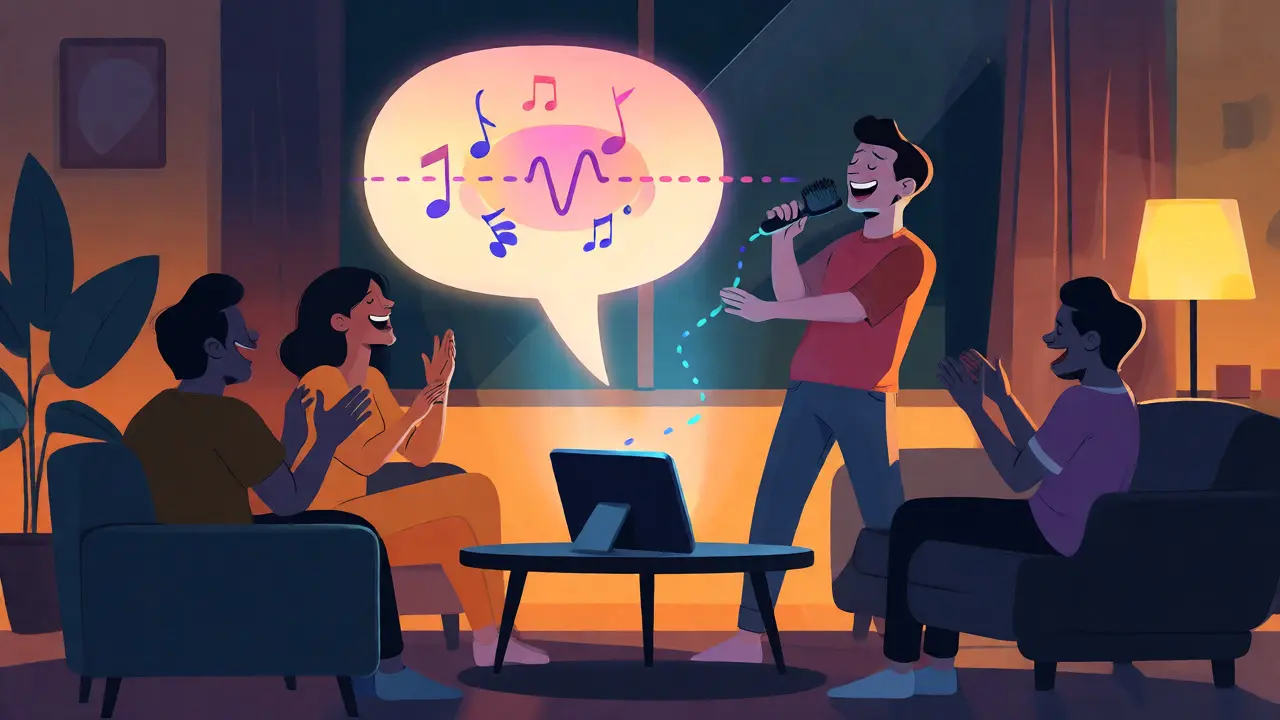
You’re driving home after a long week, windows down, volume up. You hit play on that one song everyone knows by heart, but you blank on the second verse. Or maybe you’re hosting a house party, and someone screams for "Bohemian Rhapsody," but nobody has the words memorized perfectly. This is where karaoke mode and synchronized lyrics save the night. But not all music apps handle this feature the same way. Some are glitchy, some require extra subscriptions, and others have hidden gems buried in their settings.
If you’ve ever wondered which platform actually gives you the best sing-along experience, you aren’t alone. The difference between a laggy lyric scroll and a perfectly timed word-by-word highlight can make or break your vibe. We tested the major players-Spotify, Apple Music, YouTube Music, Amazon Music, and Tidal-to see who nails the art of helping you fake being Adele.
What Actually Makes a Good Karaoke Experience?
Before we rank them, let’s get clear on what we mean by "best." A good lyrics feature isn’t just about displaying text. It needs three things:
- Accuracy: Are the words correct? Nothing kills the mood like misheard lyrics printed in bold.
- Synchronization: Does the text match the audio timing? If the line highlights two seconds late, you’ll sound off-key.
- Interactivity: Can you skip lines, adjust font size, or hide vocals? True karaoke mode often lets you mute the original singer so you can take center stage.
Most services offer basic synced lyrics now, thanks to partnerships with companies like Musixmatch. But the implementation varies wildly. Let’s break down how each service stacks up.
Apple Music: The Gold Standard for Synced Lyrics
Apple Music has arguably the most polished lyrics interface in the business. Since integrating with Musixmatch, their time-synced lyrics are incredibly precise. The animation style-where words light up as they’re sung-is smooth and intuitive. It feels native, not tacked on.
Here’s why it wins for casual singers:
- Visual Clarity: The dark background with bright white text is easy to read at night or in dimly lit rooms.
- Search Integration: You can search by lyrics directly in the app. Forgot the title but remember "Hello from the other side"? Just type it in.
- Shareable Stories: In iOS, you can share specific lyric snippets to Instagram Stories or iMessage with animated backgrounds. This is huge for social sharing.
The downside? It requires an active subscription. There’s no free tier for synced lyrics. Also, while the sync is great, true "karaoke mode" (muting vocals) isn’t built-in natively. You need third-party tools or smart playlists to strip vocals, though recent updates have made vocal isolation easier via Shortcuts on iPhone.
Spotify: Widely Available, But Glitchy
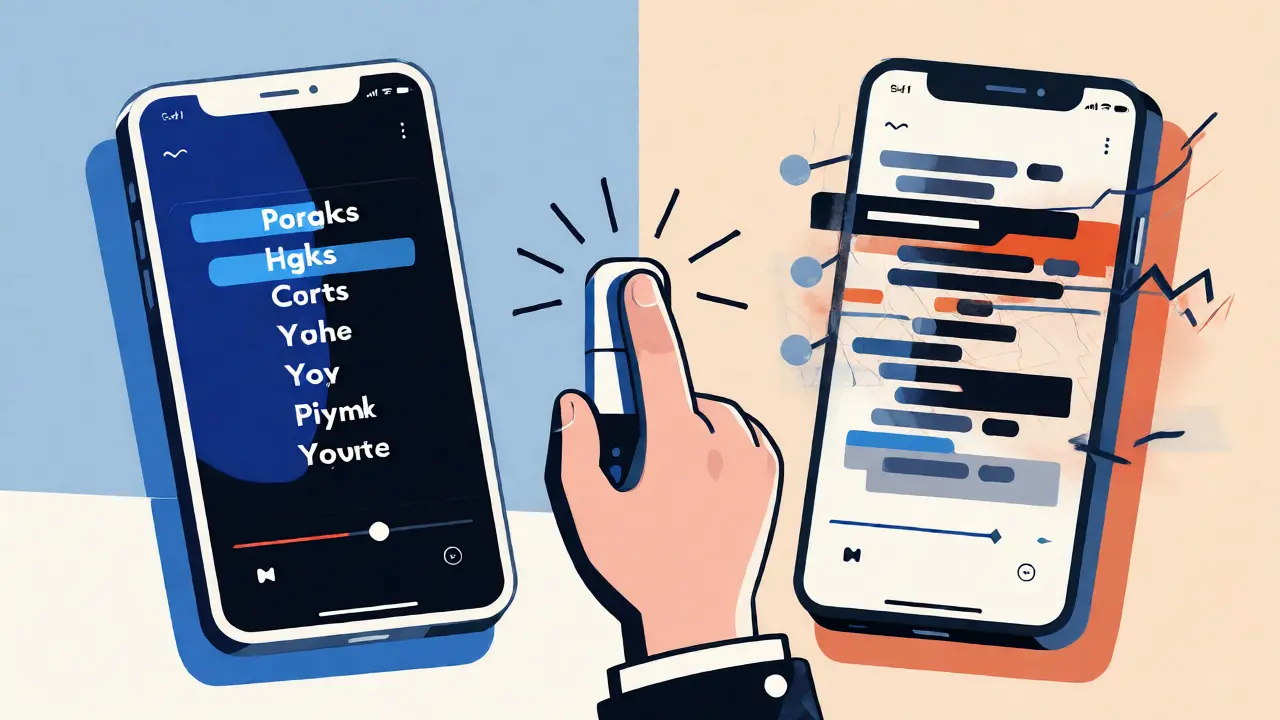
Spotify rolled out synced lyrics globally a few years ago, partnering with Musixmatch. For most users, it works fine. But if you’re picky, you’ll notice inconsistencies.
Spotify’s strength is accessibility. Almost every popular track has lyrics. However, the synchronization can drift, especially on older tracks or live versions. Sometimes the text scrolls too fast; other times, it lags behind the beat. It’s functional but lacks the polish of Apple Music.
A key limitation: Spotify doesn’t offer a native vocal remover. If you want to sing along without hearing the original artist, you’re out of luck unless you use external apps. That said, their "Wrapped" campaigns and social features keep users engaged, even if the karaoke tech is basic.
| Service | Lyric Accuracy | Sync Quality | Vocal Removal | Free Tier Access |
|---|---|---|---|---|
| Apple Music | High | Excellent | No (Native) | No |
| Spotify | Medium-High | Good | No | Limited |
| YouTube Music | Variable | Poor-Medium | Yes (via AI) | Yes (Ads) |
| Amazon Music | High | Very Good | No | Limited |
| Tidal | High | Excellent | No | No |
YouTube Music: The Accidental Karaoke King
Here’s the twist: YouTube Music might be the best option for actual karaoke enthusiasts, despite its clunky lyrics display. Why? Because YouTube itself is the world’s largest repository of user-generated karaoke videos.
While the official synced lyrics in the YouTube Music app are often missing or poorly timed, you can easily switch to the main YouTube app. Search for "[Song Name] karaoke version," and you’ll find thousands of uploads with scrolling lyrics and instrumental tracks. Some even include pitch guides.
For tech-savvy users, YouTube’s new AI-powered "Instrumental" toggle (available in Premium) can sometimes isolate vocals, effectively turning any song into a karaoke track. It’s not perfect-artifacts remain-but it’s groundbreaking. If you want flexibility and variety, YouTube wins hands down.
Amazon Music: Hidden Gem for Alexa Users
Amazon Music Unlimited offers surprisingly robust lyrics integration, especially if you use Echo devices. When playing music through Alexa, saying "Alexa, show me the lyrics" pulls up synced text on compatible screens (like Echo Show).
The sync quality is comparable to Apple Music, thanks to similar data sources. Plus, Amazon Prime members get access to a limited catalog with ads, making it a budget-friendly entry point. However, the mobile app interface feels less intuitive than competitors. Lyrics are tucked away behind a tap, and customization options are minimal.
Tidal: High Fidelity, High Precision
Tidal caters to audiophiles, and its lyrics reflect that attention to detail. The sync is extremely accurate, matching high-resolution audio streams seamlessly. If you care about both sound quality and visual accuracy, Tidal delivers.
But here’s the catch: Tidal’s library is smaller than Spotify’s or Apple’s. Finding obscure tracks with synced lyrics can be hit-or-miss. Also, there’s no free plan anymore, so you’re committing to a monthly fee just for the chance to sing along. It’s a niche choice for serious listeners.
How to Turn Any Song Into Karaoke
None of these services have a perfect one-click "Karaoke Mode" button yet. But you can hack it:
- Use Vocal Remover Apps: Tools like Moises.ai or Lalal.ai can separate vocals from instrumentals. Upload a track, download the instrumental, and play it alongside the lyrics from your streaming app.
- Smart Playlists: Create a playlist called "Karaoke" and manually add instrumental versions of songs. Many artists release official instrumentals on streaming platforms.
- Third-Party Overlays: On Android, apps like Musixmatch can overlay lyrics on top of any player, including local files or podcasts.
This approach takes more effort but gives you full control over the experience. Want to slow down the tempo for practice? Use a speed adjustment tool. Want to remove drums? Isolate stems. The future of karaoke is modular, not monolithic.
Which Service Should You Choose?
Your choice depends on your primary use case:
- Best Overall Experience: Apple Music. Clean UI, accurate sync, great sharing features.
- Best for Free Users: YouTube Music. Ads are annoying, but the content depth is unmatched.
- Best for Tech Experimenters: YouTube + AI tools. Try the vocal isolation features and user-uploaded karaoke videos.
- Best for Audiophiles: Tidal. If you already pay for hi-fi audio, the lyrics are a bonus.
- Best for Smart Home Users: Amazon Music. Voice commands make it seamless during parties.
Remember, no single app does everything perfectly. Most people end up using two: one for listening, another for karaoke. Keep a backup plan ready when the lyrics fail mid-chorus.
Do I need a premium subscription to see lyrics?
It depends on the service. Apple Music and Tidal require paid subscriptions for synced lyrics. Spotify allows free users to view lyrics but may limit skipping or offline access. YouTube Music shows lyrics for free with ads, though some premium features enhance the experience.
Why are the lyrics out of sync?
Synchronization issues usually stem from incorrect timestamps in the database or variations in audio playback speed. Different versions of a song (live, remix, radio edit) may share the same metadata, causing mismatches. Restarting the app or selecting the correct track version often fixes this.
Can I sing along without hearing the original vocals?
Not natively in most streaming apps. You’ll need to use third-party AI vocal removers like Moises or find instrumental versions of songs. YouTube offers many user-created karaoke tracks, which are the easiest workaround.
Are lyrics available for all languages?
Major services support English, Spanish, French, German, and Japanese well. Coverage for less common languages varies. Apple Music and Spotify have broad global coverage, but regional catalogs may lack detailed sync data for local hits.
Does karaoke mode work offline?
Yes, if you download the song and the lyrics file. Most apps cache lyrics with downloaded tracks. However, dynamic features like vocal removal or real-time translation typically require an internet connection.