26
How Much Money Can You Save by Cutting Cable in 2026: A Real Breakdown
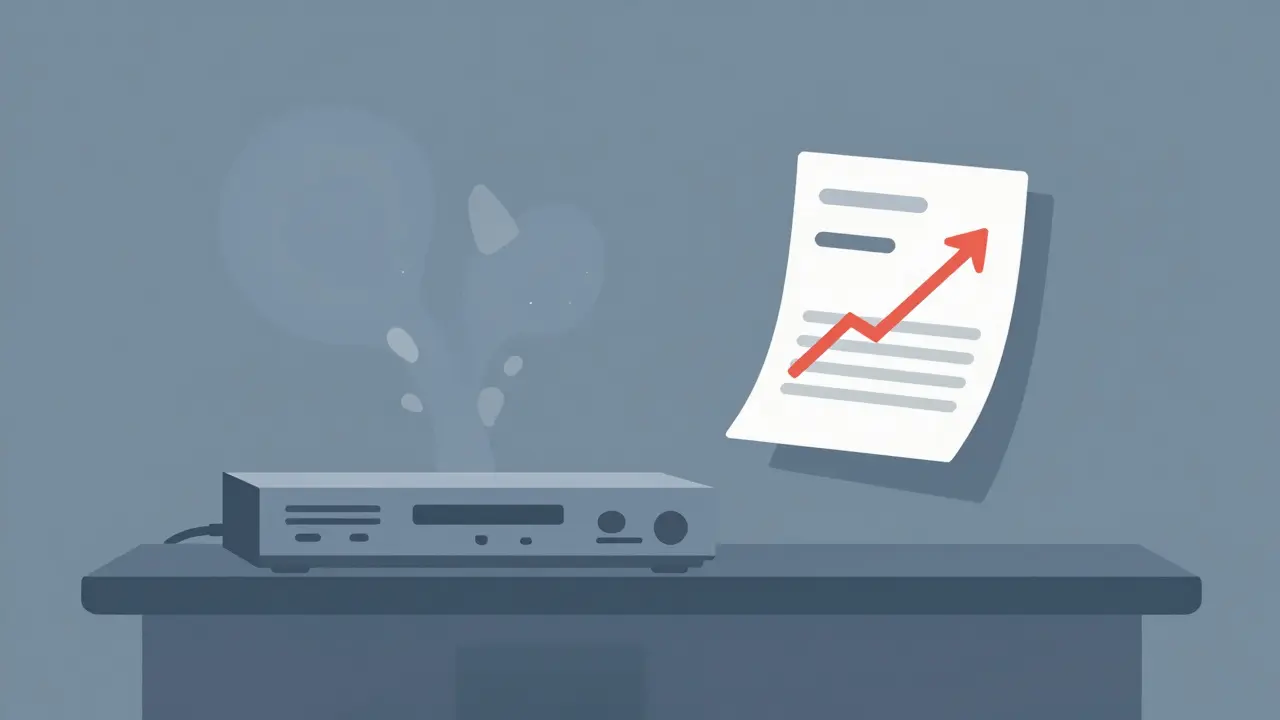
You pay for it every month. It sits there, humming quietly in the corner of your living room, delivering channels you rarely watch to a screen that’s often just playing background noise. Then the bill arrives. And somehow, it’s higher than last month. Again.
We’ve all heard the pitch: cut the cord, switch to streaming, and save hundreds of dollars a year. But is that actually true? Or does "cutting cable" just mean swapping one expensive subscription for another? The answer isn’t as simple as yes or no. It depends entirely on how you build your new setup.
Let’s look at the real numbers. I’m going to break down exactly what a typical cable bill looks like versus a DIY streaming setup, where the hidden costs hide, and how much you can realistically keep in your pocket if you do this right.
The Hidden Weight of Your Current Cable Bill
Before we talk about savings, we need to understand what we’re escaping. Most people don’t know exactly what they are paying for. They see one lump sum on their statement.
In 2026, a standard mid-tier Cable Television Package typically includes three distinct charges:
- Base Programming Fee: This covers the actual channels (ABC, ESPN, CNN, etc.). In many regions, this alone runs between $70 and $90 AUD per month.
- Equipment Rental Fees: You’re renting the set-top box and the modem from your provider. These fees often range from $10 to $20 monthly. That’s $120 to $240 a year for hardware you could buy outright for less.
- Taxes and Regulatory Fees: These are non-negotiable surcharges added on top of your subtotal. They can add another 10-15% to your final bill.
So, a "basic" package often lands you around $110 to $130 AUD per month. If you upgrade to include sports packages or premium movie channels like HBO or Starz, that number jumps to $180+ easily. And here is the kicker: these prices usually increase annually without warning.
Building Your Streaming Alternative
Cutting cable doesn’t mean you stop watching TV. It means you take control of what you watch. To replace cable, you need two things: high-speed internet and a selection of streaming services.
Here is the catch: you already have high-speed internet. If you are currently bundling internet with cable, you will still need to pay for standalone broadband. Let’s assume a decent fiber or NBN plan in Australia costs around $80 to $100 AUD per month. This cost stays constant whether you keep cable or cut it. So, for our savings calculation, we focus only on the *video* portion.
Now, let’s build a streaming lineup that mimics a cable experience. We’ll use popular services available in 2026:
| Service / Component | Estimated Monthly Cost (AUD) | What You Get |
|---|---|---|
| Netflix Standard | $20 - $25 | Unlimited movies, series, originals |
| Disney+ | $15 - $20 | Marvel, Star Wars, Pixar, National Geographic |
| Amazon Prime Video | $15 | Movies, series, plus shipping benefits |
| Binge / Stan | $25 | Current TV shows, next-day episodes |
| Total (All Services) | $75 - $85 | Vast library of on-demand content |
| Typical Cable Video Package | $110 - $180 | Linear channels, limited DVR storage |
On paper, subscribing to everything seems cheaper. But most people don’t need all four services active at the same time. This leads us to the most important strategy in cord-cutting: rotation.
The Power of Subscription Rotation
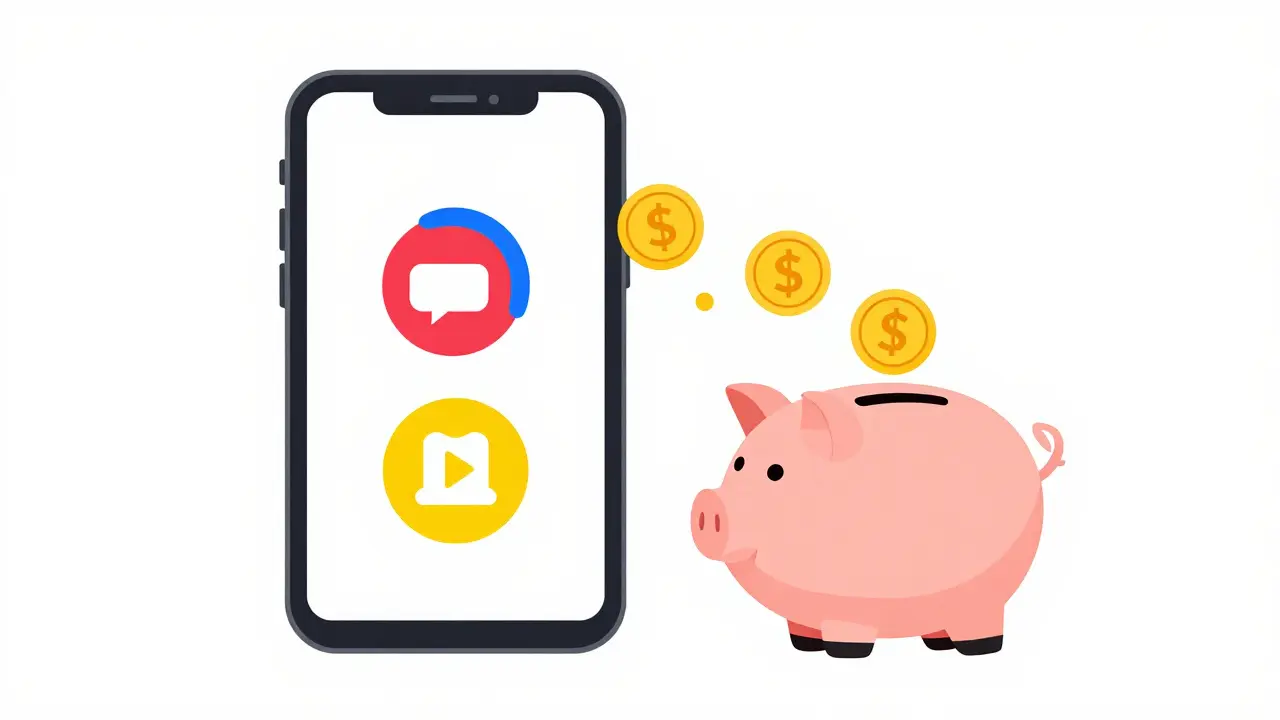
This is where the real savings happen. With cable, you pay for 200 channels even if you only watch five. With streaming, you can subscribe to Netflix for a month, binge-watch three seasons, cancel it, and then switch to Disney+ for the next month.
If you rotate two major services each month, your average video cost drops to roughly $40-$50 AUD per month. Compare that to a $130 AUD cable video fee, and you are saving nearly $90 a month. That’s over $1,000 a year.
But wait-what about live sports? What about news? These are the usual reasons people hesitate to cut the cord.
Handling Live TV and Sports Without Cable
If you are a die-hard sports fan, cutting cable requires a different approach. You cannot rely solely on on-demand libraries. You need live access.
In Australia, services like Kayo Sports or Foxtel Now offer live sports streaming. A basic Kayo plan might run around $35-$45 AUD per month. If you add this to your rotating subscriptions, your total video cost rises to about $70-$80 AUD. You are still likely underpaying compared to a full cable bundle with sports packages, which often exceeds $200 AUD.
For news, you don’t need a cable box. Apps like ABC iview, SBS On Demand, and dedicated news apps from Sky News or Channel 7 provide free, live streams of major news networks. You get breaking news instantly without paying a dime extra.
Hidden Costs and Equipment Upgrades
There are some upfront costs to consider. When you cut cable, you lose the set-top box. You need a way to connect your TV to the internet.
Most modern TVs are "smart," meaning they have built-in apps. If yours is older, you might need a streaming device. Here are the common options:
- Roku Express: Cheap, simple, great for beginners. Around $50-$70 AUD.
- Amazon Fire TV Stick: Good integration with Amazon services. Around $60-$100 AUD.
- Apple TV 4K: Premium performance, seamless for iPhone users. Around $300+ AUD.
You also need an HDMI cable and possibly a power adapter. Total startup cost? Usually under $100 AUD unless you go for the premium Apple option. This is a one-time expense that pays for itself in less than two months of savings.
Another hidden factor: data caps. If your internet plan has a monthly data limit, streaming 4K video can eat through it quickly. One hour of 4K Netflix uses about 7GB of data. If you watch 10 hours a week, that’s 280GB a month. Ensure your internet plan is unlimited or has a generous cap before cutting cable.
Is Cutting Cable Right for You?
It’s not for everyone. If you love flipping through channels aimlessly, or if you have elderly parents who struggle with remotes and apps, cable might still be worth the convenience premium. Simplicity has value.
But if you are comfortable using a smartphone or tablet, and if you prefer choosing what to watch rather than waiting for a schedule, cutting cable is a financial no-brainer. You gain control over your entertainment budget. You stop paying for channels you hate. And you keep more money in your pocket.
The math is clear. Even with a robust streaming setup including live sports, you can save $50 to $100 AUD per month compared to traditional cable bundles. Over a year, that’s enough for a nice holiday, a new gadget, or just peace of mind knowing your bills aren’t creeping up unexpectedly.
Will I lose access to local channels if I cut cable?
No. In Australia, you can still access local channels like ABC, SBS, Seven, Nine, and Ten for free via their respective apps (iview, On Demand, 7plus, 9Now) or by using a digital antenna with your TV. An antenna is a cheap, one-time purchase that provides HD quality without any monthly fee.
Do I need fast internet to stream multiple shows?
Yes. For HD streaming, you need at least 5 Mbps per stream. For 4K Ultra HD, you need 25 Mbps per stream. If multiple people in your household stream simultaneously, ensure your internet plan supports higher speeds to avoid buffering.
Can I record shows without a cable DVR?
Yes. Most streaming services allow you to "download" episodes for offline viewing on mobile devices. Some smart TVs and streaming boxes also offer cloud DVR features if you subscribe to live TV streaming services like Sling TV or YouTube TV (where available).
Is it hard to switch back to cable if I don't like streaming?
It can be difficult. Many cable providers have long-term contracts with early termination fees. Once you cancel, re-signing might involve new promotional rates that expire later, potentially leading to higher long-term costs. Research cancellation policies before switching.
What is the best streaming device for beginners?
The Roku Express or Amazon Fire TV Stick Lite are excellent choices. They are affordable, easy to set up, and come with user-friendly interfaces that mimic traditional TV menus, making the transition from cable smoother.