7
How to Get Free Local Channels After Cutting Cable
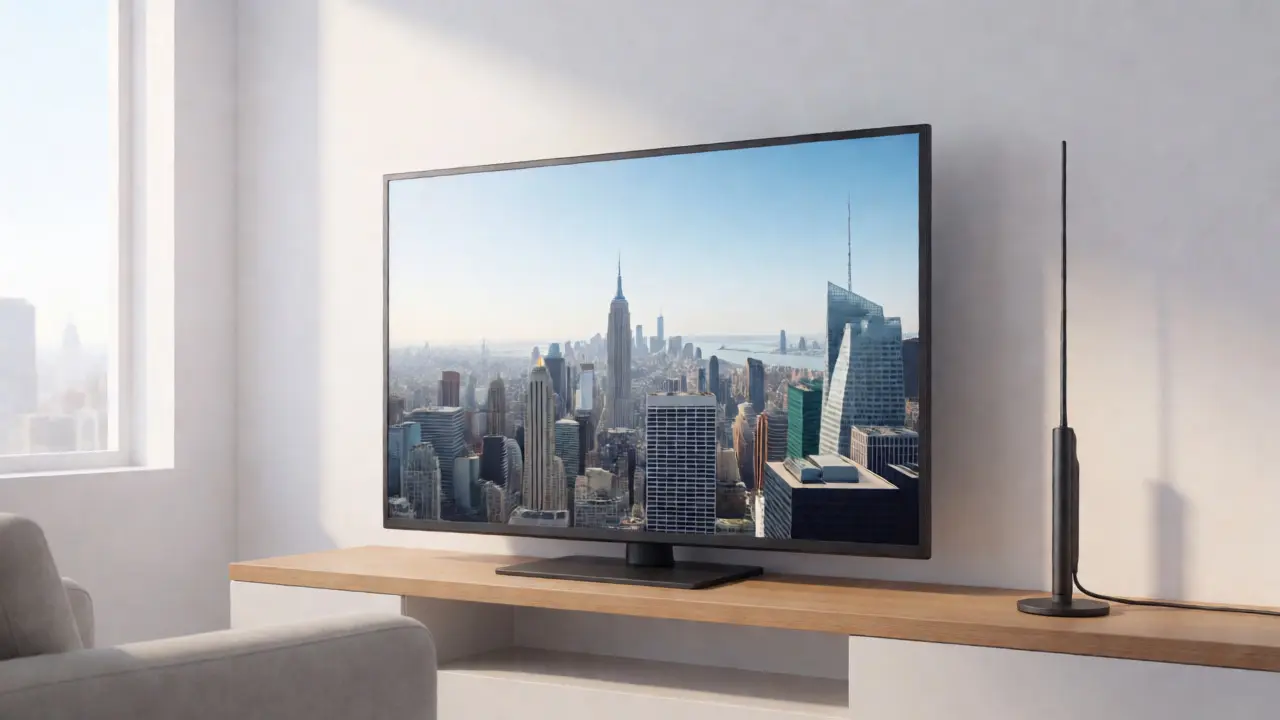
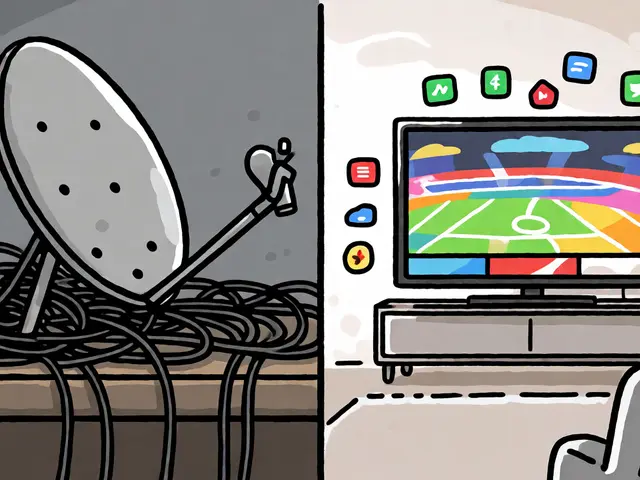
You just cancelled your cable subscription. The relief is immediate-your monthly bill drops by $100 or more. But then the panic sets in when you realize you can't watch the local news, Sunday football, or that one reality show everyone talks about. Here’s the good news: free local channels are still very much alive, and getting them back doesn't require a satellite dish on your roof.
Cutting the cord doesn't mean losing over-the-air (OTA) broadcasts. In fact, for millions of households, an antenna provides better picture quality than cable ever did. You just need to know how to find the signal, pick the right gear, and maybe combine it with a few free streaming tricks. Let's get you watching again without paying a dime for basic access.
The Magic of Over-the-Air Broadcasts
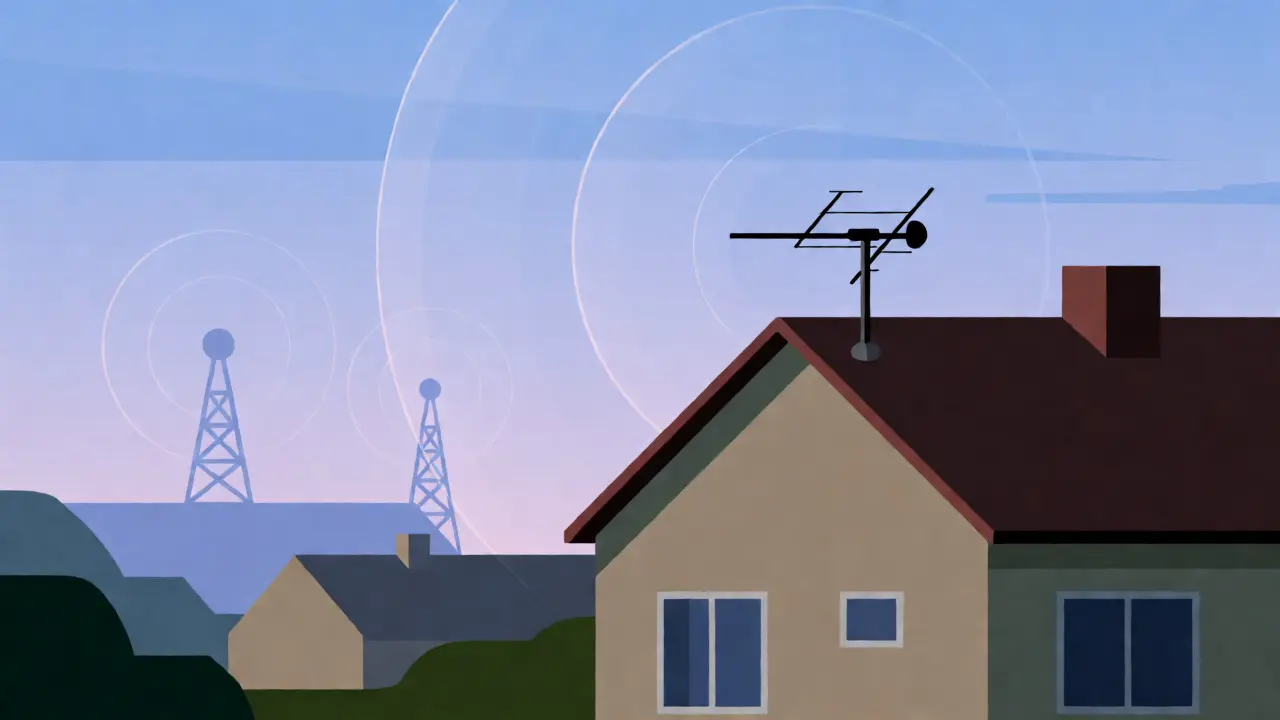
Before we talk about apps and devices, let's clear up a common misconception. Many people think "cord-cutting" means everything must come through the internet. It doesn't. Television was invented as a radio wave transmission. That infrastructure didn't disappear when Comcast or Spectrum raised their prices.
Over-the-air (OTA) television refers to the broadcasting of radio waves from a transmitter tower to a receiver antenna. This method has been around since the 1940s. Today, it uses digital signals (ATSC 3.0 is rolling out, but ATSC 1.0 is still standard). The key benefit? Zero latency. If you're watching a live sports event, there's no five-second delay compared to your neighbor across the street. Plus, the video quality is uncompressed HD, often looking sharper than the compressed streams from YouTube TV or Hulu Live.
To get these channels, you need two things: a transmitter within range and a receiver. Most major cities have multiple transmitters. Rural areas might be trickier, but not impossible. We'll cover how to check your specific location in a moment.
Picking the Right Antenna for Your Location
Not all antennas are created equal. Buying the most expensive model isn't always the smartest move; buying the cheapest might leave you with static. You need to match the antenna to your distance from the broadcast towers.
First, determine where the towers are. Use a tool like RabbitEars.info a comprehensive database of broadcast towers and signal strength predictions based on your address. Enter your zip code, and it will map out every station available to you, along with the direction they are located and the expected signal strength.
- Indoor Flat Panels: Best if you live within 15-20 miles of the towers. These look like sleek black squares or rectangles. They sit on a shelf or mount on a wall. Brands like Mohu Leaf or Amazon Basics work well here.
- Outdoor Directional Antennas: If you're 30-50 miles out, you need power. A directional antenna points specifically at the tower cluster. Models like the Channel Master FLATenna or Winegard Elite 755 offer high gain.
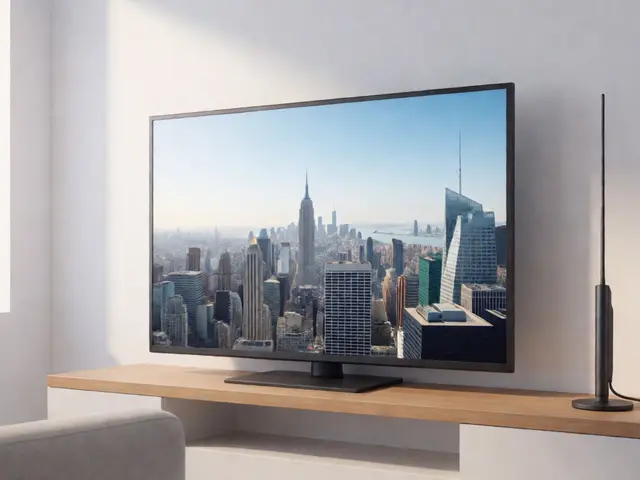
- Omnidirectional Outdoor Antennas: Great for urban areas where towers are scattered in different directions (e.g., New York City or Los Angeles). The RCA ANT751 is a classic choice here.
Don't forget the coaxial cable. A long run of cheap cable loses signal. Keep the run under 50 feet if possible, or use a signal amplifier if you must go longer.
| Distance from Towers | Recommended Antenna Type | Installation Effort | Avg. Cost |
|---|---|---|---|
| Under 15 miles | Indoor Flat Panel | Low (Plug & Play) | $20 - $40 |
| 15 - 30 miles | Amplified Indoor / Small Outdoor | Medium (Window Mount) | $40 - $80 |
| 30 - 50 miles | Directional Outdoor | High (Roof/Mast Mount) | $80 - $150 |
| 50+ miles | Large Directional + Amplifier | Professional Install Recommended | $150+ |
Connecting Your Antenna to Modern TVs
Once you've mounted the antenna, you need to hook it up. If you have a modern smart TV (manufactured after 2009), it already has a built-in digital tuner. Just screw the coaxial cable into the "ANT IN" port on the back of the TV. Then, go to your TV settings, select "Channel Scan," and let it search. Boom-ABC, CBS, NBC, FOX, PBS, and CW appear instantly.
If you have an older TV or want to record shows, you might need a box. HDHomeRun a networked digital TV tuner that allows multiple devices to stream live OTA channels over Wi-Fi is a favorite among tech-savvy cord-cutters. It turns your home network into a DVR system. Alternatively, simple USB tuners like the Hauppauge WinTV-dualHD let you watch live TV on a computer.
What if you don't have a TV in a certain room? Or what if you want to watch on your phone? Apps like Plex (with a Plex Pass) or Tablo can turn your antenna signal into a streamable feed accessible anywhere in your house via Wi-Fi.
Filling the Gaps with Free Streaming Services
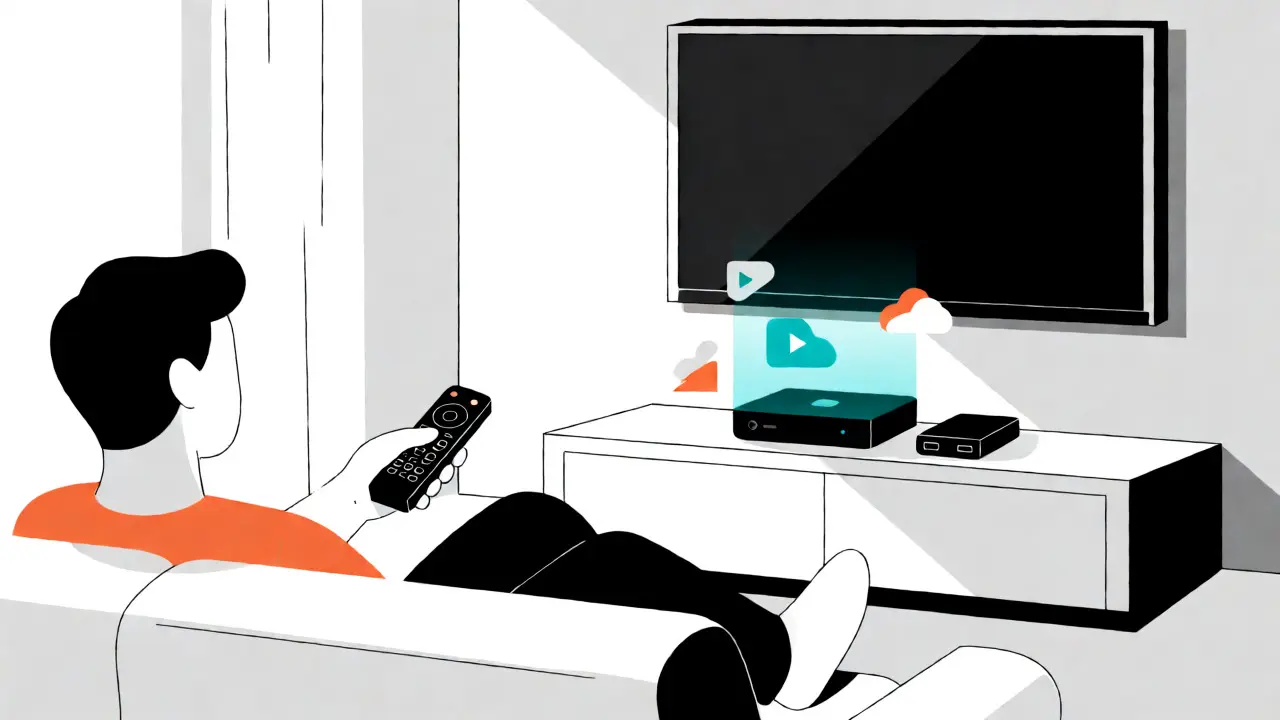
An antenna gets you the big networks. But what about niche interests, older sitcoms, or specific news coverage? This is where FAST (Free Ad-Supported Streaming TV) services come in. These platforms mimic the cable experience with linear channels, but they're free.
Pluto TV a free streaming service owned by Paramount that offers hundreds of live and on-demand channels is arguably the best starting point. It has dedicated channels for CSI, Star Trek, Newsy, and even local weather feeds. No account required-just open the app and watch.
Other strong contenders include:
- Tubi: Owned by Fox, Tubi has a massive library of movies and TV shows. Their live section includes sports highlights and some local affiliates.
- The Roku Channel: You don't need a Roku device to watch this. It works on web browsers, iOS, and Android. It features premium content that rotates, plus live news from ABC News Live and Cheddar.
- Samsung TV Plus / LG Channels: If you own a Samsung or LG smart TV, these built-in services offer exclusive live channels you can't get elsewhere.
These services fill the void left by cable packages. Sure, there are ads-usually more frequent than cable-but you aren't paying a subscription fee. For many users, combining an antenna with Pluto TV and Tubi covers 90% of their viewing habits.
Local News Apps and Affiliate Streams
One thing cable did well was provide hyper-local news. An antenna gives you the broadcast version, but sometimes you want more depth or breaking alerts. Major networks have launched their own free streaming arms.
NewsON an app that aggregates live newscasts from local stations across the US, allowing users to watch any local station regardless of location is incredibly useful. Want to see how Chicago handles the weather while you're visiting Florida? NewsON lets you tune into WGN or WBBM instantly. It supports over 200 local stations.
Additionally, many local affiliates now stream their live newscasts directly on their websites or via the Paramount+ a subscription streaming service that offers a limited free tier including live local CBS news in select markets free tier. Check your local station's website; many post clips and full segments online within hours of airing.
For sports fans, local team games are often on regional sports networks (RSNs) that aren't free. However, MLB.tv and NBA League Pass offer out-of-market games for a fee, while local games remain on the airwaves. If you miss a game because you were out of town, catch the highlights on ESPN's free app or YouTube channel.
Common Pitfalls and How to Fix Them
Even with the perfect setup, you might hit snags. Here are the most common complaints from new cord-cutters and how to solve them quickly.
Problem: "I only get half the channels." Solution: You likely need to rescan. Signal conditions change with weather and season. Also, ensure your antenna is pointing correctly. Even a 10-degree shift can make or break a weak signal. Use RabbitEars to fine-tune the angle.
Problem: "The picture freezes or pixelates." Solution: This is usually a multipath interference issue. Signals bounce off buildings or hills, arriving at your antenna at slightly different times. Try moving the antenna higher or closer to a window facing away from large metal structures. If you're using an indoor antenna, try rotating it 90 degrees (some signals are vertically polarized, others horizontal).
Problem: "I lost my audio sync." Solution: Digital TV should be perfectly synced. If it's off, check your HDMI cables. Cheap HDMI cables can cause handshake issues with newer TVs. Replace them with certified High-Speed HDMI cables.
Problem: "Where is my DVR?" Solution: Antennas don't record by themselves. You need a storage solution. A simple USB drive plugged into your TV might allow basic recording. For a robust DVR, consider a TiVo Roamio OTA or a HDHomeRun paired with Plex Media Server. This lets you pause live TV and record series automatically.
Is It Worth It?
Let's do the math. A basic cable package with locals costs between $60 and $100 per month. An antenna costs $50 once. Even if you buy a $100 DVR, you break even in three months. After that, you're saving $700-$1,200 annually.
But value isn't just financial. It's about control. You decide what you watch. You aren't forced to pay for channels you never view. And with the rise of 4K broadcasts (coming soon to major networks via ATSC 3.0), your antenna setup might actually future-proof your TV better than a locked-in cable box.
Start small. Buy a decent indoor antenna today. Scan for channels tonight. If you're missing something critical, upgrade to outdoor gear later. The transition to free local channels is easier than most people fear-and the freedom is worth the effort.
Do I need internet for free local channels?
No. Over-the-air (OTA) broadcasts use radio waves, not data. You can watch live TV without any internet connection. However, you need internet if you want to use smart TV apps, update firmware, or access streaming services like Pluto TV alongside your antenna.
Can I record shows with an antenna?
Yes, but you need hardware support. Many modern TVs have a built-in DVR function that records to a USB hard drive. Alternatively, devices like HDHomeRun or Tablo DVRs connect to your antenna and store recordings on a connected drive or NAS, accessible via apps on other devices.
Why do I lose channels when it rains?
Heavy rain, snow, or wind can interfere with signal reception, especially for weaker channels or those far from the tower. This is known as "rain fade." While less severe than satellite, it happens. Using a higher-gain antenna or adding a pre-amplifier can help stabilize the signal during bad weather.
Are free streaming services really free?
Yes, services like Pluto TV, Tubi, and The Roku Channel are completely free. They generate revenue through advertising. You will see commercial breaks, similar to traditional TV, but you won't pay a monthly subscription fee. Some may require creating a free account to save preferences.
What is ATSC 3.0 and do I need it?
ATSC 3.0 is the next-generation broadcast standard, offering 4K resolution, HDR, and interactive features. Currently, only a handful of major markets broadcast in 3.0. You do not need to upgrade immediately. Most current TVs support ATSC 1.0, which carries all standard HD channels. Upgrade when your local market fully transitions.