21
How VPN Services Work with Streaming Platforms
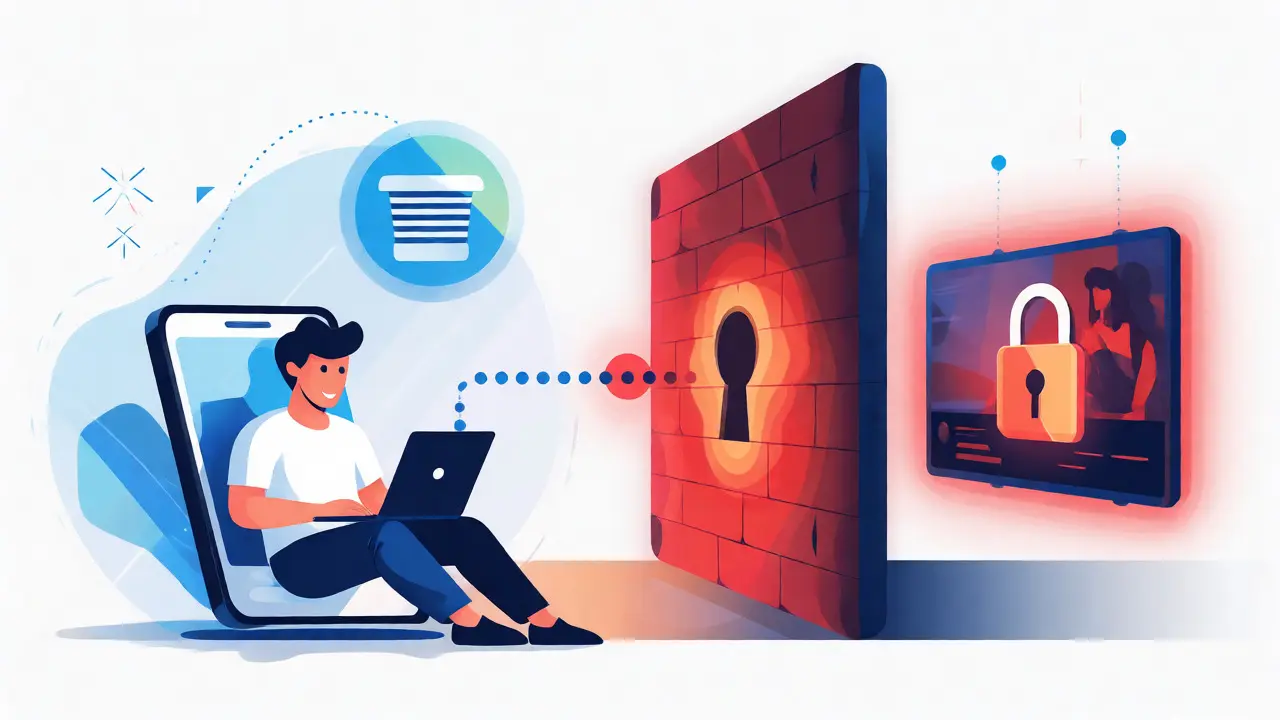
You’re halfway through a gripping thriller on Netflix when the screen suddenly freezes. A familiar error message pops up: "You seem to be using an unblocker or proxy." It’s frustrating, right? You paid for the subscription, you have the internet connection, but the content is locked behind a digital wall that shifts depending on where you are in the world.
This isn’t just bad luck; it’s a cat-and-mouse game between Streaming Platforms and Virtual Private Networks (VPNs). If you’ve ever wondered how these two technologies interact-why some work perfectly while others get blocked instantly-you’re in the right place. We’re going to break down exactly how VPNs trick streaming services into thinking you’re sitting in your living room in New York, London, or Tokyo, even if you’re actually sipping coffee in Bali.
The Digital Border: Why Content Is Locked
To understand how a VPN helps, you first need to understand why the problem exists. It’s not about technology failing; it’s about legal contracts. When Disney+ or Hulu buys the rights to show a movie, they don’t buy global rights all at once. They buy them region by region. Maybe Netflix owns the rights to Stranger Things in the US, but another company owns them in Germany. This creates Geo-restrictions.
So, how do platforms know where you are? Your IP Address. Think of your IP address as your home address on the internet. Every time you connect to a server, you hand over this digital ID card. Streaming services check this ID against a database of known IP ranges. If your IP says "France" but you’re trying to watch a US-only show, the platform blocks the stream. Simple as that.
The VPN Mechanism: More Than Just Hiding
A VPN Service acts as a middleman. Instead of connecting directly to Netflix from your device, your traffic goes to a secure server run by your VPN provider first. This server has its own IP address, which belongs to the country you want to access. So, if you pick a server in Los Angeles, Netflix sees the LA server’s IP, not yours.
But here’s the catch: it’s not just about changing the IP. High-quality VPNs also use encryption protocols like WireGuard or OpenVPN to scramble your data. This prevents your Internet Service Provider (ISP) from seeing what you’re watching, which can help avoid throttling. However, the real battle happens at the DNS level.
| Step | Direct Connection | VPN Connection |
|---|---|---|
| 1. Request | Your device asks Netflix for video. | Your device asks the VPN server for video. |
| 2. Identity Check | Netflix sees your local IP (e.g., UK). | Netflix sees the VPN server's IP (e.g., US). |
| 3. Decision | Access denied if content is US-only. | Access granted because IP looks local. |
| 4. Delivery | Video streams directly to you. | Video goes to VPN, then encrypted to you. |

Why Some VPNs Get Blocked (And Others Don't)
If it were just about changing IPs, every VPN would work. But streaming giants like Amazon Prime Video have sophisticated detection methods. They maintain blacklists of IP addresses known to belong to data centers rather than residential homes. Since most cheap VPNs route thousands of users through a single data center IP, it becomes easy to spot. One minute you’re watching, the next you’re blocked.
Top-tier providers combat this by rotating IP addresses frequently and investing in "residential" style IPs that look more like regular household connections. They also monitor which specific servers are getting flagged. If Server #405 gets blocked by BBC iPlayer, they might move it offline or swap its IP until the block lifts. This dynamic management is why paying for a reputable service often beats free alternatives. Free VPNs rarely have the resources to keep up with this arms race.
Smart DNS: The Lightweight Alternative
Not everyone needs full encryption. Sometimes, you just want to change your location without slowing down your internet speed. Enter Smart DNS. Unlike a VPN, Smart DNS doesn’t encrypt your traffic or hide your IP completely. It only reroutes the specific requests that check your location.
Imagine you’re watching a live sports event. A VPN adds latency (delay) because of the encryption overhead. Smart DNS skips the encryption step, so your stream loads faster and buffers less. It’s perfect for devices that don’t support VPN apps natively, like older smart TVs or gaming consoles. The trade-off? No privacy protection. Your ISP still knows you’re watching Netflix, and your real IP is visible to other websites you visit.

Device Compatibility and Setup Challenges
Getting a VPN to work depends heavily on your hardware. Smartphones and laptops are easy-you just download the app and tap "Connect." But what about your Apple TV or Roku? These devices often lack native VPN support. You have two main options here:
- Router Configuration: Install the VPN on your home router. Every device connected to your Wi-Fi will automatically route through the VPN. This covers everything from your fridge to your phone, but it can slow down your entire network if the router processor is weak.
- Virtual Router: Create a hotspot on your laptop or PC, connect your TV to that hotspot, and run the VPN software on the computer. It’s a bit clunky but works well for temporary setups.
Another common issue is Split Tunneling. This feature lets you choose which apps go through the VPN and which stay direct. For example, you might want Netflix to think you’re in Canada, but you want your banking app to stay in your actual country to avoid security alerts. Most modern VPN clients allow this granular control, saving you the hassle of constantly toggling the connection on and off.
The Future of Streaming Access
The battle isn’t ending anytime soon. As streaming services consolidate their libraries and launch new ad-supported tiers, they’re becoming stricter about account sharing and location verification. We’re already seeing features like "household" restrictions on Netflix, which rely on GPS and IP consistency.
However, technology evolves too. Newer protocols like NordLynx (a customized WireGuard) offer speeds close to direct connections, minimizing the buffering penalty. Meanwhile, AI-driven detection systems are making it harder for static IP lists to remain effective. The takeaway? If you rely on international access, treat your VPN like a utility, not a one-time purchase. Keep your app updated, switch servers if you hit a block, and consider pairing a primary VPN with a backup Smart DNS service for those stubborn devices.
Does using a VPN violate streaming terms of service?
Technically, yes. Most major platforms like Netflix and Disney+ state in their terms that you should only view content in the country where you obtained the service. However, they rarely ban individual users for personal use. They mostly focus on blocking commercial resellers who sell access to shared accounts.
Will a VPN slow down my streaming quality?
It can, but usually not noticeably if you have a good connection. Encryption takes processing power, and routing traffic through a distant server adds distance. If you’re on fiber optic internet, you likely won’t notice a difference. On slower DSL or mobile data, you might see lower resolution or occasional buffering.
Can I watch US Netflix with any free VPN?
Rarely. Free VPNs typically have limited server options and high user density, leading to quickly exhausted IP pools. Netflix actively blocks most free VPN IP ranges. To consistently unlock US libraries, you almost always need a paid service that maintains dedicated streaming-optimized servers.
What is the difference between a VPN and a proxy for streaming?
A standard web proxy changes your IP but doesn’t encrypt traffic, making it less secure and easier to detect. A VPN encrypts all traffic and routes it through a secure tunnel. While both change your apparent location, VPNs are far more reliable for bypassing strict geo-blocks because they mask the type of traffic better.
Do I need a different server for each streaming platform?
Not necessarily, but it helps. Some platforms block specific IP ranges while allowing others. If you find that Server A works for Hulu but not HBO Max, try switching to Server B within the same country. Premium VPNs often label servers specifically for "Netflix US" or "BBC iPlayer" to save you the guesswork.