14
Switching Streaming Tiers Mid-Cycle: How Billing Adjustments Work
Ever switched your streaming service mid-month and wondered why your bill didn’t just jump to the full price of the new plan? You’re not alone. Most people assume switching from Basic to Premium on Netflix, or from Hulu’s ad-supported plan to ad-free, means paying the full monthly rate right away. But that’s not how it works. Streaming services use prorated billing to make mid-cycle changes fair - and it’s simpler than it sounds.
How Prorated Billing Works
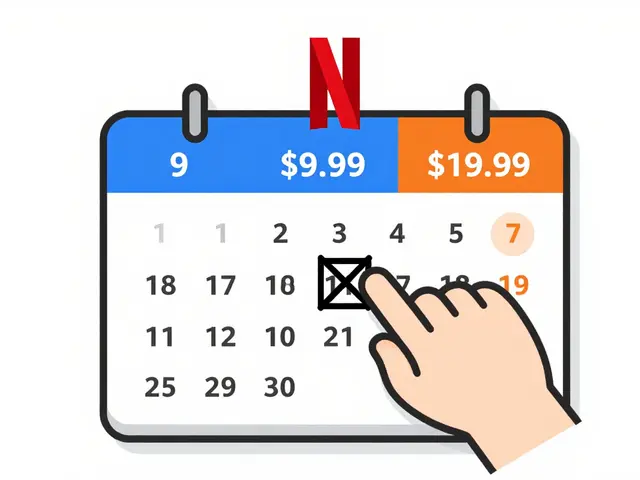
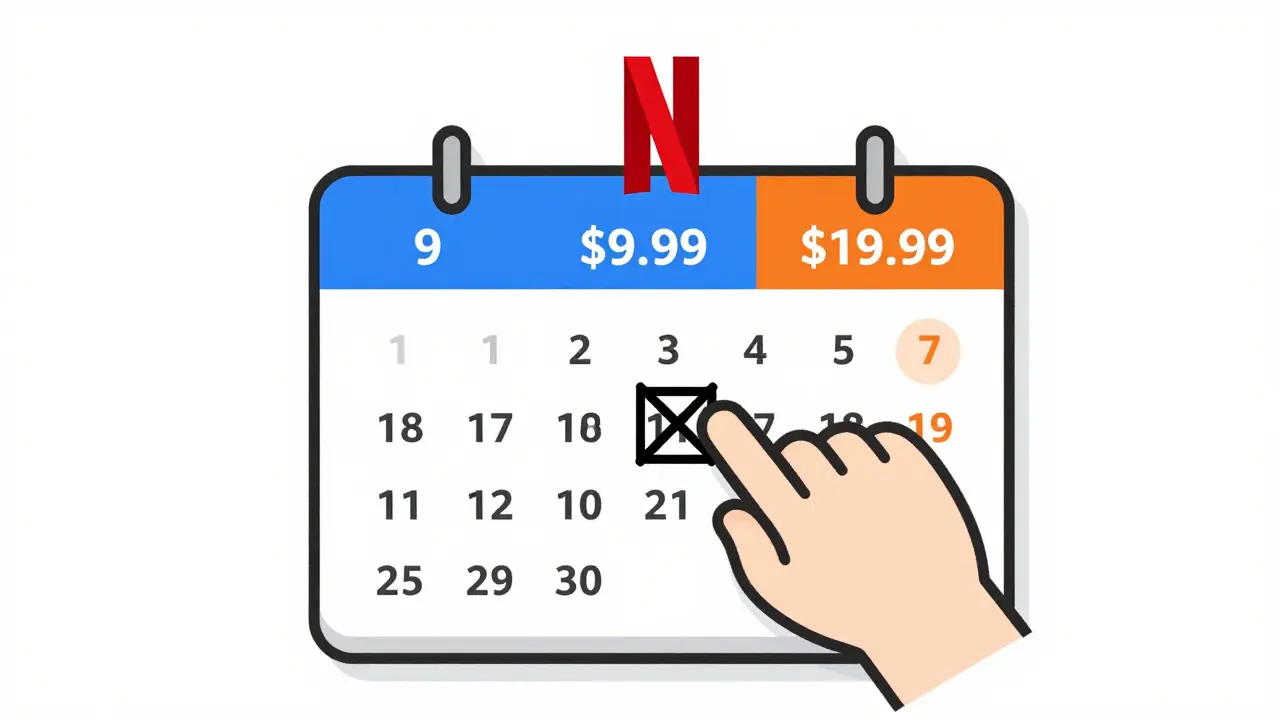
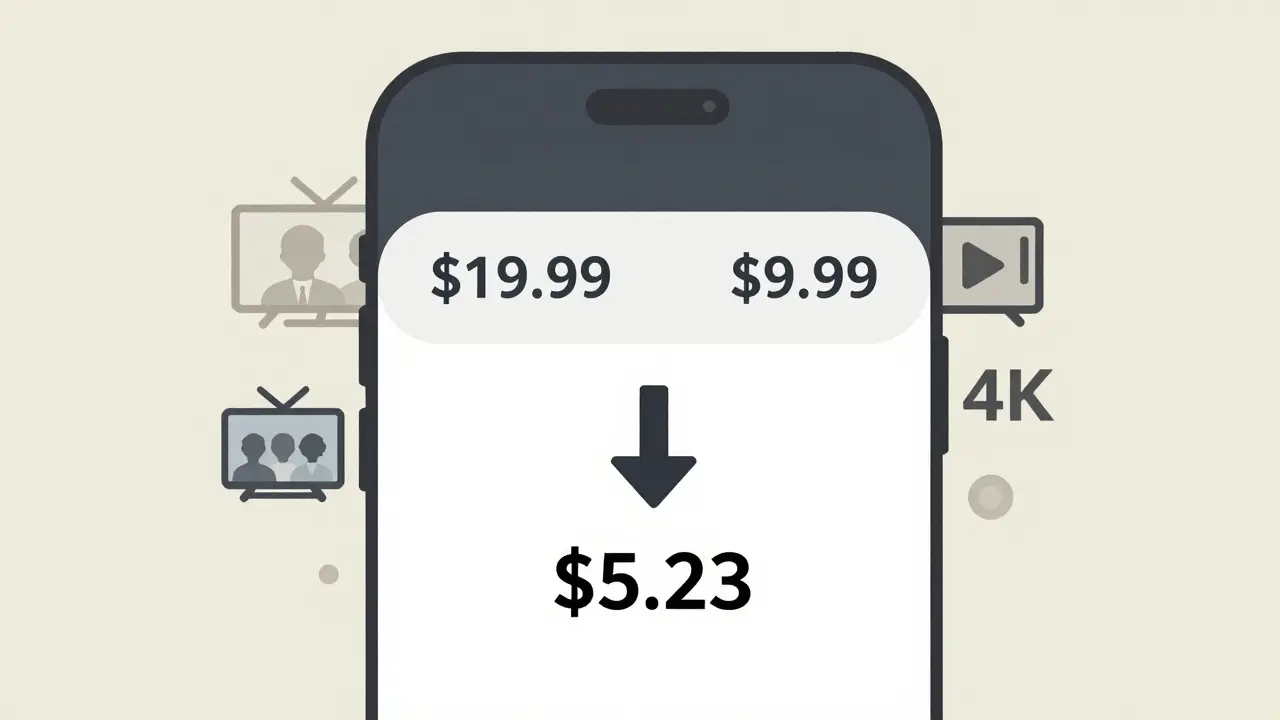
Prorated billing means you pay only for the portion of the month you used each tier. If you upgrade from $9.99/month to $19.99/month on the 10th of the month, you don’t pay $19.99 for the whole month. Instead, you pay the lower rate for the first 9 days, then the higher rate for the remaining 21 days. The system calculates the exact daily rate and applies it automatically.
Here’s the math behind it: If your original plan costs $9.99/month, that’s about $0.33 per day ($9.99 ÷ 30). You used 9 days at that rate: $2.97. The new plan is $19.99/month, or $0.67 per day. For the remaining 21 days: $14.07. Your total for the month? $17.04. No surprise charges. No overpayment. Just fairness.
This same logic applies when you downgrade. If you drop from Premium to Standard on day 15, you pay the higher rate for the first half of the month, then the lower rate for the rest. Any unused portion of the higher tier is credited back to your account - usually as a balance that offsets your next bill.
When Do Changes Take Effect?
Changes to your streaming tier usually take effect immediately. That means if you upgrade at 2 p.m. on Tuesday, you get access to 4K streaming, more profiles, or offline downloads right away. But your billing doesn’t jump ahead - it adjusts backward from the moment you made the change.
Some services, like Disney+ or Apple TV+, let you schedule changes to start at the beginning of your next billing cycle. But if you pick ‘change now,’ you’re locked into the prorated system. There’s no waiting for the 1st of the month to get better picture quality or extra accounts.
What Happens to Free Trials?
If you’re on a free trial and switch tiers, the rules change slightly. Most services convert your trial into a paid subscription as soon as you upgrade - even if your trial hasn’t ended. For example, if you’re on a 7-day free trial of Hulu’s ad-free plan and switch to the Live TV bundle on day 3, you’ll be charged immediately for the new plan. But you’ll still get credit for the remaining 4 days of your original trial period, which gets applied as a discount to your first full bill.
Don’t assume your trial extends. Once you change tiers, you’re treated like a paying subscriber from that moment forward. The only exception? Some services like Paramount+ let you switch within the trial without triggering payment - but they’ll still prorate your first charge based on the new plan’s daily rate.
Downgrading: Can You Get Money Back?
Yes - but not as cash. When you downgrade, you don’t get a refund. Instead, the system credits the unused portion of your old plan to your account. That credit appears as a negative balance on your next statement. If your next bill is $14.99 and you have a $5 credit from downgrading, you’ll only pay $9.99.
Some users expect a direct refund to their credit card. That doesn’t happen. Streaming services treat the credit as account balance, not cash. You can use it to cover future charges, but you can’t withdraw it or transfer it to another account.
If you cancel after downgrading, any remaining credit is typically lost. So if you switch from Premium to Basic on the 10th and cancel on the 15th, you won’t get the unused portion of the Basic plan refunded. The system only keeps track of credits while your account is active.
What About Family Plans and Multiple Profiles?
Family plans work the same way - but with more variables. If you’re on a Family plan with 6 profiles and switch to a Standard plan (which only allows 2), you lose access to the extra profiles immediately. But your billing still gets prorated. You’re not charged for the profiles you can no longer use - you’re only billed for the time you had access to them.
Some services, like Max (formerly HBO Max), let you adjust profile limits mid-cycle without changing your tier. That’s useful if you’re sharing your account with friends and need to cut back temporarily. But if you change the actual plan tier - say, from Family to Standard - you lose access to the extra profiles and the prorated billing kicks in.
Do All Services Do This?
Most major services do - Netflix, Hulu, Disney+, Apple TV+, Amazon Prime Video, Max, Peacock, and Paramount+ all use prorated billing for mid-cycle changes. It’s become standard because customers expect it. No one wants to pay full price for a service they only used half the month.
But smaller or regional services might not. Some international platforms, like Australia’s Stan or the UK’s ITVX, still charge full monthly fees regardless of when you switch. Always check your service’s help page before making a change. If you’re unsure, look for phrases like “prorated charges” or “billing adjustment” in their terms of service.
How to Check Your Adjustment
After switching tiers, check your email. Most services send a confirmation with the exact breakdown: what you paid before, what you’re paying now, and the prorated amount. You’ll also see the adjustment in your account’s billing history.
On Netflix, go to Account → Billing History. Look for a line item labeled “Change in subscription.” On Disney+, it’s under Account → Billing Details → Recent Transactions. Apple TV+ shows it as a “Subscription Adjustment” in the App Store purchase history.
If you don’t see the adjustment within 24 hours, contact support. Sometimes the system glitches - especially if you switched during a promotion or used a gift card. Most services fix it within one business day.
When to Switch - and When to Wait
There’s no perfect time to switch, but timing matters. If you’re close to your billing date - say, within 3-5 days - it’s often smarter to wait. That way, you get the full benefit of your current plan, then start the new one fresh. No proration. No confusion.
But if you’re stuck with a plan that doesn’t meet your needs - like only having HD when you have a 4K TV - switch now. The savings from upgrading early usually outweigh the minor proration cost. For example, if you upgrade to Premium a week early, you get 24/7 access to 4K for the rest of the month. That’s 21 extra days of better quality for less than $10.
Downgrading? Wait until you’re sure you won’t need the higher features. If you’re cutting back because you’re traveling, but plan to use 4K again in two weeks, hold off. You’ll end up paying twice - once for the downgrade credit, then again when you upgrade back.
What If You’re Billed Wrong?
It happens. Maybe you upgraded but got charged the full amount for the new plan. Or you downgraded and still see the old rate on your statement. Don’t panic. First, check your billing history again. Sometimes the prorated charge appears as a separate line item, not a total.
If it’s still wrong, contact customer support. Have your account number, the date you changed tiers, and a screenshot of your billing page ready. Most services will fix it within 24-48 hours. In rare cases, they’ll issue a refund if the error was on their end.
Don’t wait. If you ignore a billing error, it might roll over to your next month’s bill and compound. A $5 mistake now could become a $10 mistake next month if left unaddressed.
Final Tip: Use a Calendar Reminder
Set a reminder on your phone for your billing date. A week before, review your plan. Are you using all your profiles? Do you need 4K? Are you watching enough to justify the higher tier? If not, downgrade early. If you’re binge-watching more than ever, upgrade before your next cycle.
Most people don’t think about their streaming plan until the bill arrives. But with prorated billing, you have flexibility. Use it. Adjust when you need to. You’re paying for what you use - not what you used to use.
Will I be charged twice if I switch streaming tiers mid-cycle?
No. You won’t be charged twice. Instead, you’ll pay a prorated amount for each tier based on how many days you used them. For example, if you switch from a $9.99 plan to a $19.99 plan halfway through the month, you pay half the old rate and half the new rate - not the full price of both.
Can I get a refund if I downgrade my streaming plan?
You won’t get a cash refund, but you’ll get a credit on your account for the unused portion of your old plan. That credit reduces your next bill. For example, if you downgrade and have 10 days left on your old plan, you’ll see a $3.33 credit (if your old plan was $10/month) applied to your next payment.
Does switching tiers affect my access to content?
Yes - immediately. If you downgrade from Premium to Basic, you lose access to 4K, offline downloads, and extra profiles right away. If you upgrade, you gain those features instantly. Your content library doesn’t change, but your viewing features do.
Do all streaming services use prorated billing?
Most major services like Netflix, Disney+, and Apple TV+ do. But some smaller or regional platforms - especially outside the U.S. and Australia - may charge full monthly fees regardless of when you switch. Always check your provider’s billing policy before changing plans.
What happens if I cancel after switching tiers?
Any credit from downgrading disappears when you cancel. For example, if you switched from Premium to Standard and then canceled three days later, you won’t get the unused portion of the Standard plan refunded. Credits only apply while your account is active.
How can I see my prorated billing adjustment?
Check your email for a confirmation message after switching. You’ll also find the adjustment in your account’s billing history under labels like “Subscription Change” or “Billing Adjustment.” If it’s not there after 24 hours, contact support.